













The 10 best live chat tools for 2026, sorted by the kind you actually need: chat in your support queue, chat-first platforms, free widgets, and self-hosted.
Key takeaways
- The live chat market splits into five kinds, and picking the wrong kind costs more than picking the wrong tool: chat built into your support queue, chat-first platforms, free widgets, enterprise suites with metered AI, and self-hosted.
- Live chat pricing in 2026 is a minefield of meters: per-seat prices that look flat until the AI add-on bills per conversation or per resolution. Every entry below states its real cost shape.
- The most common failure is the silo: a chat tool that works fine but lives in another tab, so chat conversations and email conversations about the same customer never meet.
- Free live chat is genuinely real in 2026 (one tool is famously free forever), but the free tiers differ wildly in what they withhold.
Table of contents
The best live chat software in 2026 depends on a question most comparison lists skip: where should chat conversations live? If the answer is "with the rest of your customer conversations", you want chat built into your support queue. If chat is its own operation, you want a chat-first platform. This guide sorts ten real options by that split, with the pricing stated the way it actually bills, including the AI meters that turn flat-looking seat prices into variable invoices.
The 10 at a glance
| # | Tool | Kind | Real cost shape | Best for |
|---|---|---|---|---|
| 1 | Drag | Chat in your support queue | Flat seats: $12, AI + channels from $18 | Teams that want chat and email in one queue |
| 2 | Tidio | Chat-first platform | Billed by conversation quotas from ~$29; Lyro AI an add-on on top | SMB and ecommerce chat with AI answers |
| 3 | LiveChat | Chat-first platform | Per agent, $19 to $79 by tier; chatbot sold separately; no free plan | Chat-led teams that want the category veteran |
| 4 | Crisp | Chat-first platform (bundled) | Workspace bundles: $45 to $295 flat, not per seat | Small teams that hate per-seat math |
| 5 | Tawk.to | Free widget | Genuinely free forever; you pay to remove branding or hire agents | Zero-budget chat that actually works |
| 6 | HubSpot Live Chat | Free widget (ecosystem) | Free tier; the ladder is the price | Teams already on HubSpot CRM |
| 7 | Intercom | Enterprise / AI-heavy | Seats from ~$29 to $139 + Fin at $0.99 per resolution | AI-first support at scale, budget permitting |
| 8 | Zendesk | Enterprise suite | Suite from $55 + AI add-ons + per-resolution billing | Chat as one channel of a big desk |
| 9 | LiveAgent | Chat-first platform | From $10 per agent, the cheapest credible paid entry | Budget paid chat with helpdesk bones |
| 10 | Chatwoot | Self-hosted | Open source; your server and hours are the bill | Technical teams wanting ownership |
Quick Picks: Our picks, if you want the short answer: best if chat should live with your email: Drag (#1). Best chat-first platform overall: LiveChat (#3). Best genuinely free: Tawk.to (#5). Best free-with-AI taste: Tidio (#2). Best flat-price bundle: Crisp (#4). Cheapest credible paid: LiveAgent (#9). Best self-hosted: Chatwoot (#10).
Which kind do you need?
Chat in your support queue. The widget is a feature of your support platform: chat lands beside email from the same customer, with the same owner, history, and AI, and increasingly with the same AI tooling on top (this is the only segment where "answer your live chat from Claude" is a sentence that works). Pick this if support is one operation across channels. That is Drag's segment, and we are in it, so weigh our entry accordingly.
Chat-first platforms. The chat experience is the product: proactive triggers, visitor tracking, chat-native analytics. Pick this if chat is a distinct operation, often sales-led.
Free widgets. Real chat at $0, funded by branding, upsells, or an ecosystem. Pick this to start, knowing which meter eventually turns.
Enterprise suites with metered AI. Chat as one channel of a large desk, with AI billed per use. Pick this at scale, with a spreadsheet open.
Self-hosted. The software is free; the ownership is the work. Pick this with engineering hours to spare.
The 10 best live chat tools, in detail
 1. Drag: live chat software, plus the queue it should have come with

The verdict: our own entry, first of its segment rather than first of everything, and the segment stated plainly. Drag is live chat software in the full sense: a real website widget where AI answers first from your grounded knowledge and your team handles the rest. The difference is everything around it: conversations land in the same queue as email and WhatsApp, on a full support platform (shared inbox, boards, AI help center, MCP server) built on Gmail as the system of record, so there is no migration in and no data hostage ever.
What you get: the widget with AI-first answering and human handoff; chat arriving beside email in one queue with assignment, collision detection, notes, and boards; Varley (grounded drafts, tagging, summaries, answers from your docs) working identically across chat and email; and the thing no chat-first tool offers: the MCP server, so Claude, ChatGPT, or Cursor can read, triage, and draft across your live chat conversations the same way they can your email, 47 tools, read and write. (Intercom is the only other entry here with an MCP server, at 13 tools, read-focused with limited write.)
The cost reality: flat seats: $12 entry, AI and the channels from $18, no per-conversation or per-resolution meter anywhere; 7-day trial, no card. The honest limit: if you need chat-native depth (visitor tracking, proactive campaigns), the chat-first platforms below go deeper on the widget itself.
Best for: support teams on Google Workspace that want one queue for chat and email instead of two tabs and two histories, and teams that want their AI tools operating the whole queue, chat included. The live chat tour and pricing.
 2. Tidio: the SMB chat platform with an AI taste
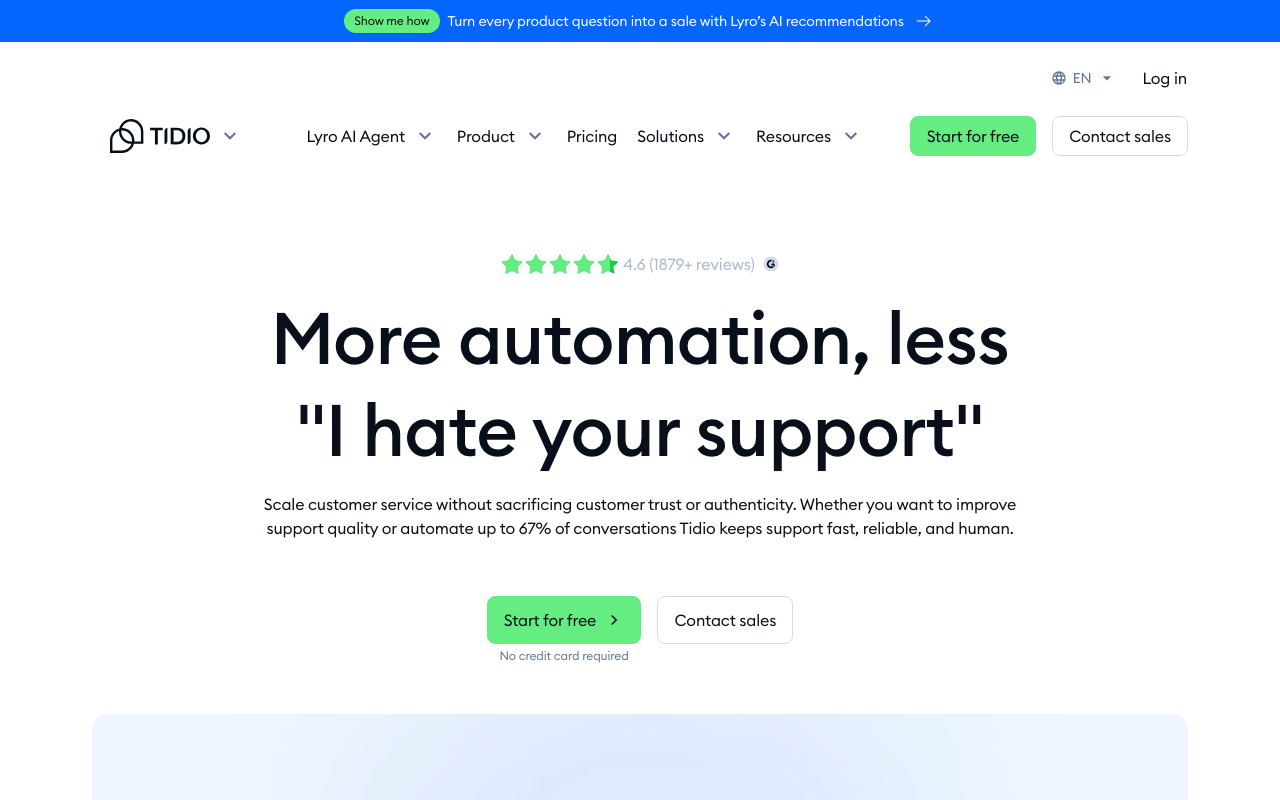
The verdict: the most approachable chat-first platform for small teams, and the one whose free tier includes working AI.
What you get: a polished widget, flows (rules-based bots), a shared inbox for chat and socials, and Lyro, its AI agent that answers from your help content.
The cost reality: a real free tier (including a small lifetime taste of Lyro), then the meter most buyers miss: paid tiers are priced by conversation quotas, from about $24 annual for the smallest allowance and stepping up hard as volume grows; the top quota tier runs into the hundreds. Lyro's AI is an add-on on top. Two meters, both volume-shaped: model a busy month, not a quiet one.
Best for: SMB and ecommerce teams that want chat plus affordable AI answers, and accept conversation metering as the trade. The wider field: our Tidio alternatives roundup.
 3. LiveChat: the category veteran
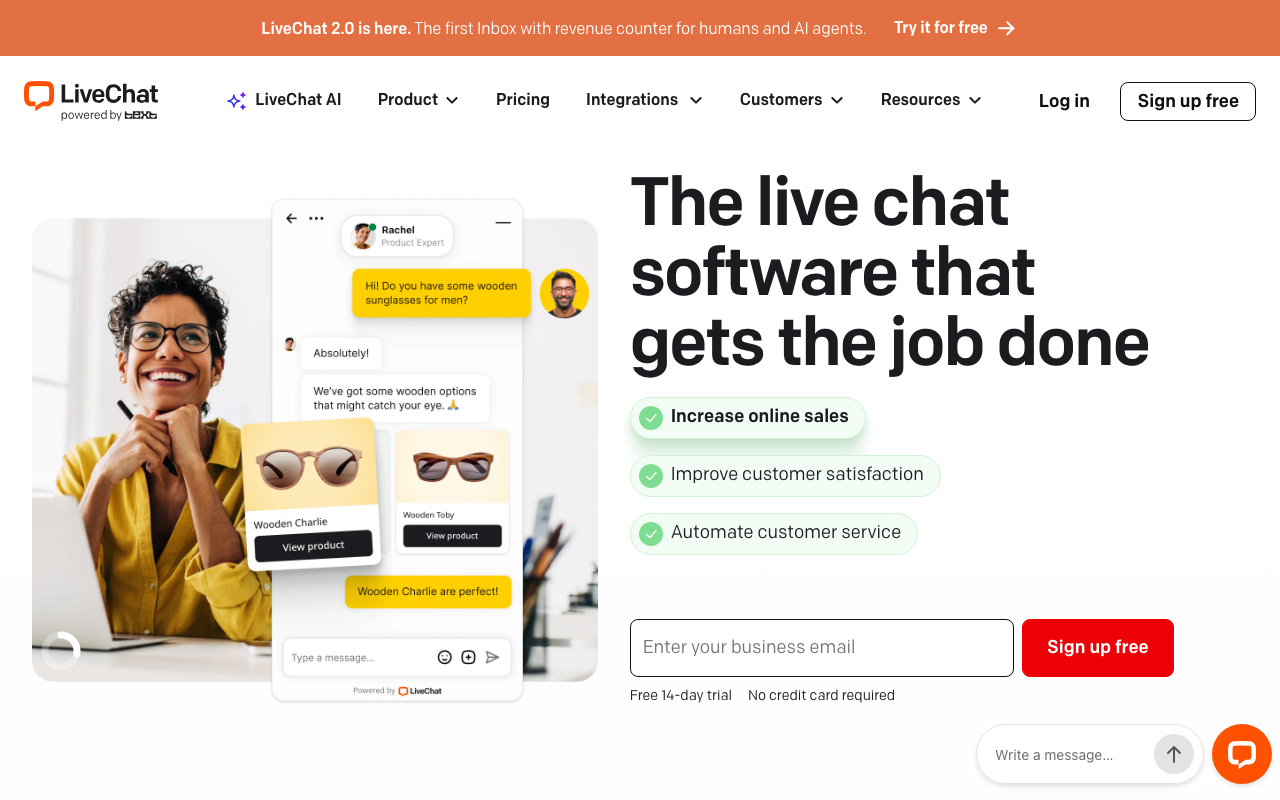
The verdict: the tool the category is named after, and still the strongest pure chat operation: reliable, deep analytics, enormous integration surface.
What you get: the most mature widget in the market, routing, reporting, 200+ integrations, and a serious agent workspace.
The cost reality: per-agent pricing from $19 at the solo end to $79 at the business tier (annual billing; the entry tier caps chat history), no free plan, a 14-day trial, and the detail that matters: the chatbot is a separate product with its own bill (around $52 a month), so automation roughly doubles the spend. The premium chat-first choice, priced like one.
Best for: chat-led teams that want the proven platform and will pay per agent for it.
 4. Crisp: the flat-price bundle
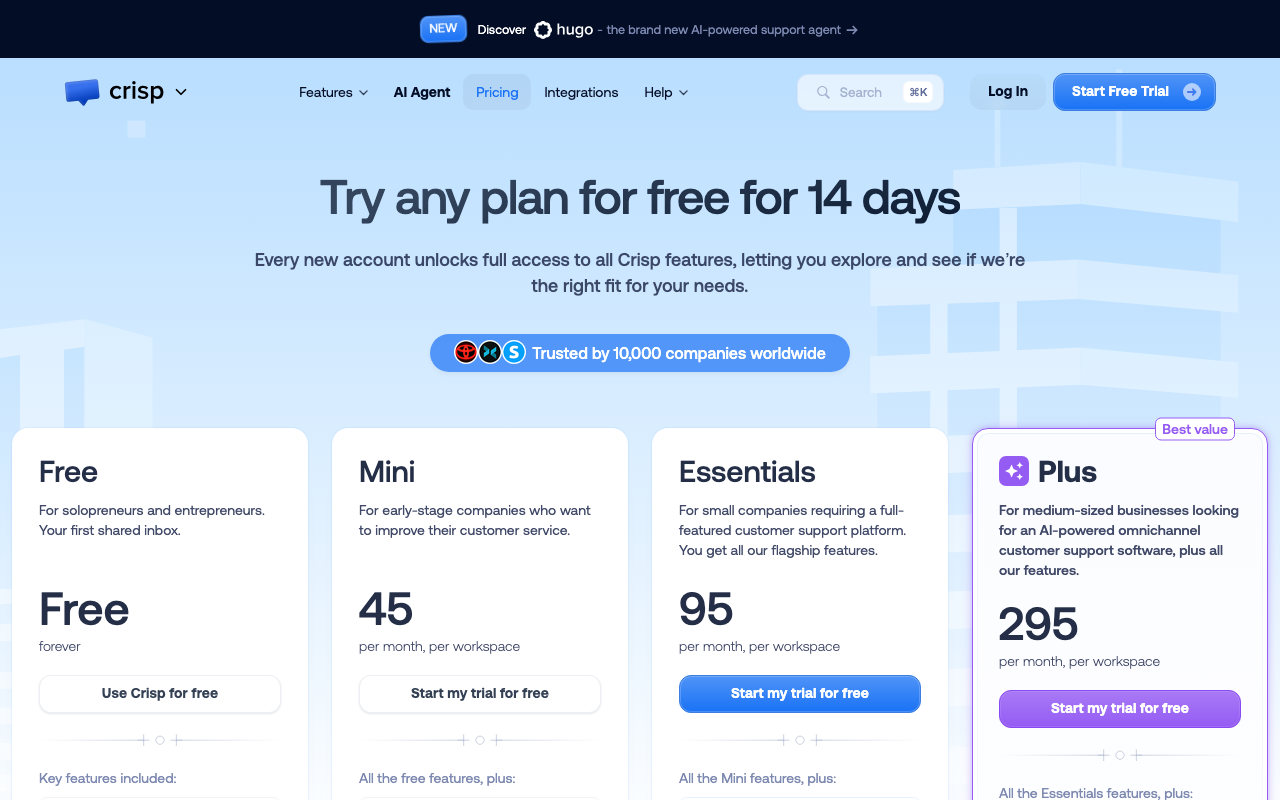
The verdict: the anti-per-seat option: workspace bundles at flat prices, with an unusual amount of product included.
What you get: chat, a shared inbox across channels, co-browsing (genuinely useful for support), a knowledge base, and campaigns, bundled.
The cost reality: flat workspace pricing from $45 (Mini) through $95 (Essentials) to $295 (Plus), covering the team rather than billing per head, which flips the usual math: expensive for two people, a bargain for ten, with two honest catches: the free plan is the widget only, and the cliffs are real (the eleventh seat can triple the bill). AI runs on credits that expire monthly. Our full Crisp breakdown does the seat-by-seat comparison.
Best for: small growing teams that hate per-seat pricing and want breadth in one bundle.
 5. Tawk.to: the famously free one
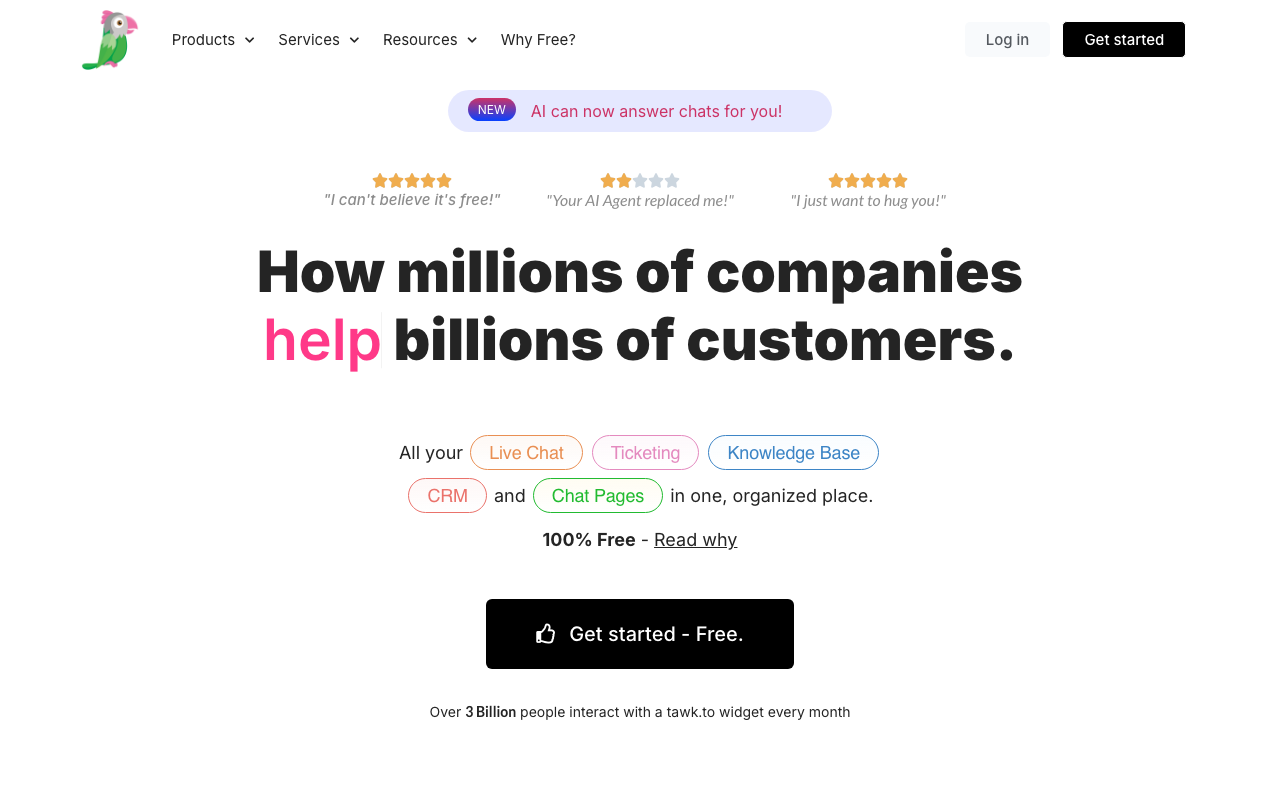
The verdict: the answer to "is free live chat real": yes, this one, free forever, full-featured, no conversation caps.
What you get: a complete widget with unlimited agents and chats, monitoring, and mobile apps, at $0.
The cost reality: the model is honest and unusual: you pay to remove the branding, or to hire their agents to answer for you. Otherwise it stays free, and the trade is a dated interface and no meaningful AI.
Best for: zero-budget teams that want real chat now and will accept the branding.
 6. HubSpot Live Chat: free, ecosystem-priced
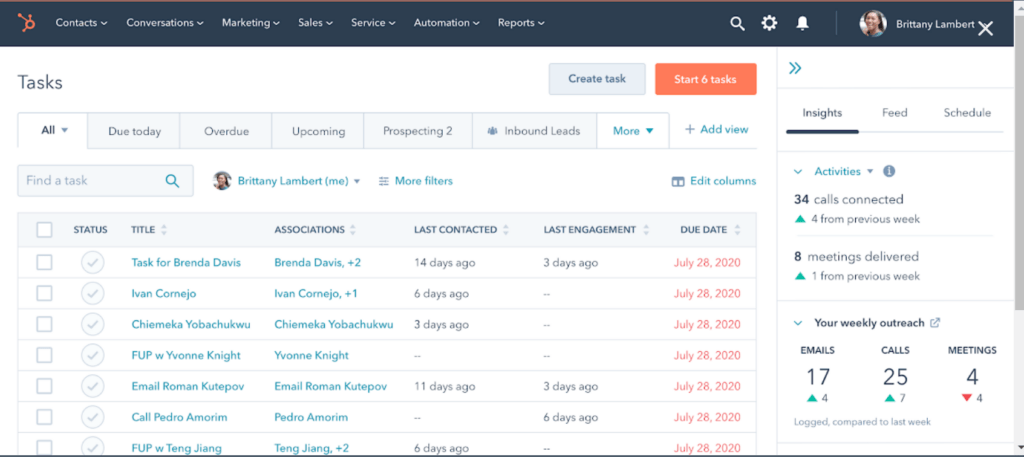
The verdict: a genuinely usable free widget whose job is recruiting you into HubSpot.
What you get: chat and basic bots tied into HubSpot's free CRM, so every conversation lands on a contact record.
The cost reality: the widget is free; the automation, AI, and routing you will eventually want live up a ladder whose real step is Professional at roughly $90 to $100 a seat plus a $1,500 onboarding fee. Free is the door, not the house.
Best for: teams already on HubSpot CRM, or resigned to buying the ecosystem.
 7. Intercom: the AI-first heavyweight
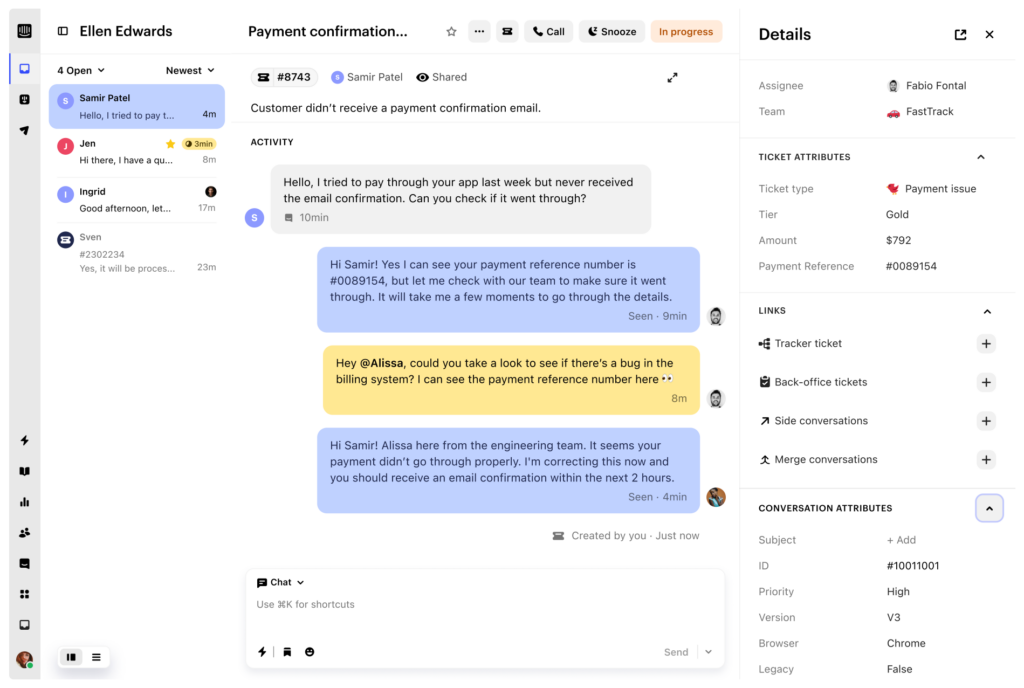
The verdict: the most advanced AI support operation in the chat world, priced like it knows.
What you get: the Messenger, Fin (the market's benchmark AI agent), proactive messaging, and a serious platform around them.
The cost reality: the dual meter: seats from roughly $29 to $139, plus Fin at $0.99 per resolution with a 50-resolution monthly minimum, so the bill scales with both headcount and AI success, and the AI line never reads zero. Our Intercom breakdown and the Fin alternatives roundup do the full math.
Best for: funded teams at scale where deflection volume justifies per-resolution billing.
 8. Zendesk: chat as one channel of the big desk
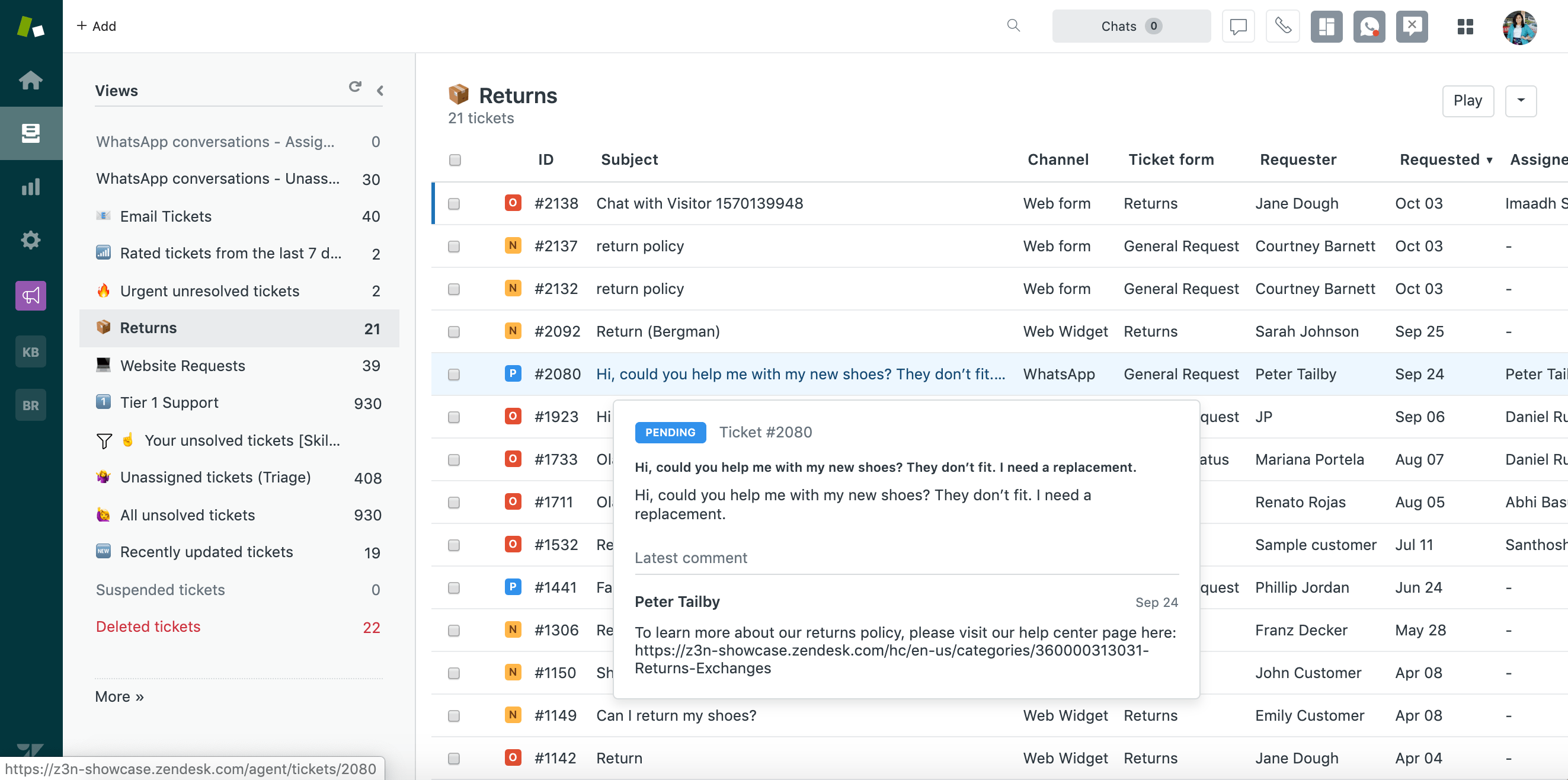
The verdict: you do not buy Zendesk for chat; you get chat because you bought Zendesk.
What you get: messaging across web and social as part of the Suite, with the desk's routing and reporting behind it.
The cost reality: the Suite from $55 per agent, with the AI story billed on top (the Copilot add-on and per-resolution automation). Chat alone does not justify it; the whole desk must.
Best for: larger teams standardising on one suite for every channel. The wider field: our Zendesk alternatives roundup.
 9. LiveAgent: the budget workhorse
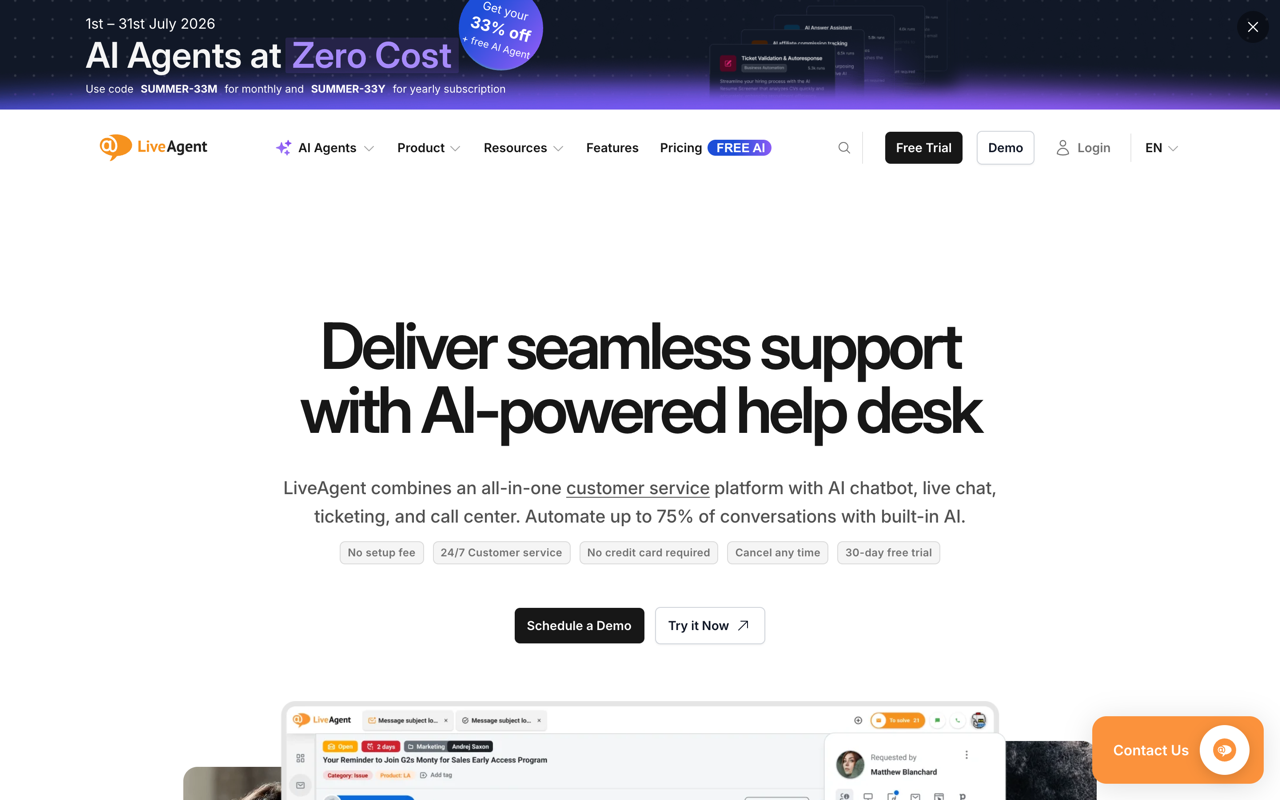
The verdict: the cheapest credible paid entry in the category, with helpdesk bones under the chat.
What you get: a fast widget (a claim it makes loudly), ticketing underneath, and the basics done properly.
The cost reality: from $10 per agent annual ($13 monthly), undercutting the chat-first field; the trade is a dated feel and thinner AI, and no free plan (a 30-day trial instead).
Best for: budget-first teams that want paid reliability without paid-platform prices.
 10. Chatwoot: the self-hosted choice
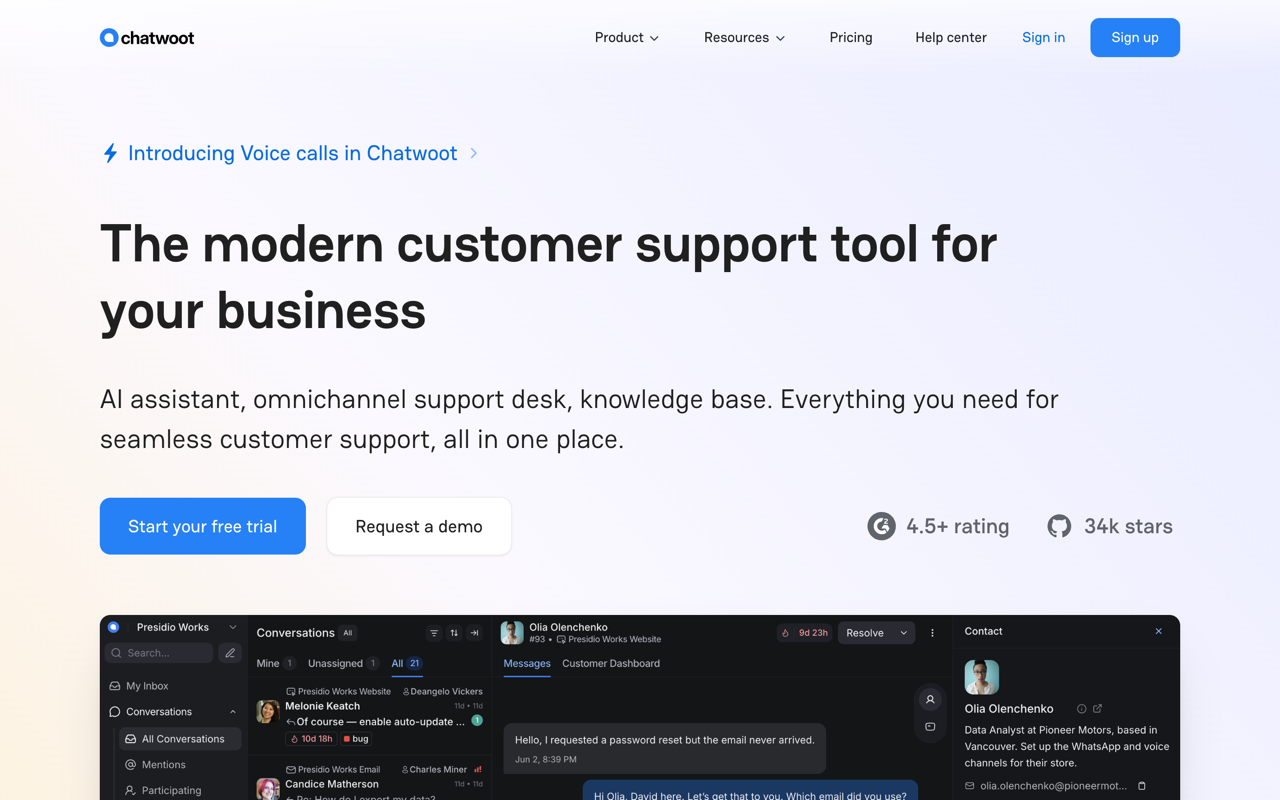
The verdict: the open-source answer: a genuinely modern chat and inbox platform you run yourself.
What you get: live chat, a shared inbox, channels, and API-first bones, with the source on GitHub and your data on your server.
The cost reality: the software is free; the server, upgrades, and the engineer who owns them are the bill, and (the recurring lesson of self-hosted) that is only cheap if the hours are spare. If you change your mind, the hosted cloud runs from free (2 agents) to $19 to $39 a seat.
Best for: technical teams that want ownership, data control, and no vendor meter, ever.
Drag · with Varley
The inbox your team and Varley work in together
Shared inbox and live chat for Gmail teams, with Varley, Drag’s AI, included from $18. Plus an MCP server your own AI tools can drive.
How live chat actually bills in 2026
Five shapes, know yours before any demo: flat per-seat (Drag, LiveChat, LiveAgent: predictable, compare the ceilings); per-seat plus AI meter (Tidio, Intercom, Zendesk: the seat price is the entry fee, the AI bills per conversation or per resolution, so model a busy month, not a quiet one); flat bundles (Crisp: the team price regardless of heads); free-with-a-catch (Tawk.to's branding, HubSpot's ladder); and self-hosted (Chatwoot: the meter is payroll). The single most expensive mistake in this market is reading a per-seat price as the price. Model your own team across the shapes in the cost calculator.
Frequently asked questions
What is the best live chat software in 2026?
It depends on where chat should live: Drag if chat belongs in the same queue as your email; LiveChat if chat is its own operation; Tawk.to if the budget is zero; Intercom if you want the strongest AI and can fund per-resolution billing.
What is the best free live chat software?
Tawk.to is genuinely free forever with unlimited agents and chats (you pay only to remove branding). Tidio's and HubSpot's free tiers are real but exist to graduate you; Tidio's free tier is real and includes a small lifetime taste of working AI.
How much does live chat software cost?
Per-seat runs roughly $10 (LiveAgent) to $79 (LiveChat's top tier); bundles run $45 to $295 flat (Crisp); Tidio prices by conversation quotas rather than seats; and the AI-era wrinkle is the meter: Intercom's Fin bills $0.99 per resolution (50 minimum monthly) and chat AI generally bills as an add-on on top of whatever the base shape is.
Should live chat be part of my help desk or a separate tool?
If the same customers reach you on chat and email, separate tools mean split histories, double answers, and two tabs. Chat built into the support queue (Drag's segment) keeps one customer as one thread. Chat-first platforms win when chat is a genuinely separate, often sales-led, operation.
Does Drag include live chat?
Yes: the widget's conversations land in the same queue as email with the same owners, boards, and AI assists, included on paid plans (from $12, AI from $18), with a 7-day trial and no per-conversation meter. The live chat tour.
What is the catch with AI in live chat tools?
The meter: most chat AI bills per conversation handled (Lyro) or per resolution (Fin), so the cost rises exactly as the AI succeeds. Flat-seat platforms with AI included avoid the variable bill; metered platforms can still win at scale if deflection is high enough. Do the math both ways.
What is the best self-hosted live chat?
Chatwoot: modern, actively developed, open source, with chat and a shared inbox in one. The honest price is the engineer-hours that own the server and upgrades.
Can my AI tools manage live chat conversations?
Only if your chat platform exposes them: Drag's MCP server (47 tools, read and write) lets Claude, ChatGPT, or Cursor triage, summarize, and draft across chat conversations exactly as with email, because they live in one queue. Intercom offers the only other MCP server in this list, read-focused with limited write support for help-center content. Everywhere else, chat is a silo your AI tools cannot see.
How do I add live chat to my website?
Every tool here is a script tag or a plugin away; the real work is deciding who answers and where conversations live. Our step-by-step guide covers the setup end to end.

Co-founder
Building Drag for nearly ten years: shared inboxes, boards, and now the AI and agent layer, all on Gmail, plus HeyHelp for the personal inbox. Writes the honest versions of the comparisons.
