













The 13 free help desk options in 2026, sorted honestly: free forever, free for a while, ad-supported, and self-hosted, and what each costs when free breaks.
Key takeaways
- Genuinely free help desk software exists in 2026, but "free" means five different things: free forever with caps, free for a limited time, free desk with paid AI, ad-supported, and self-hosted. Most lists mix them; this one labels every tool.
- If your team runs on Google Workspace you already own the most overlooked free option: Groups Collaborative Inbox is free with Workspace, Google's newer native shared inbox sits beside it, and almost no list ranking for this term has caught up to either.
- The most expensive free plan is the one whose true shape you discover after migrating: Freshdesk's "free" runs on a six-month clock, HubSpot's free tier exists to sell you the ladder, and self-hosted free costs an engineer's weekends.
- Free breaks eventually, so the graduation step matters more than the free tier: it ranges from $12 a seat with AI and channels included to per-agent-plus-AI stacks several times that.
Table of contents
Free help desk software is real in 2026, twelve free options and one honest graduation pick, but the word free is doing five different jobs across them, and the lists ranking for this term rarely say which. Some tools are free forever with honest caps. One is free until a six-month clock runs out. Some are free because you are the audience for ads, and some are free software running on servers you pay for. This guide labels every tool with what its free actually means, and what the step up costs when you outgrow it.
The 13 free help desk options at a glance
| # | Tool | Free bucket | Free ceiling | First paid step |
|---|---|---|---|---|
| 1 | Google Workspace built-ins | Free (Collaborative Inbox) | No automation, analytics, or AI | A layer like Drag, $12 a seat |
| 2 | Drag | 7-day trial | Trial ends | $12 a seat; AI, chat, WhatsApp, help center from $18 |
| 3 | Zoho Desk | Free forever | 3 agents, no SLAs | $7 to $40 a seat |
| 4 | HubSpot Service Hub | Free desk, paid ladder | No knowledge base; branding everywhere | The HubSpot ladder |
| 5 | Hiver | Free plan delisted Sept 2026 | Was one inbox, email-focused | $25 a seat |
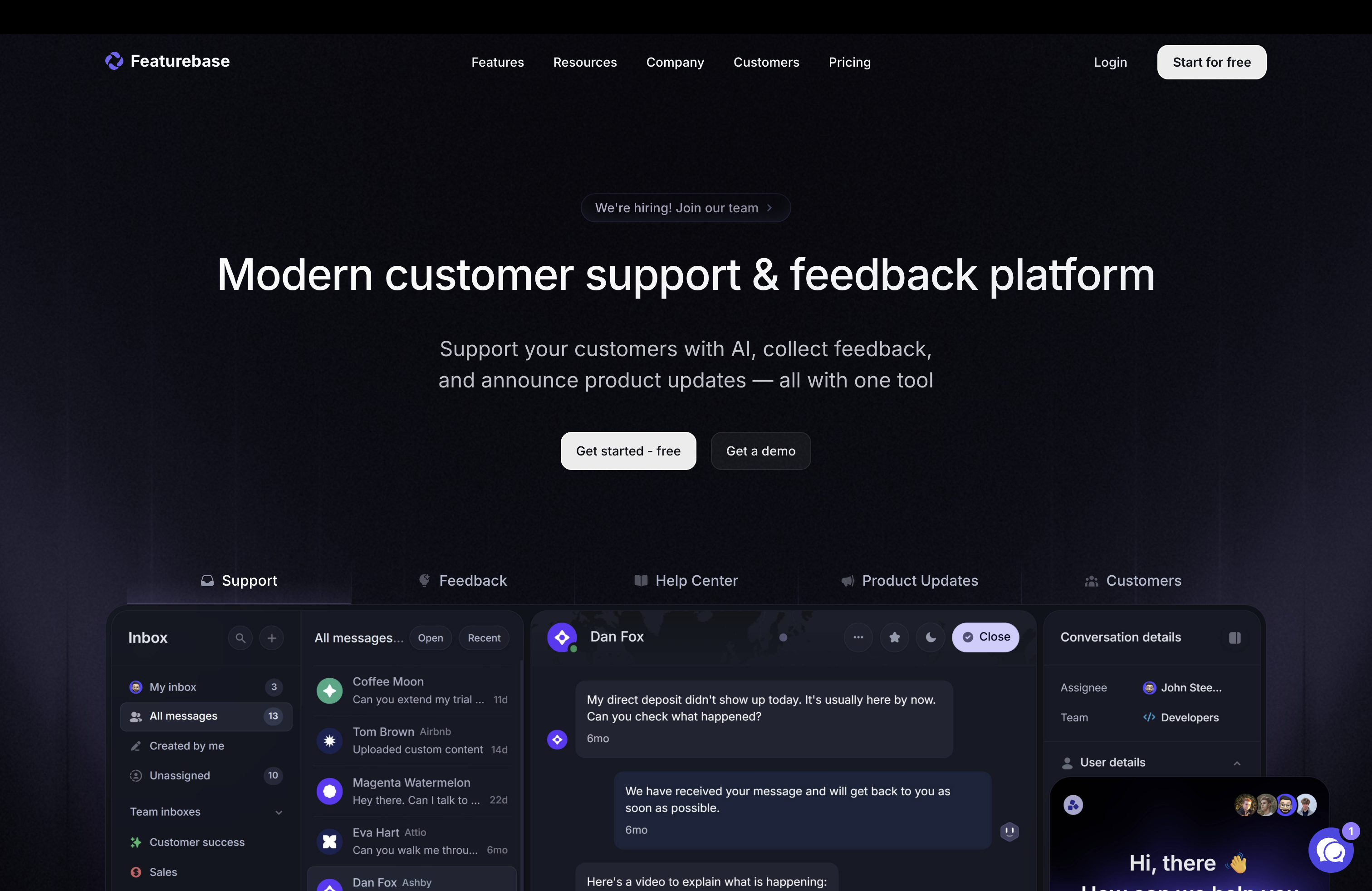
| 6 | Featurebase | Free forever | SaaS-shaped; AI billed per resolution | $29 a seat + $0.29 per AI resolution |
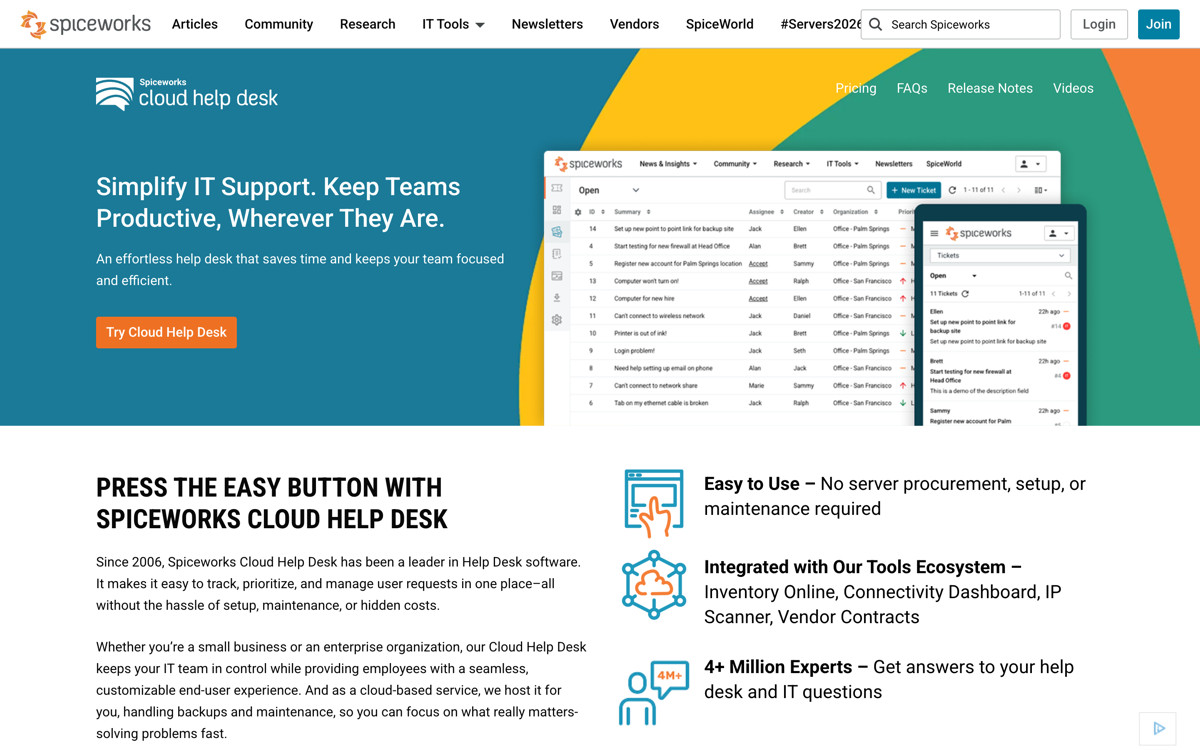
| 7 | Spiceworks | Ad-supported | Ads; internal-IT shape | n/a (stays free) |
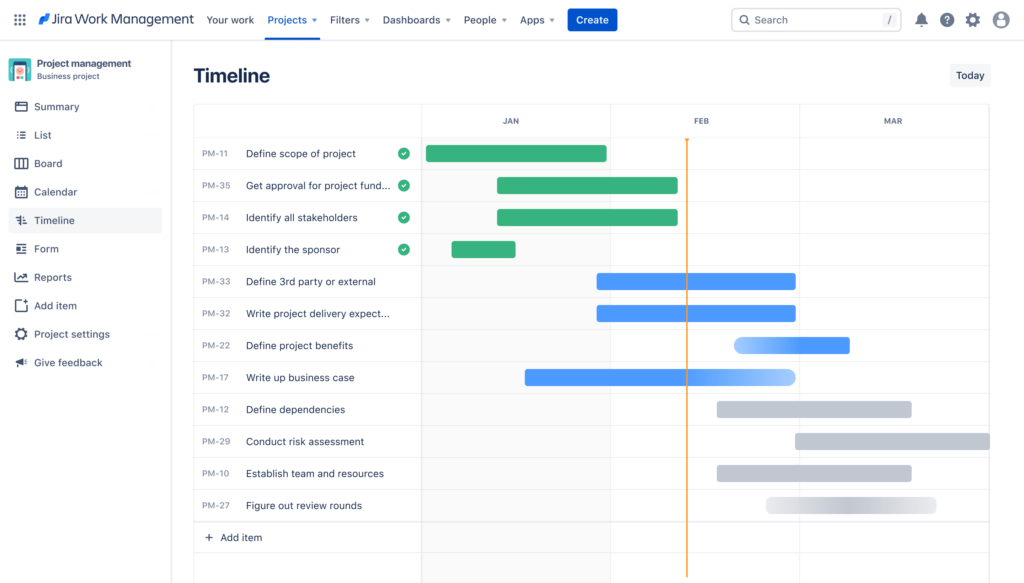
| 8 | Jira Service Management | Free forever | 3 agents; dev-shaped | Atlassian tiers |
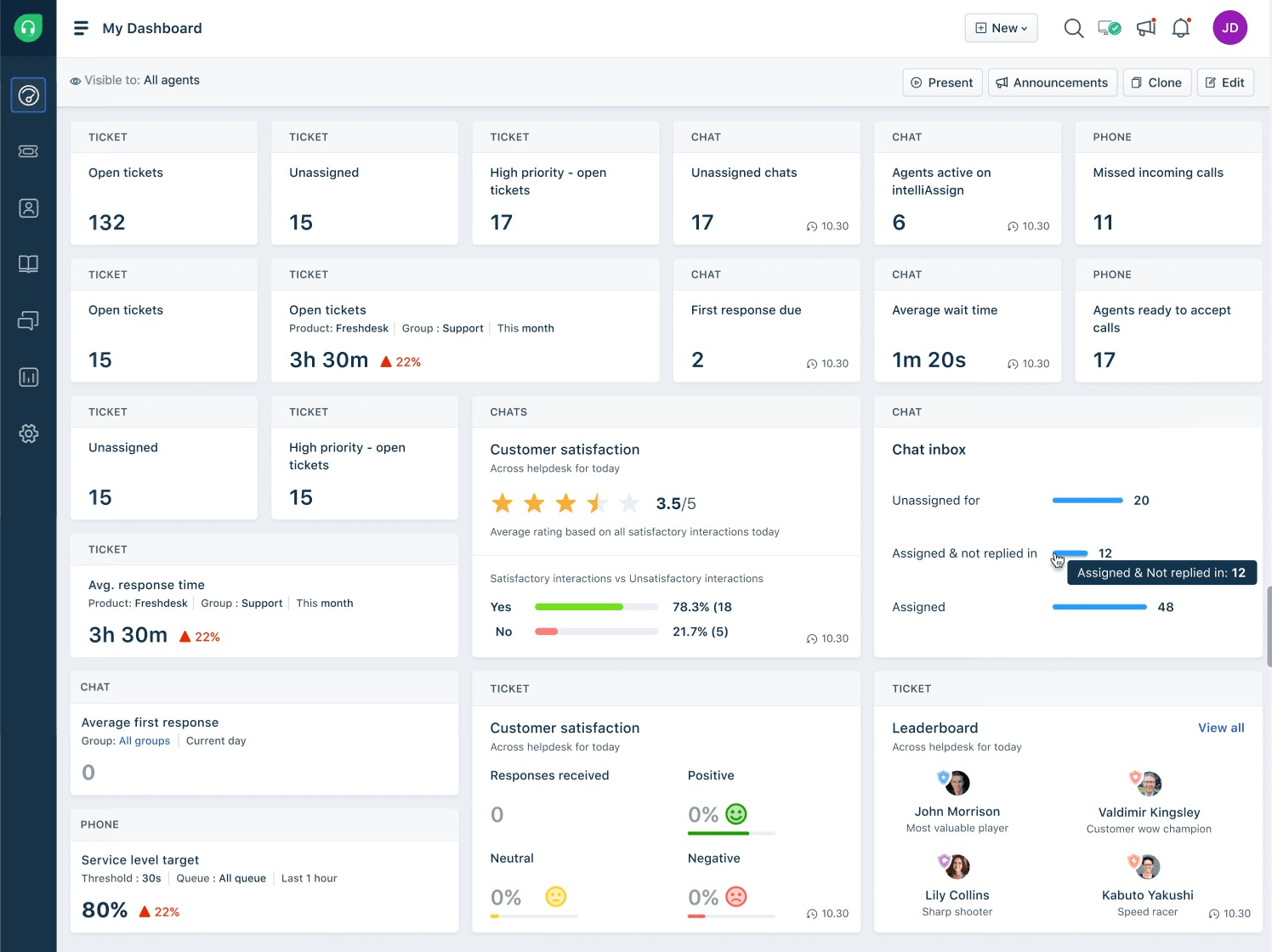
| 9 | Freshdesk | Free for 6 months (2 agents) | The calendar | $19 + AI add-ons |
| 10 | Tidio | Free chat tier | Conversation caps | Metered chat tiers |
| 11 | FreeScout | Self-hosted | Your server and hours | Hosting + maintenance |
| 12 | UVdesk | Self-hosted | Your server and hours | Hosting + maintenance |
| 13 | osTicket | Self-hosted | Dated UI; your hours | Hosting + maintenance |
Our picks, if you want the short answer: best free start on Google Workspace: Groups Collaborative Inbox (#1). Best zero-migration path to a full support platform (channels, AI, help center): Drag (#2). Best classic free help desk: Zoho Desk (#3). Hiver's free plan inside Gmail was delisted in September 2026 (#5 has the details). Best for SaaS products: Featurebase (#6). Best truly unlimited: Spiceworks (#7), ads and all. Cheapest graduation when free breaks: Drag at $12 a seat.
What "free" actually means (the five buckets)
Free forever, with caps. A real $0 plan with no expiry: the limits are agents or features, not time. The question to ask is only which cap you will hit first.
Free for a while. A trial dressed as a plan: generous today, billed on a schedule you agreed to by installing. Fine if entered with eyes open.
Free desk, paid AI. The inbox costs nothing; the automation everyone actually wants in 2026 is the paid layer, sometimes metered per resolution.
Ad-supported. Free because you are the audience: the vendor sells your team's attention instead of seats.
Self-hosted free. The software costs nothing; the server, the SSL, the patches, and the engineer who owns them are the bill.
Every entry below carries its bucket label, because a free plan you understand is a tool, and one you do not is a debt.
The 13 options in detail
 1. Google Workspace's built-in queue: Collaborative Inbox, plus the new native inbox
The verdict: the free help desk you may already own. Groups Collaborative Inbox turns support@ into a shared queue where teammates take, assign, and resolve conversations, at $0 beyond the Workspace you already pay for. Google's native shared inbox (admin-created, "sent by" on every reply, rolling out since late 2025) is the newer option: no add-on to buy, but plan on a seat for its address.
What the free tier actually includes: Collaborative Inbox gives a shared queue on a group address where members take a conversation, assign it to a teammate, and mark it complete, duplicate, or no action needed, then search by status or assignee. First-party and already in your stack.
How to turn it on: create the group (support@), add members, then in Group settings turn on conversation history and choose Collaborative Inbox under "Enable additional Google Groups features". The step most guides skip: Google's own help says that without conversation history the Collaborative Inbox features do not work.
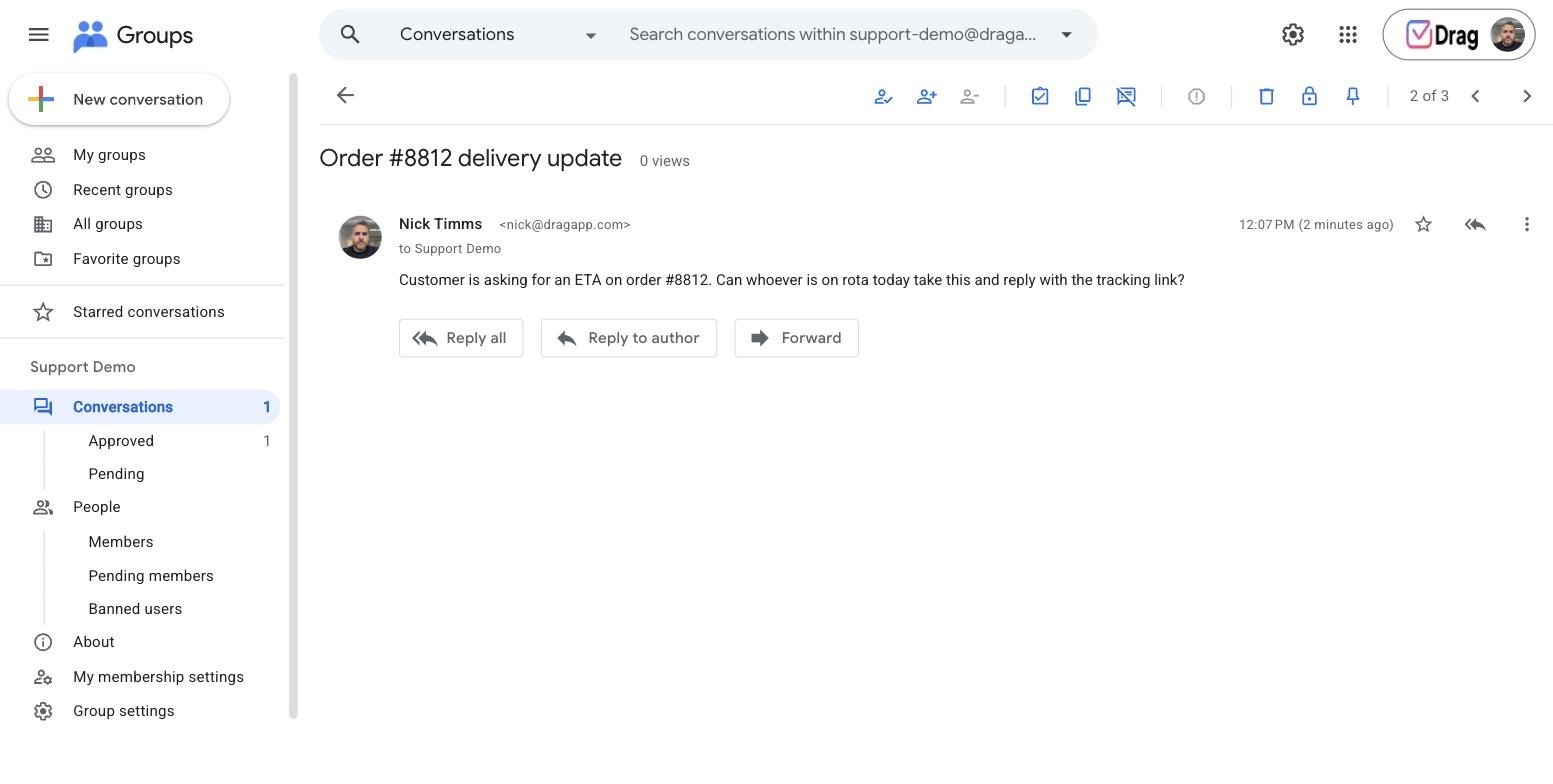
The cap that bites first: it is deliberately basic: no automation, no analytics, no AI, no boards, and no collision warning, so two people can answer the same customer. Collaborative Inbox lives in the Groups interface rather than Gmail; the native inbox lives in Gmail but has no assignment. Either replaces the shared-login hack, not a help desk. Checked against Google's admin help, September 2026.
Best for: Workspace teams that want the simplest legitimate free queue before adding any tool at all. Where it sits among the Workspace mailbox options.
 2. Drag: 7-day trial, then the $12 graduation path
The verdict: our own entry, and the one paid tool this list keeps, for one reason: it is the cheapest real graduation from every free option above and below, a full support platform (shared inbox, boards, live chat, WhatsApp, AI help center, MCP) built on Gmail as the system of record, so there is no migration in and no data hostage ever, in Gmail or as standalone web, desktop, and mobile apps.
What the trial actually includes: everything, for 7 days, no card required.
The cap that bites first: the trial ends, honestly: from there it is $12 a seat, with Varley and the channels included from $18, still the cheapest step-up on this page.
Best for: teams whose free option just hit its cap and want a modern help desk's full outcomes without a platform migration. Pricing and the product tour.






 3. Zoho Desk: free forever, 3 agents
The verdict: the cleanest genuinely free classic help desk: no ads, no clock, real ticketing.
What the free tier actually includes: 3 agents, email ticketing, a customer portal and basic help center, macros, mobile apps.
The cap that bites first: the fourth agent, single-channel shape, and no SLAs on free; paid runs $7 to $40 a seat on annual billing, and we verified the whole ladder in our Zoho Desk pricing breakdown.
Best for: small teams that want the traditional desk experience at $0 and expect to stay small a while.
 4. HubSpot Service Hub: free desk, paid ladder
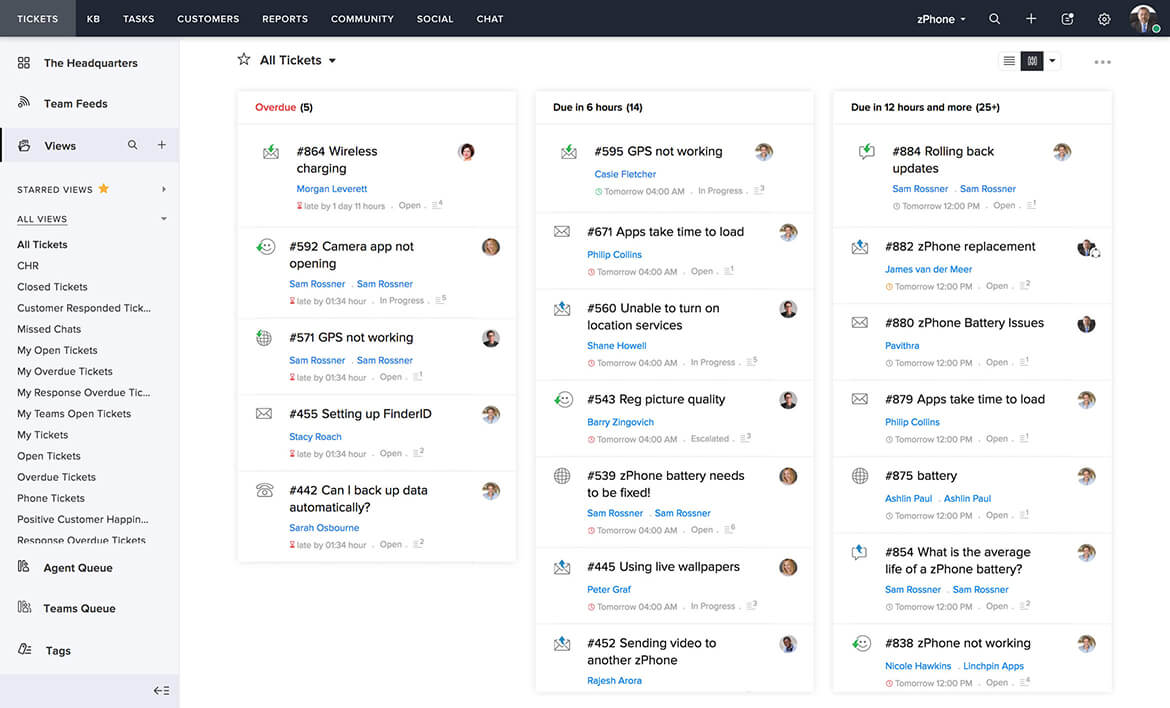
The verdict: a genuinely usable free tier whose strategic job is recruiting you into HubSpot, fine if you know it going in.
What the free tier actually includes: shared inbox, ticketing, live chat, and forms that create tickets, tied to HubSpot's free CRM.
The cap that bites first: no knowledge base on free, HubSpot branding on everything customer-facing, community-only support, and the automation you will want lives up a ladder that climbs steeply.
Best for: teams already on HubSpot CRM, or planning to buy the ecosystem anyway.
 5. Hiver: the free plan that just left
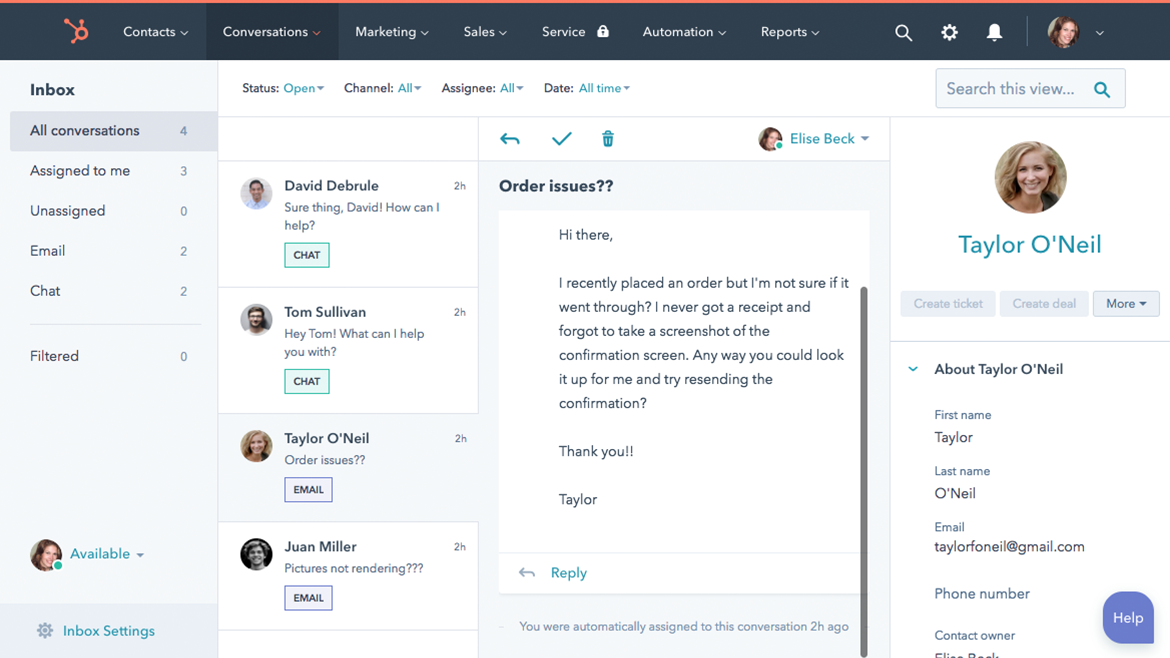
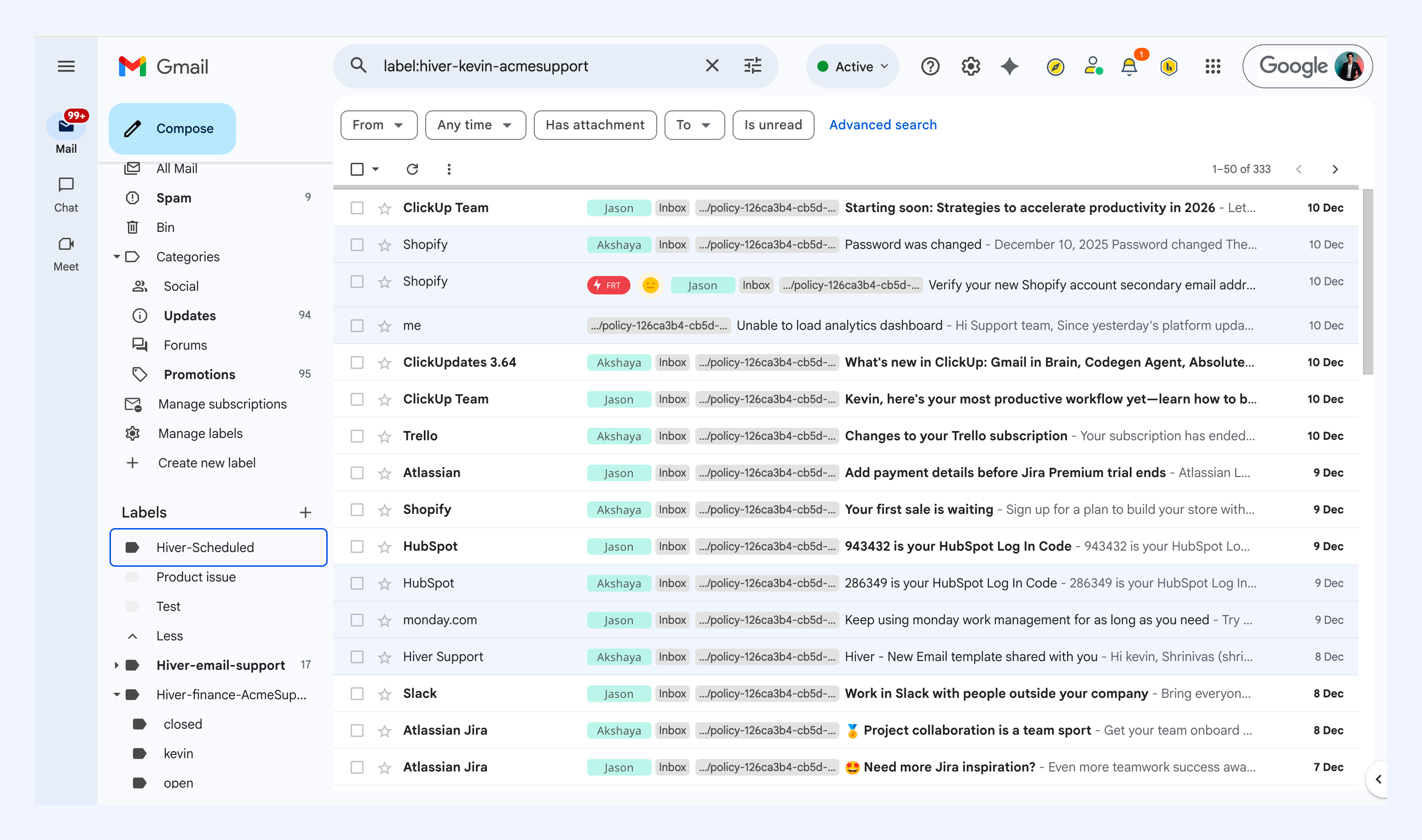
The verdict: an update, September 2026: Hiver's free plan no longer appears on its pricing page, which now leads with a 7-day Elite trial and paid tiers from $25 a seat. What follows stands as the record of what the free tier was, for teams who joined on it.
What the free tier included: one shared inbox, assignment and notes, live chat, email-focused by design.
The cap that bites first: one inbox and the basics; the first paid step is $25 a seat, roughly double the Gmail-path graduation at #2, and AI arrives higher still.
Best for: historically, Gmail teams wanting a free start inside Gmail; with the free tier delisted, the live comparison is Hiver's $25 Growth entry against Drag's $12, and the shapes still differ (Hiver is inbox-first, Drag is boards-first).
 6. Featurebase: free forever, SaaS-shaped
The verdict: the newest credible free tier on this list: an AI-era support platform for product-led SaaS with unlimited support conversations at $0.
What the free tier actually includes: ticketing with unlimited conversations, a help center, and feedback tools in one platform.
The cap that bites first: the shape (built for SaaS products, heavier than an email team needs) and the AI meter: paid starts at $29 a seat plus $0.29 per AI resolution, so automation success has a unit price.
Best for: product-led SaaS startups that want support, feedback, and docs in one free tool.
 7. Spiceworks: ad-supported, unlimited
The verdict: the only truly unlimited free desk on this list, and it is honest about the deal: the interface carries ads, and the ads are the business model.
What the free tier actually includes: unlimited agents and unlimited tickets, cloud-hosted, with asset management and an internal-IT shape.
The cap that bites first: the ads, and the shape: it is built for IT departments handling internal requests, and pointing it at a customer-facing support@ queue fights its grain the whole way.
Best for: internal IT teams with zero budget and ad tolerance.
 8. Jira Service Management: free forever, 3 agents
The verdict: Atlassian's service desk with a genuine 3-agent free tier: powerful, structured, and heavier than most support teams want.
What the free tier actually includes: 3 agents, request queues, approval workflows, and the pull of the Atlassian ecosystem (Jira, Confluence) around it.
The cap that bites first: the fourth agent, and the learning curve: this is developer-shaped software, and a support team without Atlassian habits pays a real onboarding tax before the value arrives.
Best for: dev-adjacent teams already living in Atlassian, or internal service desks that want ITSM structure at $0.
 9. Freshdesk: free for 6 months
The verdict: a very capable desk whose free tier is a clock, and the most mythologised entry on this page.
What the free program actually includes: a genuine taste of the real product: ticketing, automation basics, the marketplace, for 1 to 2 agents.
The cap that bites first: the calendar. Lists still saying Freshdesk is free for 10 agents have not checked since the change: the current program covers 1 to 2 agents for six months, then $19 a seat on annual billing with Freddy AI as paid add-ons.
Best for: teams that already suspect they will pay for Freshdesk and want a long, honest evaluation before the clock runs.
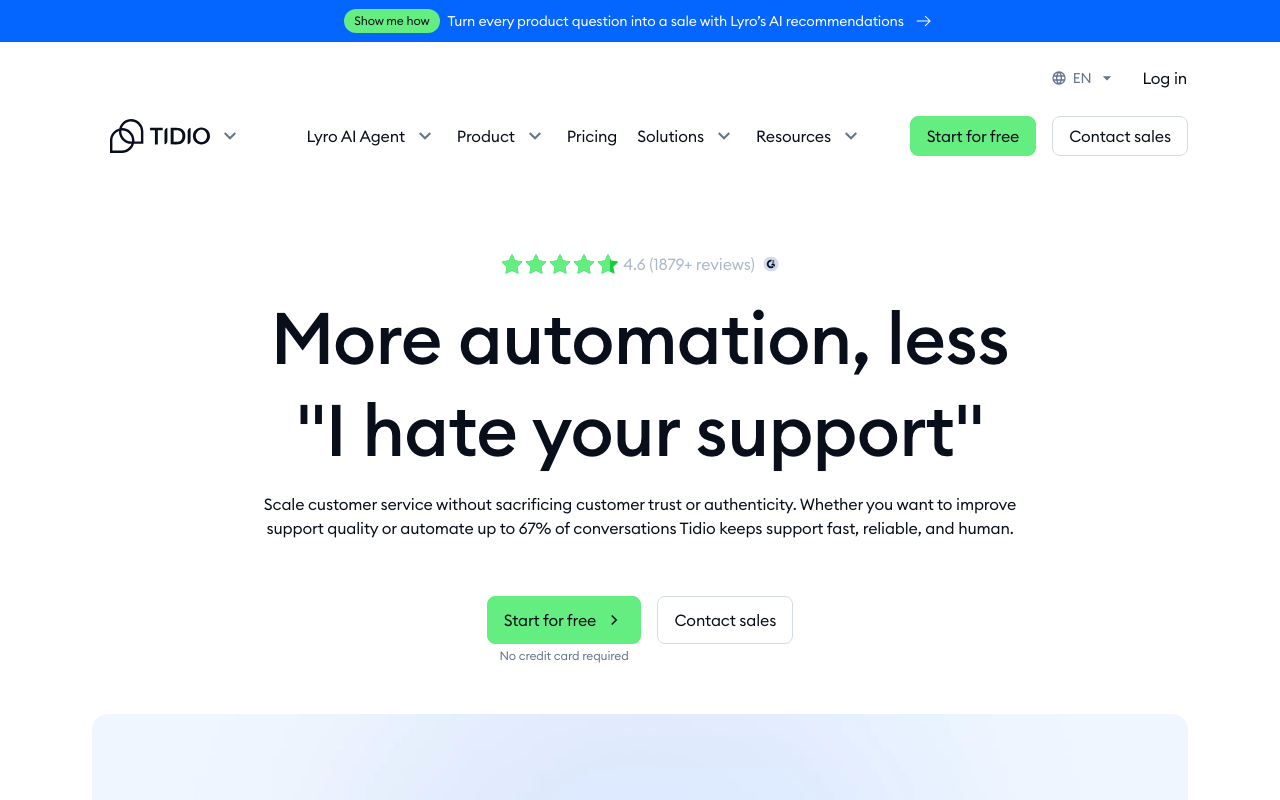
 10. Tidio: free chat tier with real AI
The verdict: the one free tier here that includes working AI: chat-first rather than a help desk, with a bot that answers real questions at $0.
What the free tier actually includes: live chat, a modest monthly conversation allowance, and a one-time lifetime taste of 50 Lyro AI conversations.
The cap that bites first: the caps themselves: conversations are metered monthly and hard, so growth walks you up paid tiers priced by volume rather than seats.
Best for: tiny-volume, chat-led, mostly-FAQ support: a widget and a bot, not an inbox operation.
 11. FreeScout: self-hosted
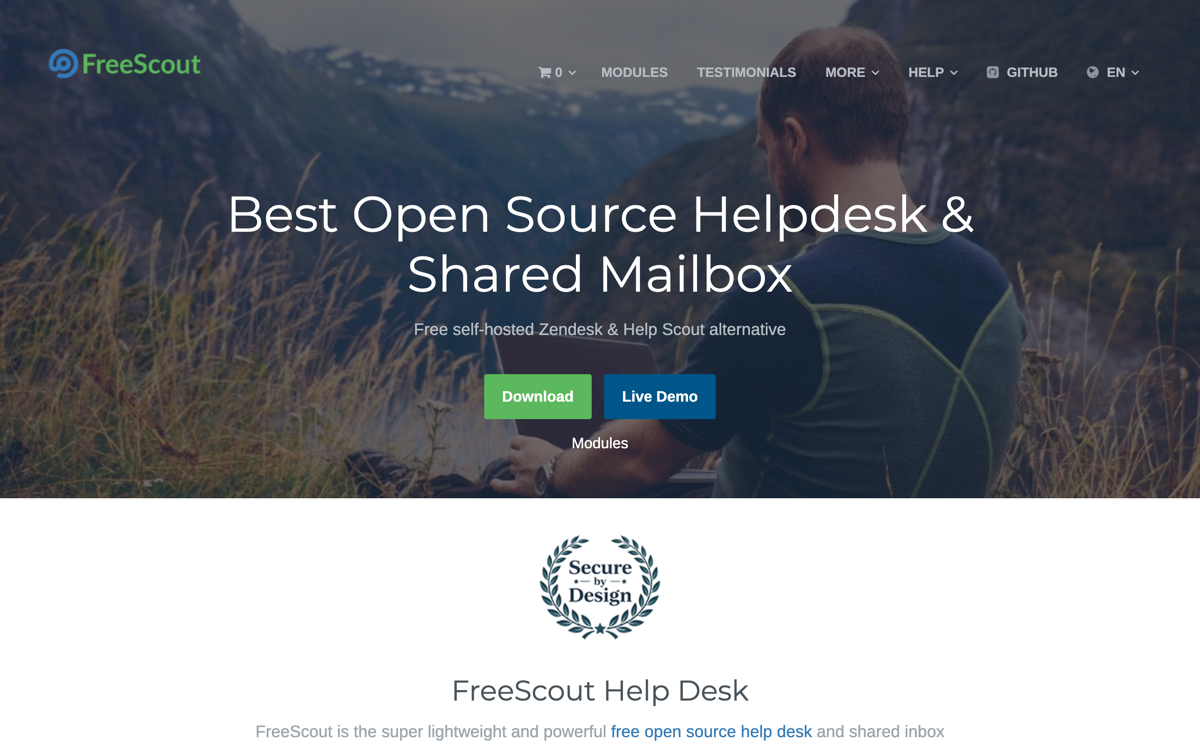
The verdict: the polished one of the open-source class: a genuinely good shared inbox in Help Scout's shape, at true $0 for the software.
What the $0 actually includes: unlimited agents and mailboxes, a modern interface, assignment and notes, and a wide module ecosystem for the extras.
The cap that bites first: the hosting: a PHP server, SSL, updates, backups, and a person who owns them. The software never bills you; the maintenance does.
Best for: teams with an engineer's spare hours who want a real shared inbox with no license anywhere.
 12. UVdesk: self-hosted
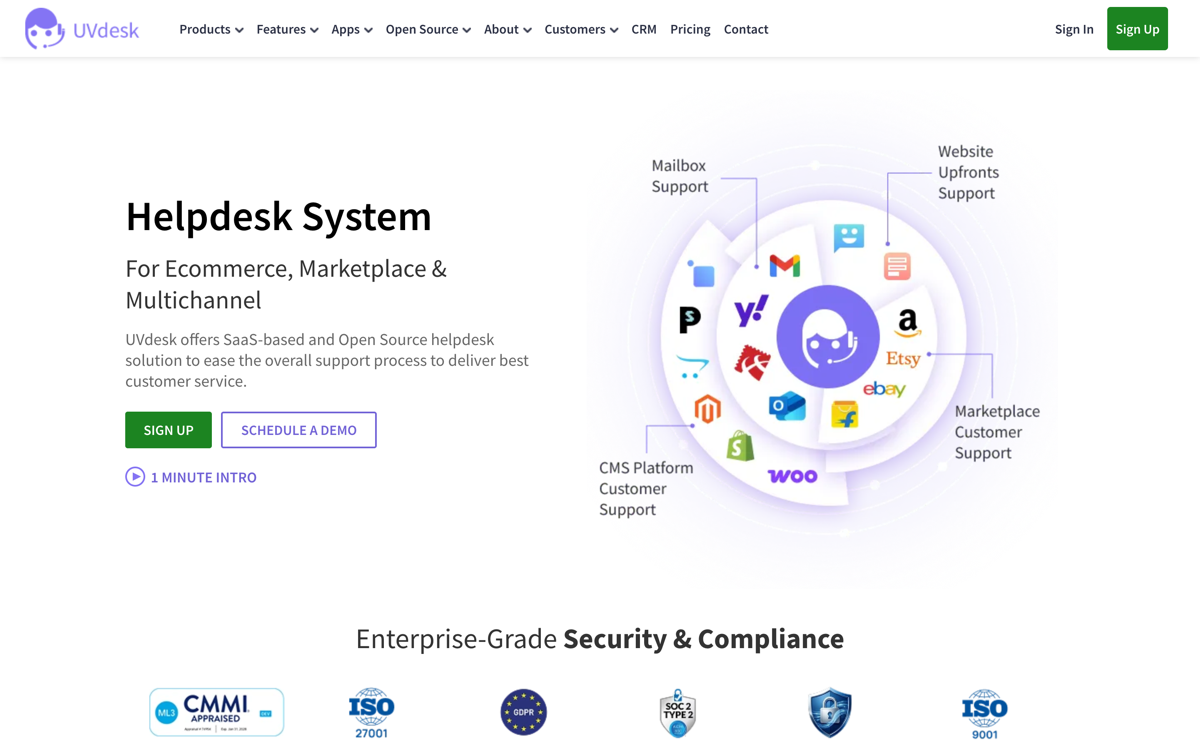
The verdict: the open-source help desk built on Symfony/PHP: unlimited agents, real ticketing, e-commerce integrations, and a genuinely active project.
What the $0 actually includes: unlimited agents, ticketing, knowledge base, email piping, marketplace integrations.
The cap that bites first: the class's usual one: your server, your SSL, your upgrades; the hosted edition exists but is a paid product.
Best for: technical teams, especially e-commerce, wanting open-source with a modern stack.
13. osTicket: self-hosted, the veteran
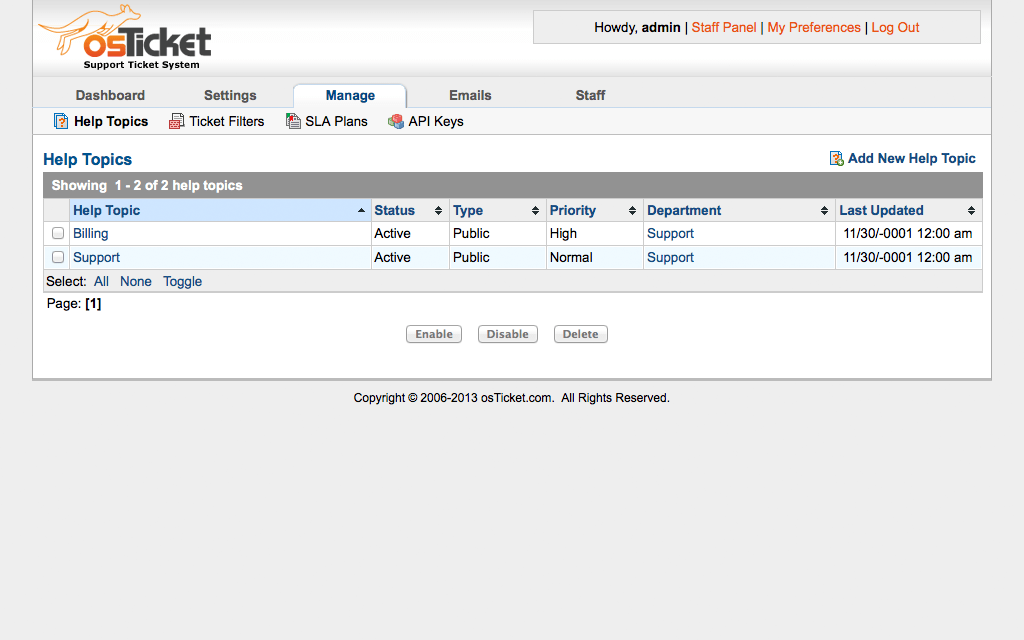
The verdict: two decades of open-source ticketing: bulletproof, widely deployed, and visibly its age.
What the $0 actually includes: unlimited agents, custom forms and fields, routing and filters, SLA-style due dates: a serious feature set under a dated interface.
The cap that bites first: the interface is the tax your team pays daily, and the usual self-hosted bill (server, patches, ownership) applies in full.
Best for: the tickets-in, tickets-out requirement at zero budget with hands available, where nobody minds how it looks.
Drag · with Varley
The inbox your team and Varley work in together
Shared inbox and live chat for Gmail teams, with Varley, Drag’s AI, included from $18. Plus an MCP server your own AI tools can drive.
When free breaks: the graduation math
The Drag path graduates for $12 a seat with AI at $18 flat and the channels included; the platform paths graduate into per-agent tiers with AI metered on top ($0.29 per resolution at #6, add-ons at #9, the ladder at #4). Run your own team's step in the cost calculator. Comparing paid options instead? Our best help desk software breakdown does the real pricing math. And if what pushed you here is a specific vendor's bill, we keep a branded free guide for free Zendesk alternatives, and the paid Freshdesk field is mapped in the best Freshdesk alternatives.
New to running support from your inbox? Our guides to turning Gmail into a help desk, the best ticketing tools, and Gmail customer support go deeper.
Frequently asked questions
Is there genuinely free help desk software in 2026?
Yes, in five different shapes: free-forever tiers with caps (Zoho Desk, Jira SM, Featurebase; Hiver's was delisted in September 2026), Google Workspace's free Collaborative Inbox, an ad-supported desk (Spiceworks), time-limited free (Freshdesk, six months), and self-hosted open source (FreeScout, UVdesk, osTicket). The label matters more than the word free.
What is the best completely free help desk?
For a Google Workspace team: Groups Collaborative Inbox, already included at $0. For a classic desk shape: Zoho Desk's 3-agent tier. For unlimited agents: Spiceworks, if you accept ads and an IT focus. For SaaS products: Featurebase's free plan.
Is Freshdesk free for 10 agents?
No, that is outdated: the current free program covers 1 to 2 agents for six months, then paid from roughly $15 to $19 a seat. Any list repeating the 10-agent claim has not re-checked.
Does Google have a free help desk?
Effectively yes for email support: Groups Collaborative Inbox is free with Workspace and lets teammates take, assign, and resolve conversations. Google's newer native shared inbox adds a Gmail-based shared address with "sent by" on every reply; it has no add-on, but plan on a seat for its address. Neither has automation, reporting, or AI, which is what paid layers add.
What is the catch with free help desk software?
One of five: an agent cap, a clock, a paid ladder above a thin free floor, ads, or the hidden payroll of self-hosting. Every entry above names which catch applies before you migrate into it.
Does Drag have a free plan?
Drag runs a 7-day trial, no card required, with everything unlocked; from there it is $12 a seat, with Varley and the channels (live chat, WhatsApp, AI help center) included from $18. It is the cheapest graduation on this page because the platform is built on Gmail as the system of record: nothing migrates in, and your email history is yours regardless of any vendor, ours included.
Are open-source help desks really free?
The software is; the server, security patching, upgrades, and the engineer who owns them are the price. Excellent if those hours are spare, expensive if they are not.
When should a team move off a free help desk?
When the cap that matters bites: agents, SLAs, automation, or AI. Compare graduation steps before it does: $12 a seat with channels and AI included on the Drag path, per-agent-plus-metered-AI on the others.

Co-founder
Building Drag for nearly ten years: shared inboxes, boards, and now the AI and agent layer, all on Gmail, plus HeyHelp for the personal inbox. Writes the honest versions of the comparisons.
