




Hiver alternatives with email, live chat, a help center and AI in one product. For 11 people, Drag is $198 a month with AI included. Hiver is $825.
Table of contents
- What this guide covers
- Hiver alternatives compared at a glance
- Why teams look for Hiver alternatives
- Pricing comparison: what Hiver alternatives cost for 11 people
- Pricing history: how Hiver's price has moved
- Hiver competitors by type
- Drag: best Hiver alternative for teams on Google Workspace
- Front: best for support that arrives by SMS and social messages
- Missive: best for team chat beside every email
- Gmelius: best for teams that run email from Slack
- Help Scout: best help desk with a free plan
- Freshdesk: best for tickets and response-time targets at a low price
- Zendesk: best for phone menus and skills-based routing
- Other Hiver competitors people ask about
- A free option from Google
- When Hiver is still the right choice
- How to switch from Hiver
- How to choose between Hiver alternatives
- Sources
- Frequently asked questions
The short version: The best Hiver alternatives are Drag, Front, Missive, Gmelius, Help Scout, Freshdesk and Zendesk. Pick Drag if your team is on Google Workspace: email, live chat and a help center come in one product on every plan, it works on Gmail and in its own apps, and Varley, Drag's AI, is in the seat price from $18. Eleven people pay $198 a month for that. On Hiver they pay $825.
Pick Front if a large share of your support arrives by SMS and social messages, Missive if you want team chat beside every email, and Gmelius if your team runs email from Slack. Pick Help Scout, Freshdesk or Zendesk if you want a help desk with tickets.
Drag is our product, so it is first on this list and you should weigh that. This page compares seven tools. If you only want Drag against Hiver, our Hiver alternative page puts the two side by side.
We read Hiver's prices on its own site on November 16, 2026, and every other price on each vendor's own site between November 11 and 14, 2026. All prices are per user per month on annual billing. Prices in this market change often, so check the vendor's pricing page before you buy.

Founder’s Take
A personal note from Nick, co-founder of Drag
Hiver have been around for some time. They are well established, with a large, credible team headquartered in India. They move fast, and they consistently deliver comprehensive features to serve the needs of their customers. That comes with a price.
Talking honestly, most of our switch customers come from Hiver, and it is not down to the product. It is down to price. It only ever goes one way, and faster than at most other companies.
I genuinely think they do so much well. They are just very aggressive on their pricing strategy.
What this guide covers
- Hiver alternatives compared at a glance
- Why teams look for Hiver alternatives
- Pricing comparison: what Hiver alternatives cost for 11 people
- Pricing history: how Hiver's price has moved
- Hiver competitors by type
- 1. Drag
- 2. Front
- 3. Missive
- 4. Gmelius
- 5. Help Scout
- 6. Freshdesk
- 7. Zendesk
- Other Hiver competitors people ask about
- A free option from Google
- When Hiver is still the right choice
- How to switch from Hiver
- How to choose between Hiver alternatives
- Frequently asked questions
Hiver alternatives compared at a glance
Starting prices are the cheapest paid plan with a shared inbox, per user per month on annual billing, read on each vendor's own site in November 2026.
| Tool | Starts at | Where your team works | What AI costs | Best for |
|---|---|---|---|---|
 Drag | $12 | On Gmail, or in its own web, Mac, Windows, iPhone and Android apps | Included from the $18 plan | Teams on Google Workspace that want email, chat and a help center in one product |
 Front | $25 (up to 10 seats) | Its own web, desktop and mobile apps | Copilot $20 per seat, plus $0.89 per conversation AI resolves | Teams with a lot of SMS and social messages |
 Missive | $14 (up to 5 users) | Its own web, desktop and mobile apps | Needs the $24 plan, then usage on top | Team chat beside every email |
 Gmelius | $25 (up to 50 users) | A browser extension in Gmail | Listed on every plan | Teams that run email from Slack |
 Help Scout | Free for 5 users, then $25 | Its own web and mobile apps | Writing help on paid plans, plus $0.75 per conversation AI resolves | A help desk with a free plan |
 Freshdesk | $19 | Its own web and mobile apps | Copilot $29 per agent on the $55 plan and up, plus $49 per 100 AI agent sessions after the first 500 | Tickets and response-time targets at a low price |
 Zendesk | $19 (email only), Suite from $55 | Its own web and mobile apps | Copilot $50 per agent on the $115 plan and up, plus $1.50 to $2.00 per conversation AI resolves beyond 5 or 10 per agent a month | Phone menus and skills-based routing |
 Hiver | $25 (up to 10 users) | Hiver in Gmail, a Chrome extension, or Hiver Omni, its own app | Listed on every plan, plus $0.80 per conversation AI resolves | Teams that also answer by phone |
Why teams look for Hiver alternatives
Hiver is a mature product, and it puts real work into AI and support. Teams rarely leave because it stopped working. They leave because of how the bill grows, and because live chat sits in a separate Hiver app, not in the Gmail one.
Six people pay for ten. Every Hiver plan starts at 2 seats, and above 5 seats Hiver sells them in blocks of 5. A team of six pays for ten seats: $250 a month on the $25 plan.
The 11th person. The $25 Growth plan stops at 10 users. Hire one more person and the whole team moves to the $55 Pro plan, sold as 15 seats. Ten people pay $250 a month. Eleven pay $825.
AI is billed by the conversation. Hiver lists AI agents and Copilot on every plan, then bills $0.80 for each conversation its AI resolves. For a team of 10 where AI resolves 300 conversations a month, that is $250 for seats plus $240 for AI: $490. On Drag Pro, where Varley resolves routine conversations, the same team pays $240.
Live chat means a different app. Hiver in Gmail is a Chrome extension. Live chat, WhatsApp and voice are in Hiver Omni, a separate app at the same prices that also handles email, so a team that wants chat leaves Gmail for Omni. Voice is a $30 add-on per voice seat.
Pricing comparison: what Hiver alternatives cost for 11 people
List prices hide the part that matters: which plan your team size lands on. So here is the monthly bill for 11 people, the size where Hiver's price jumps, on the cheapest plan each vendor allows for a team that size with a shared inbox.
| Tool | Plan for 11 people | Monthly bill | With live chat added | What AI adds |
|---|---|---|---|---|
| Drag | Starter, $12 | $132 | $132: live chat and a help center are on every plan | Included on Plus: $198 for all 11 |
| Freshdesk | Growth, $19 | $209 | Freshdesk Omni, $29: $319 | Copilot needs the $55 plan plus $29: $924 for all 11. AI agent sessions are $49 per 100 after the first 500 |
| Zendesk | Support Team, $19 (email only) | $209 | Suite Team, $55: $605 | 5 resolutions per agent a month included, then $1.50 to $2.00 each |
| Missive | Productive, $24 | $264 | Through a Twilio account you set up | Usage, paid through credits or your own AI key |
| Gmelius | Growth, $25 | $275 | No live chat listed | No extra charge listed |
| Help Scout | Standard, $25 | $275 | Same plan: $275 | $0.75 per conversation AI resolves |
| Front | Professional, $65 | $715 | Same plan: $715 | Copilot at $20: $935 for all 11, plus $0.89 per conversation AI resolves |
| Hiver | Pro, $55, sold as 15 seats | $825 | Hiver Omni Pro, same price: $825 | $0.80 per conversation AI resolves |
Four notes on the math. Hiver's $25 plan stops at 10 users and it sells seats in blocks of 5 above 5, so 11 people pay for 15 at $55. Front's $25 plan stops at 10 seats and covers one channel type. Missive's $14 plan stops at 5 users, and Gmelius's $19 plan is a personal assistant with no shared inboxes.
On monthly billing Hiver is $10 more on each plan: $35, $65 and $95. Drag is $16, $22 and $30. To try your own team size, use the shared inbox cost calculator.
Each bar below runs from a tool's cheapest plan to its most expensive. Drag's most expensive plan, $24, is $1 less than Hiver's cheapest.
If you want Hiver's own plans broken down one by one, see our Hiver pricing guide.
Pricing history: how Hiver's price has moved
Hiver's cheapest paid plan was $7 in 2021. It was $15 in 2022 and 2023, $19 in 2024 and 2025, and it is $25 today. Hiver added a free plan in 2025, and its pricing page lists none now. Each point on the chart comes from a dated copy of the vendor's own pricing page.
Hiver's entry price is more than three times what it was in 2021. The price you sign up at is not always the price you pay three years later. Our support tool pricing history shows the full set of charts.
Hiver competitors by type
Hiver competitors fall into three groups, and knowing which group you want cuts the list fast.
- Shared inboxes that work with Gmail: Drag and Gmelius, like Hiver in Gmail. Your team keeps the inbox it knows.
- Shared inboxes in their own app: Front and Missive, like Hiver Omni. Your team answers email in one new app.
- Help desks: Help Scout, Freshdesk and Zendesk. Email becomes tickets, with a help center and reports built for support teams.
Drag is the one that sits in two groups. It is one product that works on Gmail and in its own apps, so each person picks, and nobody has to move to a different app to get live chat.
1. Drag: best Hiver alternative for teams on Google Workspace
Best for: teams whose shared addresses, like support@ or sales@, are on Gmail or Google Workspace.
Drag is a shared inbox for teams, used by more than 240,000 people since 2017. Every email has an owner, teammates leave notes next to it, and you can see when someone else is already replying. Boards, rules and reporting come with every plan. Three things set it apart from Hiver.
Email, live chat and a help center in one product. Every Drag plan, from $12, includes live chat for your website and a public help center for your customers, beside your shared email. A shared WhatsApp inbox is on Pro. On Hiver, live chat is in Hiver Omni, not Hiver in Gmail, so a team that wants chat moves to a separate app.
AI is in the seat price. Varley, Drag's AI, tags and summarizes email and drafts replies on the $18 Plus plan. On the $24 Pro plan it also resolves routine conversations on its own. It answers questions about your inbox, helps you set Drag up, and learns from your team's replies and documents. Hiver bills $0.80 for each conversation its AI resolves.






It works on Gmail and in its own apps. Drag runs as a Chrome extension on Gmail, and it also has its own web, Mac, Windows, iPhone and Android apps. Everyone sees the same inboxes, owners and notes either way. With Hiver, the standalone app is a second product.
You pay for the people you have. Drag sells seats one at a time, with no minimum and no cap on team size. Six people pay $72 a month on Drag Starter, or $108 with AI on Plus. On Hiver six people pay for ten seats: $250.
It works with the AI assistant you already use. Pro connects Drag to Claude, ChatGPT, Gemini, Microsoft Copilot and Cursor. Your assistant can read the queue, assign email, draft replies and send them. Hiver's link to AI assistants saves drafts for a teammate to review and send.
Moving is light. If your Hiver inboxes are Gmail addresses, your email is already where it needs to be. Drag has ready-made Claude prompts that carry out the migration for you, and onboarding help comes with Plus and Pro.
- Pricing: Starter $12, Plus $18, Pro $24 per user a month on annual billing. No seat minimum.
- Trial: 7 days, no card.
Drag · with Varley
Paying for seats nobody uses on Hiver?
Drag puts email, live chat and a help center in one product on every plan, on Gmail and in its own apps. Varley, Drag's AI, is included from $18 per user on annual billing, and you buy one seat per person. 7-day free trial, no card.
2. Front: best for support that arrives by SMS and social messages
Best for: teams where a large share of customer messages come by SMS, WhatsApp or social apps, routed in one queue with email.
Front is a shared inbox in its own app, on web, Mac, Windows, iPhone and Android. It brings email, SMS, live chat and social messages into one queue, with rules that route each one to the right person. It connects to your email address, but your team answers in Front, not in Gmail.
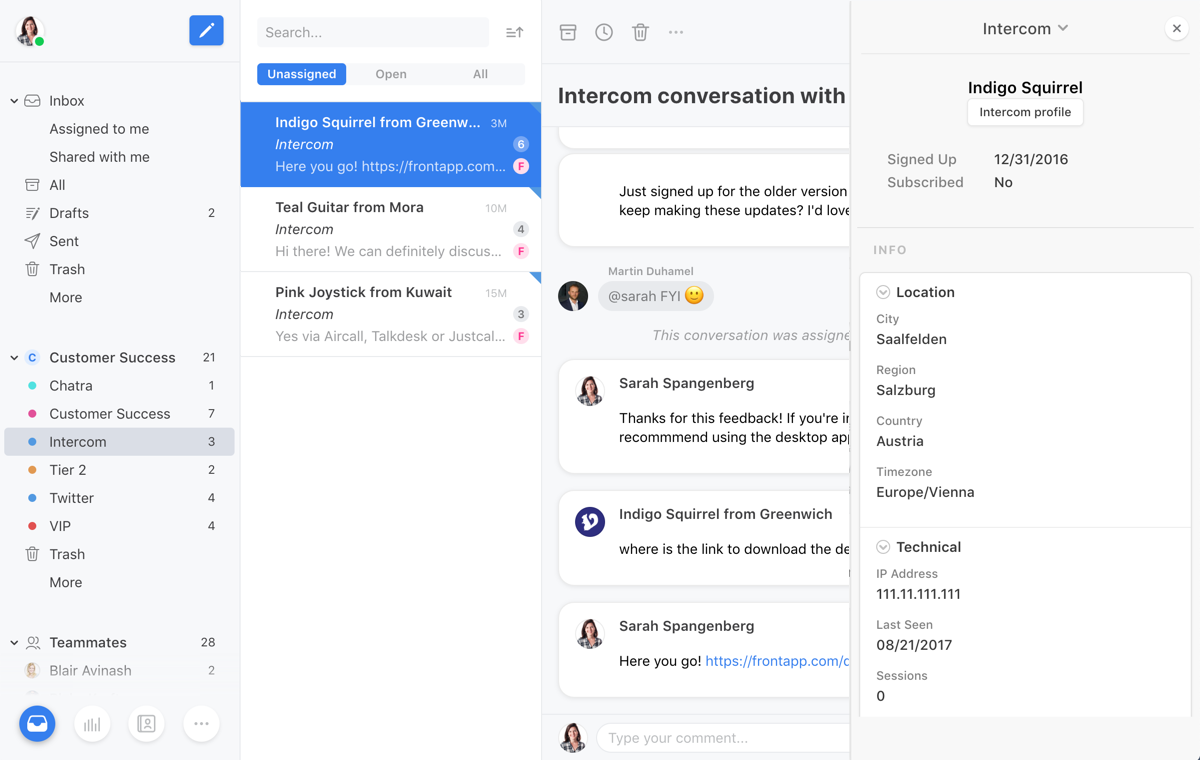
AI is a second bill. Copilot is $20 per seat a month on Front's two lower plans, and its AI agent costs $0.89 for each conversation it resolves and $0.39 for each one it hands to a person. The trial is 14 days with no card.
- Pricing: Starter $25 (up to 10 seats, one channel type), Professional $65 (up to 50 seats), Enterprise $105.
- Worth knowing: Front has the same 11th-person jump as Hiver. Ten people pay $250 a month, and eleven move to Professional at $715. If Front is the tool you are leaving, see the best Front alternatives.
3. Missive: best for team chat beside every email
Best for: teams that want to talk about a customer email in a chat right next to it, with SMS and WhatsApp in the same app.
Missive is its own app on web, Mac, Windows, iPhone and Android. It pulls email, SMS, WhatsApp, Instagram and Messenger into one place, and teammates chat next to each conversation instead of forwarding it around.
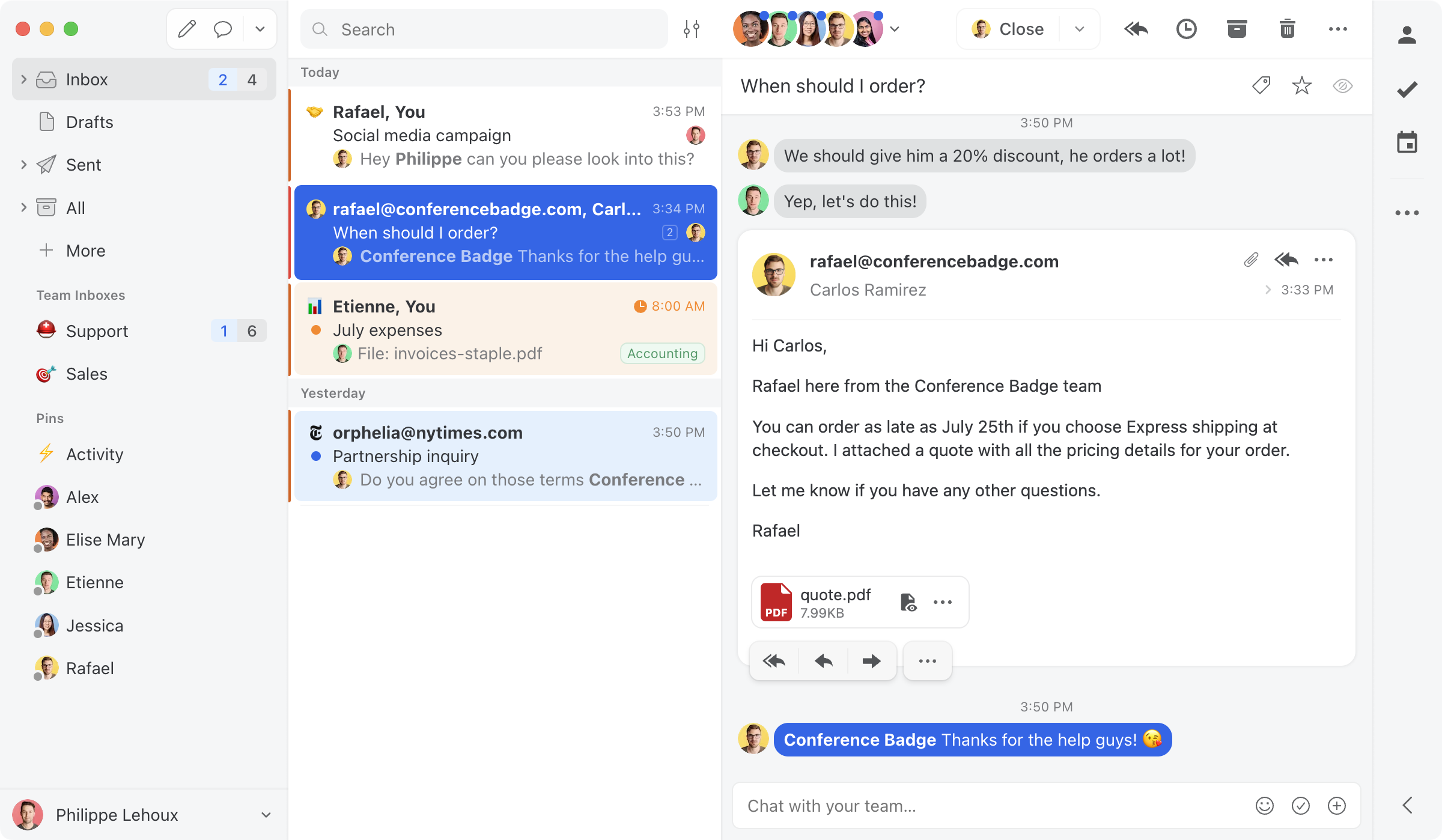
AI needs the $24 plan or higher, and usage is paid on top, with Missive's AI credits or your own OpenAI, Anthropic or Gemini key. The trial is 30 days with no card.
- Pricing: Starter $14 (up to 5 users), Productive $24 (up to 50 users), Business $36. No free plan.
- Worth knowing: a sixth person moves the whole team from $14 to $24 each. Live chat runs through a Twilio account that you set up, free under 200 active chats a month.
4. Gmelius: best for teams that run email from Slack
Best for: Gmail teams that live in Slack, or that work with Trello, HubSpot or Salesforce next to email.
Gmelius is a browser extension that adds shared inboxes to Gmail, the same way Hiver in Gmail does. Its Slack integration lets people get new email in a channel, assign it and reply without leaving Slack. AI assistants that draft, sort and book meetings are listed on every plan, with no charge per conversation.
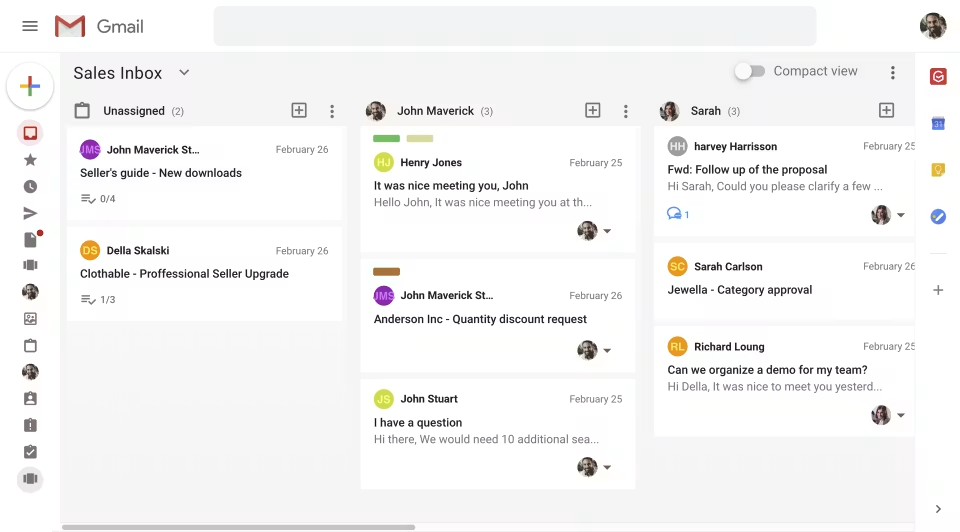
- Pricing: Growth $25 (up to 50 users), Pro $40. A $19 plan called Meli is a personal assistant with no shared inboxes. No free plan. 7-day trial on the $25 plan.
- Worth knowing: the $25 plan lists a cap of 10,000 email conversations a month, and Gmelius lists no live chat or customer help center. On phones it is a web app you add to your home screen.
Weighing these two Gmail extensions against each other? See Hiver vs Gmelius, or the best Gmelius alternatives if you are leaving Gmelius.
5. Help Scout: best help desk with a free plan
Best for: support teams of up to five people with low volume who want a help desk kept apart from the team's own email.
Help Scout is a help desk that is easy to learn. Email is sent on to Help Scout and answered there, on the web or on its phone apps. From the $25 plan it covers email, live chat, SMS, WhatsApp, Instagram and Messenger, with a help center on every plan.
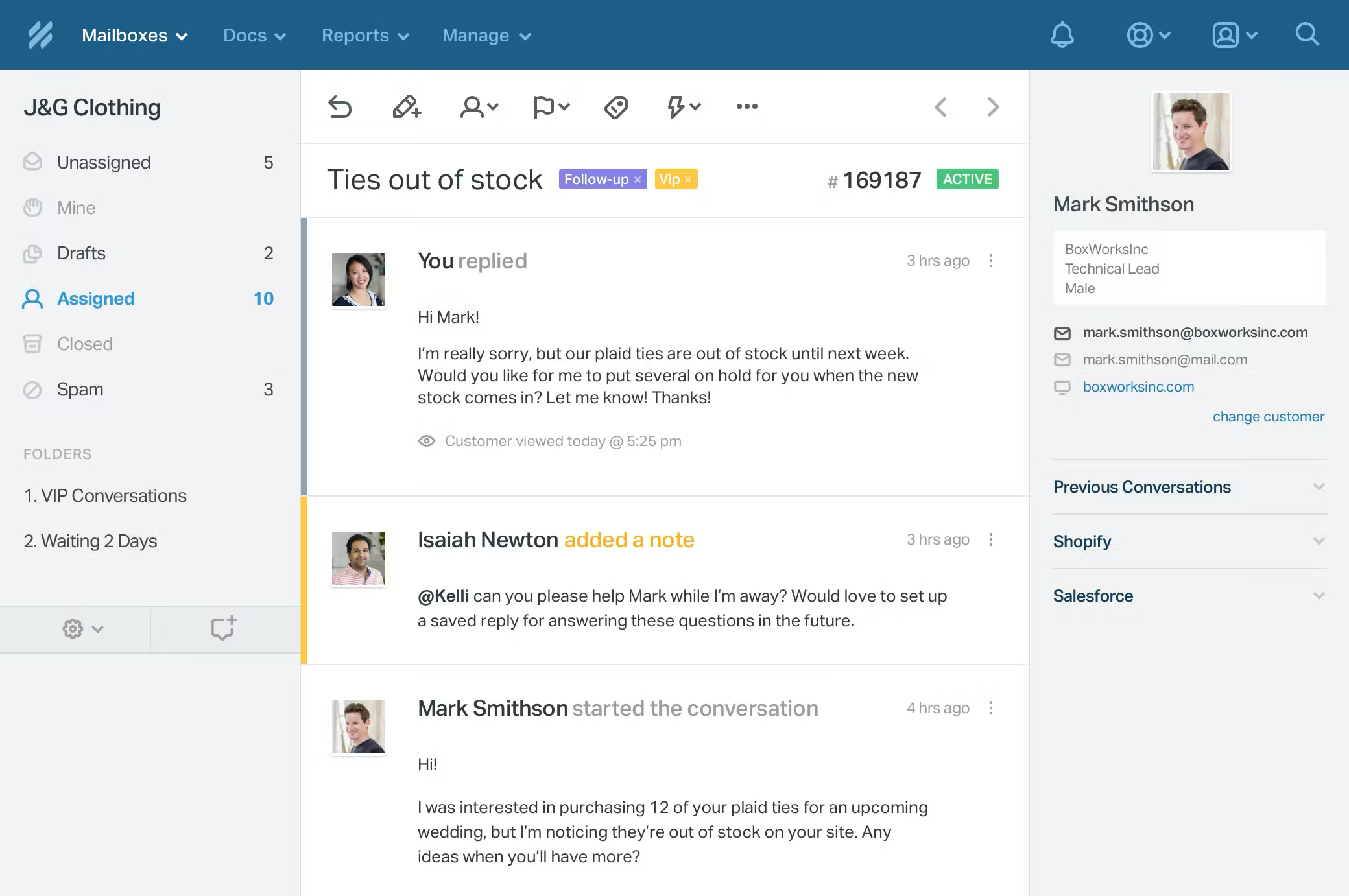
Its free plan covers 5 users, 1 inbox and 100 contacts a month, which makes it cheaper than anything here for a very small team. AI writing help is on paid plans, AI drafts start on the $45 plan, and each conversation its AI resolves costs $0.75.
- Pricing: Free, then Standard $25 (up to 25 users, 2 inboxes), Plus $45 (up to 50 users, 5 inboxes), Pro $75 (10-user minimum). 15-day trial, no card.
- Worth knowing: extra inboxes are $10 a month each. Our Help Scout alternatives guide covers that whole lane.
6. Freshdesk: best for tickets and response-time targets at a low price
Best for: support teams that run on tickets and response-time targets and want a low starting price.
Freshdesk turns email into tickets, with a customer portal and a help center on every plan. Smart routing and several sets of response-time targets come on the $55 plan. It has no user cap, so the $19 plan fits any team size.
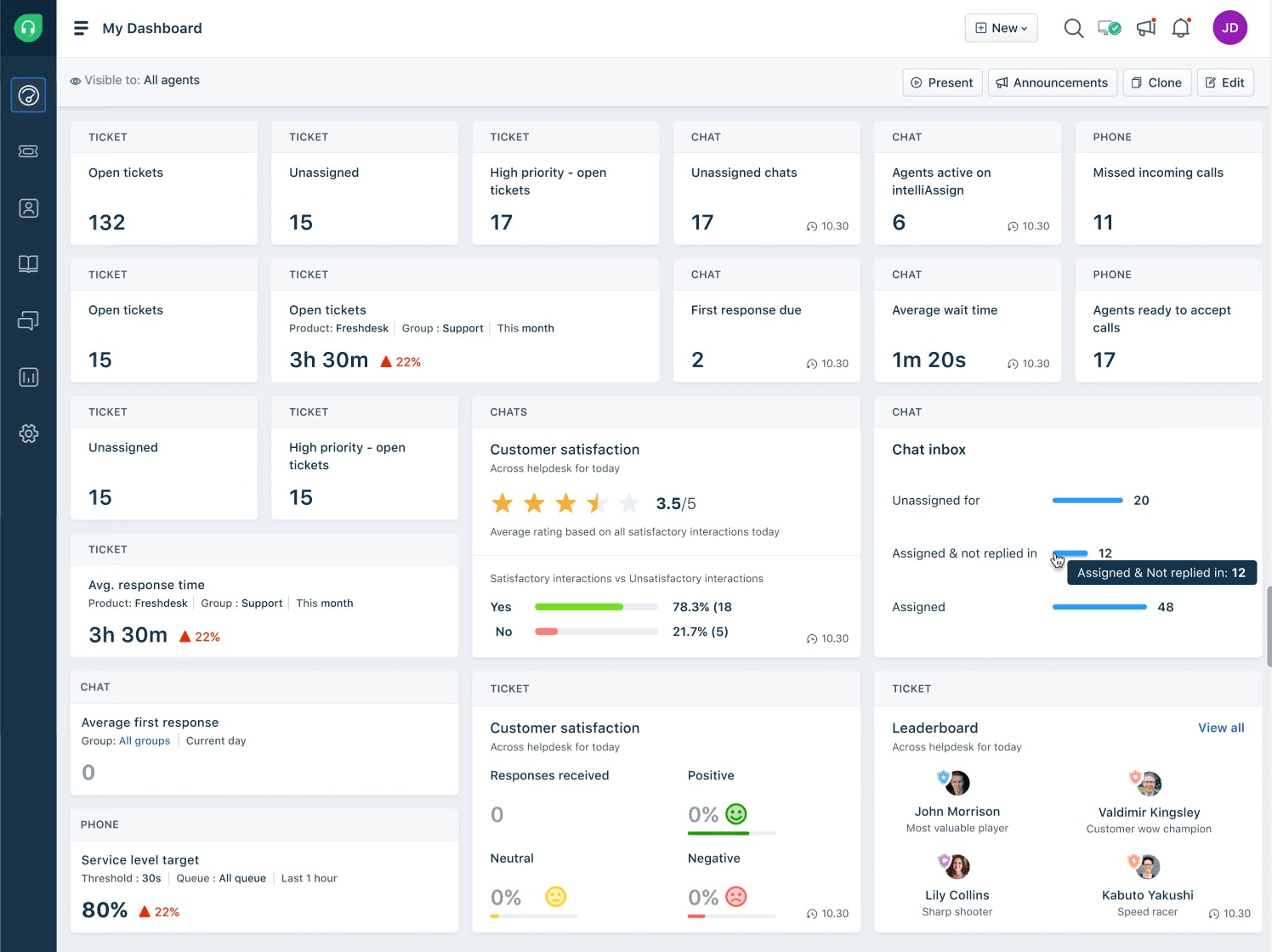
AI is where the price climbs. Freddy AI Copilot is $29 per agent a month, on the $55 and $89 plans only. The AI agent includes 500 sessions once, then costs $49 per 100 sessions.
- Pricing: Growth $19, Pro $55, Enterprise $89 per agent. 14-day trial, no card.
- Worth knowing: live chat, WhatsApp, SMS and social messages are in a separate product, Freshdesk Omni, from $29 per agent. The best Freshdesk alternatives compares that field.
7. Zendesk: best for phone menus and skills-based routing
Best for: support teams that need phone menus, skills-based routing and a long list of integrations.
Zendesk is the biggest help desk on this list. Suite plans include phone, live chat and messaging, with skills-based routing and phone menus on Suite Professional. Zendesk lists more than 1,800 apps, partners and integrations.
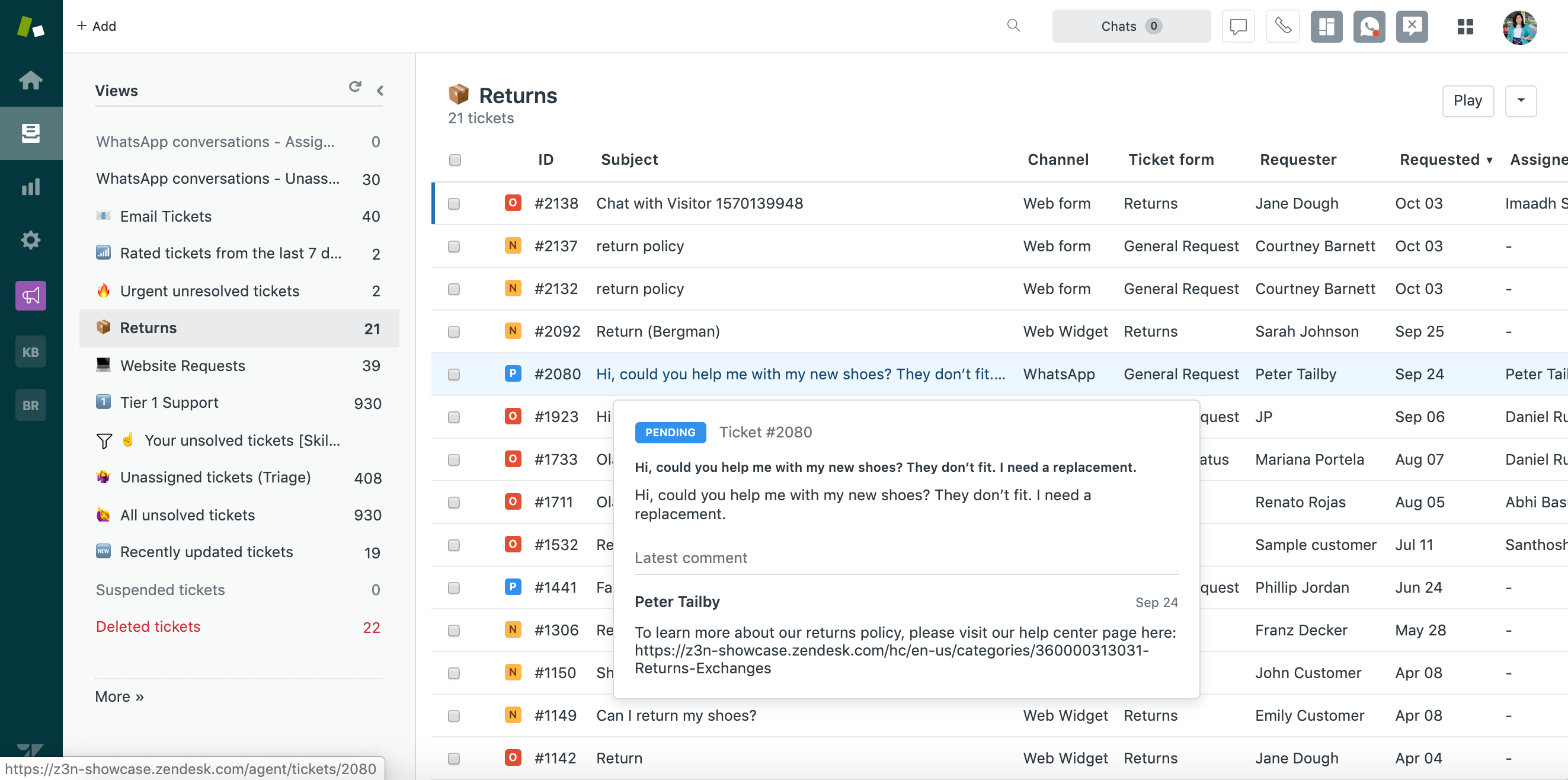
AI agents are on every plan with 5 or 10 resolutions per agent a month included. More cost $1.50 each bought ahead, or $2.00 each as you go. Copilot is a $50 add-on per agent, on Professional plans and higher.
- Pricing: Support Team $19 (email only), Suite Team $55, Suite Professional $115 per agent. Suite Enterprise is by quote. 14-day trial, no card.
- Worth knowing: live chat and a help center start on the $55 plan, so eleven people pay $605 a month.
Other Hiver competitors people ask about
Two more names come up on most lists. Helpwise is a shared inbox in its own app with email, live chat and a help center from $12 per user, the same starting price as Drag. Its $12 plan needs at least 2 users and stops at 10, and its AI runs on credits.
Intercom is a help desk built around live chat and its AI agent, Fin. Its list price starts at $29 per seat a month on annual billing, plus from $0.99 for each outcome Fin delivers.
A free option from Google
If a few people share one address and the volume is low, Google Groups has a Collaborative Inbox setting that costs nothing on top of Google Workspace. Members can take a conversation, assign it to someone else and mark it complete.
Google's help pages describe no rules, reports or warning that a teammate is already replying. It is a fair place to start, and easy to outgrow.
When Hiver is still the right choice
Hiver is the better pick when phone calls are a real part of your support and you want them in the same tool as email. Its voice add-on, at $30 per voice seat, puts calls beside your email and chat in Hiver Omni.
How to switch from Hiver
The move is simpler than most teams expect, because Hiver in Gmail already keeps your email in Gmail.
- Start a trial and connect one shared address. Use a real inbox, such as support@, so you see real work. Past email loads in and new email arrives live.
- Invite the people who answer that address, then rebuild the tags and assignment rules you used in Hiver.
- Export what you need from Hiver before you cancel. Notes, assignment history and reports live in Hiver and do not move across.
- Plan to clear Hiver's labels from Gmail. Hiver's help center says deleting your Hiver account does not delete its labels, so they stay in your team's Gmail until you remove them.
If you pick Drag, its ready-made Claude prompts carry out these steps for you in your browser. Our guide to migrating from Hiver to Drag walks through it.
How to choose between Hiver alternatives
- Your team is on Google Workspace and wants email, chat, a help center and AI in one seat price: Drag.
- SMS and social messages are a large share of your support: Front.
- You want team chat beside every email: Missive.
- Your team works from Slack: Gmelius.
- You want a help desk: Help Scout for a tiny team on the free plan, Freshdesk for tickets at a low price, Zendesk for phone menus and skills-based routing.
- Phone calls are a real part of your support: stay on Hiver.
Whatever you shortlist, run a trial on one real shared address for a week. A table tells you the price. A week of real email tells you whether your team will use it. If your team is on Google Workspace, Drag's trial runs 7 days and needs no card.
Sources
Hiver's prices were read on November 16, 2026, and the others between November 11 and 14, 2026.
The pages: Hiver's pricing page, Hiver in Gmail's pricing page, Hiver's Front comparison page (for its AI resolution price), Hiver's help article on deleting an account, Hiver's page on its MCP server, Front's pricing page and its help article on AI agent pricing, Missive's pricing page and docs, Gmelius, Help Scout, Freshdesk, Zendesk, Helpwise, Intercom, Google's help pages on Collaborative Inbox, archived copies of each pricing page on the Wayback Machine, and Drag.
Frequently asked questions
What are the best Hiver alternatives?
Drag, Front, Missive, Gmelius, Help Scout, Freshdesk and Zendesk. Drag gives Google Workspace teams email, live chat, a help center and AI in one product, from $18 per user with AI. Front suits SMS-heavy support, Missive adds chat beside each email, Gmelius works from Slack, and the three help desks suit teams that want tickets.
What is the cheapest Hiver alternative?
Among paid shared inboxes, Drag and Helpwise both start at $12 per user a month on annual billing. Drag sells seats one at a time, while Helpwise needs at least 2 users and caps that plan at 10. For free options, Help Scout covers up to 5 users and 100 contacts a month, and Google Groups costs nothing on top of Workspace.
Does Hiver have a free plan?
No. Hiver's pricing pages listed no free plan on November 16, 2026, though it offered one in 2025 and some review sites still show it. Hiver gives a 7-day trial of its Elite plan with no card, then charges from $25 per user a month on annual billing, or $35 on monthly billing.
Which Hiver alternatives work inside Gmail?
Drag and Gmelius. Gmelius adds shared inboxes to Gmail through a browser extension. Drag works on Gmail through a Chrome extension and also has its own web, Mac, Windows, iPhone and Android apps in the same subscription. Front, Missive and the help desks connect to a Gmail address, but your team answers in their apps.
How much does Hiver cost for a team of 10?
On annual billing, ten people pay $250 a month on Growth, $550 on Pro or $850 on Elite. Add AI resolutions at $0.80 each on top. The catch is growth: Growth stops at 10 users, so an eleventh person moves everyone to Pro, and seats come in blocks of 5, so the team pays for 15.
Does Hiver charge extra for AI?
Yes, for the work its AI finishes. AI agents and Copilot are listed on every Hiver plan, and each conversation the AI resolves is billed at $0.80. A busy inbox can add hundreds of dollars a month. On Drag, Varley drafts replies from the $18 plan and resolves routine conversations on the $24 plan, inside the seat price.
Do we have to move our email to leave Hiver?
Not if your Hiver inboxes are Gmail addresses. Hiver in Gmail works on top of Gmail, so your email history is already where it will live. What stays behind is Hiver's own layer: notes, assignment history, rules, reports and the labels it created. Export what you need before you cancel.

Co-founder
Building Drag for nearly ten years: shared inboxes, boards, and now the AI and agent layer, all on Gmail, plus HeyHelp for the personal inbox. Writes the honest versions of the comparisons.