The 12 best free Zendesk alternatives in 2026, honestly sorted: free forever, free for a while, ad-supported, and self-hosted, plus when free breaks.
Key takeaways
- Zendesk has no free plan: paid starts at $19 per agent, the Suite at $55, its Copilot adds $50 per agent, and AI-resolved tickets are metered on top at a rate Zendesk does not publish (third-party reporting puts it around $1.50 to $2.00 each). That stack is why "free Zendesk alternatives" is a serious search.
- "Free" means five different things in 2026: free forever with caps, free for a limited time, free desk with paid AI, ad-supported, and self-hosted. Most lists mix them together; this one sorts every tool into its honest bucket.
- If your team runs on Google Workspace, you already own two free options most lists never mention, including Google's new native shared inbox, shipped in 2026 and absent from nearly every comparison still ranking.
- Free breaks eventually, and the graduation math matters more than the free tier: the jump from $0 is $12 a seat on some paths and $105-plus per agent on others.
Table of contents
- The 12 free Zendesk alternatives at a glance
- What "free" actually means (the five buckets)
- If you're on Google Workspace, start here
- Free-forever help desks
- Free for a while (read the clock)
- Self-hosted free (the software is $0; your time is not)
- Pricing comparison: the paid steps measured against Zendesk's stack
- Pricing history: what the entry prices have done since 2021
- When free breaks: the graduation math
- If free is not the real requirement: the paid Zendesk alternatives
- Frequently asked questions
There is no free Zendesk: no free plan exists, paid starts at $19 per agent and realistically $55 for the Suite, AI adds $50 per agent plus a per-resolution fee for every ticket it resolves. The good news is that genuinely free alternatives exist in 2026, twelve options worth naming, eleven of them free and one honest graduation pick, including two most lists never mention. That graduation pick is Drag, our own product: not free, but $12 to $24 a seat with AI included from $18, after a 7-day trial. The catch is that "free" means five different things, and a free desk that ambushes you at the first cap is worse than an honest one. This guide sorts every real option into its true bucket, with the exit math for when free stops being enough.
The 12 free Zendesk alternatives at a glance
| Tool | Free bucket | Free ceiling | First paid step |
|---|---|---|---|
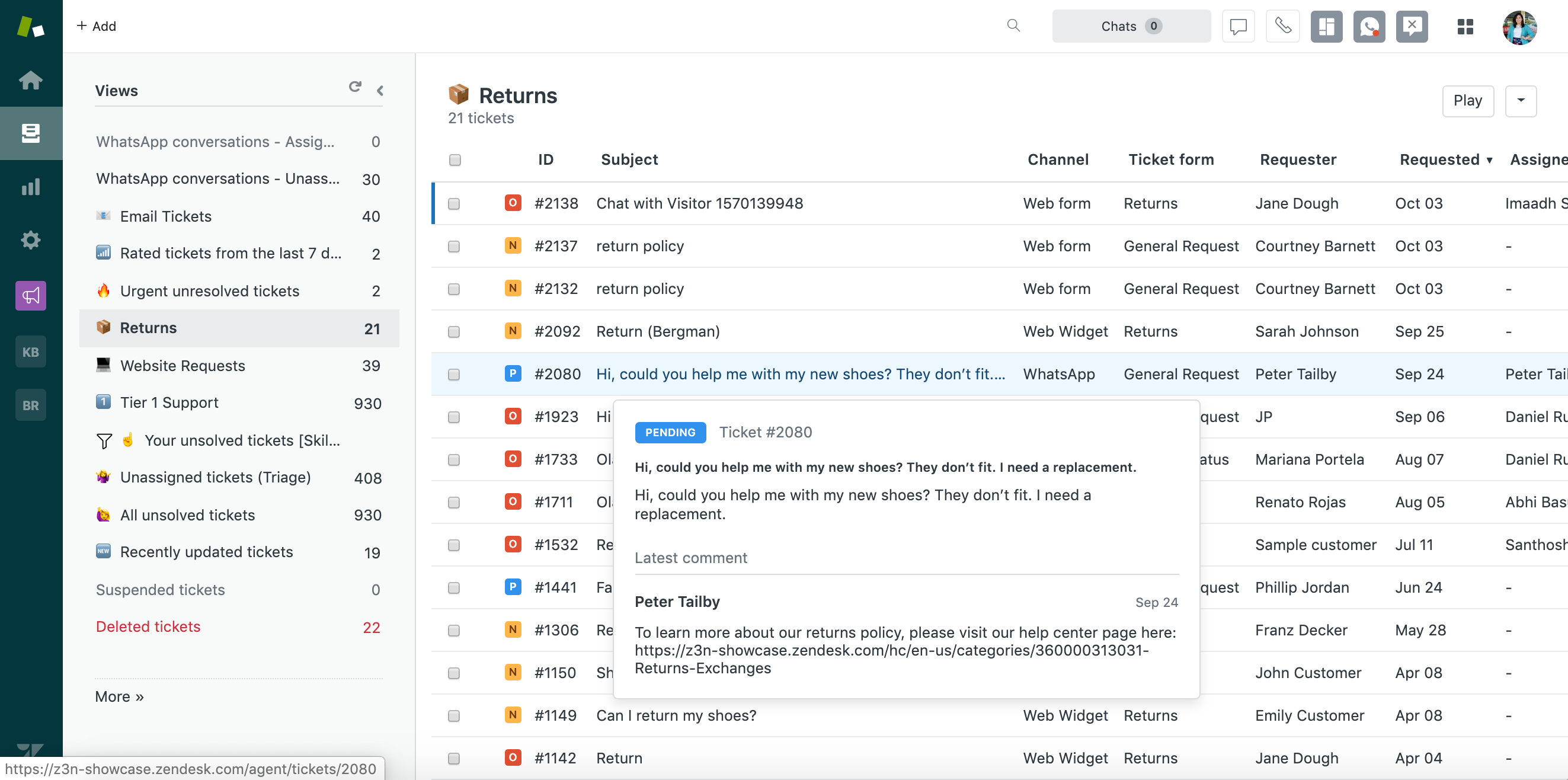
 Google Groups Collaborative Inbox Google Groups Collaborative Inbox | Free forever | Featureless past basics | A layer like Drag, $12 a seat |
| Google native shared inbox (2026) | Free forever | No automation, analytics, or AI | A layer like Drag, $12 a seat |
 Drag Drag | 7-day trial | Trial ends | $12 a seat, AI from $18 |
 Zoho Desk Zoho Desk | Free forever | 3 agents, one channel | ~$12 to $20 a seat |
 HubSpot Service Hub HubSpot Service Hub | Free desk, paid AI | Automation and AI gated | The HubSpot ladder |
 Spiceworks Help Desk Spiceworks Help Desk | Ad-supported | Ads; IT shape | n/a (stays free) |
 Jira Service Management Jira Service Management | Free forever | 3 agents; dev-shaped | Atlassian tiers |
 Freshdesk Freshdesk | Free for 6 months (2 agents) | The calendar | $19 + AI add-ons |
 Tidio Tidio | Free chat tier | Conversation caps | Metered chat tiers |
 FreeScout FreeScout | Self-hosted | Your server and hours | Hosting + maintenance |
 osTicket osTicket | Self-hosted | Dated UI; your hours | Hosting + maintenance |
 HESK HESK | Self-hosted | Small-queue shape | Hosting + maintenance |
Our picks, if you want the short answer: best truly free for a Gmail team: Google's native shared inbox. Best classic free help desk: Zoho Desk. Best free tier that includes AI: Tidio. Best $0 with unlimited agents: Spiceworks, ads and all. And the cheapest graduation path when free breaks: Drag at $12 a seat, after a 7-day trial.
What "free" actually means (the five buckets)
Every tool below is labelled with one of these:
- Free forever, with caps (a real $0 plan that stays $0: agent limits or feature limits, but no clock).
- Free for a while (a trial wearing a free plan's clothes: months, then pay).
- Free desk, paid AI (the inbox costs nothing; the automation everyone actually wants is the paid layer).
- Ad-supported (free because you are the audience).
- Self-hosted free (the software is $0; the server, updates, and your weekends are not).
Every tool below is labelled with its bucket, because the most expensive free plan is the one you discover the true shape of after migrating.
If you're on Google Workspace, start here
Before comparing help desks at all, check what you already own: two of the most useful free Zendesk alternatives for an email-first team ship inside Google Workspace, and most comparison lists have never heard of one of them.
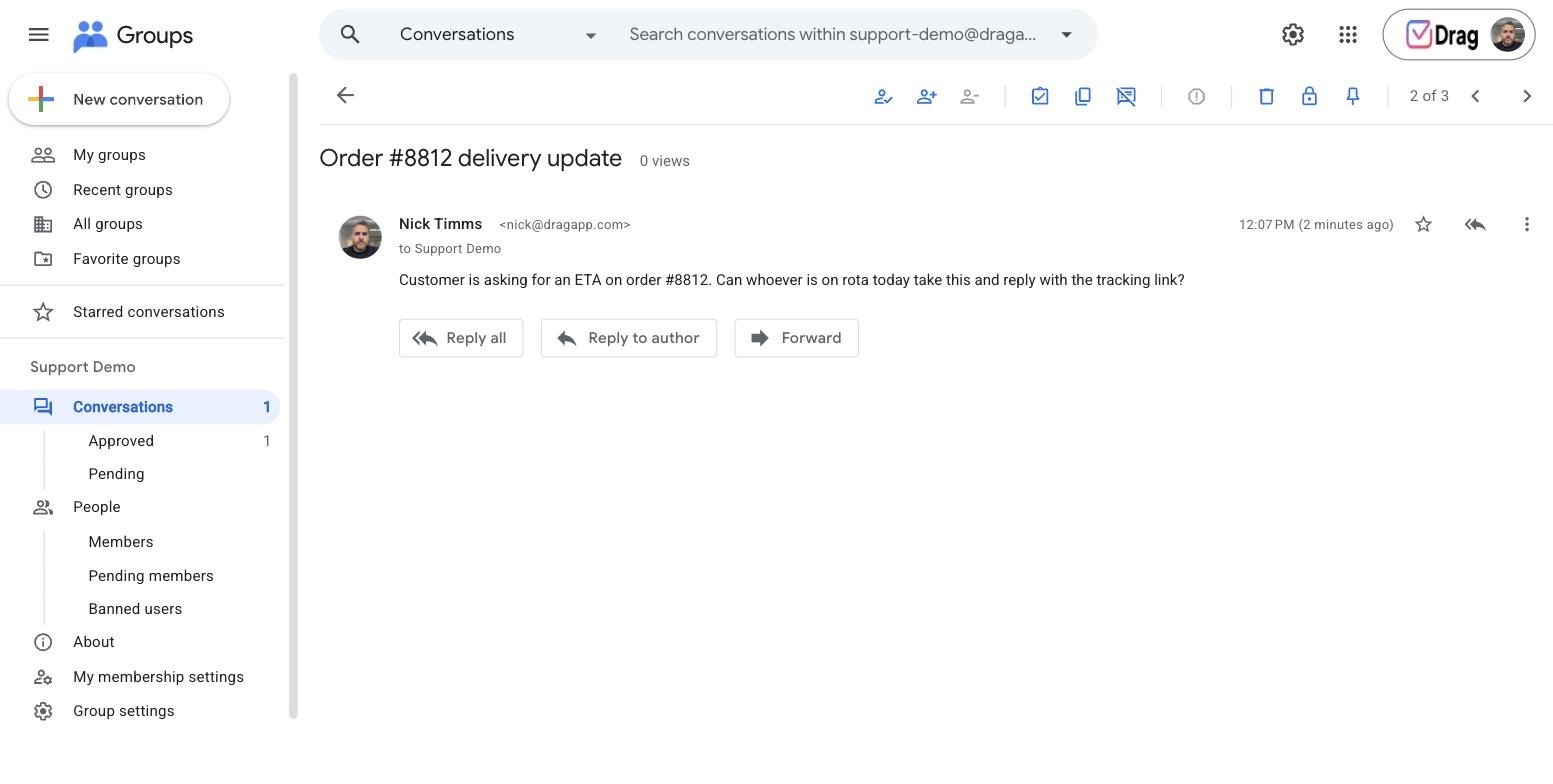
Google Groups Collaborative Inbox: free forever, with caps
The verdict: the original free shared queue, and still a legitimate starting point. Turn any group address (support@) into a collaborative inbox where teammates can take, assign, and resolve conversations.
What the free tier actually includes:
- unlimited members on the group
- take/assign/mark-complete states
- basic filters
- works with the Workspace you already pay for
- nothing to install, nothing to trial
The cap that bites first: no collision warning, so two people answer the same customer; no reporting, so Friday's numbers are a spreadsheet; and it lives in the Groups UI, not Gmail, so your team works the queue in a second tab. Our full walkthrough: Google Groups as a support tool.
Best for: a two-to-four person team answering modest volume that wants $0 and can live with discipline instead of tooling.
Google's native shared inbox: free forever, new in 2026
The verdict: the option almost no list has caught up to. Google shipped a native shared inbox inside Workspace in 2026: a real shared queue with assignment and statuses, at no cost beyond the Workspace subscription.
What it actually includes:
- shared queues on group addresses
- per-conversation assignment
- basic status states
- a first-party home inside the Google stack
The cap that bites first: no automation, no analytics, no AI, and no boards; it is deliberately basic. But as a free Zendesk alternative it obsoletes the shared-login hack entirely, and the fact that pages ranking for this exact query still recommend password-sharing while missing a first-party free option tells you how stale this SERP is. Where it sits among all the Workspace mailbox options.
Best for: email-first teams on Workspace that want the simplest legitimate free queue with Google's name on it.
Drag: 7-day trial, then the $12 graduation path
The verdict: our own entry, honestly reframed: not a free plan but the cheapest real graduation from every free option on this page, a full support platform (shared inbox, boards, live chat, WhatsApp, AI help center, MCP) built on Gmail as the system of record, so nothing migrates in and your data is never hostage.
What the trial actually includes: everything, for 7 days, no card required.






The cap that bites first: the trial ends: from there it is $12 to $24 a seat, with Varley, Drag’s AI, included from $18, the smallest step up on this page.
Best for: Gmail teams whose free option just hit its cap.
Drag · with Varley
The inbox your team and Varley work in together
Shared inbox and live chat for Gmail teams, with Varley, Drag’s AI, included from $18. Plus an MCP server your own AI tools can drive.
Free-forever help desks
If you want a classic help desk shape rather than a Gmail-native one, four tools offer real no-clock free tiers, each with a different personality.
Zoho Desk: free forever, 3 agents
The verdict: the cleanest genuinely free help desk in 2026: no ads, no clock, a real ticketing system.
What the free tier actually includes:
- 3 agents
- email ticketing
- a customer portal and basic help-center
- macros
- mobile apps
- a remarkable amount of product for $0
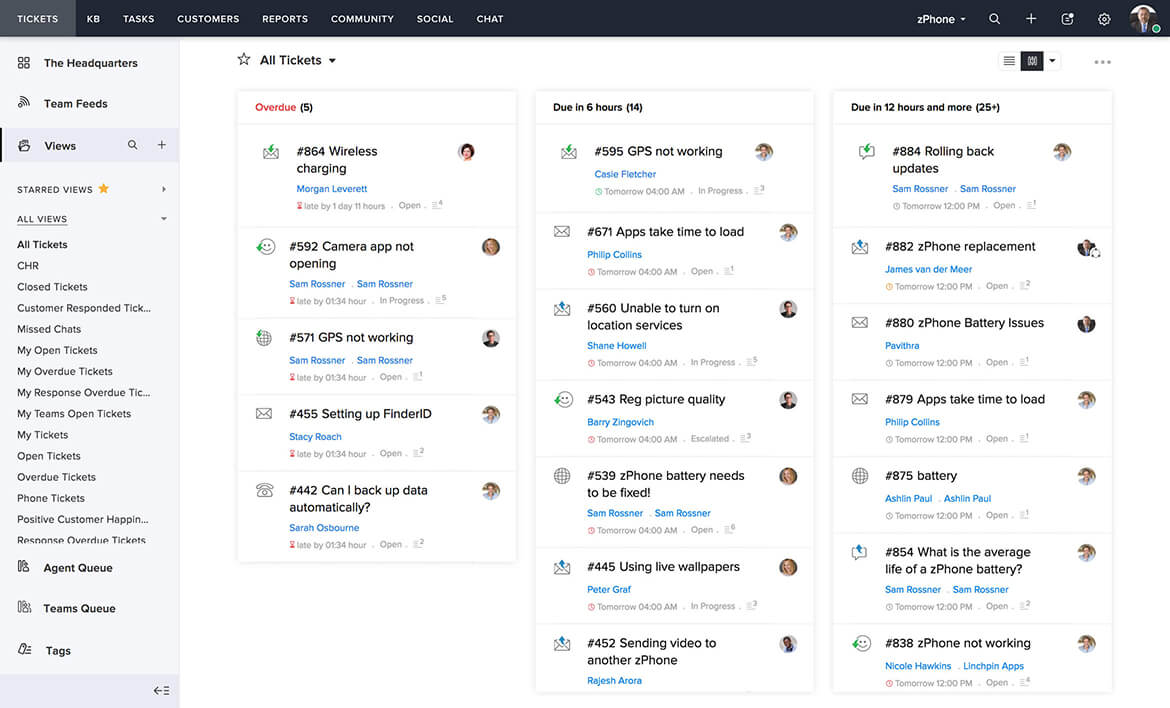
The cap that bites first: the fourth agent, and single-channel shape; paid unlocks from roughly $12 to $20 a seat, which is itself honest pricing.
Best for: the small team that wants the traditional desk experience free and expects to stay small a while.
HubSpot Service Hub: free desk, paid everything else
The verdict: a genuinely usable free tier whose strategic job is recruiting you into HubSpot, which is fine if you know it going in.
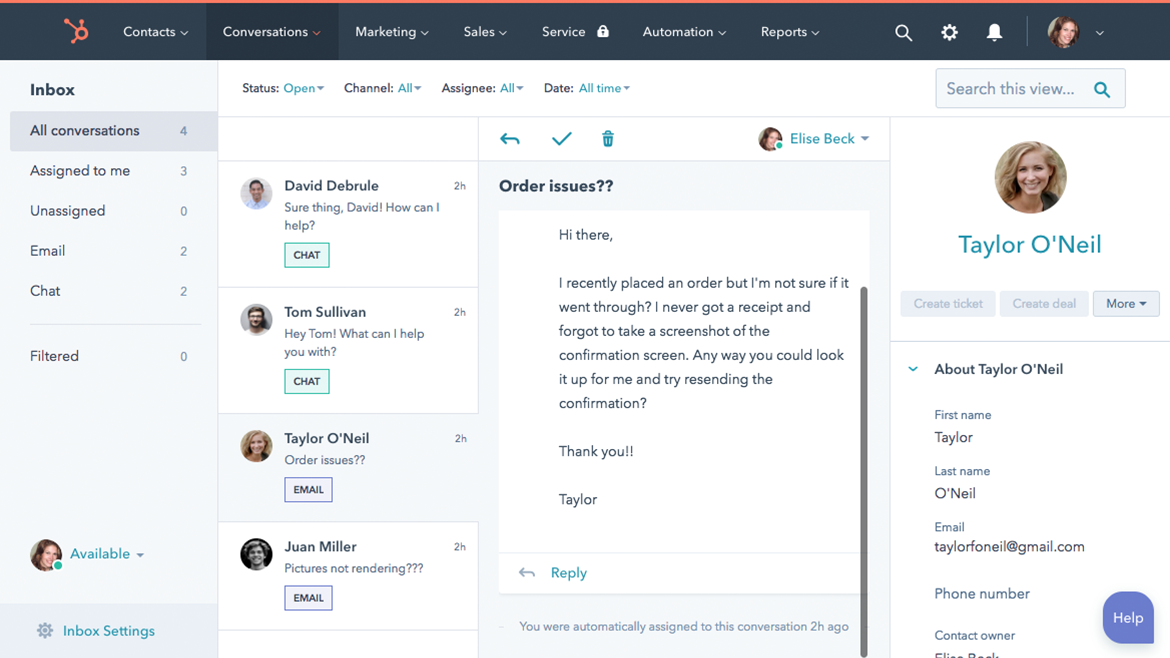
What the free tier actually includes:
- shared inbox
- ticketing
- live chat
- basic bots
- tied into HubSpot's free CRM
- a lot of connected surface for $0
The cap that bites first: everything you eventually want (automation depth, AI, reporting) lives up a ladder that climbs steeply, and reviewers' recurring theme is the gap between the free tier's generosity and the paid tiers' totals.
Best for: teams already on HubSpot CRM, or ones that expect to buy the ecosystem anyway.
Spiceworks Help Desk: free forever, unlimited, ad-supported
The verdict: the only truly unlimited-agents free desk, because you are the product: it is funded by ads in the interface.
What the free tier actually includes:
- unlimited agents and tickets
- cloud-hosted
- an IT-department shape (assets, internal requests)
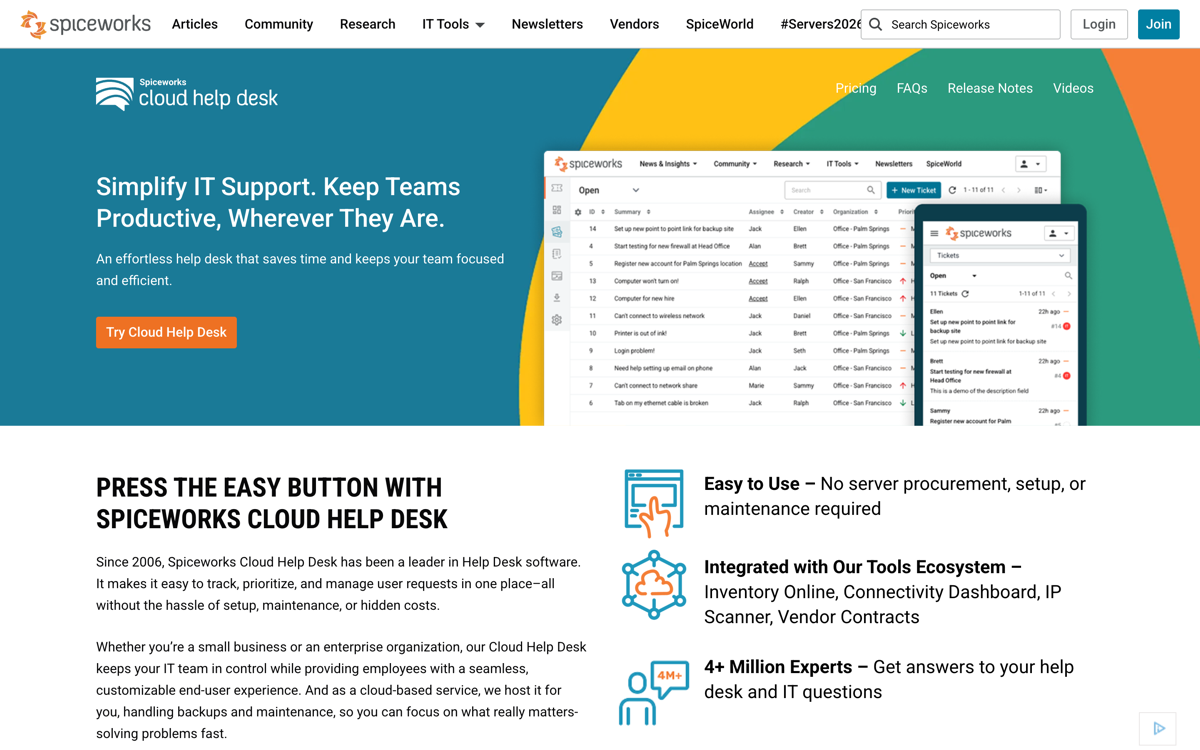
The cap that bites first: the ads, and the shape: it is built for internal IT, not customer-facing support email, and bending it to customer support fights the grain.
Best for: IT teams with ad tolerance and zero budget; wrong tool for a customer support@ queue.
Jira Service Management: free forever, 3 agents
The verdict: Atlassian's ITSM desk with a real 3-agent free tier, powerful and heavier than most support teams need.
What the free tier actually includes:
- 3 agents
- request queues
- SLAs-lite
- the Atlassian integration gravity (Jira, Confluence)
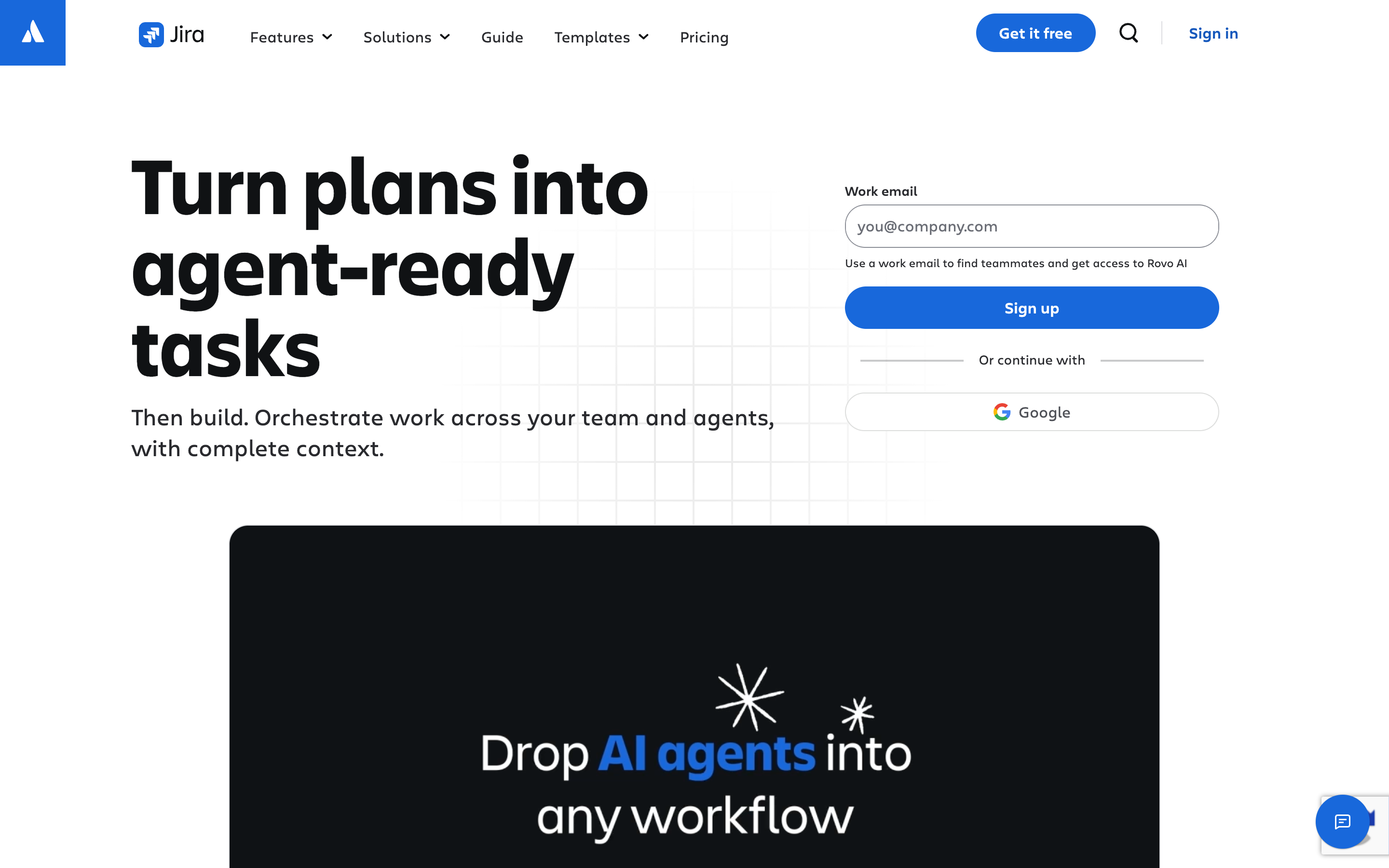
The cap that bites first: the fourth agent, and the learning curve: it is developer-shaped software, and a support team without Atlassian muscle memory pays a real onboarding tax.
Best for: dev-adjacent teams already living in Atlassian.
Free for a while (read the clock)
Freshdesk: free for 6 months, then pay
The verdict: here is the myth that needs killing: half the lists ranking for this query still say Freshdesk is free for 10 agents. It is not, and has not been for some time. The current program covers 1 to 2 agents for six months, after which paid starts at $19 a seat on annual billing, with Freddy AI sold as add-ons on top ($29 per agent for Copilot, sessions billed beyond).
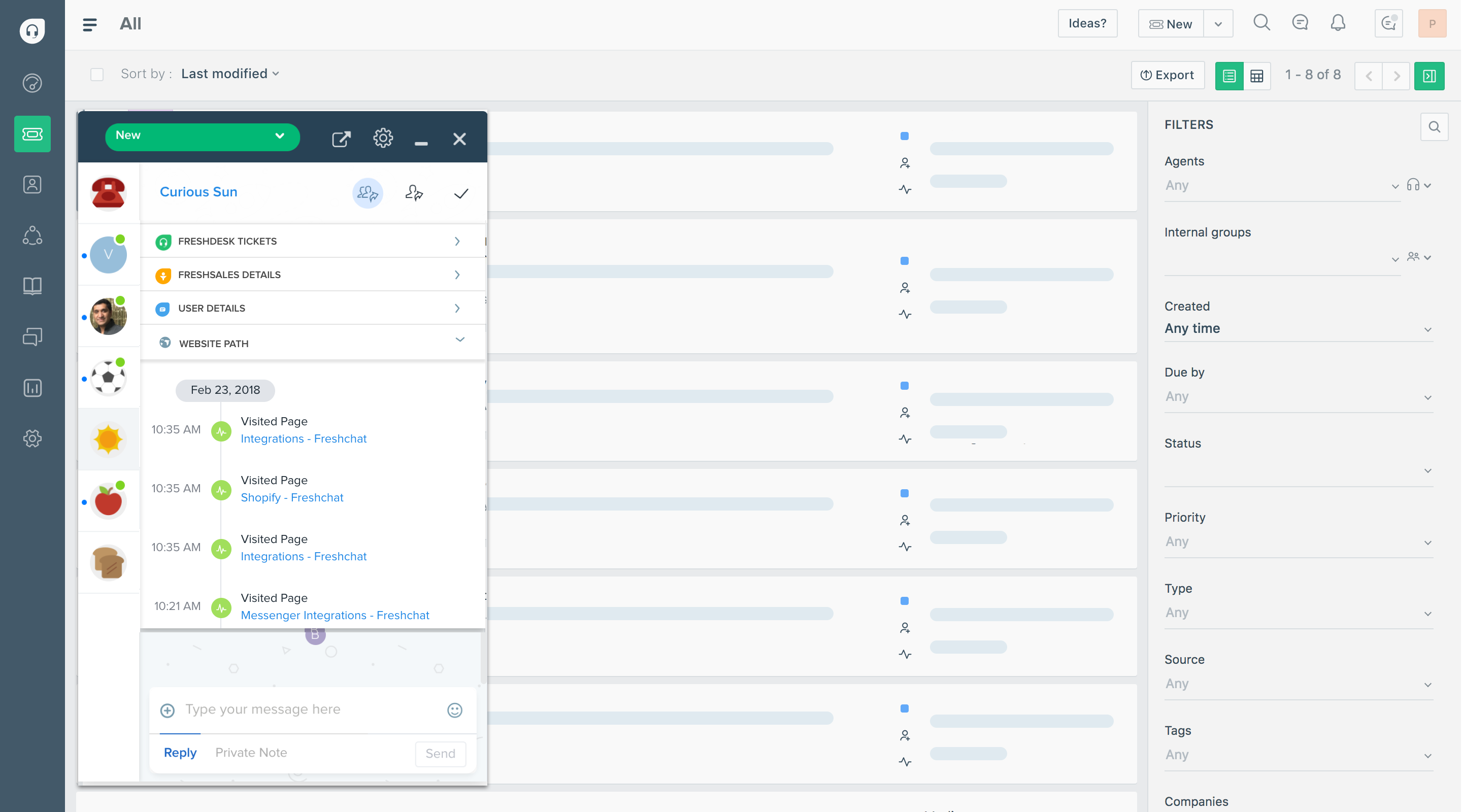
What the free program actually includes: a real taste of a very capable desk:
- ticketing
- automation basics
- the marketplace
The cap that bites first: the calendar. Six months arrives faster than migration appetite does, which is precisely the design.
Best for: teams that already suspect they will pay for Freshdesk and want a long evaluation, entered with eyes open. Any list telling you it is free for 10 agents has not checked since the change.
Tidio: free chat tier with an AI taste
The verdict: chat-first rather than a help desk: a free tier that genuinely includes AI, which nothing else on this page can say.
What the free tier actually includes:
- live chat
- a small monthly conversation allowance
- a one-time lifetime taste of 50 Lyro AI conversations
- real AI at $0, capped
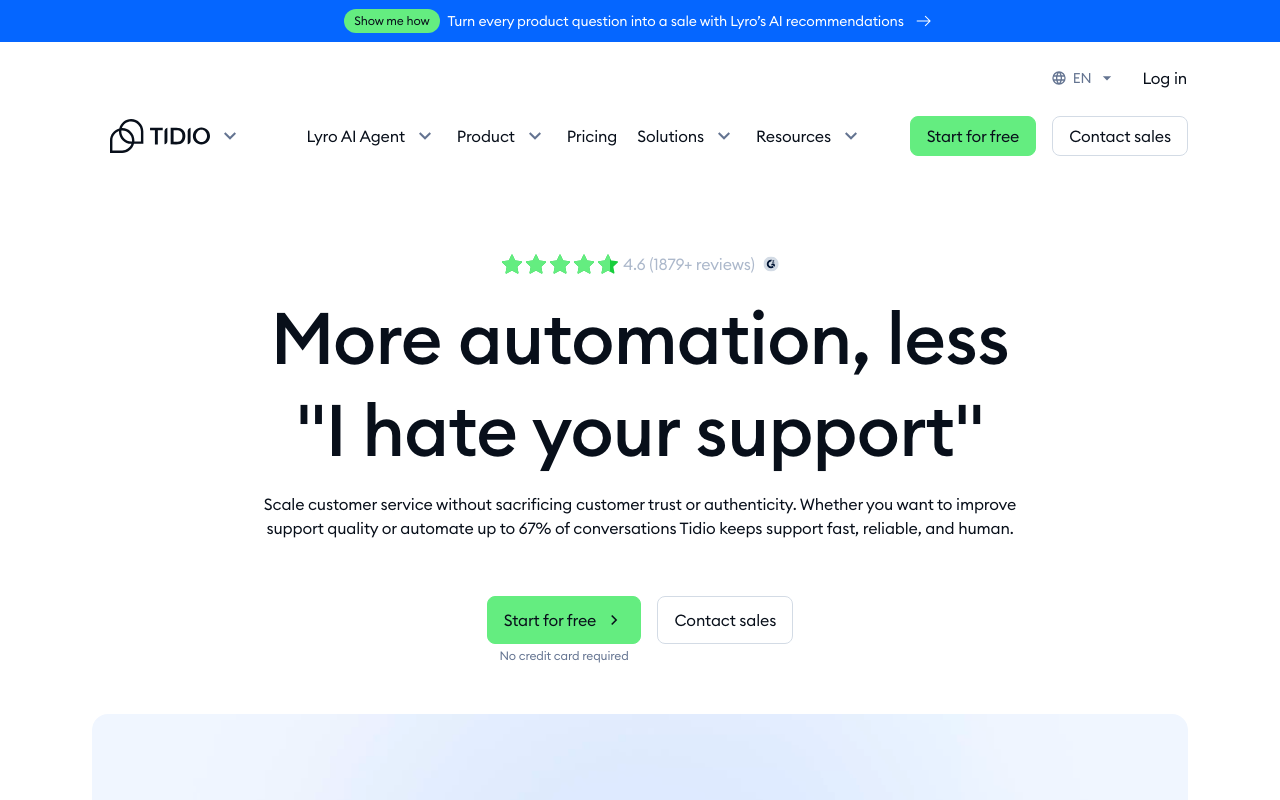
The cap that bites first: the conversation caps, monthly and hard; volume growth walks you up paid tiers that meter by conversation.
Best for: tiny-volume, chat-led, mostly-FAQ support, a widget and a bot, not an inbox operation.
Self-hosted free (the software is $0; your time is not)
The open-source route is real free software and the least free total cost on this page: you supply the server, the SSL, the updates, the backups, and the engineer who owns all of it. If those hours cost you nothing, these are excellent; if they do not, this is the most expensive section here.
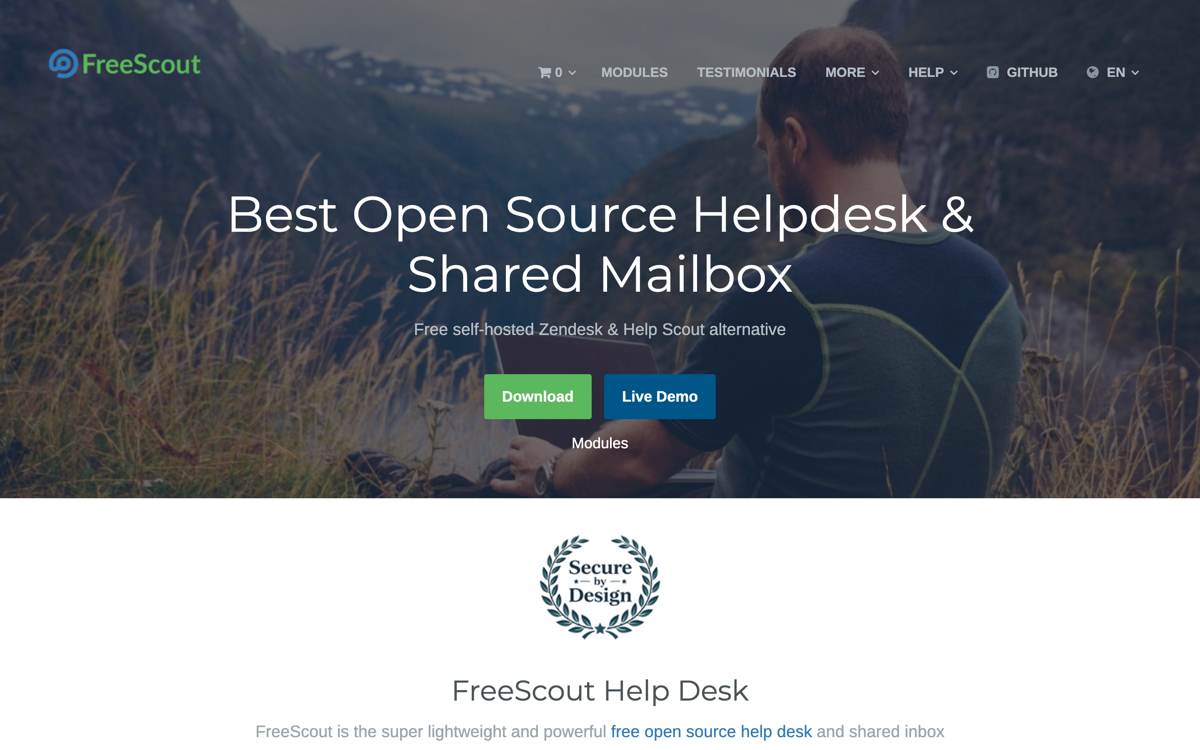
FreeScout
The verdict: the polished one: an open-source shared inbox in Help Scout's shape, and genuinely good, not "good for free."
What the $0 actually includes:
- unlimited agents and mailboxes
- a modern UI
- assignment and notes
- a large module ecosystem for the extras
The cap that bites first: the hosting: you supply the PHP server, SSL, updates, and backups, and the person who owns them. The software never bills you; the maintenance does.
Best for: teams with an engineer's hours to spare who want a real shared inbox at true $0.
osTicket
The verdict: the veteran: two decades of open-source ticketing, bulletproof and visibly its age.
What the $0 actually includes:
- unlimited agents
- custom fields and forms
- ticket filters and routing
- SLA-style due dates
- a serious feature set under a dated interface
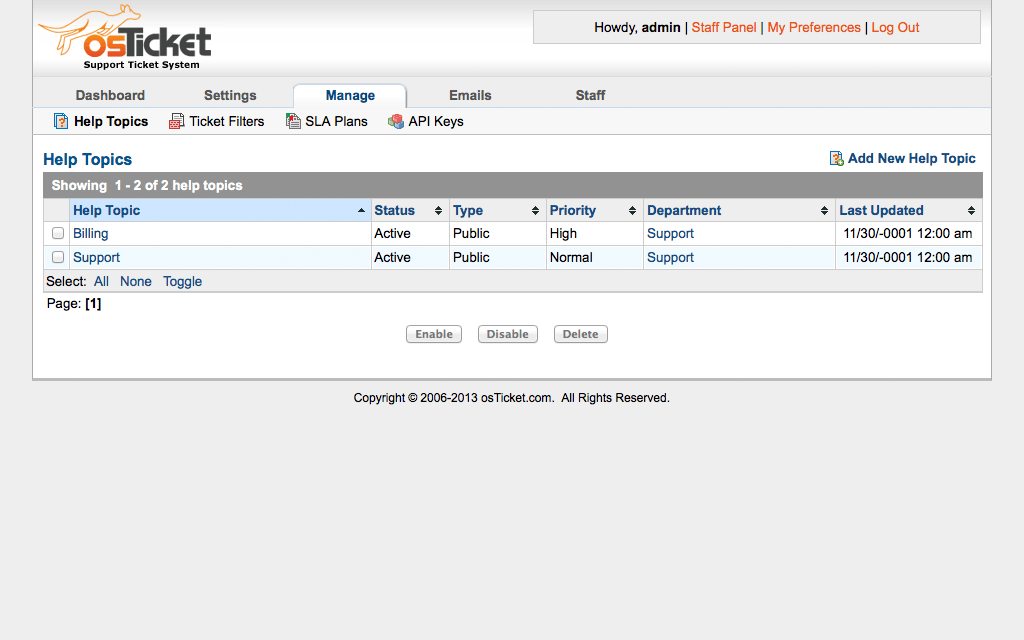
The cap that bites first: the UI is the tax your team pays daily, and like all self-hosted options, the server and patching are yours.
Best for: the tickets-in, tickets-out requirement with zero budget and available hands, where nobody minds how it looks.
HESK
The verdict: the lightweight: a small PHP help desk that installs in minutes and asks almost nothing of its server.
What the $0 actually includes:
- ticketing with categories and canned responses
- a knowledge base
- a footprint small enough for shared hosting
The cap that bites first: it is deliberately small: fine for a modest internal queue, undersized for a growing customer-facing operation.
Best for: small internal help desks; the 2018 version of this article recommended it, and for that narrow job it still holds.
Pricing comparison: the paid steps measured against Zendesk's stack
The chart is the whole argument of this page in one picture: the free and near-free lane graduates into a $12 to $19 seat, while the Zendesk lane starts at $19 before a single AI feature is switched on. Every figure is from the vendor's own pricing page as of August 2026, and the full receipts live in our Zendesk pricing breakdown.
Pricing history: what the entry prices have done since 2021
The history matters for a free-alternatives decision because it prices the future, not just the present: the tool you graduate into will keep moving, and the direction it has moved for five years is the best available forecast. The full dataset with every archive capture exposed is on our support tool pricing history page.
When free breaks: the graduation math
The moment arrives predictably: the agent cap, the missing collision detection, the AI you cannot turn on. What matters is the size of the step up:
| Tool | Free ceiling | First paid step |
|---|---|---|
| Google native / Groups | unlimited but featureless | a layer like Drag at $12 a seat |
| Drag free | small-team caps | $12, AI included from $18, same Gmail, zero migration |
| Zoho Desk | 3 agents | ~$12 to $20 a seat |
| HubSpot | features, not seats | the HubSpot ladder, climbing fast |
| Freshdesk | 6 months | $19 + AI add-ons |
| Zendesk (the baseline) | no free tier at all | $19 to $55 a seat + $50 AI + a per-resolution fee |
The pattern worth noticing: the Gmail-side paths graduate for $12 with AI arriving at $18 flat, while the help-desk paths graduate into per-agent-plus-AI stacks. And one more 2026 wrinkle for anyone still on Zendesk's legacy bots: Zendesk is retiring them between August and December 2026, which is forcing exactly the migration decision this page exists for. Model your own team's step in the cost calculator.
If free is not the real requirement: the paid Zendesk alternatives
A lot of teams searching for a free Zendesk alternative are really searching for a cheaper or simpler one, and free is the proxy. If that is you, the honest routing is different: the best Zendesk alternatives guide compares the paid field with AI costs included (and if the tool you are really weighing is Help Scout, that lane has its own guide), our Zendesk pricing breakdown itemises exactly what you would be escaping (every plan, the add-on stack, and the AI meter), and the cost calculator models your own seat count against 17 tools. The short version: a ten-agent team leaving Suite Team for a Gmail-native shared inbox typically cuts the bill by more than two thirds before AI enters the math, and by more after it does.
For the wider paid-tool landscape, our shared inbox software guide has the full roundup, and the same free Drag plan doubles as a free Gmail CRM.
Frequently asked questions
Does Zendesk have a free plan?
No. Zendesk offers a trial and a startup program (currently a 6-month Suite trial for up to 50 qualifying agents; the earlier two-year version has ended), but no ongoing free tier: paid starts at $19 per agent (Support Team) or $55 (Suite Team), with Copilot at $50 per agent and a per-resolution fee on top.
What is the best completely free Zendesk alternative?
For a Google Workspace team: Google's new native shared inbox or Groups Collaborative Inbox, both $0 with the Workspace you already pay for. For a classic help-desk shape without ads: Zoho Desk's 3-agent free tier. For unlimited agents: Spiceworks, if you accept ads and an IT focus.
Is Freshdesk still free for 10 agents?
No, that claim is outdated: the current program covers 1 to 2 agents for six months, then paid from roughly $15 to $19 a seat. Lists still repeating the 10-agent free tier have not re-checked.
Does Google have a free shared inbox now?
Yes, new in 2026: a native shared inbox in Workspace with assignment and statuses at no extra cost. It lacks automation, analytics, and AI, which is what paid layers add, but it is real and most comparison pages have not caught up to it.
Can I run customer support for free in Gmail?
Genuinely, yes, at small scale: Groups or the native shared inbox for the queue, plus discipline on ownership and labels. The complete playbook: Gmail for customer support.
Does Drag have a free plan?
No permanent free plan: Drag runs a 7-day trial with no card required, then paid plans from $12 to $24 a seat and Varley, Drag’s AI, included from $18. The honest positioning: it is the upgrade path from Google's free options that involves no migration at all.
Are self-hosted help desks like FreeScout really free?
The software is. The server, security patches, upgrades, and the engineer-hours are the real price, which is fine if you have those to spare and expensive if you do not.
When should a team stop using a free help desk?
When you hit the cap that matters: agents, collision detection, automation, or AI. The right question is the size of the step up, which ranges from $12 a seat on the Gmail paths to $105-plus per agent on the Zendesk stack. Run the numbers before the cap chooses for you.

Co-founder
Building Drag for nearly ten years: shared inboxes, boards, and now the AI and agent layer, all on Gmail, plus HeyHelp for the personal inbox. Writes the honest versions of the comparisons.