













Real estate software is six jobs wearing one name. The 10 best tools for 2026 sorted honestly: CRM, transactions, showings, tours, valuation, client email.
Key takeaways
- Real estate agent software is six different jobs wearing one name: CRM and follow-up, transaction management, showings and scheduling, virtual tours, valuation, and the client email that runs through all of it.
- The expensive mistake is buying an all-in-one before knowing which job is actually drowning you; the best stacks pick per job and connect through the inbox.
- Every tool below is verified against its vendor's page and dated, with honest notes on who each one actually fits.
- Client service is the job that never ends between transactions, and it lives in email: the playbook section covers the practices, and the tools section covers what runs them.
Table of contents
Ask ten agents what the best real estate software is and you will get answers from six different categories, because a working agent's stack does six different jobs: capturing and following up leads, managing transactions and signatures, running showings and a calendar, marketing the property, pricing it, and holding every client conversation together, which almost always means email. This guide sorts the ten tools worth knowing in 2026 by the job they do, with verified facts, honest fit notes, and the client-service playbook that the software exists to serve.
The 10 tools at a glance
| # | Tool | The job | Starts at | Notes |
|---|---|---|---|---|
| 1 | Follow Up Boss | CRM and follow-up | $58 / user / mo | Multi-source lead hub |
| 2 | Wise Agent | CRM and follow-up | $49 / mo | Budget essentials |
| 3 | Lofty | All-in-one platform | Custom | IDX + CRM + AI |
| 4 | BoldTrail | All-in-one platform | Custom | Brokerage-scale ecosystem |
| 5 | dotloop | Transactions | Free (10); $29 / user | Transactions + e-sign |
| 6 | DocuSign | Signatures | ~$10 / mo | The e-signature default |
| 7 | Calendly | Scheduling | Free; ~$10 / seat | Booking links |
| 8 | Matterport | Tours | Free; ~$10 / mo | 3D-tour standard |
| 9 | HouseCanary | Valuation | Custom | Pricing data and comps |
| 10 | Drag | Email layer | $12 / seat | AI in seat + MCP server |
Pick the job before the tool
The one-question test: what is actually drowning you? Leads going cold means CRM and follow-up. Paperwork chaos means transaction management. Double-booked Saturdays mean scheduling. Listings that do not show well online mean tours. Pricing arguments mean valuation data. And if the honest answer is "the inbox where all of it happens," start with the email layer, because every other tool reports into it.
Real estate CRM and follow-up
 1. Follow Up Boss
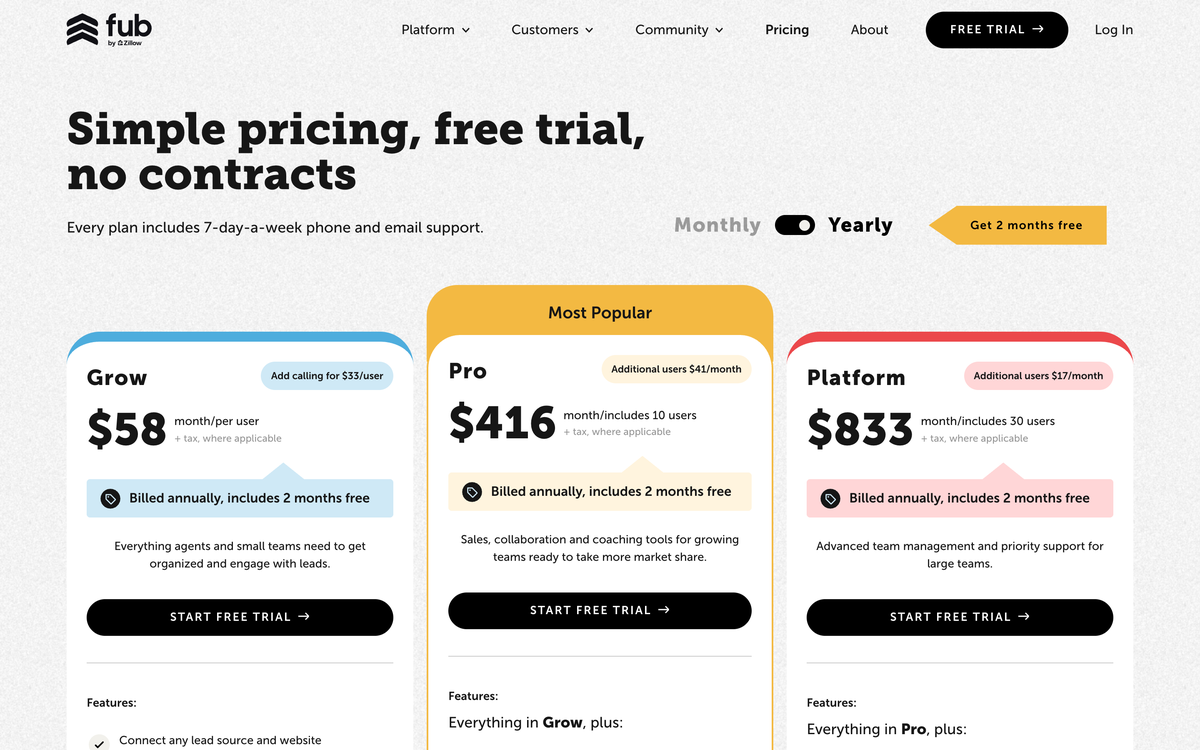
The category-standard CRM hub. Follow Up Boss does one job with real depth: every lead from every source (Zillow, portals, your site, sign calls) lands in one place, gets routed to the right agent in seconds, and follows an action plan until a human takes over. It deliberately does not bundle a website or lead generation, which is exactly why teams that already have lead sources they like keep choosing it.
Starts at: $58 a user a month (Grow). Best for: teams aggregating leads from multiple sources who want the CRM to be the hub, not the platform.
 2. Wise Agent
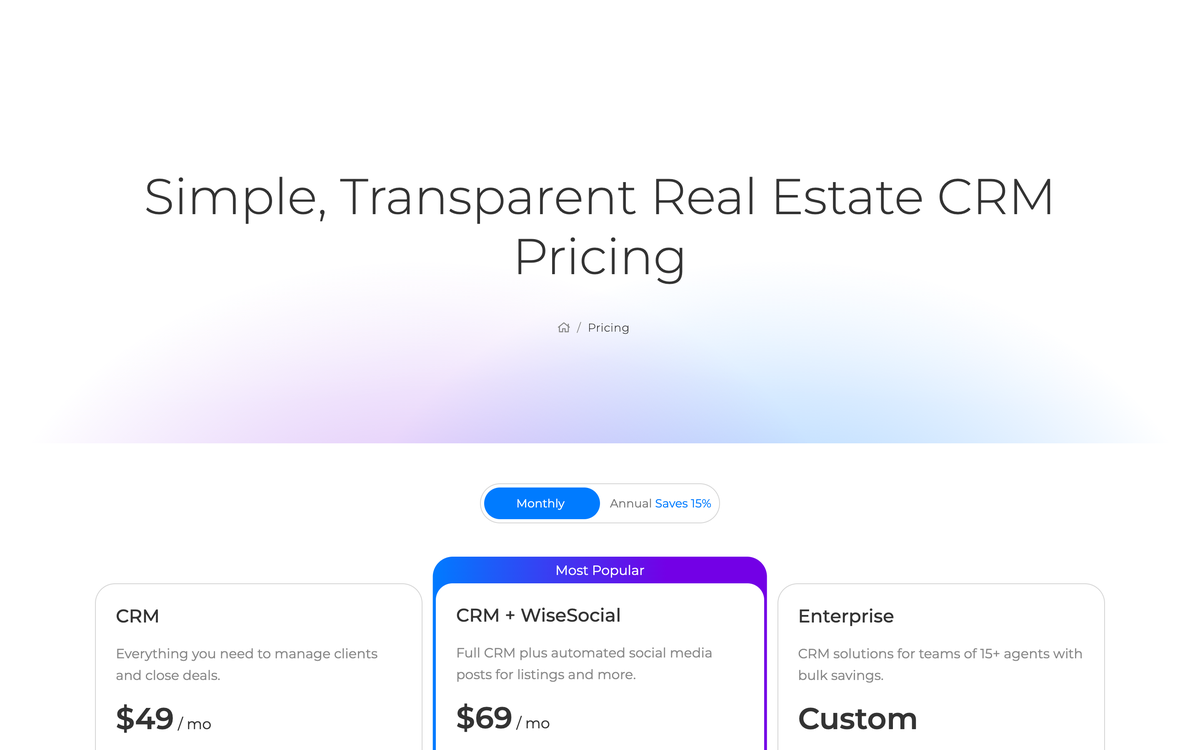
The honest budget pick. Wise Agent covers the essentials (contacts, drip campaigns, transaction checklists, a landing page or two) at a price a new agent can justify before the first closing. It matters more in 2026 than it used to: LionDesk, the long-time budget standard, was shut down by Lone Wolf in September 2025, and its displaced users largely moved here or to Lone Wolf's own Relationships product.
Starts at: $49 a month. Best for: solo agents under ~30 deals a year who need a real database, not a platform.
Drag · with Varley
The inbox your team and Varley work in together
Shared inbox and live chat for Gmail teams, with Varley, Drag’s AI, included from $18. Plus an MCP server your own AI tools can drive.
All-in-one real estate platforms
 3. Lofty (formerly Chime)
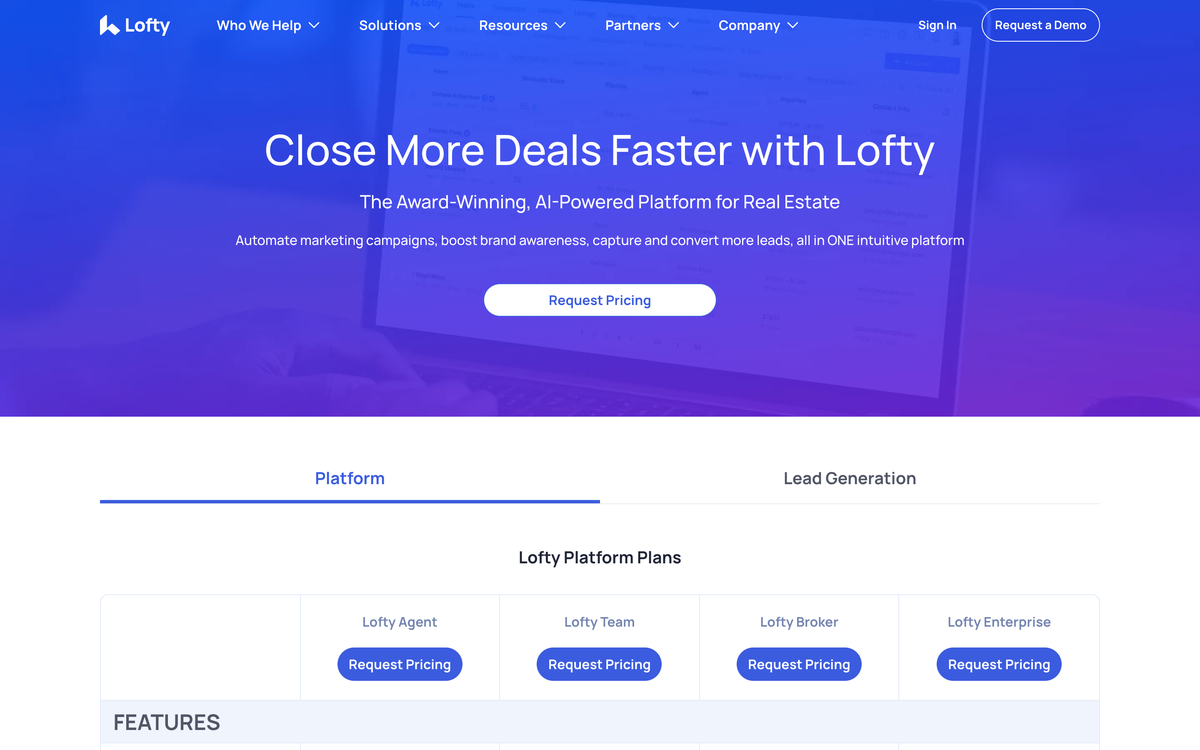
The UX-forward all-in-one. Lofty bundles the IDX website, the CRM, and an aggressive AI layer (lead qualification, automated follow-up, listing marketing) into one platform with the cleanest interface in the tier. The trade is the tier itself: you are buying a lead-generation machine, and the price only makes sense with the ad spend and volume to feed it.
Pricing: Custom, contact sales. Best for: tech-forward agents and small teams running paid lead generation who want one system, not a stack.
 4. BoldTrail (formerly kvCORE)
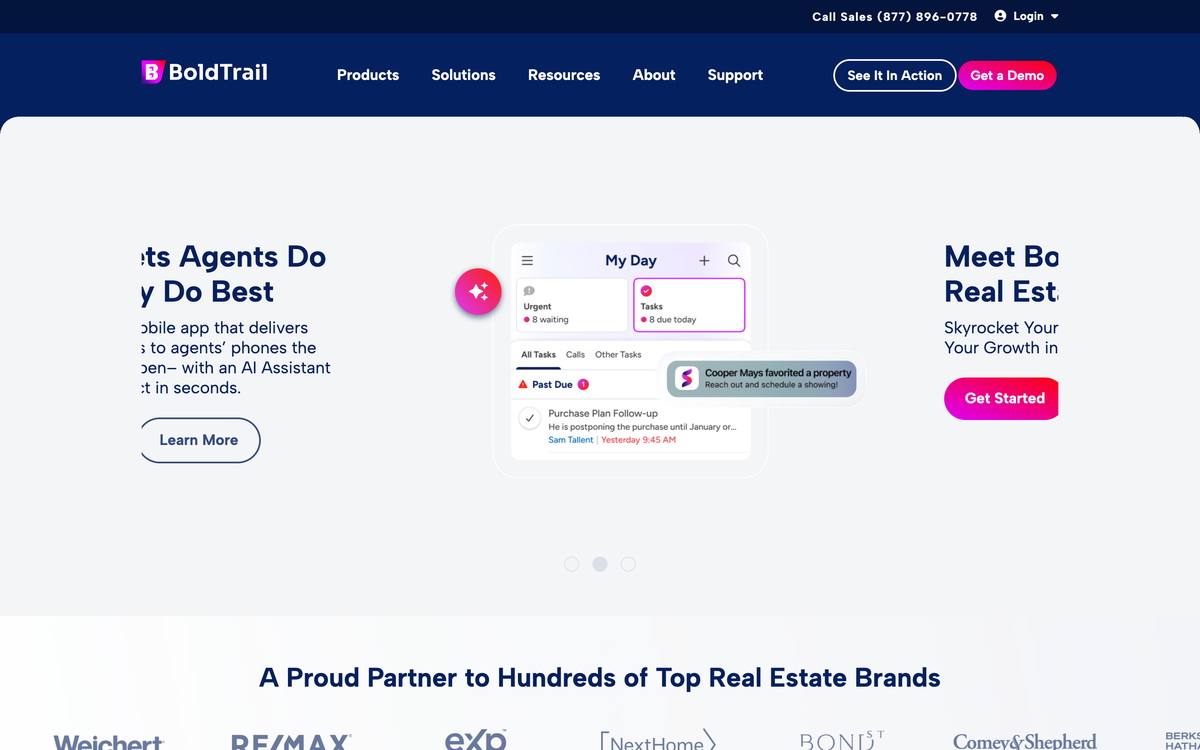
The brokerage-scale ecosystem. BoldTrail is what kvCORE became after its 2024 rebrand: front-office CRM, IDX websites, behavioral AI nurture, back-office operations, and recruiting pipelines in one platform, the infrastructure several national franchises run on. Treat it as a strategic platform decision, not a CRM swap: pricing is custom and demo-driven, onboarding is a project, and the breadth is more than any small team needs.
Pricing: Custom, contact sales. Best for: brokerages and large teams consolidating the whole operation onto one vendor.
Transactions and signatures
 5. dotloop
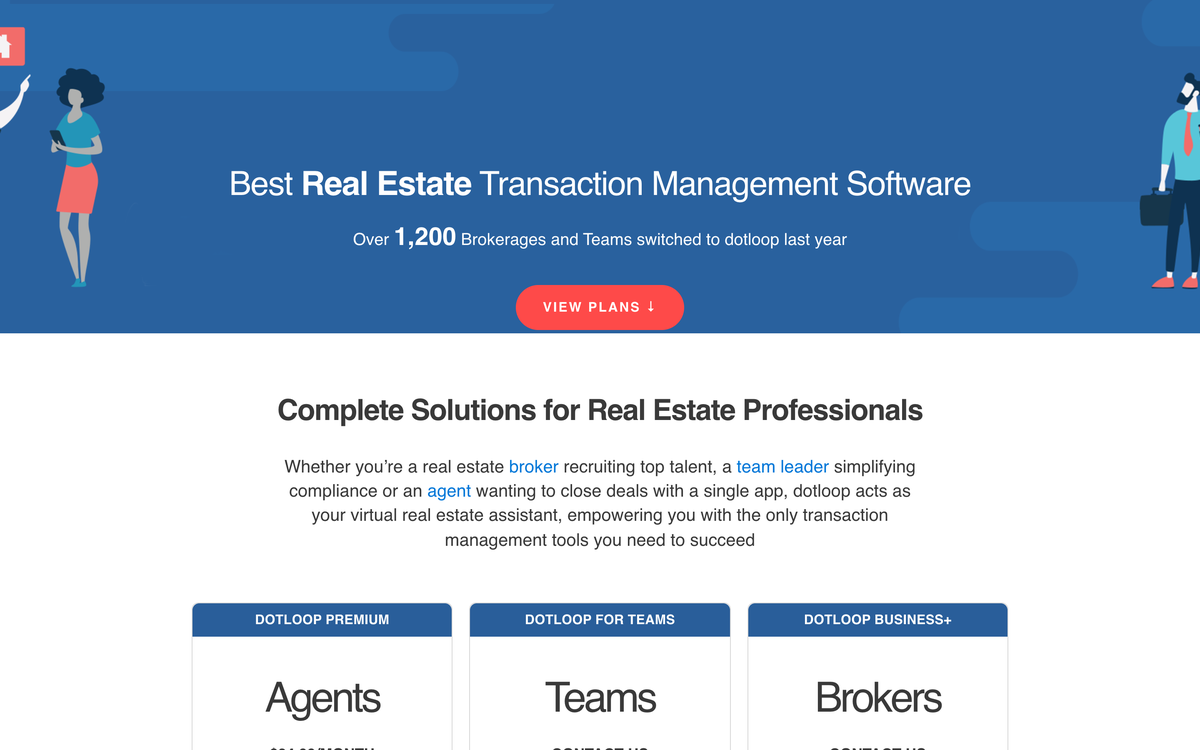
Transactions without the paper chase. dotloop puts the forms, the signatures, and the deal timeline in one loop that agents, clients, and the other side can all see, which is why it became the default answer to "where do I sign?" in thousands of offices. If your brokerage provides it, use it; if not, the individual plan is one of the vertical's easier purchases.
Starts at: free for up to 10 transactions; Premium $29 a user a month. Best for: agents and teams who want transaction visibility, not just e-signatures.
 6. DocuSign

The e-signature default. When you need signatures more than you need a transaction platform, DocuSign is the tool the other side already knows how to use, which in a deal with nervous first-time buyers is worth more than a feature list.
Starts at: Personal from about $10 a month. Best for: agents whose transaction management already lives elsewhere and just need signing that never becomes the bottleneck.
Showings and scheduling
 7. Calendly
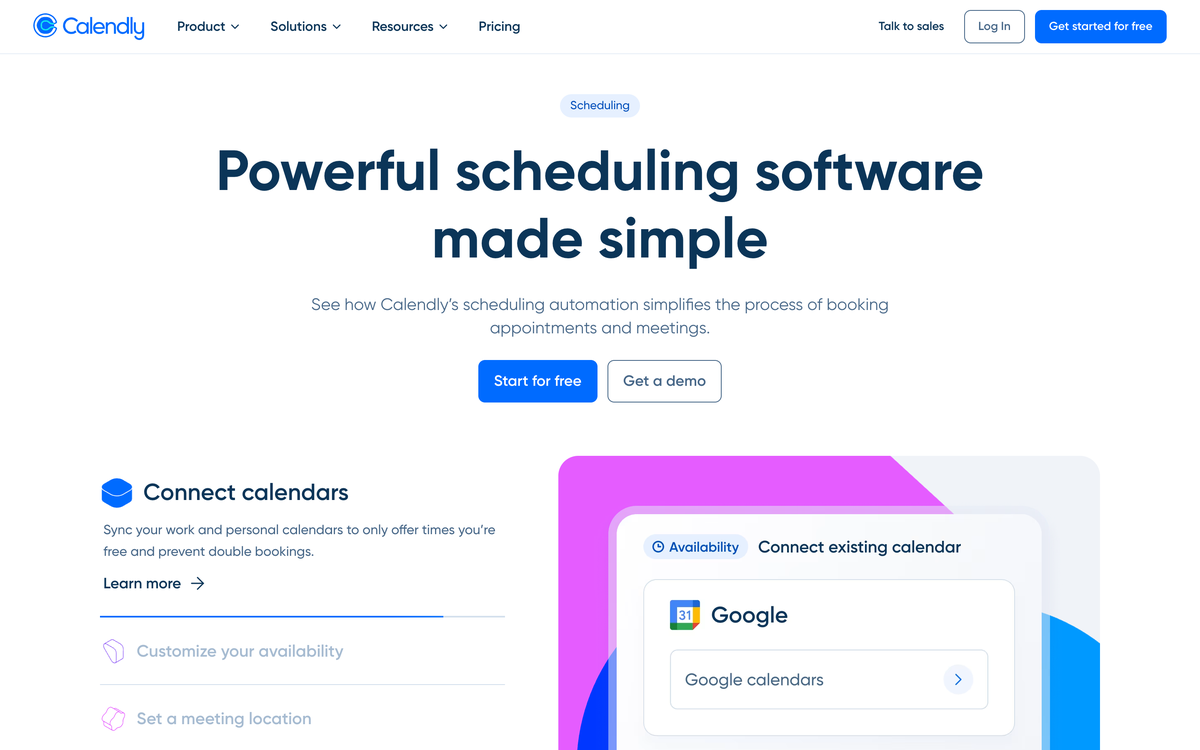
The scheduling layer. A booking link in your signature and listing pages ends the "does Tuesday work?" volley that quietly eats hours a week, and the free tier genuinely covers a solo agent's showing and consultation flow.
Starts at: free; paid plans from about $10 a seat. Best for: every agent, immediately; it is the rare tool on this list with no real adoption cost.
Tours and valuation
 8. Matterport

The 3D-tour standard. Virtual tours consolidated around Matterport: buyers expect the dollhouse view on serious listings, and the capture now works from a phone, which removed the equipment excuse. Tours became table stakes rather than a differentiator, which is exactly why this slot is one tool, not a category.
Starts at: free forever; Starter from about $10 a month. Best for: listing agents in markets where out-of-area buyers are real, which in 2026 is most markets.
 9. HouseCanary
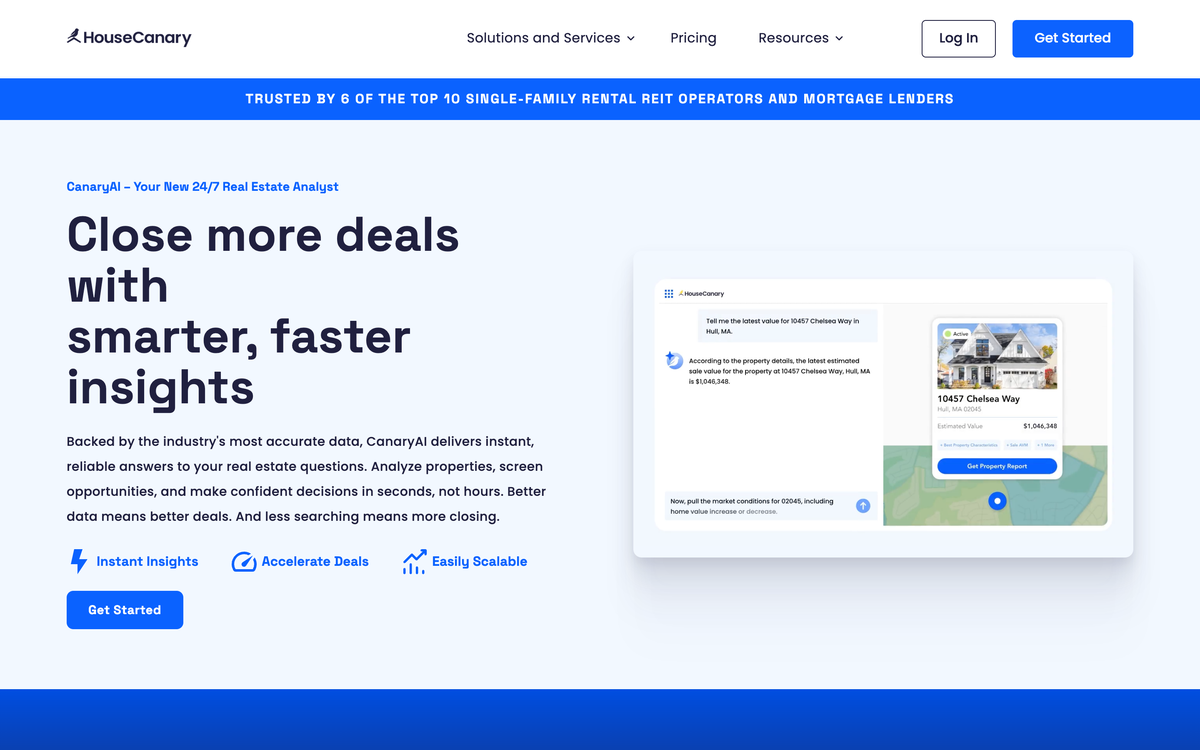
The valuation and analytics layer, and the one survivor from this page's original 2019 roster, because the job it does aged well: defensible pricing data, forecasts, and comps when the listing conversation turns into a pricing argument. For agents whose market has real volatility, walking in with data beats walking in with adjectives.
Pricing: Custom, contact sales. Best for: listing-side agents and teams that compete on pricing credibility.
The email layer: where every deal actually lives
 10. Drag
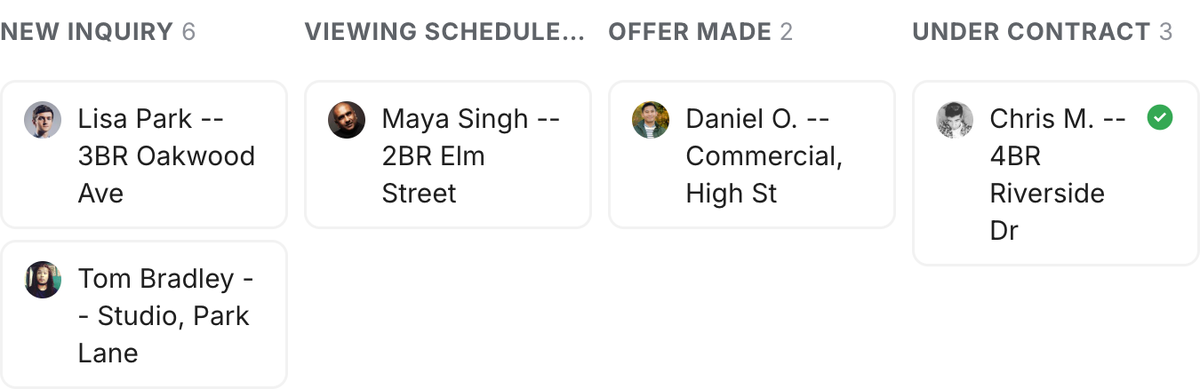
Every job above reports into the inbox: the lead replies by email, the lender sends the docs by email, the client asks 'any news?' by email. Drag turns the Gmail you already work in into the system of record, and that placement is the point. The defining failure of agent CRMs is that agents never log the emails, and with Drag there is nothing to log, because the email is the record. Deals move across pipeline boards without leaving Gmail; info@ and listings@ become shared inboxes with assignment and collision detection, so two agents never answer one buyer differently; shared drafts let a broker review the offer email before it sends; reminders and notes live on the thread itself; and WhatsApp and website chat land in the same queue, because buyers do not stay in one channel. It runs in Gmail, the web app, desktop, and iOS and Android, so the pipeline is in the car with you.
Two things nothing else on this list has. First, AI assists (drafting, summarizing, tagging, and more) are included in the seat rather than sold as an add-on, which is not how the platform tier prices its AI. Second, an MCP server: your AI assistant, whether Claude, ChatGPT, or Copilot, can work the pipeline directly. Ask it which leads have not heard from you in two weeks, have it draft follow-ups for everyone who toured Saturday's open house, tell it to move the Oak Street deal to attorney review. No other tool in this guide can do that today. At $12 a seat ($18 with AI), a five-agent team runs on Drag for about the price of one Follow Up Boss seat. The honest boundary: it is built on Gmail, so Outlook-based brokerages look elsewhere, and it does not do IDX websites or lead generation. It is the layer under those tools, not a replacement for them.
Starts at: $12 a seat; AI included from $18. Best for: Gmail-based agents and teams whose deals live in email. How real estate teams run Drag.
The client service playbook
The software exists to serve the relationship, and in real estate the relationship outlasts every transaction. The practices that compound: respond inside the hour during active deals (the highest-stakes purchase of a client's life deserves visible attentiveness, and shared-inbox collision detection exists so speed never becomes two conflicting answers); make scheduling self-service (a Calendly link beats four rounds of "does Tuesday work"); keep every promise dated (reminders on threads, not in heads); and treat the post-close quiet as the referral engine it is: the check-in at move-in month three costs two minutes and is where the next listing comes from. The challenge that defines the vertical is bureaucratic seamlessness: the client should feel one continuous conversation while inspections, lenders, and title companies churn behind it, which is exactly why the email layer above is where service is won or lost.
Frequently asked questions
What software do real estate agents actually need?
Six jobs: CRM/follow-up, transaction management, scheduling, tours, valuation, and the email layer. Most agents need one good tool per drowning-point, not an all-in-one; the guide above sorts by job.
What is the best CRM for real estate agents?
For teams aggregating portal leads, Follow Up Boss is the category standard. For Gmail-based agents and teams, Drag runs the pipeline inside the inbox itself from $12 a seat, with AI included from $18, and it is the only tool in this guide with an MCP server, meaning Claude or ChatGPT can work your pipeline directly. For email-first work it replaces a standalone CRM.
What is the best free real estate software?
Genuinely free layers exist per job: Calendly's free tier for scheduling, and trial-first tools elsewhere; the glance table marks what is free versus trial versus custom-quoted.
How do real estate teams share one email address?
A shared inbox: info@ or listings@ becomes a queue with assignment and collision detection, so two agents never answer one client differently. How real estate teams run it in Gmail.
Is an all-in-one real estate platform worth it?
At brokerage scale, sometimes; for most agents and teams, per-job tools connected through the inbox cost less and fit better, and the expensive mistake is platform-scale software for a two-agent team.
What replaced virtual tours apps like iStaging?
The category consolidated around Matterport for 3D tours; phone-based capture is now table stakes. Tours became a job, not a differentiator, which is why they are one slot above, not the story.

Co-founder
Co-founder at Drag, writing about Google Workspace, shared inboxes, and how teams actually run email.
