













Superhuman now starts at $25 per user per month, and the tier people actually want is $33 to $40. The 8 best alternatives for 2026, priced from every vendor's own page, plus the honest answer for teams.
Key takeaways
- Superhuman Mail starts at $25 per user per month billed annually and $30 monthly, its best AI sits on the $33-to-$40 Business tier, and the cheaper Suite tiers do not include the email app, which is where most price confusion comes from.
- The loudest "cheaper than Superhuman" recommendations mostly are not: read the vendors' own pages and several of them land within a few dollars of Superhuman's annual price.
- Superhuman makes one person faster. If the real problem is a team's shared address, the answer is a shared inbox, not a faster personal client, and that changes which alternative you pick.
Table of contents
- What this guide covers
- Superhuman alternatives compared at a glance
- Pricing comparison: every alternative's range at a glance
- 1. Drag - best for teams that loved Superhuman's Gmail speed
- 2. Shortwave - the closest Superhuman-style experience on Gmail
- 3. Spark - the budget all-rounder
- 4. Missive - the team client, if you will switch apps
- 5. Mailbird - the Windows one-time-purchase option
- 6. SaneBox - filtering that works on any inbox
- 7. Inbox Zero - open-source AI automation, genuinely cheaper
- 8. Fyxer AI - the drafting assistant
- What Superhuman actually costs now (and why people are leaving)
- Superhuman pricing history: how $30 became $25-to-$40
- The prices other lists get wrong
- When Superhuman is still the right choice
- How to choose
- Frequently asked questions
The best Superhuman alternative in 2026 splits on one question: will you leave Gmail? For teams that loved Superhuman's Gmail speed and now need shared inboxes on top, it is Drag, from $12 per user per month with AI included from $18. For a solo inbox that wants the closest Superhuman-style experience, it is Shortwave.
The full field is below, because the search usually starts with the bill: Superhuman is a genuinely excellent email client that costs $25 per user per month billed annually, $30 monthly, and $33 to $40 for the Business tier where the best AI features live. Since the Grammarly acquisition and rebrand, even working out what it costs takes effort, because the new Superhuman Suite has Free and Pro tiers that do not include the email app at all.
This guide prices every alternative from the vendor's own page, dated, because the lists you will find when you search for this misquote often enough that we kept an inventory. It also answers the question most of them skip: which of these actually work when a team shares an inbox, rather than when one person wants to move faster. For comparison: Drag, our shared inbox for Gmail, costs $12 to $24 a seat with AI included from $18.
A note on pricing: every figure on this page was read from the vendor's own pricing page in July 2026 and is dated; no aggregator numbers are used for current prices. Three tools you may expect here are excluded deliberately: MailOver (its domain now parks a contact form), Morgen (a calendar product, not an email client), and Notion Mail (no standalone product page to verify against). Pricing changes fast; when a vendor moves, this page moves with it, corrections recorded rather than silently overwritten.
What this guide covers
- Superhuman alternatives compared at a glance
- Pricing comparison: every alternative's range at a glance
- Drag - best for teams that loved Superhuman's Gmail speed
- Shortwave - the closest Superhuman-style experience on Gmail
- Spark - the budget all-rounder
- Missive - the team client, if you will switch apps
- Mailbird - the Windows one-time-purchase option
- SaneBox - filtering that works on any inbox
- Inbox Zero - open-source AI automation, genuinely cheaper
- Fyxer AI - the drafting assistant
- What Superhuman actually costs now
- Superhuman pricing history: how $30 became $25-to-$40
- The prices other lists get wrong
- When Superhuman is still the right choice
- How to choose
- FAQ
Superhuman alternatives compared at a glance
Here is the whole field in one table, every figure from the vendor's own pricing page as of July 2026. Detail on each tool, and the history of how Superhuman got to these numbers, follows below.
| Tool | Starting price | AI included? | Works with your team's shared inbox? | Best for |
|---|---|---|---|---|
 Drag Drag | $12 (AI from $18) | Yes, in the seat from $18 | Yes, that is the product | Teams on Gmail whose bottleneck is a shared address |
 Shortwave Shortwave | Free / $18 individual; $30+ team | Yes, the product is AI-first | Shared labels and assignees on the Business track | Solo Gmail power users choosing on experience |
 Spark Spark | $8.25 (free tier available) | Yes, from the paid tiers | Shared inboxes on Pro and above | Individuals wanting a polished AI-assisted client cheaply |
 Missive Missive | $14 | Yes, credits or your own API key | Yes, that is the product | Teams willing to move everyone off Gmail |
 Mailbird Mailbird | £3.44 per user per month billed yearly in the UK (about $4-5), with a one-time lifetime license option; Mailbird prices in your local currency, so check your regional rate | ChatGPT integration only | No | Windows users who want a lifetime license |
 SaneBox SaneBox | $4.54 | Filtering only, no drafting | No | People who refuse to change email clients |
 Inbox Zero Inbox Zero | $18 (self-hosting free) | Yes, the product is the AI layer | No | Technical Gmail users wanting AI automation for less |
 Fyxer AI Fyxer AI | $37 | Yes, the product is the AI layer | No | People whose bottleneck is reply volume |
 Superhuman (baseline) Superhuman (baseline) | $25 annual, $30 monthly; Business $33 to $40 | Yes, best features on Business | Shared conversations and comments, not a shared address | Individuals whose inbox speed converts to money |
Pricing comparison: every alternative's range at a glance
Each bar runs from that product's cheapest published plan to its most expensive, read from its own pricing page in July 2026.
All figures read from each vendor's own pricing page in July 2026. Superhuman's two price lists share tier names, so a "Business" quote can mean Superhuman Mail at $33 to $40 or a Superhuman Suite tier that does not include the email app at all.
Drag · with Varley
The inbox your team and Varley work in together
Shared inbox and live chat for Gmail teams, with Varley, Drag’s AI, included from $18. Plus an MCP server your own AI tools can drive.
1. Drag - best for teams that loved Superhuman's Gmail speed
Best for: teams on Gmail whose real bottleneck is a shared address, not one person's inbox speed.
Full disclosure up front: Drag is our product. It is also the only tool on this list built for the situation most teams arriving from this search are actually in. Superhuman gives each person a faster private inbox, with shared conversations and comments layered on top, but there is no address a team owns together: support@ or sales@ still gets forwarded, duplicated, or silently dropped, because nobody can see who has what.
Drag turns those addresses into a shared inbox with boards. Every email becomes a card carrying an owner, internal notes, due dates, and tasks, so "who has this" always has an answer. AI is included in the seat from the $18 plan, drafting, tagging, summarizing, and triage, rather than gated behind a higher tier the way Superhuman's Auto Drafts and Ask AI sit behind its $33-to-$40 Business plan. And it publishes its own MCP server, so you can run the team's inbox from Claude or ChatGPT by prompt; of everything else on this page only Superhuman offers MCP at all, and it sits on the $33-to-$40 Business tier, where Drag's is simply included.
The part that matters for Superhuman refugees specifically: Drag runs inside the Gmail your team already uses, as an extension, or as a standalone web, desktop, and mobile app, same boards, same data. You do not migrate anyone to a new email client, and you do not have to choose a mode upfront.






- Pricing: Starter $12, Plus $18 (AI included), Pro $24 per user per month billed annually. 7-day trial, no card required.
- Rating: 4.7 from over 1,200 reviews.
- Why it answers the Superhuman problem: the team gets shared ownership instead of faster silos, with every Drag plan priced below Superhuman's entry rate, without leaving Gmail.
- Watch-outs: it is not trying to be the fastest personal email client on earth; a solo power user processing hundreds of personal emails a day is Superhuman's customer, not ours.
2. Shortwave - the closest Superhuman-style experience on Gmail
Best for: Gmail power users who want Superhuman's shape, AI-first triage and keyboard speed, at individual prices Superhuman does not offer.
Shortwave, built by ex-Google engineers, is the most direct heir to what Superhuman does: an AI-native Gmail client with fast triage, an assistant that searches and drafts across your history, and keyboard-driven flow. Its pricing page has the same trap as Superhuman's, two tracks behind a toggle that opens on the expensive one: the Business track runs $30, $45, and $120 per user per month, but one click away the Individual track is free to start and $18 for Pro. So for a solo user Shortwave genuinely undercuts Superhuman's $25 floor, while a team pays Superhuman-class prices, and most lists quote whichever tab they happened to land on.
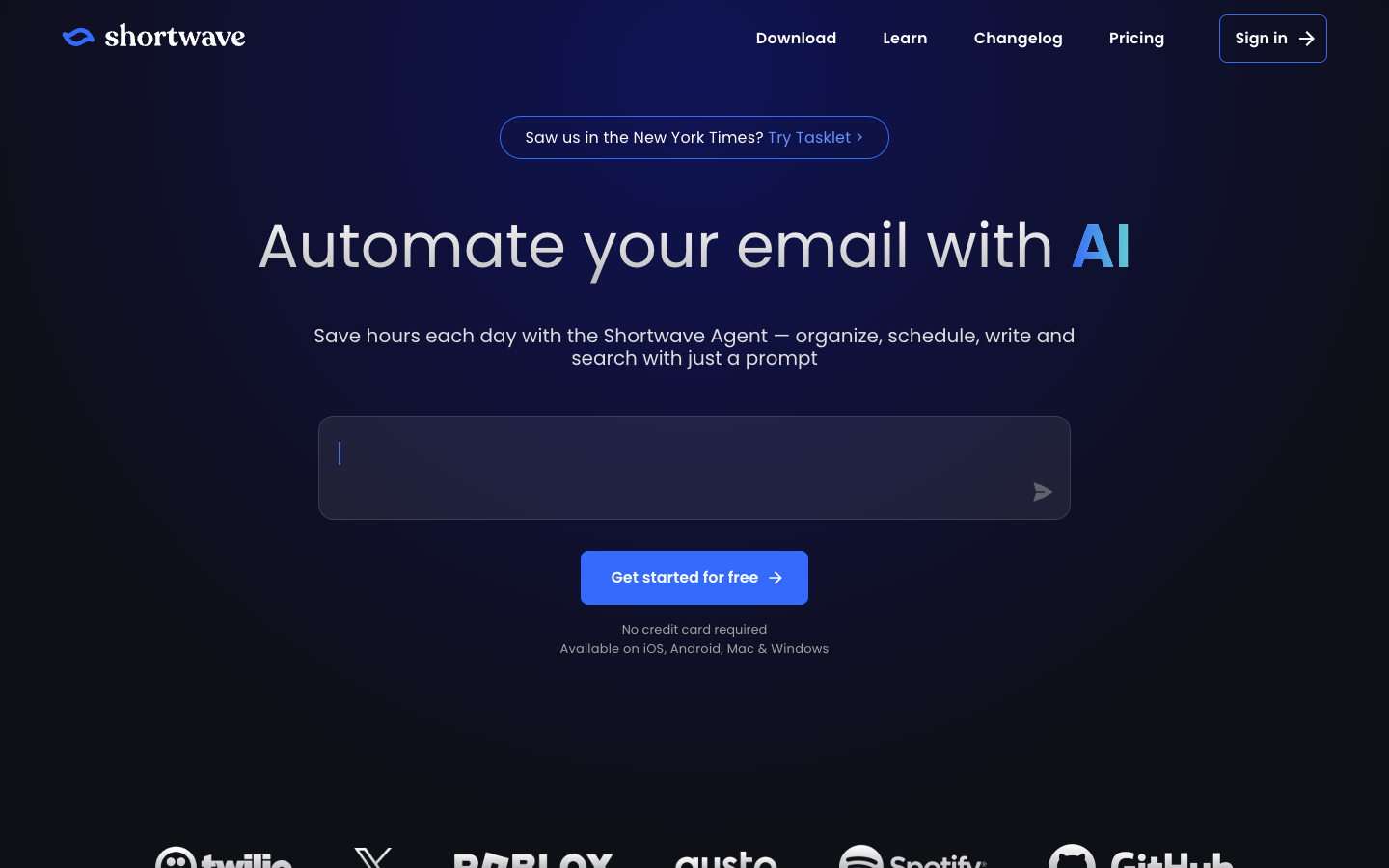
- Pricing: Individual: Free, Pro $18 per user per month. Business: $30 / $45 / $120. Vendor's page, July 2026.
- Watch-outs: Gmail only, so mixed-provider teams are out; and check which track you are being quoted, because the toggle decides whether it is cheaper than Superhuman or a price peer.
3. Spark - the budget all-rounder
Best for: individuals who want a polished, AI-assisted client across any provider at the lowest serious price on this list.
Spark by Readdle is a polished cross-platform client with AI drafting and summaries at a fraction of Superhuman's price, and a real free tier for individuals. It is the sensible default for one person who wants a nicer, smarter inbox without a premium bill.
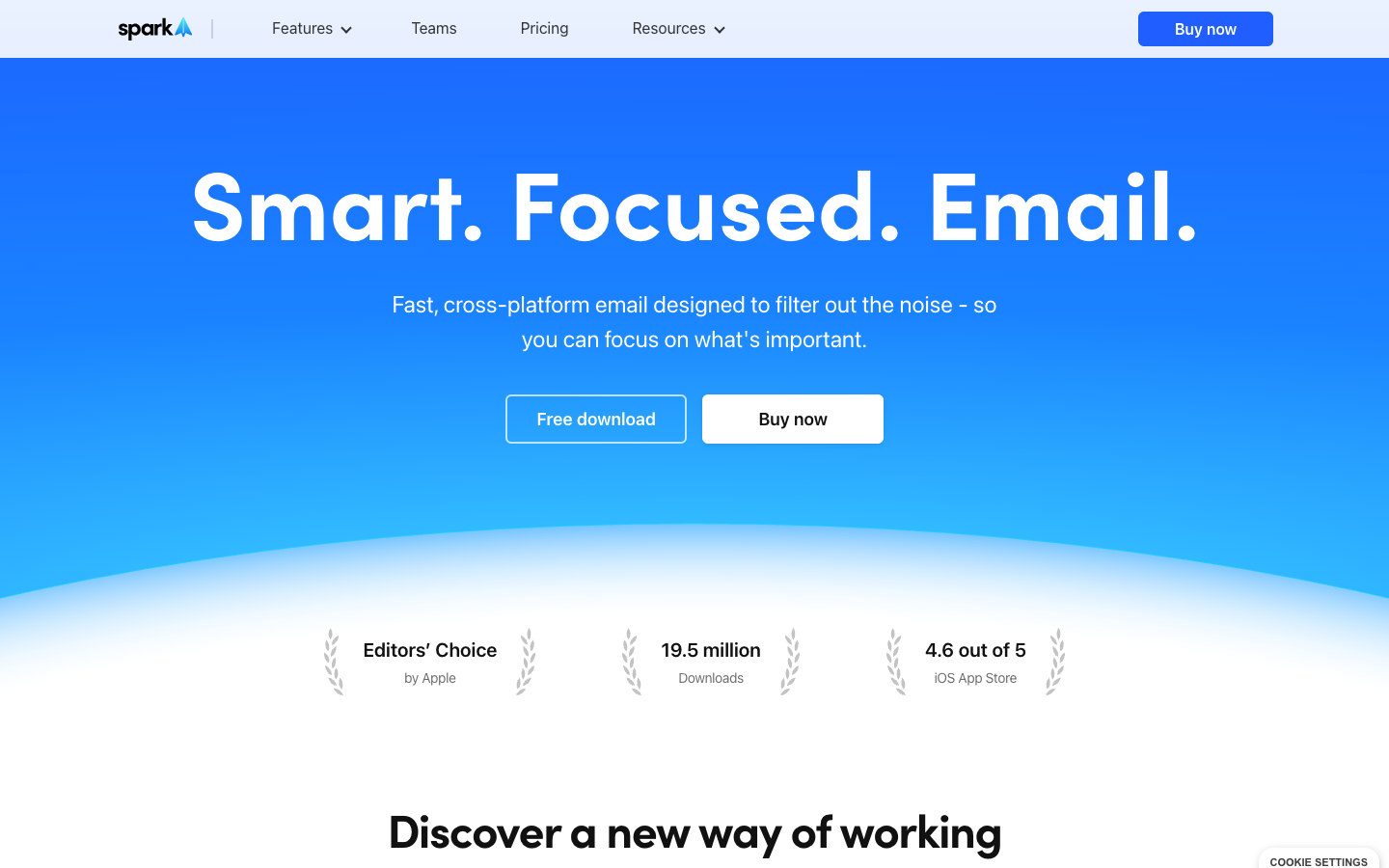
- Pricing: $8.25 per user per month billed yearly ($99/year) on Premium, $16.58 per user per month billed yearly ($199/year) on the tier above, read from Spark's own pricing page in July 2026, free tier available.
- Watch-outs: the team features are collaboration-lite rather than a true shared inbox, and power users miss Superhuman's depth of shortcuts.
4. Missive - the team client, if you will switch apps
Best for: teams that want shared inboxes and in-thread chat and are willing to move everyone off Gmail into a new client.
Missive is the strongest team-built email client on the market: shared inboxes, internal chat inside conversations, assignment, and multichannel, all in one app. The honest cost is the switch itself, because Missive replaces your email client, so every teammate moves to new software and learns it.
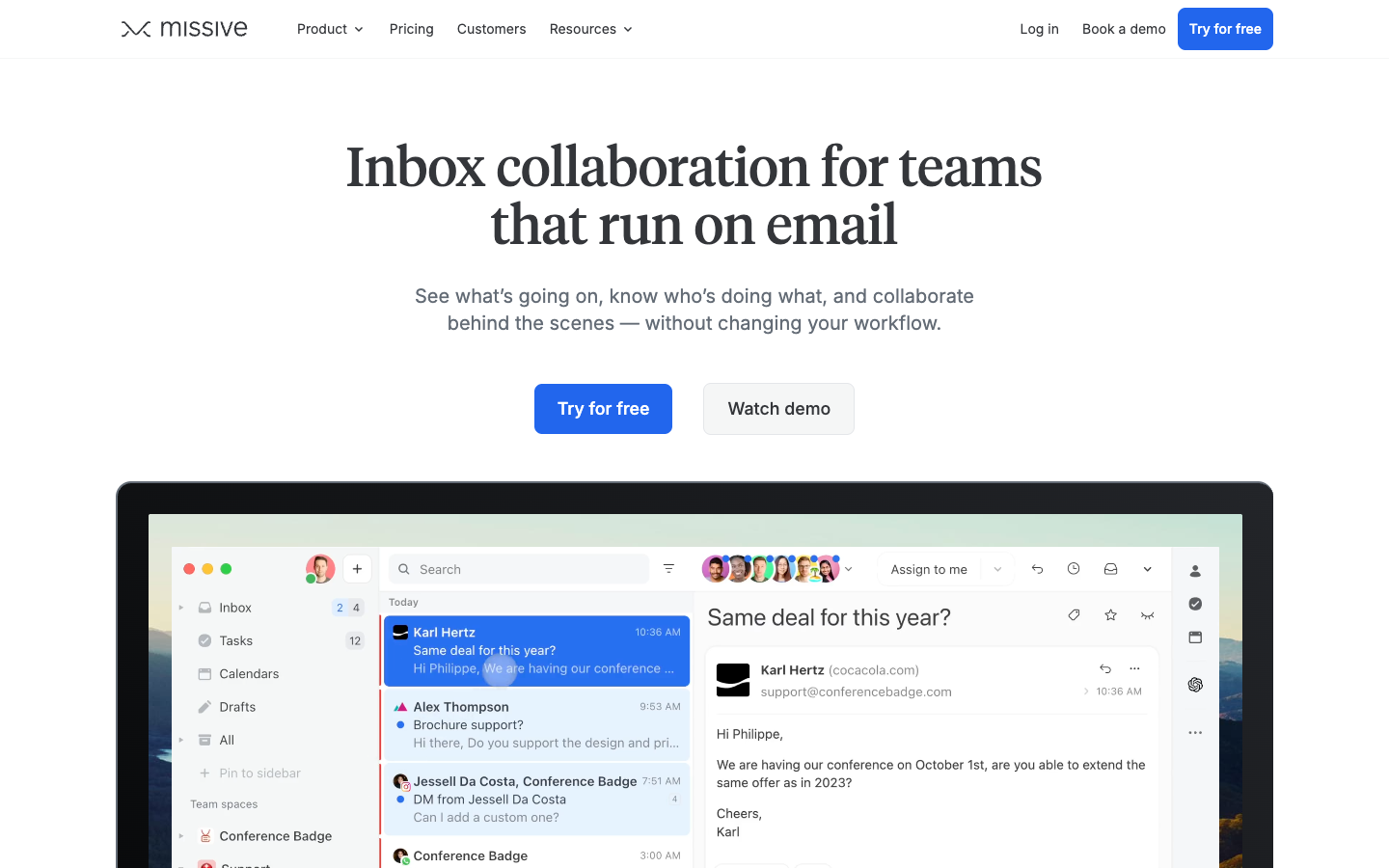
- Pricing: Starter $14 per user per month billed yearly, capped at 5 users; Productive $24, capped at 50; Business $36, unlimited. Read from Missive's own pricing page in July 2026, which advertises a 30-day trial with no credit card required.
- Watch-outs: it is a migration, not an add-on; the cheapest paid tier caps at five users; and if your team lives happily in Gmail, you are giving that up.
Full comparison: Drag vs Missive.
5. Mailbird - the Windows one-time-purchase option
Best for: Windows users who want a capable desktop client with a one-time lifetime license instead of another subscription.
Mailbird is a Windows desktop client whose claim to this list is its pricing model: a low subscription or a one-time lifetime license, which no one else here offers. It is a different product philosophy than Superhuman entirely, closer to classic desktop email with modern conveniences.
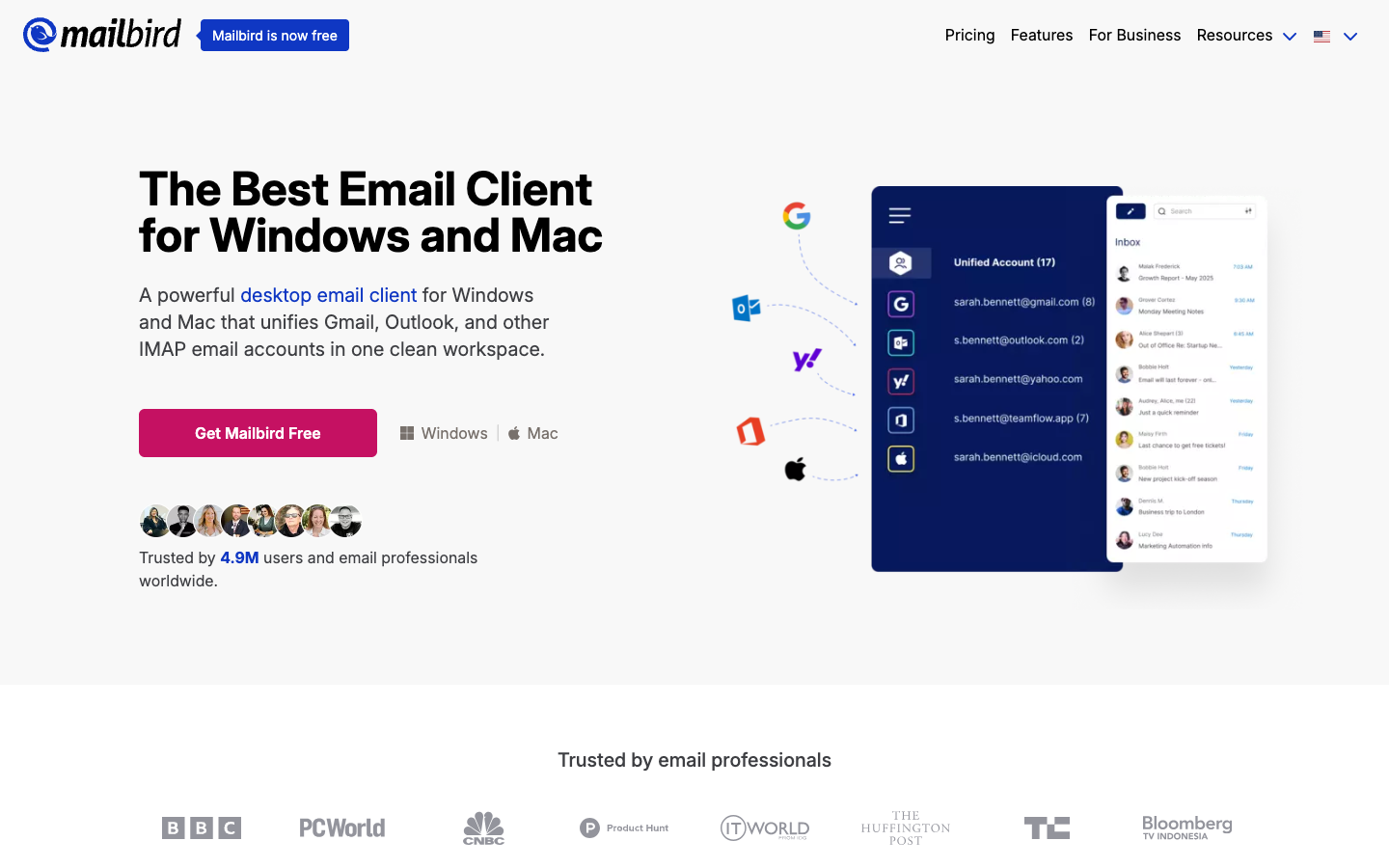
- Pricing: £3.44 per user per month billed yearly in the UK (about $4-5), with a one-time lifetime license option; Mailbird prices in your local currency, so check your regional rate
- Watch-outs: Windows-first, light on AI next to everything above, and nothing team-shaped.
6. SaneBox - filtering that works on any inbox
Best for: people who refuse to change email clients and want filtering intelligence added to whatever they already use.
SaneBox does one job well: it filters your existing inbox so the important mail surfaces and the rest waits in folders you check on your schedule. It touches nothing about how you send or write, which is exactly why people who refuse to change clients like it.
- Pricing: $4.54, $7.46 and $22.04 per month across its three plans, read from SaneBox's own pricing page in July 2026.
- Watch-outs: it organizes, it does not draft or answer; the AI-writing half of Superhuman has no counterpart here.
7. Inbox Zero - open-source AI automation, genuinely cheaper
Best for: technical Gmail users who want AI cleanup and automation below Superhuman's price, or self-hosted entirely.
Inbox Zero layers AI automation on Gmail, bulk unsubscribing, auto-replies, cleanup rules, and it is open source, so you can self-host and audit it. At $18 per user per month entry on its own page it is one of the few famous alternatives that genuinely undercuts Superhuman's $25 floor, and the self-hosted route trades the subscription for your own maintenance. Its mid tier at $28 is where the price advantage thins.

- Pricing: $18 / $28 / $42 per user per month, vendor's page, July 2026; self-hosting free.
- Watch-outs: Gmail-focused, an automation layer rather than a full client, and the tiers above entry close most of the price gap.
8. Fyxer AI - the drafting assistant
Best for: people whose bottleneck is reply volume, and who want drafts in their voice appearing in their existing inbox.
Fyxer is an AI assistant that drafts replies in your voice and organizes your inbox across Gmail and Outlook, aimed at people whose bottleneck is writing volume rather than reading speed. It is an assistant, not a client: your email stays where it is.
- Pricing: a free plan, then Pro at $49 per person per month, or $37 billed annually, and Team at $99, or $64 annually. Vendor's page, October 2026.
- Watch-outs: inbox sorting and drafts start on the paid plans, and it inherits your client's interface rather than improving it.
What Superhuman actually costs now (and why people are leaving)
Three things drive this search. The price: $25 per user per month is the floor, billed annually, with $30 the monthly rate, and the Business tier that carries Auto Drafts and Ask AI runs $33 annually or $40 monthly, with a card-required trial and no free plan. The acquisition: Grammarly bought Superhuman in July 2025 and renamed the whole company Superhuman that October, and roll-ups make subscribers nervous about the product they signed up for. And the packaging trap: the Superhuman Suite's Free and Pro tiers include Grammarly, the Docs workspace, and the Go assistant, but not the email app, so plenty of people comparing prices are comparing the wrong product.
In Superhuman's favor, because this is not a hit piece: the product is superb at its job, the seat price has held steady through three corporate events, and the onboarding is real. Its job is making one person process their own inbox faster. Whether that is your job is the whole question, and the sections below split the alternatives accordingly.
Superhuman pricing history: how $30 became $25-to-$40
Superhuman's price has three acts. In early 2023 its team tiers ran $25 per user per month. By May 2023 it had moved to the flat $30 it became famous for, a number the founder has said came from surveying users on what would feel expensive but still worth buying. Then in August 2024, a year before any acquisition, Superhuman split the flat price: Starter dropped to $25, a new Business tier landed at $33, and the newest AI moved behind Business. A cut for light users, a rise for anyone who wanted the AI.
The corporate act came after. Grammarly acquired Superhuman in July 2025, renamed the entire company Superhuman in October 2025, and folded the email app into a four-product suite alongside Grammarly, its Docs workspace (launched as Coda), and the Go assistant, per the company's own rebrand announcement and contemporaneous coverage. Through the acquisition, the rebrand, and two product launches since, the seat price has not moved.
| When | Lineup | Entry / mid | AI |
|---|---|---|---|
| Jan 2023 | Starter / Growth / Enterprise | $25 per user per month, annual | Pre-AI era |
| May 2023 | Same lineup, flat price | $30 across Starter and Growth | Pre-AI era |
| Aug 2024 | Starter / Business (Growth renamed) | $25 / $33 annual ($30 / $40 monthly) | Newest AI gated behind Business |
| Jul 2025 | Acquired by Grammarly | No change | No change |
| Oct 2025 | Company renamed Superhuman; Suite launches | Mail unchanged; Suite Free and Pro exclude Mail | Suite tiers add Grammarly, Docs, Go |
| Jul 2026 | Current | $25 / $33 annual ($30 / $40 monthly) | Bundled in the seat; best features on Business |
Sourcing, because most lists assert this history with none: the corporate acts are cited from the company's own announcements. The price acts are documented against dated snapshots of Superhuman's historical pricing pages by the pricing tracker UsagePricing, and corroborated by long-term subscribers still grandfathered at $30; Superhuman's old pricing pages are only reachable through archive services, so we name the trail rather than pretend we walked it alone.
The prices other lists get wrong
We kept an inventory while researching this page, because the misquotes run in both directions and both mislead. The loudest example is Shortwave, quoted at $30 by some lists and $18 by others, and both are on its own pricing page: a Business track starting at $30 and an Individual track at $18 sit behind a toggle that opens on Business, so which number you get depends on which tab the list's author landed on. The genuinely cheaper one, Inbox Zero at $18, is real, but its advantage thins to $3 a month one tier up. One much-recommended alternative, MailOver, is a parked domain as of July 2026. And Superhuman itself gets misquoted in both directions, because its two price lists share tier names, so a "Business" quote can mean $33 with the email app or a Suite tier without it.
The fix is boring, and it is this page's whole method: read the vendor's page, quote the number, date it, and change it when they do.
When Superhuman is still the right choice
Superhuman earned its position, and pretending otherwise would make this list less useful, not more. If you process hundreds of personal emails a day, live on the keyboard, and inbox speed genuinely converts to money for you, founders, senior sales, executives, then Superhuman remains the best-built tool for exactly that, the onboarding is genuinely good, and the price has been stable for two years. The alternatives above win on price, on platform freedom, or on team workflows. None of them out-Superhumans Superhuman at its own game.

How to choose
Start from the bottleneck, not the feature lists. One person's inbox velocity: Superhuman or Shortwave, and the honest difference is price. A whole team's shared address: a shared inbox, Drag if the team stays in Gmail, Missive if you will move everyone to a new client. Keep everything as it is and just add intelligence: SaneBox, Inbox Zero, or Fyxer, no migration required. And if the goal is simply "Superhuman but cheaper," check the inventory above first, because two of the famous cheap escapes barely are, and one much-recommended one is a parked domain. And if the real question is wider than Superhuman-shaped tools, our guide to the best email management apps covers the whole field.
Frequently asked questions
How much does Superhuman cost in 2026?
Superhuman Mail is $25 per user per month billed annually ($300 a year) or $30 monthly; the Business tier with the most advanced AI is $33 annually or $40 monthly. There is no free plan and the trial requires a card.
Is there a free alternative to Superhuman?
Gmail and Outlook are the honest free alternatives, and Spark's free tier is the best no-cost dedicated client. Most of what people pay Superhuman for, speed and AI, starts costing money in every serious tool, from a few dollars to $30 a month on the vendors' own pages.
What is the best Superhuman alternative for teams?
One question decides it: will the team leave Gmail? If not, Drag adds shared inboxes, boards, and assignment on Gmail from $12 per user per month (AI included from $18, $24 at most), and also runs standalone. If a full client switch is acceptable, Missive is the strongest team-built client. Superhuman's own team features are collaboration layers on personal inboxes, not shared addresses.
Is Shortwave cheaper than Superhuman?
For an individual, yes: Shortwave's Individual track is free to start and $18 for Pro, below Superhuman's $25 annual floor. For a team, no: Shortwave's Business track runs $30 to $120 per user per month. Its pricing page opens on the Business tab, which is why lists quote it both ways.
Did Superhuman's pricing change after the Grammarly acquisition?
The seat price did not: $25 and $33 were set in an August 2024 restructure, a year before the July 2025 acquisition, and have held since. What changed is packaging: the renamed company's Suite has Free and Pro tiers that exclude the email app, which is where today's confusion comes from.
Is Superhuman worth $30 a month?
For a specific person, genuinely yes: high email volume, keyboard-driven, time that converts directly to money. For most people, and for any team sharing an inbox, the honest answer is that cheaper tools cover the need, which is what the rest of this page is for.

Co-founder
Building Drag for nearly ten years: shared inboxes, boards, and now the AI and agent layer, all on Gmail, plus HeyHelp for the personal inbox. Writes the honest versions of the comparisons.


