












Eight ways to give an AI agent email, priced and compared: its own address, sending rules, team features, Gmail and MCP. Includes AgentMail alternatives.
Key takeaways
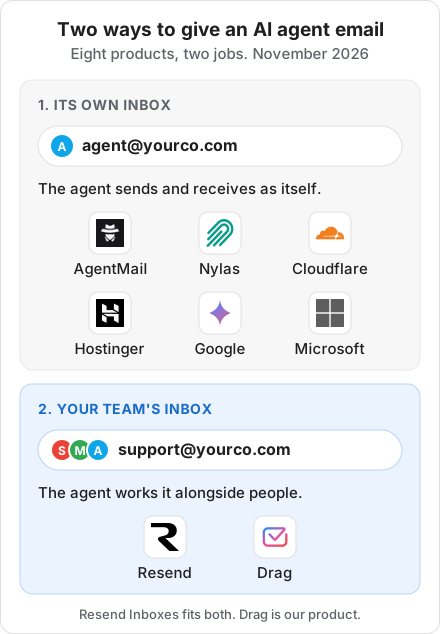
- There are two ways to give an AI agent email: an inbox of its own (AgentMail, Nylas Agent Accounts, Cloudflare Email Service, Hostinger Agentic Mail, Google's coworker agents, Microsoft Agent 365) or the inbox your team already works, alongside people (Resend Inboxes, Drag).
- The developer inboxes start free: AgentMail, Resend and Nylas each include 3 inboxes and 3,000 emails a month, and paid plans start at $15 to $20 a month.
- Of the eight here, only Resend Inboxes and Drag describe people and agents sharing one inbox with assignment. Resend's built-in agent never sends on its own; Drag keeps the team on its Gmail addresses.
- Google's and Microsoft's agent mailboxes are not generally available yet: Google's coworker agents are sales-led with no published price, and Microsoft's agent mailboxes are in its Frontier preview.
Table of contents
- At a glance: eight AI agent inboxes compared
- Pricing comparison: what each AI agent inbox costs (November 2026)
- Its own inbox, or your team's?
- AgentMail: inboxes built for agents
- Resend Inboxes: a shared inbox on top of an email API
- Nylas Agent Accounts: email and a calendar for each agent
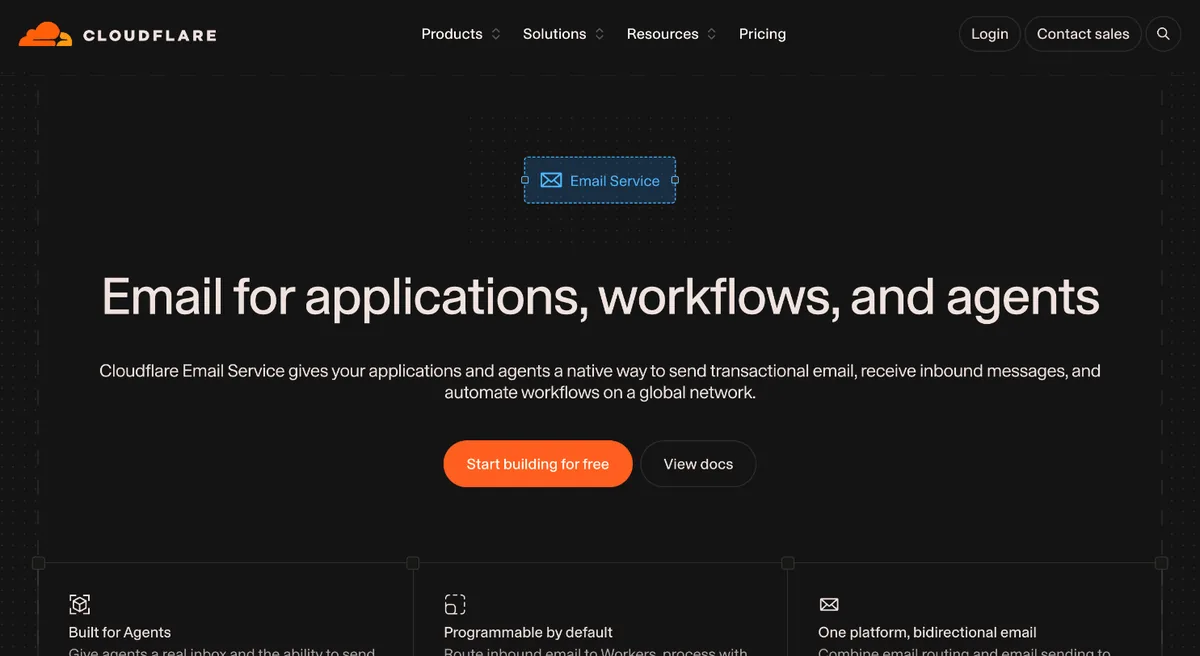
- Cloudflare Email Service: email for agents built on Cloudflare
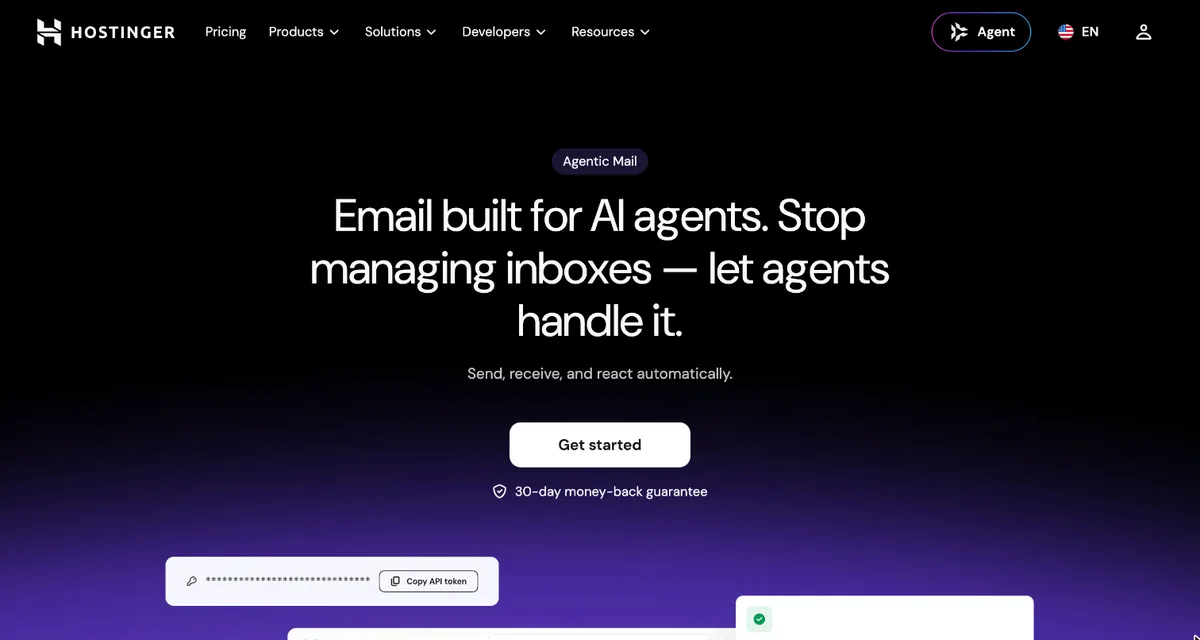
- Hostinger Agentic Mail: low-cost mailboxes for agents
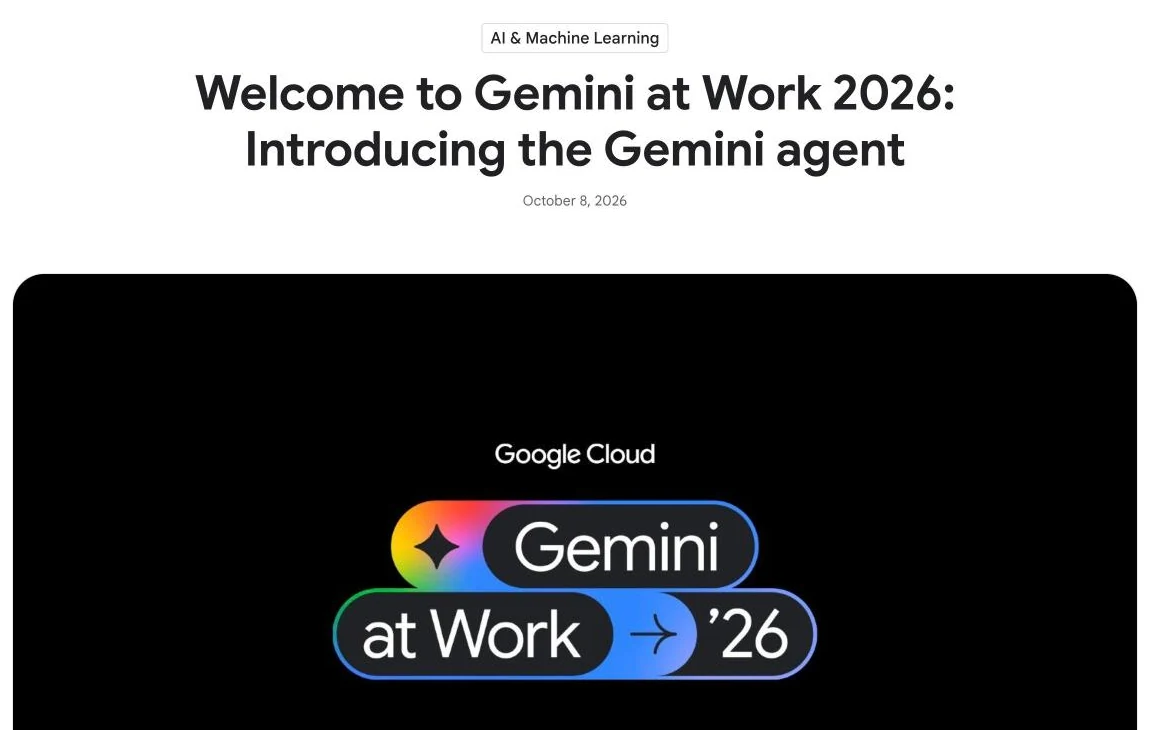
- Google Gemini coworker agents: an agent with a Workspace account
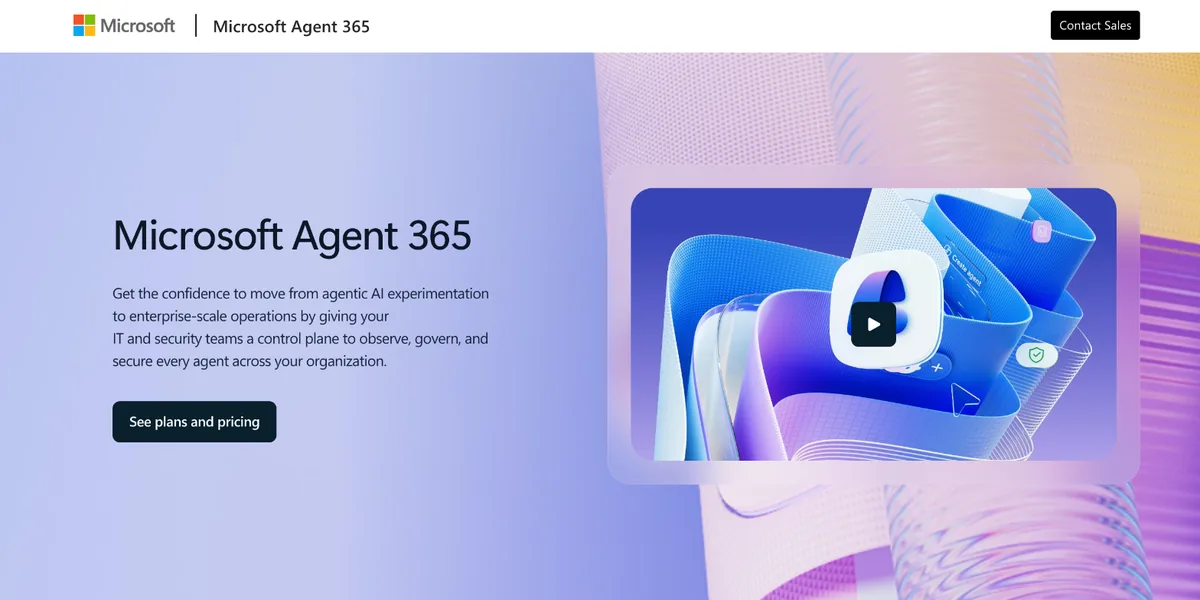
- Microsoft Agent 365: agent mailboxes in Microsoft 365, in preview
- Drag: AI agents on your team's Gmail inbox
- Can people and AI agents work the same inbox?
- Keeping your Gmail or Google Workspace address
- Sending limits, new mail and security compared
- Where the developer inboxes fit better than Drag
- How we compared
- Frequently asked questions
- Related guides
The short version: you can give an AI agent email in two ways, and the right product depends on which one you need:
- An inbox of its own. The agent gets an address like
agent@yourco.comand sends and receives as itself. AgentMail and Nylas Agent Accounts are developer APIs built for this, Cloudflare Email Service adds email to agents built on Cloudflare, Hostinger Agentic Mail sells agent mailboxes from under $1 a month, and Google and Microsoft are giving agents their own mailboxes inside Workspace and Microsoft 365, both still in early access or preview. - Your team's inbox. The agent works an address like support@ alongside people, with assignment and review. Resend Inboxes (launched October 22, 2026) does this on your own domain, and Drag, our product, does it on the Gmail addresses your team already uses.
AgentMail, Resend and Nylas each start free with 3 inboxes and 3,000 emails a month. Drag has no free plan; its MCP server, which lets Claude or ChatGPT work the shared inbox, is on the Pro plan at $24 a seat a month, billed yearly.
Every price and feature here was checked on each vendor's own pricing pages and documentation on November 1, 2026. Drag is our product, so weigh what we say about it accordingly.
At a glance: eight AI agent inboxes compared
| Product | Address | Sends | Team inbox |
|---|---|---|---|
 Drag Drag | Team's Gmail | AI client asks first | Built for it |
 AgentMail AgentMail | Its own | On its own | Not stated |
 Resend Resend | Your domain | Its agent drafts | Assign, notes |
 Nylas Nylas | Its own | On its own | Not stated |
 Cloudflare Cloudflare | Its own | On its own | Not stated |
 Hostinger Hostinger | Its own | On its own | Not stated |
 Google Google | Its own | Yes | Not stated |
 Microsoft Microsoft | Its own (preview) | Not stated | Not stated |
"Not stated" means we found nothing on it in the vendor's own pages. It doesn't mean the feature can't be built on top. Resend's own agent only drafts, but agents you connect can send. Google's agent can email people outside your company, but no approval step is described, and Google's example gives it an address on an @agents subdomain of your domain.
Pricing comparison: what each AI agent inbox costs (November 2026)
| Product | Free | Paid, a month |
|---|---|---|
| Drag (ours) | 7-day trial | $24 a seat (Pro, MCP); from $12 |
| AgentMail | 3 inboxes | $20 for 10 inboxes |
| Resend Inboxes | 3 inboxes | $20, then $1 an inbox |
| Nylas | 3 accounts | $15 for 10 accounts |
| Cloudflare | Receiving | $5, then $0.35 per 1,000 emails |
| Hostinger | No | $0.39 a mailbox (4 years upfront) |
| No | Not published | |
| Microsoft | No | Not published (Agent 365: $15 a user) |
Prices are monthly in USD; Drag's are per seat, billed yearly, with plans at $12, $18 and $24, and Microsoft's Agent 365 is billed yearly. Microsoft's $15 licenses each person who manages or uses agents; agent mailboxes are in its Frontier preview, and their cost isn't published. AgentMail adds inboxes at $2 each and includes 150 for $200 a month. Free plans include 3,000 emails a month on AgentMail, Resend and Nylas, and Cloudflare includes 3,000 a month with Workers Paid.
Two things change the comparison. The developer inboxes price per inbox and per email, so a team of people adds nothing to the bill, while Drag and Microsoft price per person. And the free plans have limits that matter for agents: AgentMail's free plan has no custom domain and adds a "Sent via AgentMail" footer, Resend's free plan can't add inboxes beyond its 3, and both cap sending at 100 emails a day. Nylas's free plan sends 20 emails a day per account, from a Nylas trial domain.
Its own inbox, or your team's?
Give the agent its own inbox if it works alone, and use your team's inbox if it answers customers alongside people. Most comparisons of email for AI agents assume the first. That fits plenty of jobs: an agent that signs up for services and reads the verification codes, runs outreach from its own address, or handles a whole workflow without a person in the loop. For those, a developer inbox is the right tool, and the question is which API suits your stack.
It fits customer email less well. When customers write to support@, people and the agent share the work: someone needs to own each conversation, two replies mustn't go out to the same customer, and a person should approve what the agent sends until you trust it. Those are shared-inbox features, and only two products here describe them.
| Its own inbox | Team's inbox | |
|---|---|---|
| Address | agent@, outreach@ | support@, sales@ |
| Who works it | The agent | People and the agent |
| Main risk | A wrong send, unseen | Two replies, no owner |
| Products | AgentMail, Nylas, Cloudflare, Hostinger, Google, Microsoft | Resend, Drag |
AgentMail: inboxes built for agents
AgentMail calls itself "email for your AI", not AI for your email: an API that creates a new inbox for an agent in one call. It is the product most of the developer comparisons we read start from.
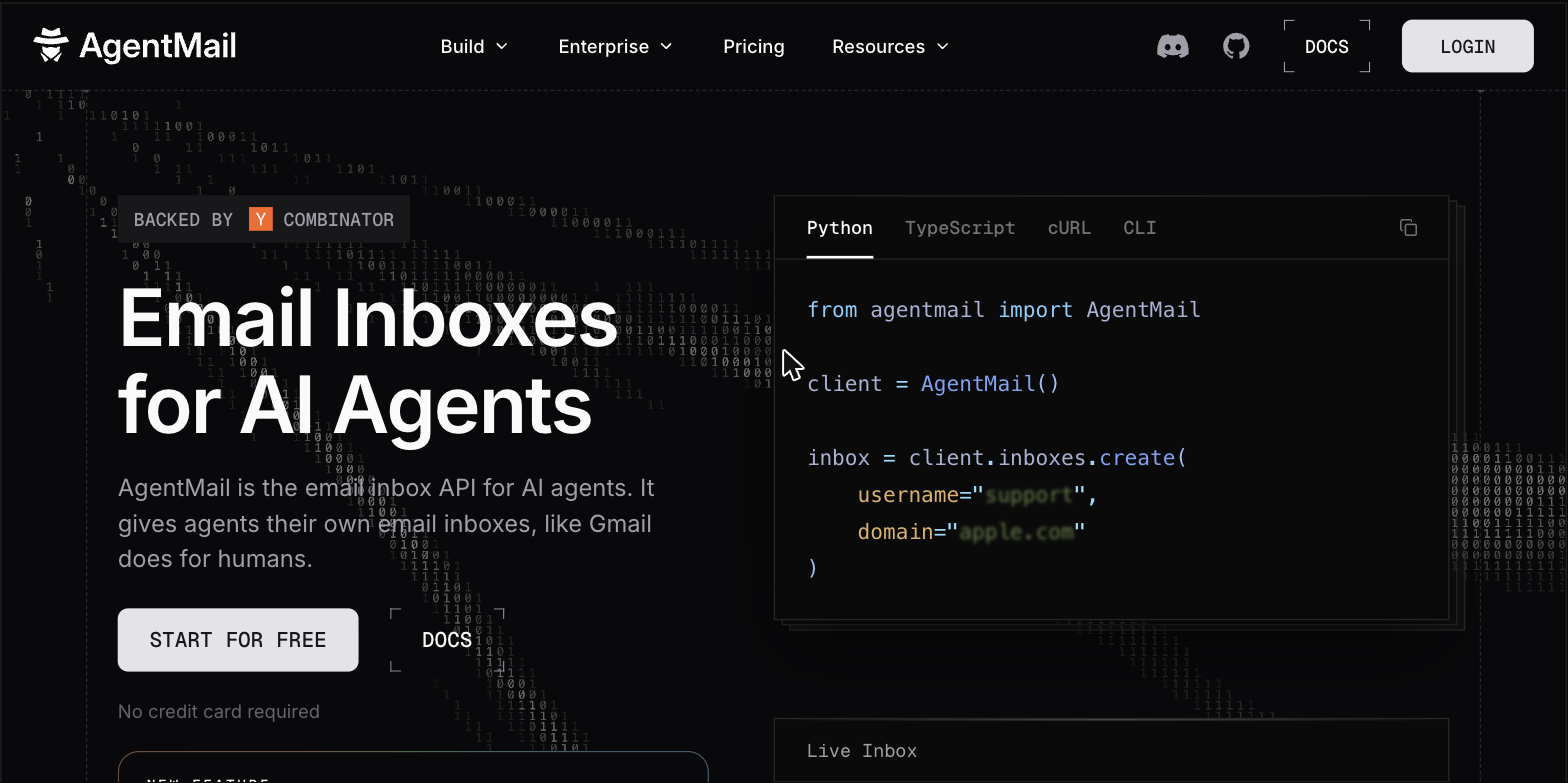
- The address: every inbox gets its own, on AgentMail's domain to start or on your own domain once you add it.
- Sending: the agent sends on its own by default. Drafts let a person review and approve a message before it goes, if you build that step in.
- Team use: every plan includes developer seats (2 on Free and Developer, 10 on Startup), but AgentMail doesn't describe a shared inbox where support staff assign and answer conversations with the agent.
- Gmail: it doesn't read your existing Gmail. On a Google Workspace domain you can keep Google as your mail server and use a routing rule to send unrecognized addresses to AgentMail.
- MCP: a hosted MCP server with tools to send messages and create and send drafts, for Claude, ChatGPT and Cursor.
- Price: free for 3 inboxes and 3,000 emails a month, then $20 a month for 10 inboxes and $200 a month for 150. A separate EU environment and dedicated IPs are Enterprise only.
Best for: developers who want an API built only for agent inboxes, for agents that need their own addresses.
Resend Inboxes: a shared inbox on top of an email API
Resend, best known as a sending API, launched Inboxes on October 22, 2026, and pitches it as "built for agents, but ready for your whole team." It is the only developer product here built around people and agents working the same inbox.
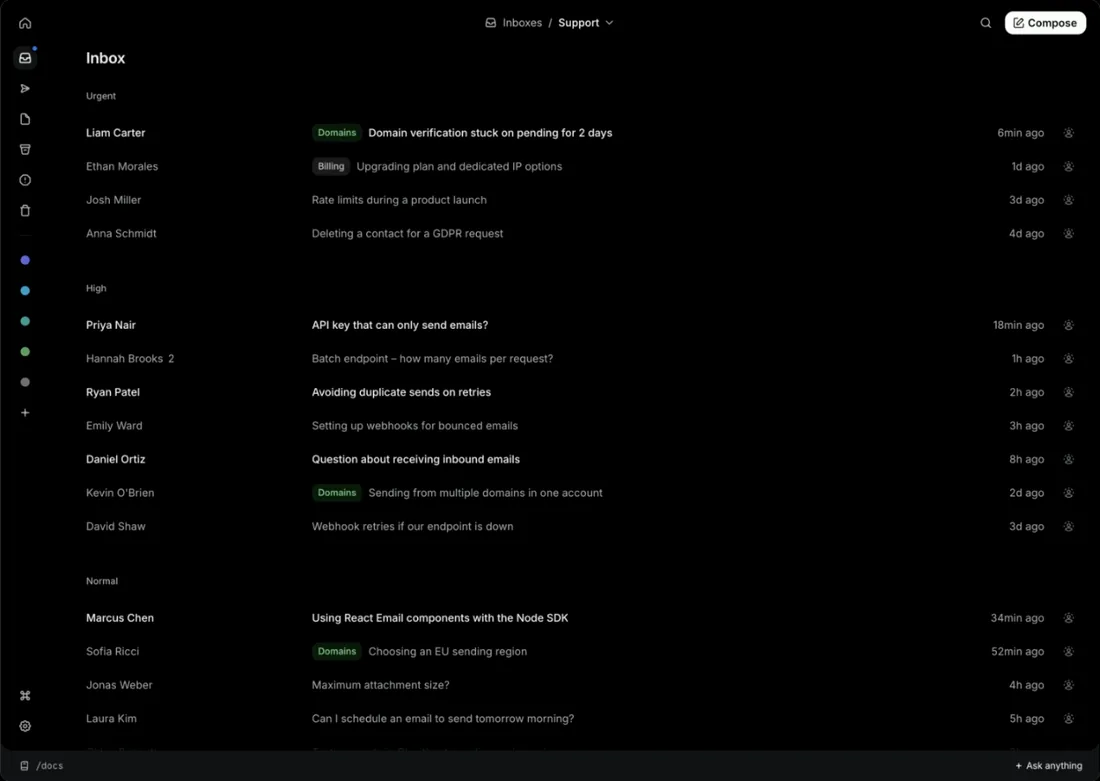
Resend's launch post, October 22, 2026. Image: Resend.
- The address: an inbox is an address on a domain you verify with Resend.
- Sending: Resend's built-in agent can draft, label, assign, archive or mark spam, depending on what you allow, but it never sends on its own: its replies are saved as drafts for someone on your team to review and send. Agents you connect yourself, through the API or MCP, can send.
- Team use: shared inboxes, assignment and notes, with people and agents working the same conversations. Resend doesn't say how it stops two people replying at once.
- Gmail: no Gmail connection. If your domain's mail already goes to Google, you can forward a mailbox to the Resend inbox instead of moving your mail.
- MCP: an MCP server and skills for clients such as Claude Code, Cursor, Codex, Grok and Gemini.
- Price: 3 inboxes on every plan, including the free one; paid plans add inboxes at $1 each. Inbox email counts toward your sending quota: 3,000 a month free, 50,000 on Pro at $20 a month.
Best for: developer teams that want a shared inbox they can build on, on a domain they're happy to run through Resend.
Nylas Agent Accounts: email and a calendar for each agent
Nylas has connected apps to people's Gmail and Outlook accounts for years. Agent Accounts, now generally available, give each agent a mailbox and a calendar of its own, "owned by your software, not borrowed from a person."
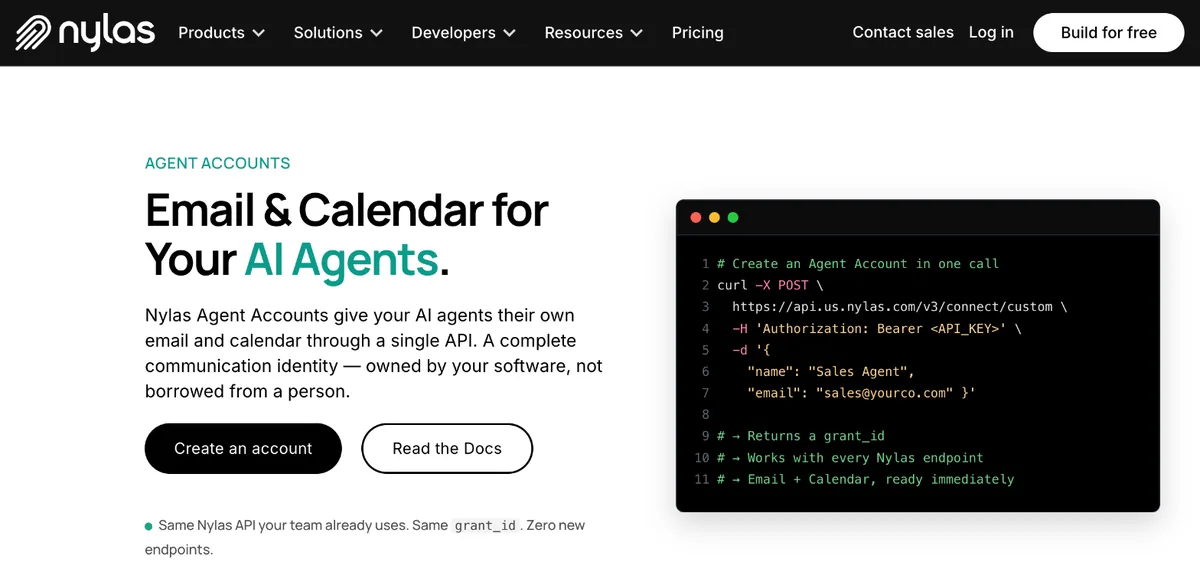
- The address: a mailbox on a Nylas trial domain, or on your own domain with its MX records pointed at Nylas. A subdomain keeps your main mail where it is.
- Sending: the agent sends on its own. Policies set sending limits and allowed or blocked recipients; drafts exist, but there's no built-in approval queue.
- Team use: Nylas groups agents into workspaces, but doesn't describe a human inbox for staff.
- Gmail: Agent Accounts are hosted by Nylas. Connecting existing Gmail accounts is Nylas's separate, longer-standing API.
- MCP: an MCP server for Claude Code, Cursor and other coding agents.
- Price: free for 3 accounts and 3,000 emails a month, sending up to 20 a day per account from the trial domain; $15 a month for 10 accounts, and from $49 a month for 50. Data can be hosted in the US or the EU on every plan.
Best for: agents that need a calendar as well as an inbox, and teams that need EU hosting without an enterprise contract.
Cloudflare Email Service: email for agents built on Cloudflare
Cloudflare's Email Service, in public beta since April 2026, lets apps and agents running on Cloudflare send and receive email. Cloudflare says "each agent gets its own identity from a single domain."
- The address: addresses on your own domain, one per agent.
- Sending: agents send through Cloudflare's Agents SDK. Cloudflare's open-source Agentic Inbox app shows a pattern where agents draft emails for review before they're sent.
- Team use: none described beyond that sample app.
- Gmail: no Gmail connection.
- MCP: an MCP server is part of the service.
- Price: receiving is unlimited on every plan. Sending to other people needs the Workers Paid plan, from $5 a month, with 3,000 emails included, then $0.35 per 1,000. Sending to your own verified addresses is free.
Best for: teams already building agents on Cloudflare Workers.
Hostinger Agentic Mail: low-cost mailboxes for agents
Hostinger, the web host, sells Agentic Mail as "email built for AI agents and workflows": a mailbox on your own domain that an agent reads and sends from through an API, webhooks or an MCP server.
- The address: a mailbox on your own domain, hosted by Hostinger.
- Sending: the agent sends on its own, within a daily limit (1,000 emails a day on the cheapest plan) and allow and block lists. No approval step is described.
- Team use: people can read the mailbox in webmail, but no shared-inbox features are described.
- Gmail: no Gmail connection; the mailbox is Hostinger's.
- MCP: an official Hostinger Mail connector in Claude's directory, an MCP server for Cursor and other clients, a guide for ChatGPT, and connections to OpenClaw, n8n, Make and Zapier. Hostinger's product page still calls the MCP server coming soon; its support docs say it is live.
- Price: per mailbox, paid upfront for 48 months: $0.39 a month on Starter, renewing at $1.59, up to $1.99 a month on Premium, renewing at $3.99.
Best for: a handful of agent mailboxes at the lowest price, if you are happy to pay for four years upfront.
Google Gemini coworker agents: an agent with a Workspace account
Google announced the Gemini agent on October 8, 2026, and its coworker agents are the big-company version of an agent inbox: "The agent receives its own Workspace account, including an email address, calendar, Drive, and presence in your company directory."
- The address: an address on your own Workspace domain; Google's example is an @agents subdomain, such as
name@agents.yourco.com. - Sending: the agent can start email threads, including with people outside your company. Google describes permissions set by your admin and an audit trail of every action, but no email approval step.
- Team use: colleagues work with it in Chat spaces and Doc comments. A shared support inbox isn't described.
- Gmail: native, because it lives in Google Workspace.
- MCP: Google says it can connect to MCP servers.
- Price and availability: not published. Google's own post for startups says the capabilities "are not publicly available yet" and points to its sales team.
Best for: Google Workspace companies that want an agent as a colleague with its own identity, once it's available to them. Our guide to the Gemini agent covers what it can do on a shared inbox today.
Microsoft Agent 365: agent mailboxes in Microsoft 365, in preview
Agent 365 is Microsoft's control plane for managing and securing agents, generally available since May 1, 2026. An agent can also get its own user account with a mailbox, reachable "through Teams, Outlook, Word comments, and email", but Microsoft's documentation says that is "available only to tenants participating in the Frontier preview program."
- The address: a mailbox on your Microsoft 365 tenant, in preview.
- Sending and team use: not documented for agent mailboxes yet.
- Gmail: none; it is Microsoft 365.
- MCP: Microsoft has a Mail MCP server in preview, though it points new projects to Work IQ instead.
- Price: Agent 365 is $15 a user a month, billed yearly, or included in Microsoft 365 E7 at $99. That licenses the people who manage or use agents, not the agents; an agent mailbox needs its own user account and licenses, and Microsoft hasn't published what that costs during the preview.
Best for: Microsoft 365 companies governing many agents, with agent mailboxes still to come out of preview.
Drag: AI agents on your team's Gmail inbox
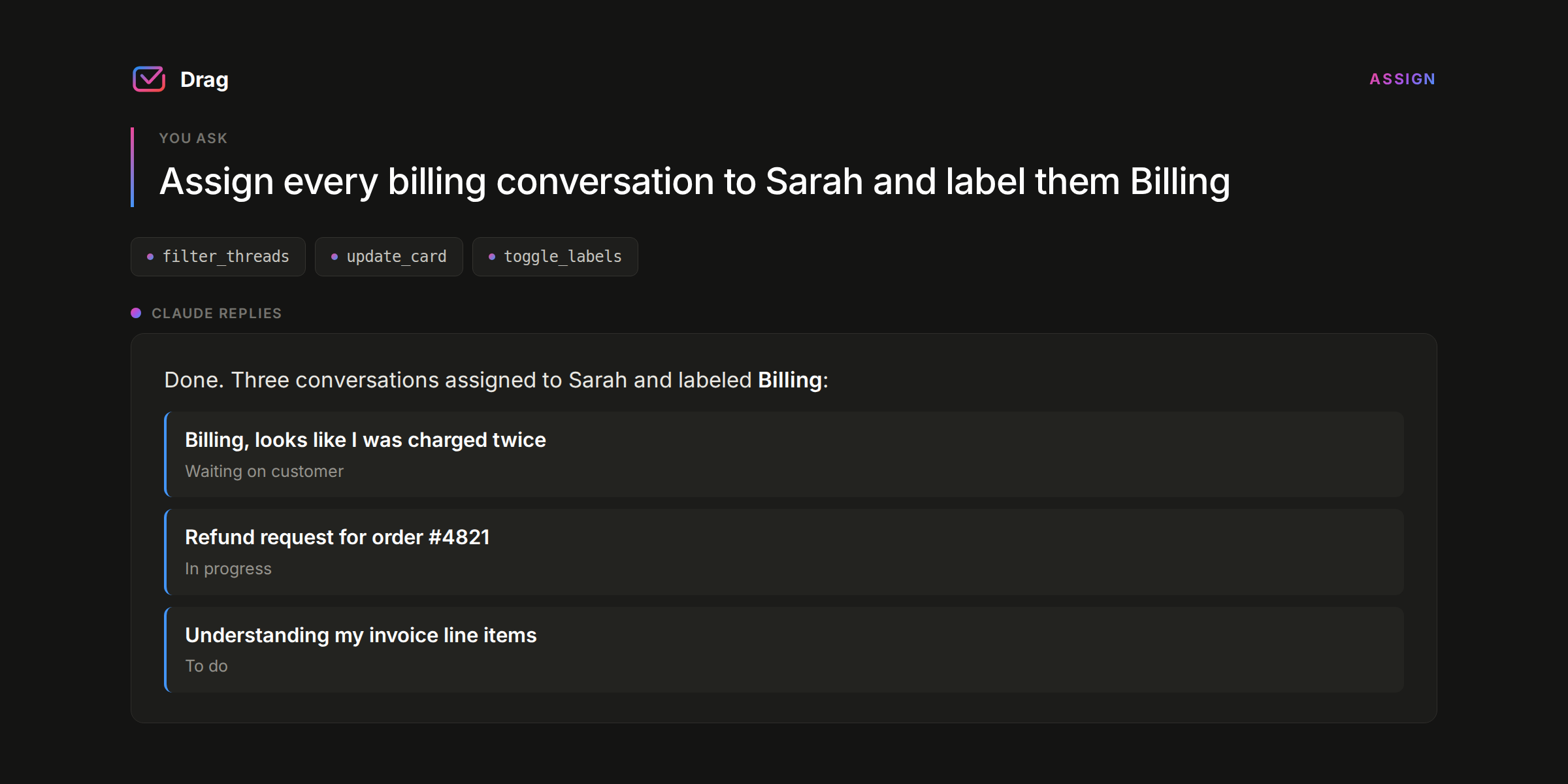
Drag is our product, so this section is the one to read most critically. Drag turns a Gmail address like support@ into a shared inbox your team works together, and its MCP server lets Claude, ChatGPT or Cursor work the same inbox as a teammate. It doesn't give the agent an address of its own: the agent answers from the address your customers already write to.
- The address: your existing Gmail or Google Workspace address. Nothing moves, and there are no MX records to change.
- Sending: the AI client controls approval. ChatGPT asks before every send by default, Claude asks before it uses each tool unless you allow it, and either can save replies as Drag drafts for a person to review instead. Varley, Drag's own AI, drafts replies for your team on the Plus and Pro plans, and on Pro can resolve conversations on its own and hand the rest to a named teammate.
- Team use: what Drag is built for: an owner on every conversation, shared drafts, internal notes, a warning before two people reply to the same customer, and response-time tracking.
- MCP: 47 tools covering replies, assignment, labels, tasks, contacts, analytics and WhatsApp, on the Pro plan, from Claude, ChatGPT, Cursor and other clients.
- Price: $12, $18 or $24 a seat a month, billed yearly. The MCP server is on Pro at $24. No free plan; the 7-day trial needs no card.
Best for: teams that answer customers from Gmail and want an agent on that inbox with people, rather than a new address for the agent.
Drag · with Varley
Put your agent on support@, next to your team
Drag turns your Gmail address into a shared inbox with an owner on every email and a warning before two people reply. On Pro, Claude or ChatGPT can work it through Drag's MCP server, and Varley, Drag's AI, drafts every reply. 7-day free trial, no card.
Can people and AI agents work the same inbox?
Only two products here describe it, and they solve it differently:
| Resend Inboxes | Drag | |
|---|---|---|
| Assignment | Yes | Yes, with a named owner |
| Notes | Yes | Yes, plus shared drafts |
| Two replies at once | Not described | Warns before a second reply |
| Agent sending | Built-in agent drafts only | The AI client asks first |
| Where the inbox lives | Your domain on Resend | Your Gmail addresses |
The other six give an agent a mailbox but leave the team side to you: you would build the assignment, the review step and the safeguards yourself, on top of the API.
Keeping your Gmail or Google Workspace address
You can keep Gmail as it is with Drag or Google's agents, keep it and route some addresses with AgentMail or Resend, or move those addresses to Nylas, Cloudflare or Hostinger:
- No change: Drag works on the Gmail addresses you have, and Google's coworker agents live inside Workspace.
- Keep Gmail, route some addresses: AgentMail lets Google stay your mail server and routes unrecognized addresses to it. Resend can take a forwarded copy of a mailbox.
- Move the mail for those addresses: Nylas, Cloudflare and Hostinger need your domain's mail, or a subdomain's, pointed at them for the agent's addresses. Cloudflare also needs the domain added to your Cloudflare account.
If you are giving an agent its own inbox, a subdomain such as agents.yourco.com limits what a mistake can do to your main domain's mail. Subdomains can still share the parent domain's sending reputation, so register the subdomain with the provider as a domain of its own if you want it fully separate.
Sending limits, new mail and security compared
Sending caps and how an agent hears about new mail matter more for agents than for people, because an agent can hit a daily limit in minutes. Google and Microsoft are left out here because their agent mailboxes aren't generally available.
| Product | Daily sends | New mail | Security |
|---|---|---|---|
| AgentMail | 100 free, 1,000 paid | Webhook, websocket | SOC 2 report on Startup |
| Resend | 100 free, no cap paid | Webhook | SOC 2 Type II |
| Nylas | 20 free, no cap paid | Webhook | HIPAA BAA on paid |
| Cloudflare | Not stated | A Worker | Not stated |
| Hostinger | 1,000 on Starter | Webhook | Not stated |
AgentMail's paid figure is its Developer plan, which also caps sending at 100 every five minutes; Startup allows 15,000 a day. For data location, Nylas hosts in the US or the EU on every plan, while AgentMail's EU environment is Enterprise only. Drag sends through your Gmail account, so Gmail's own sending limits apply.
Where the developer inboxes fit better than Drag
- An agent that works alone. If no person needs to see the conversation, a shared inbox is overhead. AgentMail, Nylas, Cloudflare or Hostinger are simpler and cheaper.
- Many agents, few people. The developer inboxes price per inbox, from free, while Drag prices per person.
- Outlook or Microsoft 365. Drag works with Gmail and Google Workspace only.
- An agent that also needs a calendar of its own. Nylas includes one with every account.
- Building your own product. If you are building an agent product for your own customers, an API like AgentMail or Nylas is the foundation; Drag is an app your team uses.
How we compared
We read every vendor's pricing page and documentation on November 1, 2026, and the top-ranking comparisons for these searches. We didn't test the developer inboxes hands-on, and Google's and Microsoft's agent mailboxes weren't available to test. Where Hostinger's product page and support docs disagree, we went by the support docs. Prices are in USD, monthly, unless a line says billed yearly.
We left out pure sending APIs, such as SendGrid or Postmark, because they don't give an agent an inbox. Our comparison of email MCP servers covers those by job. Other shared inbox tools also publish MCP servers; our shared inbox MCP comparison covers six of them.
Frequently asked questions
Is AgentMail free?
Yes, for small use. AgentMail's free plan includes 3 inboxes and 3,000 emails a month, with a limit of 100 a day, but no custom domain, and messages carry a "Sent via AgentMail" footer. The Developer plan, at $20 a month, adds custom domains and 10 inboxes, and the Startup plan, at $200 a month, includes 150 inboxes.
What's the difference between AgentMail and Resend Inboxes?
AgentMail gives each agent an inbox of its own and lets it send on its own, which suits agents that work alone. Resend Inboxes is built for people and agents sharing an inbox, with assignment and notes, and its built-in agent only drafts replies for your team to send. Both start free with 3 inboxes; extra inboxes cost $2 on AgentMail and $1 on Resend.
What are the best AgentMail alternatives?
Nylas adds a calendar and US or EU hosting, even on its free plan. Resend Inboxes adds a shared inbox for your team, with extra inboxes at $1 each on paid plans. Cloudflare Email Service suits agents built on Workers, and Hostinger Agentic Mail costs least per mailbox if you pay four years upfront. If the agent should answer from your team's Gmail address instead, a shared inbox like Drag fits.
Can I give an AI agent an email address on my Google Workspace domain?
Yes, in several ways. AgentMail can receive mail for addresses Google doesn't recognize while Google stays your mail server. Google's coworker agents get their own Workspace accounts, but they aren't generally available yet. Or the agent can skip a separate address and work your existing support@ through a shared inbox like Drag.
Should an AI agent send email without approval?
Not at first. Start with the agent reading and drafting, approve every send for a few weeks, and widen its permissions only for message types it has handled well. Resend's built-in agent never sends on its own, and Claude and ChatGPT can ask before each send through an MCP server. Our guide to agentic email covers the permission levels.
Related guides
- Email MCP servers compared: the best server for each email job, including sending APIs.
- Shared inbox MCP servers compared: which team inboxes Claude and ChatGPT can work.
- Claude Duet vs OpenAI dots vs Meta Muse vs Gemini agent: the big labs' personal agents and email.
- What is agentic email?: the four permission levels and the real risks.
- How to connect a shared inbox to Claude: set up Drag's MCP server in a few minutes.
Want an agent on your team's inbox, not a new one? Start a 7-day free trial of Drag. The MCP server is on Pro, and no card is needed.

Co-founder
Building Drag for nearly ten years: shared inboxes, boards, and now the AI and agent layer, all on Gmail, plus HeyHelp for the personal inbox. Writes the honest versions of the comparisons.
