Drag, Front, Missive, Hiver, Gmelius and Help Scout all publish MCP servers now. What each lets Claude or ChatGPT do on a team inbox, and which can send.
Key takeaways
- A shared inbox MCP server lets Claude, ChatGPT or Cursor work a team's queue (support@, sales@) instead of one person's mailbox. As of October 2026, Drag, Front, Missive, Hiver, Gmelius and Help Scout all publish one.
- The difference that matters is what the AI can finish. Drag, Front and Missive can send replies; Hiver and Gmelius stop at drafts; Help Scout is read-only.
- Our pick for teams on Gmail is Drag (ours, disclosed): 47 tools, read and write, sending, assignment, labels, analytics and WhatsApp. To our knowledge it is the only Gmail-native shared inbox whose MCP server can send.
- Google's own Gmail MCP server cannot reach a shared, delegated or Google Groups mailbox: it acts only on the signed-in user's own inbox, and it cannot send.
- Check two things before you commit: whether the server can send, and which plan it needs. MCP sits on Drag's Pro plan, Missive's Productive and Business plans, and Help Scout's Standard plan and up.
Table of contents
- Shared inbox MCP servers at a glance
- 1. Drag: the whole Gmail queue, sending included
- 2. Front: a full write set, in Front's own app
- 3. Missive: drafting and sending, without the team layer
- 4. Hiver: Gmail-native, but the AI stops at drafts
- 5. Gmelius: assigns and drafts, never sends
- 6. Help Scout: read-only, on purpose
- What about Gmail's own shared inbox and Google Groups?
- Pricing comparison: what each shared inbox costs, and where MCP sits
- How to choose a shared inbox MCP server
- Frequently asked questions
The short version: a shared inbox MCP server lets your AI work the team's queue, not just your own mail, and in October 2026 six of the main shared inbox tools publish one. Only three let the AI send the reply: Drag, Front and Missive. For a team that runs its inbox on Gmail, our pick is Drag (our product, disclosed throughout): 47 tools covering replies, assignment, labels, analytics and WhatsApp, and, to our knowledge, the only Gmail-native shared inbox whose server can send. Hiver and Gmelius, the other Gmail-native options, added servers in September and October that stop at drafts, and Help Scout's is read-only by design.
Every status on this page comes from the vendor's own documentation, checked on October 20, 2026. This category changed more between July and October 2026 than in the year before it, so treat any comparison older than a few weeks, including our own earlier pages, with suspicion.
What is a shared inbox MCP server? It is an MCP (Model Context Protocol) server published by a shared inbox product, so an AI client like Claude, ChatGPT or Cursor can read, assign, label and answer the conversations a team handles together, from addresses like support@ or sales@. The difference from a Gmail or Outlook MCP server is whose mailbox the AI works: a personal server acts as one person on one mailbox; a shared inbox server acts inside the team's queue, where owners, statuses and every reply are visible to the whole team.
Shared inbox MCP servers at a glance
| Shared inbox | Gmail-native | MCP server | Can the AI send a reply? | Assign and label? | In ChatGPT's Plugin Directory? | Plan needed for MCP |
|---|---|---|---|---|---|---|
 Drag Drag | Yes | Official, 47 tools | Yes | Yes | Yes | Pro |
 Front Front | No, own app | Official, 27 tools | Yes | Yes | Yes | Any plan |
 Missive Missive | No, own app | Official | Yes | Not documented | Yes | Productive or Business |
 Hiver Hiver | Yes | Official, 20 tools | No, drafts only | Tags only | Yes | Not stated |
 Gmelius Gmelius | Yes | Official | No, drafts only | Yes | No, custom connector | Not stated |
 Help Scout Help Scout | No, own app | Official | No, read-only | No | No, custom connector | Standard, Plus or Pro |
 Google Groups Google Groups | Yes | None | No | No | No | Not available |
How you connect differs too. In ChatGPT, Drag, Front, Missive and Hiver install from the Plugin Directory in a few clicks, while Gmelius and Help Scout are not listed and need a custom connector added by URL, which OpenAI currently allows, with full read and write, only on ChatGPT Business and Enterprise/Edu plans. In Claude, none of the six appears in the public connector directory as of October 20, 2026, so each is added as a custom connector by URL.
Read the send column first. An assistant that can read and draft is a helper: a person still opens every thread to send. An assistant that can send, assign and label is a teammate: it can close the loop on routine work, behind your AI client's own approval prompt for each outgoing message.
1. Drag: the whole Gmail queue, sending included
Who it is for: teams that run support@, sales@ or info@ on Gmail. MCP: official, read and write, 47 tools across 12 categories.
What's waiting in support from overnight? Draft replies to the three oldest.

Found 9 open threads from overnight in the Support board. Three drafts are ready for your review; nothing was sent.
Drafting needed your permission the first time. Sending always does.
Drag turns shared Gmail addresses into a shared inbox the team works together, and its MCP server lets an AI client work that inbox the same way a teammate does. The 47 tools span email (search, read, reply, send), cards and boards (assign, set status, move between columns, due dates), labels and tags, comments, tasks, contacts, the knowledge base, automations, response-time analytics, and WhatsApp, including approved templates. The server is hosted at https://app.dragapp.com/mcp, you connect it by entering an API key once on a secure connect page, and ChatGPT users can install it from the Plugin Directory, where Drag has been listed since October 13, 2026. It also works from Claude, Cursor, Windsurf and Claude Code.
What this looks like in practice: "Show me unassigned threads in Support older than four hours, assign billing questions to Sam, and draft replies to the rest from our help docs." The AI lists the column, reads each thread, assigns the billing ones, drafts the others, and sends each reply once you approve it, all inside the shared inbox where the rest of the team sees it happen.
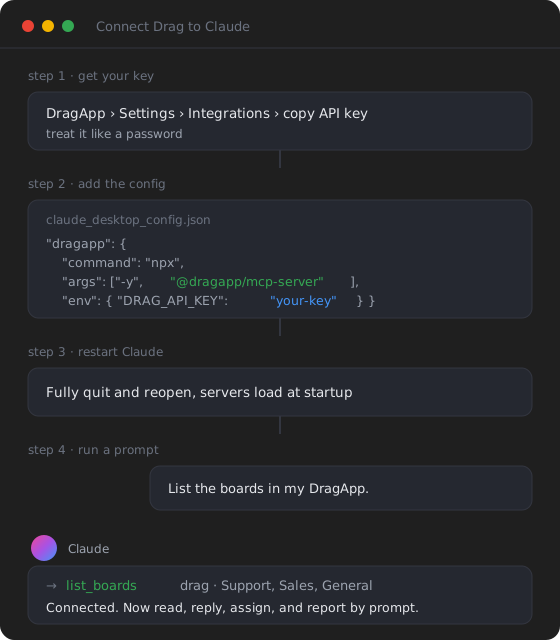
- Why it ranks first: to our knowledge, it is the only Gmail-native option whose server can send, and it has the largest published tool count of the six, WhatsApp included.
- Price: MCP is on the Pro plan, $24 a seat a month billed yearly, with Varley, Drag's AI, included; every 7-day trial runs with full Pro access and needs no card.
- The honest limit: Drag is for teams on Gmail and Google Workspace. If your team lives in Outlook, it is not your tool.
Every tool is listed on our MCP server page, and plans are on pricing. Setup takes a few minutes; our shared inbox connection guide walks it in Claude, and the ChatGPT version covers the Plugin Directory route.
2. Front: a full write set, in Front's own app
Who it is for: teams already running on Front. MCP: official, 27 tools, relaunched July 2026.
Front replaced its spring beta with a new server in July 2026. Its 27 tools cover searching and reading conversations, creating and sending drafts and messages, assigning, moving and changing status, comments, tasks, tags and contacts, with each teammate signing in through OAuth so the AI acts as that person. It is listed in ChatGPT's Plugin Directory and has no plan gate, though Front sets per-minute call limits by plan.
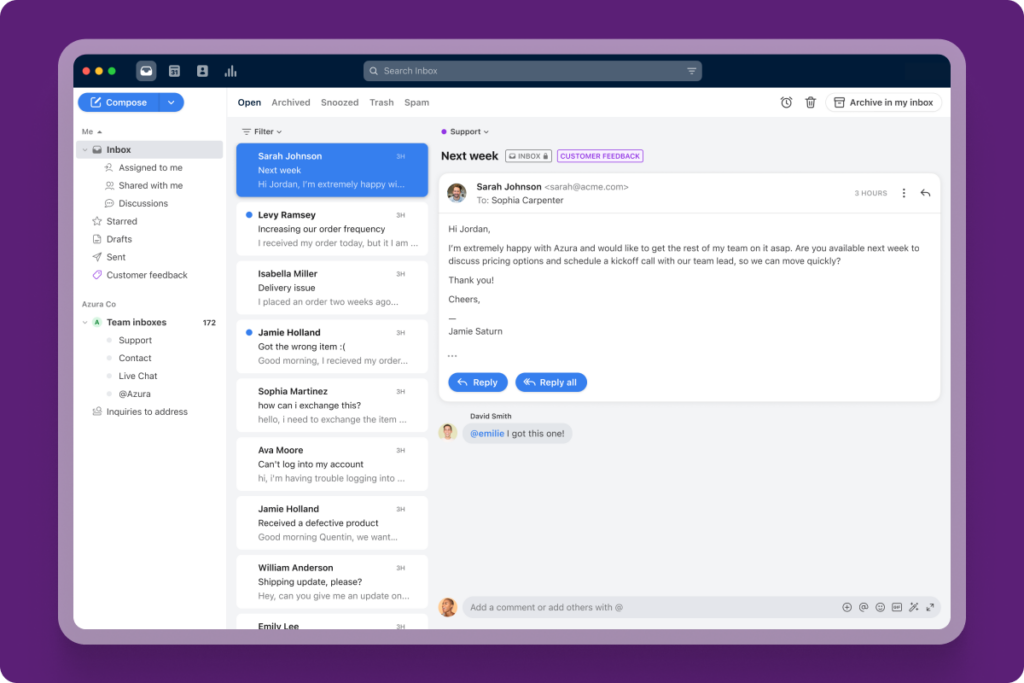
- Strength: the most complete write set after Drag's, on a mature multichannel inbox.
- The honest limit: Front's documentation notes it does not support dynamic client registration, so some AI clients cannot connect yet. And Front is its own app, not Gmail, with seats from $25 rising to $105. Our Front alternative page compares the two in full.
Drag · with Varley
The inbox your team and Varley work in together
Shared inbox and live chat for Gmail teams, with Varley, Drag’s AI, included from $18. Plus an MCP server your own AI tools can drive.
3. Missive: drafting and sending, without the team layer
Who it is for: teams that like Missive's chat-style collaboration. MCP: official, live since August 2026.
Missive's server, which an admin has to switch on, lets an AI search conversations, contacts and calendars, draft replies, send them, and book events. What its documentation does not cover is the team layer: there are no documented tools for assigning, labeling or closing conversations, and Missive's own feedback board shows users still asking for them. It runs on the Productive and Business plans.
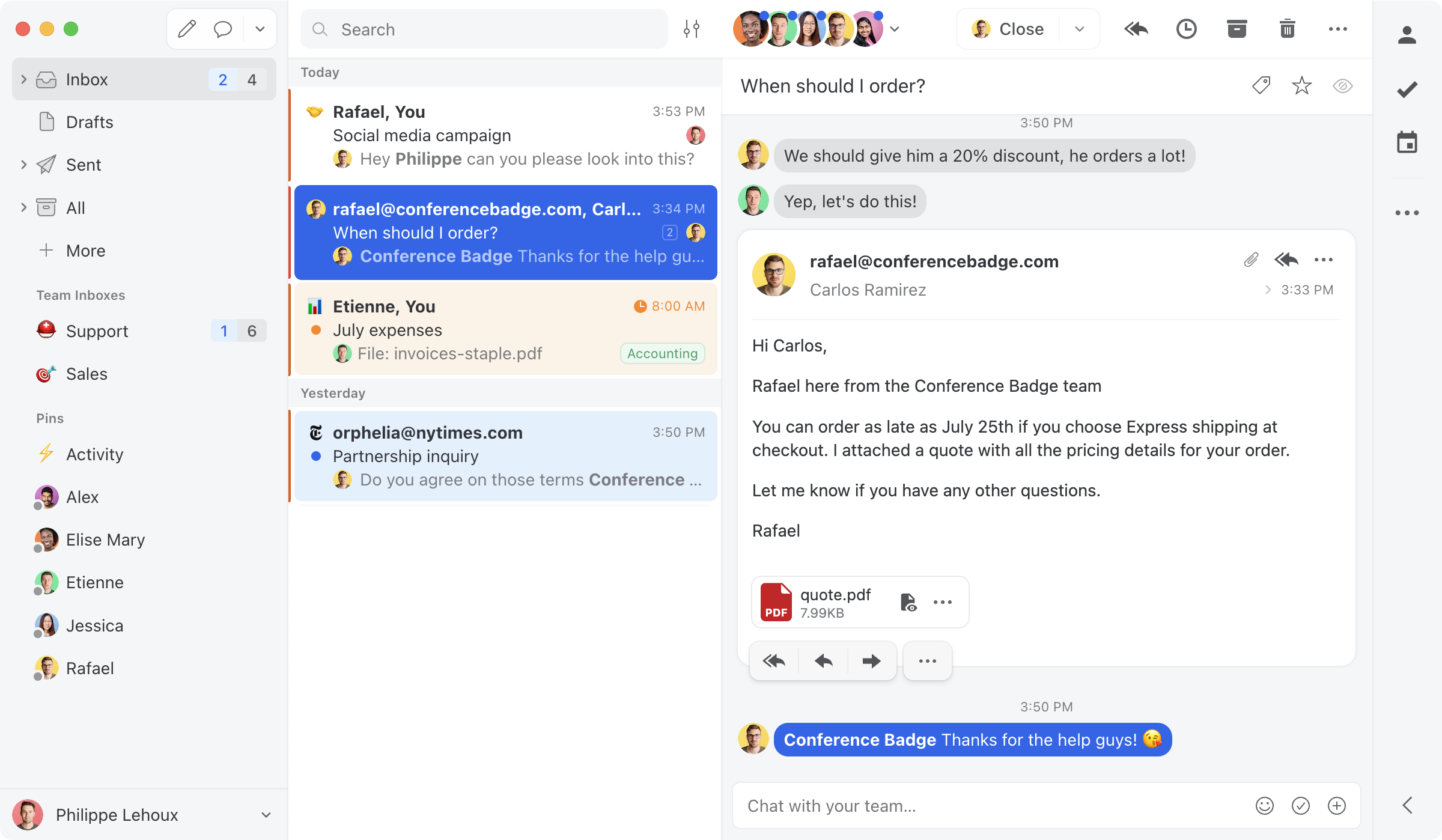
- Strength: sending works, and calendar booking is a nice touch.
- The honest limit: an AI that can reply but not route still leaves the queue management to people. More in our Missive alternative comparison.
4. Hiver: Gmail-native, but the AI stops at drafts
Who it is for: Hiver customers who want an AI to prepare work. MCP: official, 20 tools, launched September 2026.
Hiver ships two servers: "Hiver Gmail" for its Gmail product (20 tools) and a separate one for Hiver Omni (18 tools). The Gmail server reads conversations, inboxes and reports, and can create shared drafts, add internal notes with mentions, and add or remove tags. Hiver's own help page is direct about the line: "It can't send the email itself." Assignment and status changes are documented for Hiver Omni, not the Gmail server. Plan requirements are not stated.
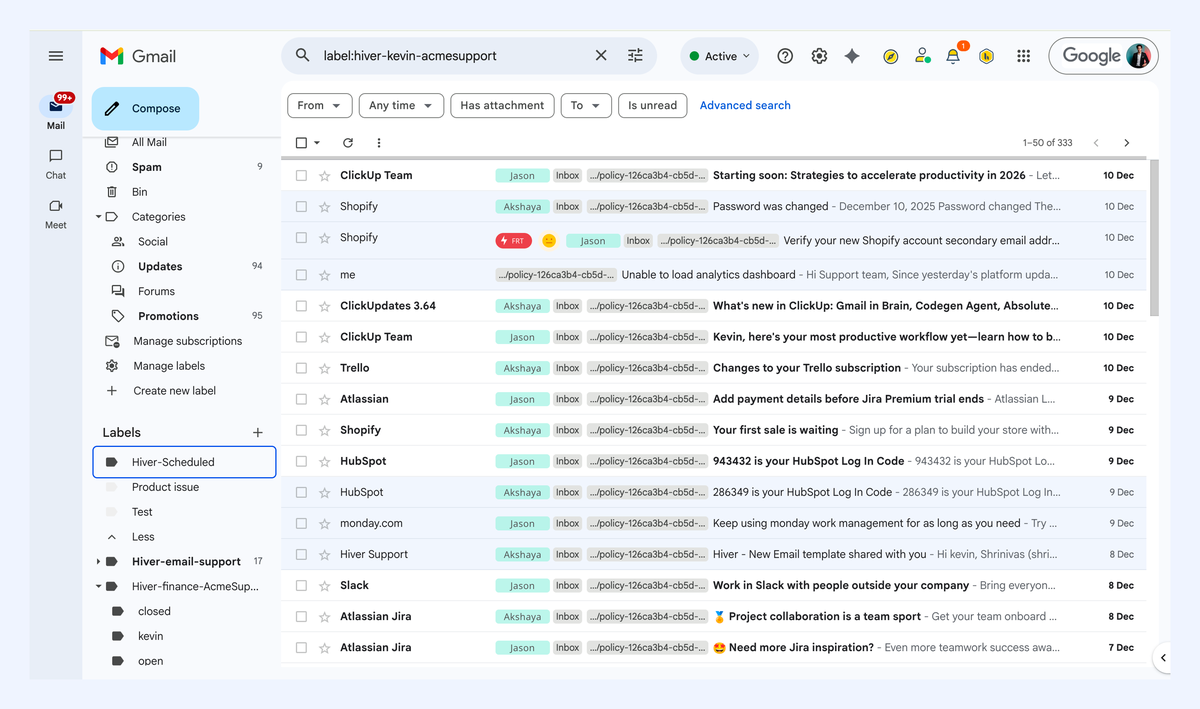
- Strength: Gmail-native, with reporting reads and team notes.
- The honest limit: every reply still needs a person to open the draft and send it. Our Hiver alternative page sets the two side by side.
5. Gmelius: assigns and drafts, never sends
Who it is for: Gmelius customers working from many AI clients. MCP: official, launched October 1, 2026.
Gmelius's server lists your shared inboxes and shared labels, reads conversations with their tags and notes, assigns and unassigns, changes status to open, pending or closed, applies and renames tags, and creates draft replies and internal notes. It has the broadest documented client list here, Gemini included, but it is not in ChatGPT's Plugin Directory: in ChatGPT it has to be added as a custom connector, which works with full read and write only on Business and Enterprise/Edu plans, and in Claude it is a custom connector too. On sending, its help page is equally plain: "No. It can create drafts, which you review and send yourself from Gmail."
- Strength: real routing (assignment and status) on a Gmail-native inbox.
- The honest limit: drafts only, and no tool count is published. See our Gmelius alternative page for the full comparison.
6. Help Scout: read-only, on purpose
Who it is for: Help Scout teams that want answers and reports, not actions. MCP: official, generally available since July 2026.
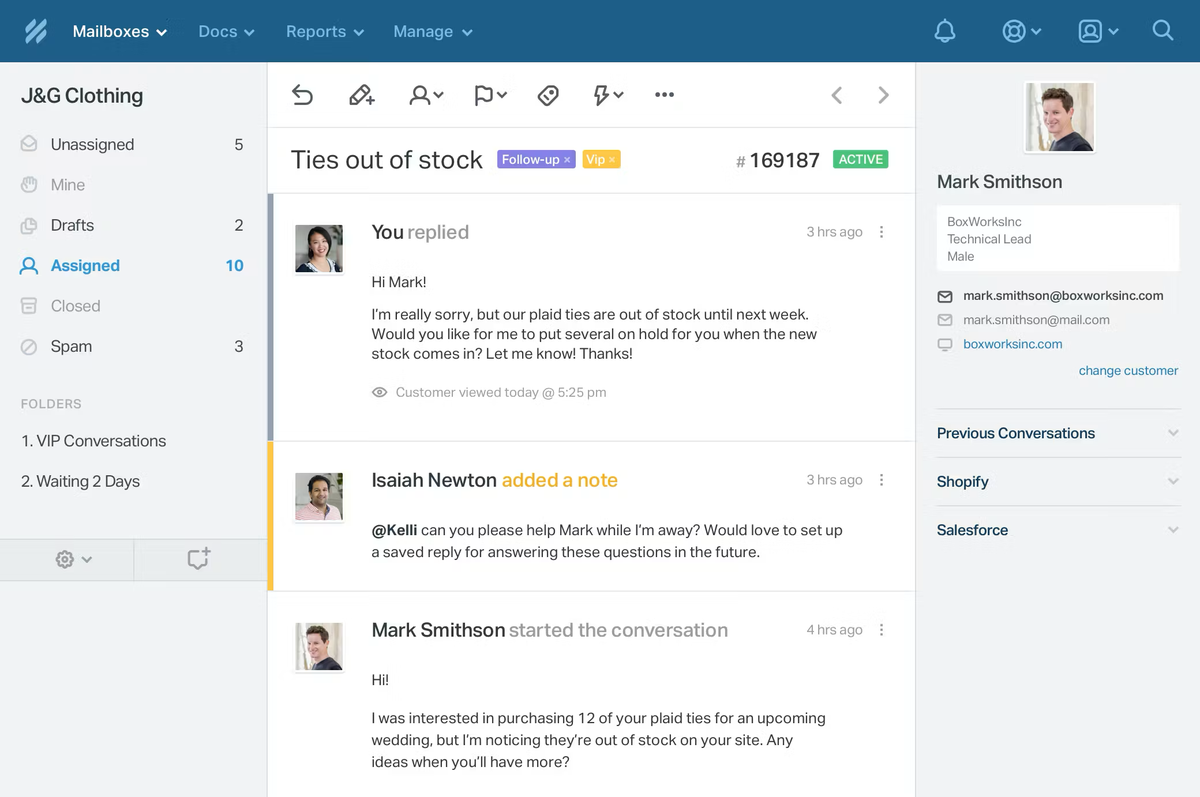
Help Scout's server lets Claude, ChatGPT or Cursor search conversations and pull reports. Help Scout calls it intentionally read-only: writes are on its roadmap without a date, and new connections cannot reply, assign or edit. It needs the Standard, Plus or Pro plan, and report tools need Plus or Pro. It is not in ChatGPT's Plugin Directory, so ChatGPT users add it as a custom connector.
- Strength: a clean, generally available way to ask questions of your support history.
- The honest limit: it cannot touch the queue at all. Our Help Scout alternative page covers the rest of the trade-offs.
What about Gmail's own shared inbox and Google Groups?
Google has no MCP server for Google Groups or its Collaborative Inbox. Its official Gmail MCP server, still a developer preview, acts only on "the authenticated user's Gmail account": there is no way to point it at a shared, delegated or group mailbox, and its documented tools stop at drafts. Claude's built-in Gmail connector works the same way, on your own mailbox. So a team on native Gmail sharing has no route for an AI to work the shared queue; that gap is the reason shared inbox servers exist. Our Gmail MCP guide compares every personal Gmail route.
Pricing comparison: what each shared inbox costs, and where MCP sits
None of these vendors lists a separate charge for its MCP server; the question is which plan it needs. Drag's sits on Pro, Missive's on its two upper plans, Help Scout's from Standard, Front's on every plan. Here are the advertised per-seat ranges:
Google Groups is free with Google Workspace, and it is on the chart for that reason: it is the zero-cost shared address many teams start with, but there is no MCP route to it.
How to choose a shared inbox MCP server
- Your team runs on Gmail and wants the AI to finish the work: Drag.
- You already run on Front: its relaunched server sends and routes.
- You use Missive and mostly want help drafting and replying: Missive's server, on Productive or Business.
- You are on Hiver or Gmelius: their servers prepare drafts and (on Gmelius) route; a person sends.
- You want an AI to answer questions about your support history, not act: Help Scout's read-only server.
Then try it on a real queue. A prompt like "show me today's open threads in Support and draft replies to the three oldest" will tell you more in two minutes than any table, including ours.
If your question is about help desks rather than shared inboxes (Freshdesk, Zendesk, Fin (formerly Intercom) and the Slack-native platforms), our best MCP servers for customer support ranks those, and MCP for customer support explains what the protocol changes for a support team.
Frequently asked questions
Does Hiver have an MCP server?
Yes, since September 2026. Hiver's "Hiver Gmail" server has 20 tools: it reads conversations, inboxes and reports, and can create shared drafts, add internal notes and add or remove tags. It cannot send the email; a person opens the draft and sends it. A separate Hiver Omni server adds assignment and status.
Does Gmelius have an MCP server?
Yes, since October 1, 2026. It can list shared inboxes and labels, read conversations, assign and unassign, change status, tag, and create drafts and internal notes. It cannot send: Gmelius says you review and send each draft yourself from Gmail. It connects with OAuth as a custom connector: it is not listed in ChatGPT's Plugin Directory or Claude's public directory.
Does Front have an MCP server?
Yes. Front replaced its spring beta with a new server in July 2026: 27 tools that read and search conversations, send drafts and messages, assign, move, change status, tag and comment. Each teammate signs in with OAuth, every plan can use it, and it is listed in ChatGPT's Plugin Directory. Front notes that some AI clients cannot connect yet because it does not support dynamic client registration.
Can an MCP server send emails from a shared inbox?
Some can. Drag, Front and Missive let an AI client send replies from the shared inbox, usually behind the client's approval prompt. Hiver and Gmelius stop at drafts, Help Scout is read-only, and Google's own Gmail MCP server cannot send or reach a shared mailbox at all.
Is there a Google Groups or Collaborative Inbox MCP server?
No. Google publishes no MCP server for Google Groups, and its Gmail MCP server, a developer preview, works only on the signed-in user's own mailbox, so it cannot reach a group or shared address. To let an AI work a shared Gmail address, you need a shared inbox product with its own server.

Co-founder
Building Drag for nearly ten years: shared inboxes, boards, and now the AI and agent layer, all on Gmail, plus HeyHelp for the personal inbox. Writes the honest versions of the comparisons.
Related articles
Gmail AI Inbox: Who Gets It, How to Turn It Off, and What It Can't See (2026)
Nick Timms
If we didn't want to pay for a help desk, here's exactly what we'd build. Gmail, a free Google Group, and Claude or ChatGPT.
Duda Bardavid
Gemini Agent: Google's AI Coworkers Get Their Own Email Address (2026)
Nick Timms