













Email MCP servers compared by job: Outlook's preview server, Resend and Mailgun for sending, AgentMail for agent inboxes, and the shared inbox route for teams.
Key takeaways
- "Email MCP server" is not one category. It is four different jobs: working your own mailbox, sending email at scale, giving an agent an address of its own, and running a team's shared inbox. Most bad picks come from choosing a server built for a different job.
- The official mailbox servers are younger than they look: Google's Gmail MCP server is a developer preview that drafts and labels but cannot send, and Microsoft's Work IQ Mail is a preview that requires a Microsoft 365 Copilot license, listing reply and reply-all in its catalog but no fresh-send verb.
- Sending infrastructure is the mature lane: Resend runs an official hosted MCP server covering sending, inbound reads, and attachments, and Mailgun ships an official open-source server. SendGrid has no official MCP server as of September 2026.
- For a team queue like support@, the mailbox and sender servers all act as one person. Drag's MCP server is the shared-inbox-native option: 47 tools across the team's queue, with assignment and attribution built in, on the Pro plan.
Table of contents
Email MCP servers get compared as if they were one product category, and they are really four different jobs wearing the same acronym. The short answer: pick the server for the job, not the brand. To let an AI work your own mailbox, the routes are Gmail's connector-and-server family or Microsoft's preview Work IQ Mail. To let an agent send email at scale, Resend and Mailgun run official servers and are the mature pick. To give an agent an inbox of its own, AgentMail exists precisely for that. And to let an AI work a team's queue like support@, none of those fit: that is the shared inbox job, and Drag's MCP server is built for it.
This guide walks the four jobs, then the six server options one by one, with what each can and cannot do according to its own documentation.
Two quick routers before the list, because the wrong page wastes your time: if your question is specifically about Gmail, the Gmail MCP guide compares all five Gmail routes in depth. And if you are choosing a customer support platform by its MCP support, MCP for customer support grades every major help desk's server.
The four jobs an email MCP server can do
- Work your own mailbox. Search, read, draft, and reply inside the account you already own. This is the job of Gmail's routes and Microsoft's Work IQ Mail.
- Send email at scale. Transactional and product email, sent through infrastructure with deliverability, domains, and logs. This is Resend and Mailgun territory, an API with an MCP door on it.
- Give the agent its own address. An inbox that belongs to the agent, not to a human. A new category, and AgentMail is its clearest example.
- Run the team's shared inbox. support@ or sales@ as a queue with owners, statuses, and reporting, where the AI works alongside the team. This is the job every mailbox server above structurally cannot do, because they all act as one person.
Email MCP servers at a glance
| Server | Job | Official? | Status | Can it send? |
|---|---|---|---|---|
 Gmail routes (full guide) Gmail routes (full guide) | Your own mailbox | Google + Anthropic official options | Google's server in developer preview | Claude's connector sends with approval; Google's server does not send |
 Microsoft Work IQ Mail Microsoft Work IQ Mail | Your own mailbox | Official | Preview, Copilot license required | Reply and reply-all listed; no fresh-send verb in the catalog |
 Resend MCP Resend MCP | Sending at scale | Official | Live, hosted | Yes, plus inbound reads |
 Mailgun MCP Mailgun MCP | Sending at scale | Official | Live, open source | Yes |
 AgentMail AgentMail | The agent's own inbox | Official | Live | Yes, from the agent's address |
 Drag's shared inbox MCP Drag's shared inbox MCP | The team's queue | Official, built in | Live, Pro plan | Yes, replies from the shared address, attributed |
The six options, one by one
1. The Gmail routes: five doors into one mailbox
Gmail is the one provider with a whole ecosystem rather than a single server: Claude's built-in connector (which sends, replies, and forwards with per-message approval), Google's official Gmail MCP server (a developer preview that drafts and labels but has no send tool), community servers, and aggregators. Ranking them here would duplicate a page we already keep current, so the honest entry is a pointer: the Gmail MCP guide compares all five routes with each one's setup cost, capabilities, and the receipts from Google's and Anthropic's own documentation.
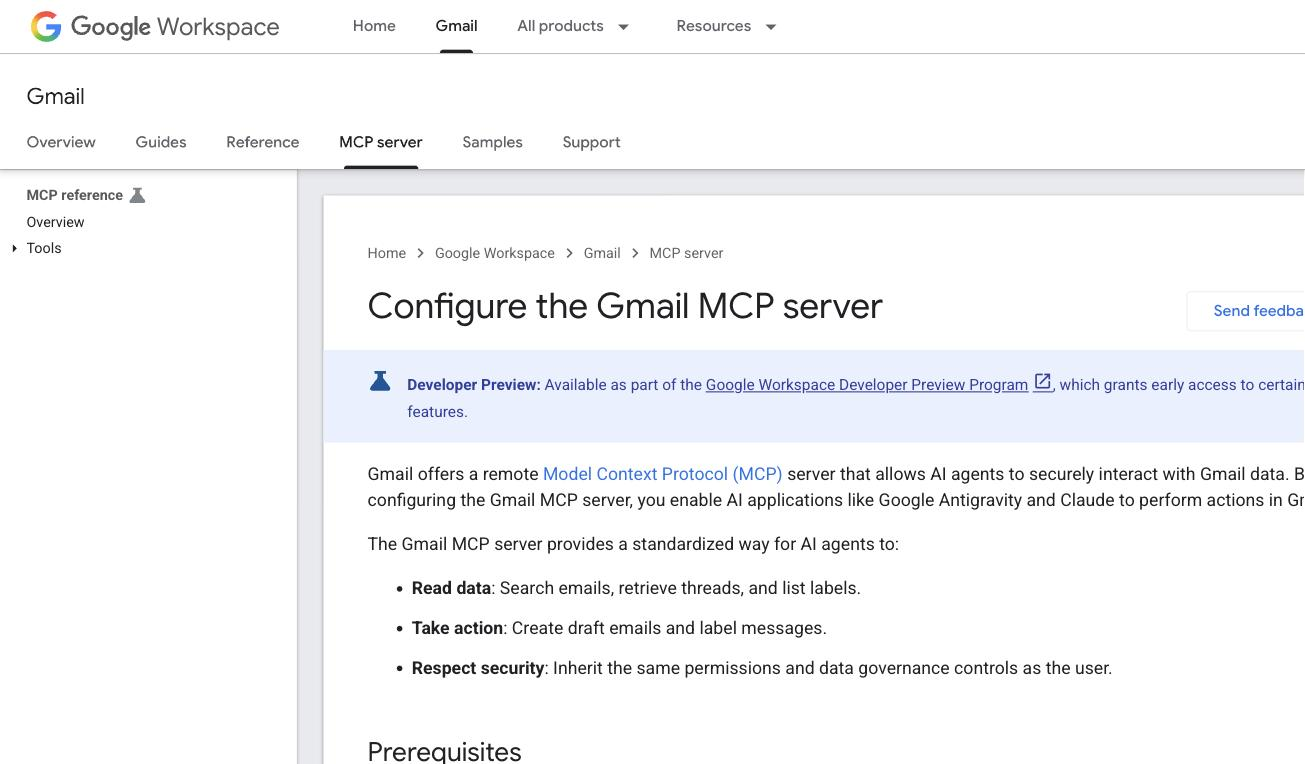
Best for: anyone whose email lives in Gmail. Start there, not here.
2. Microsoft Work IQ Mail: official Outlook access, behind a Copilot license
Microsoft's answer to "Outlook MCP" ships inside Microsoft Agent 365: the Work IQ Mail server, one of a catalog of Work IQ servers for Microsoft 365. Its own catalog entry lists the email verbs precisely: create, update, and delete messages, reply and reply all, and semantic search.
Two details matter before you plan around it. It is a preview, which Microsoft's documentation says is not meant for production use. And the price of entry is steep for a small team: a Microsoft 365 Copilot license, plus an app registered in Microsoft Entra for coding agents, connecting through Copilot Studio, Microsoft Foundry, GitHub Copilot CLI, Claude Code, or VS Code.
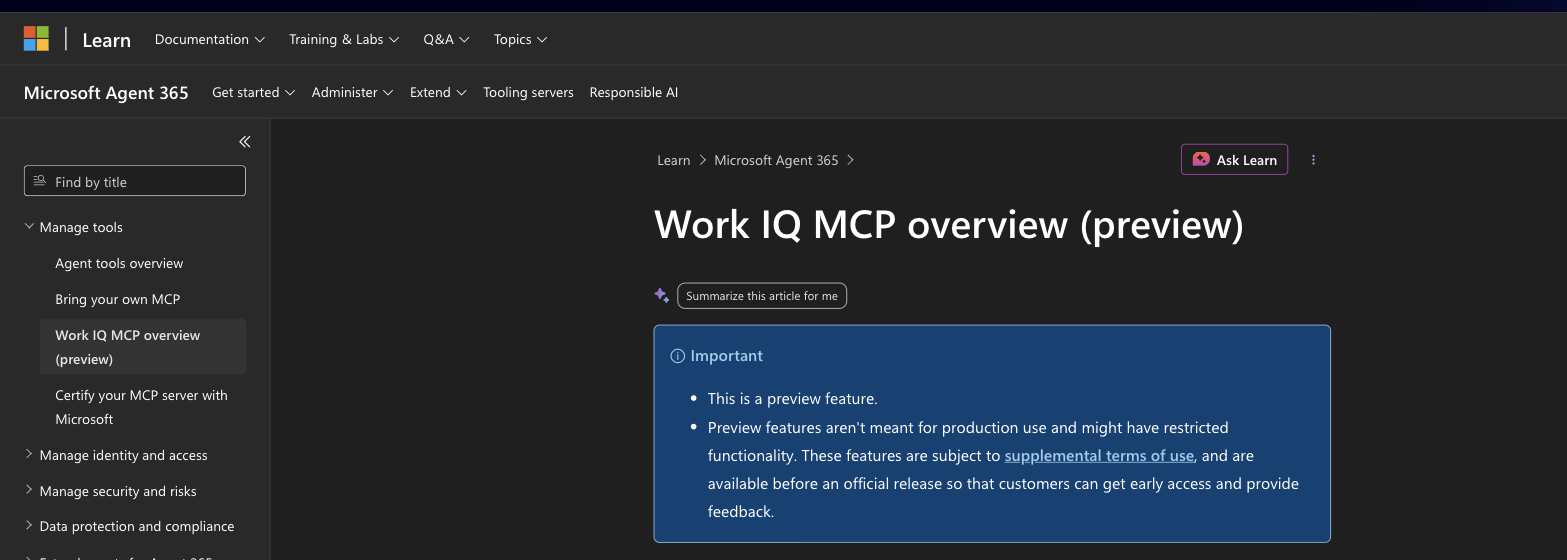
Pros: official and maintained by Microsoft; semantic search across the mailbox; sits inside Microsoft's identity and compliance stack, which is exactly what enterprise IT wants.
Cons: preview status; requires a Copilot license per user; the catalog lists reply and reply-all but no verb for sending a brand-new message; enterprise setup, not an afternoon job.
Best for: Microsoft 365 organizations that already pay for Copilot and want agents on the corporate mailbox with IT in control. If that is not you, the community Microsoft 365 servers on GitHub reach Outlook through the Graph API with less ceremony and correspondingly more self-managed risk.
3. Resend MCP: the most complete official sending server
Resend built its MCP server the way it built its email API: developer-first and hosted, at mcp.resend.com, with OAuth login or an API key for the self-hosted version. The tool list is the widest in the sending lane: send, list, cancel, update, and batch-send emails, plus reading inbound email and downloading attachments, plus the surrounding estate of templates, contacts, broadcasts, domains, and webhooks.
That inbound-read capability quietly moves Resend beyond pure sending: an agent can hold a small two-way correspondence on infrastructure addresses.

Pros: official and hosted, so no server to run; the full email lifecycle including inbound; supports effectively every MCP client, from Claude and Cursor to Gemini CLI.
Cons: it is sending infrastructure, not a mailbox: it will not read the Gmail or Outlook account where your actual correspondence lives; usage is metered on Resend's pricing.
Best for: developers whose agents need to send product or transactional email reliably, and teams already on Resend.
4. Mailgun MCP and the rest of the sending field
Mailgun, now under Sinch, ships an official open-source MCP server on its own GitHub, wrapping the Mailgun APIs: sending plus the analytics side, so an agent can send and then interrogate deliverability and performance in natural language. It is the incumbent-infrastructure counterpart to Resend's newer stack.
The rest of the sending field is thinner than vendor lists suggest: Postmark's server is experimental, Amazon SES offers sample code rather than a product, and SendGrid has no official MCP server at all as of September 2026, leaving community wrappers and aggregators as the only SendGrid routes.
Pros: official, from a twenty-year sending brand; performance and deliverability tools alongside send; open source, so you can read exactly what the agent can do.
Cons: self-hosted only, you run the server; sending-side only, no mailbox reading; the surrounding field's thinness means switching senders can mean losing your MCP route.
Best for: teams already sending through Mailgun, and anyone who wants agent-driven deliverability answers, not just dispatch.
5. AgentMail: an inbox that belongs to the agent
The newest job in the category inverts the question: instead of connecting an agent to a human's inbox, AgentMail provisions inboxes for the agents themselves, created by API call, with an official MCP server on top. An agent gets its own address, receives replies, and holds correspondence without borrowing anyone's identity.
That solves a real problem the mailbox servers create, where every action an agent takes looks like it came from you, and it is the reason the pattern is worth knowing even while the company is young: it is a seed-stage product, and adopting one means betting a workflow on it.
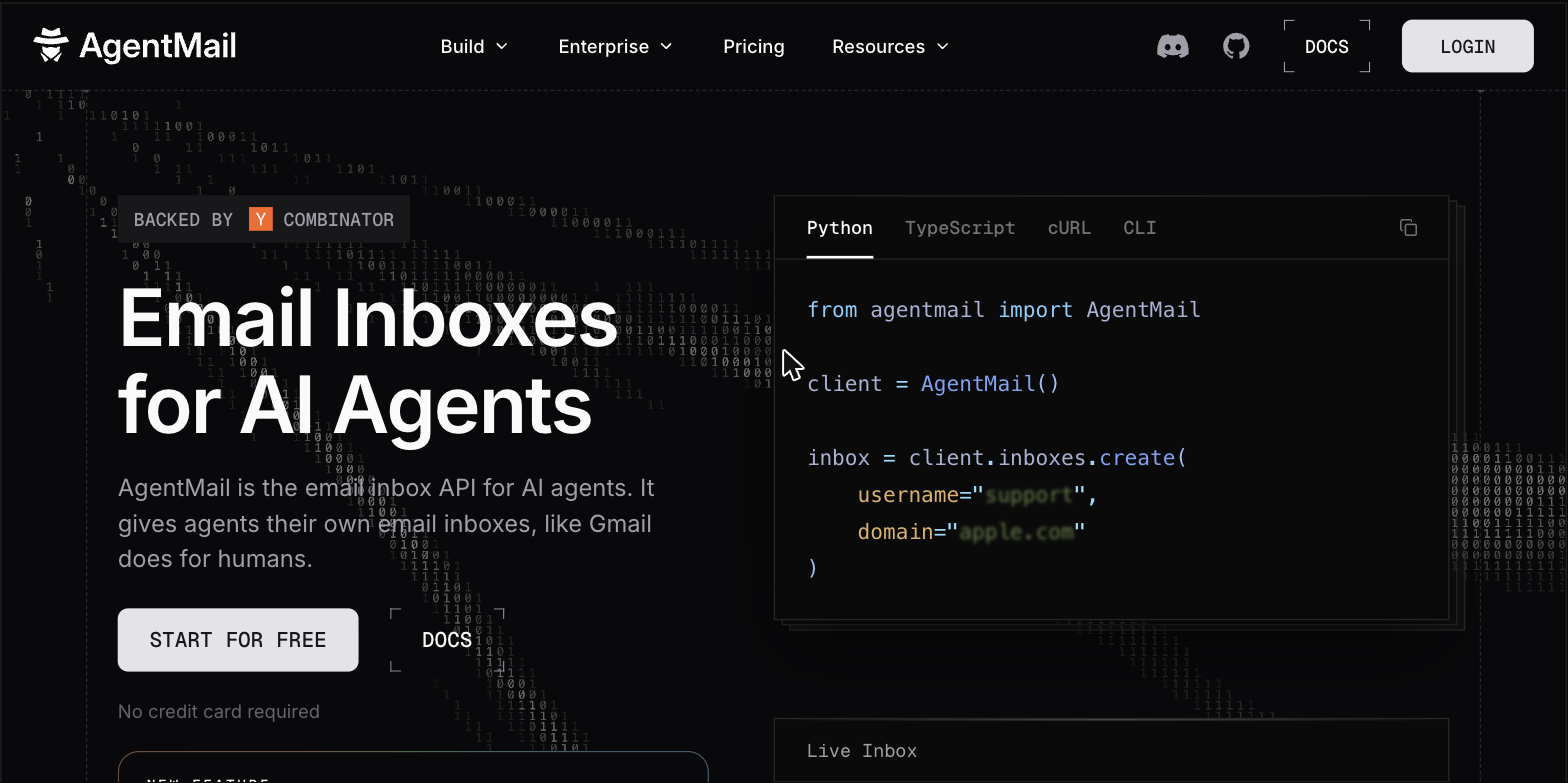
Pros: the cleanest identity model for autonomous agents; inboxes on demand by API; built for the agent use case rather than adapted to it.
Cons: a young company and a young category; the agent's address is not your domain's history; correspondence with customers still deserves a human-owned queue.
Best for: developers running autonomous agents that need to receive email, sign up for services, or hold their own threads.
6. Drag's shared inbox MCP: when the mailbox belongs to a team
Full disclosure: Drag is ours. Every server above shares one assumption: the mailbox belongs to one identity, and the agent acts as that identity. A team queue breaks that assumption. When support@ is a shared inbox worked by five people, the AI needs what the humans need: to see the queue, know who owns what, reply from the shared address, and leave a trail of who did what.
Drag's MCP server is built against that model: 47 tools covering threads, replies, assignment, boards and statuses, shared tags, the knowledge base, WhatsApp conversations, and response-time analytics, with every AI action attributed in the same activity trail as human actions. It ships with the Pro plan, and every 7-day trial runs with full Pro access. The connection walkthrough goes from zero to Claude working the queue in about ten minutes.
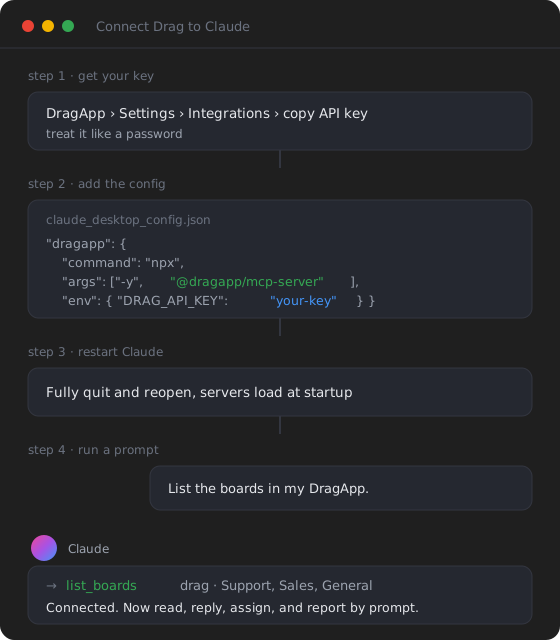
Pros: the only shared-inbox-native option on this page; team semantics (owners, statuses, attribution) that mailbox servers cannot express; works from Claude, ChatGPT, or any MCP client.
Cons: it is a shared inbox product, not a personal-mailbox tool, so it assumes the team runs its queue in Drag; Gmail-based teams only.
Best for: teams whose email is a queue, not a mailbox: support@, sales@, info@, billing@. The MCP-native support stack shows the full architecture this slots into.
Drag · with Varley
The inbox your team and Varley work in together
Shared inbox and live chat for Gmail teams, with Varley, Drag’s AI, included from $18. Plus an MCP server your own AI tools can drive.
How to pick, by the job in front of you
Working your own Gmail: start with the Gmail MCP guide, and expect the built-in Claude connector to be enough. Working your own Outlook in a Copilot-licensed org: Work IQ Mail, accepting preview status. An agent that sends product email: Resend if you want hosted and full-lifecycle, Mailgun if you are already on it or want open source.
An autonomous agent that needs its own address: AgentMail. A team queue that an AI should work alongside humans: that is the shared inbox job, and it is Drag's. If you are choosing a help desk by MCP support instead, that comparison is here.
Security: what you hand over when you connect email
Every option on this page is a delegation of your email identity or infrastructure, and the failure modes differ by job. Mailbox servers (Gmail routes, Work IQ Mail) can read private correspondence, so scopes and approval steps matter most: prefer routes with per-action approval and readable permission grants.
Sending servers (Resend, Mailgun) hold your domain reputation: an agent with an unbounded send tool is a spam incident waiting for a prompt injection, so cap volumes and restrict API keys.
Agent inboxes concentrate risk in a new place: whatever the agent signs up for arrives at an address you control less closely. And team-queue servers put the emphasis on attribution: if an AI replies to customers, the trail of what it did needs to sit next to the humans' trail, which is why Drag logs AI actions the same way it logs everyone else's.
Frequently asked questions
What is an email MCP server?
An MCP server that exposes email actions (reading, drafting, sending, labeling, or managing a queue) as tools an AI assistant or agent can call. MCP, the Model Context Protocol, is the open standard that lets assistants like Claude and ChatGPT operate real software. Which email MCP server you need depends on the job: your own mailbox, sending at scale, an agent's own inbox, or a team's shared inbox.
Is there an official Outlook MCP server?
Yes, in preview. Microsoft's Work IQ Mail server, part of Microsoft Agent 365, lists create, update, delete, reply, reply-all, and semantic search in its catalog. It requires a Microsoft 365 Copilot license, and Microsoft's documentation marks it as a preview feature not meant for production use. Community servers reach Outlook through the Graph API without the license, at the cost of self-managed credentials.
Can an AI agent send email through MCP?
Yes, through the right server. Resend's and Mailgun's official servers send from your infrastructure addresses, Claude's Gmail connector sends from your own mailbox with per-message approval, and Drag's MCP server replies from a team's shared address with the action attributed. The notable exceptions run the other way: Google's official Gmail MCP server drafts but does not send, and Microsoft's Work IQ Mail catalog lists replies but no fresh-send verb.
What is the best email MCP server for AI agents?
By job: Resend for sending product and transactional email (hosted, official, full lifecycle including inbound reads), AgentMail for agents that need their own address, the Gmail routes or Work IQ Mail for working a human's mailbox, and Drag for working a team's shared inbox. There is no single best, because the four jobs need different permissions, identities, and safety rails.
Do I need an MCP server to use AI with Gmail?
Not necessarily. Claude's built-in Gmail connector needs no server at all: one toggle on a paid Claude plan, with per-message approval on sends. A separate MCP server earns its setup cost when you need a different client, more capability, or a team's shared queue. The full decision tree is in our Gmail MCP guide.
Related guides: the Gmail deep dive, the support angle, and the team setup
For Gmail specifically, the Gmail MCP guide compares all five routes and the connect Gmail to Claude walkthrough does the setup step by step. For support teams, MCP for customer support grades the help-desk vendors' servers and the MCP-native support stack shows the architecture end to end. When the job is a team queue, connect a shared inbox to Claude gets you from zero to working in about ten minutes, and the MCP server reference documents all 47 tools.

Co-founder
Building Drag for nearly ten years: shared inboxes, boards, and now the AI and agent layer, all on Gmail, plus HeyHelp for the personal inbox. Writes the honest versions of the comparisons.
