













What a help desk really costs a 3-8 person team in 2026, seat cliffs, AI fees, and the honest question first: do you need one, or is a shared inbox enough?
Key takeaways
- For a 3-8 person team the real help desk price is rarely the sticker: seat minimums, AI resolution fees, and tier gates routinely double it.
- Answer the prior question first: many small teams don't need a help desk at all, a shared inbox on the email you already use covers the 80 percent.
- Flat, per-seat, AI-included pricing is the small-team-friendly shape; per-resolution meters punish exactly the growth you want.
Table of contents
Every price verified against the vendor's own pricing page: July 2026.
Small teams get the worst version of the help desk market: pricing pages built for enterprise procurement, "starter" tiers with the features you actually need locked two tiers up, and AI billed by the resolution, which punishes you for the tickets you resolve. This page does the one thing the roster articles skip: the honest math for a 3-to-8 person team, what each pricing shape really costs at your size, and the question every vendor hopes you skip, whether you need a help desk at all. We build Drag, one of the tools in the math below, and say so where it appears.
What this guide covers
- First, the question the vendors skip
- What a help desk really costs 5 people
- The five that fit small teams
- The three traps at small-team scale
- The honest recommendation by situation
- Frequently asked questions
First, the question the vendors skip
A help desk earns its complexity when you have real ticket volume, SLAs, multiple channels, and handoffs between teams. Under roughly 200 conversations a day, most of that machinery is overhead: what a small team actually needs is one shared view of support@, clear ownership per conversation, and fast answers, which is a shared inbox, not a help desk. We've written the full version of this argument, with the thresholds and the switch-over signals, in our guide to running support without a help desk, and the short version is: if your team lives in Gmail and support is mostly email, start there and graduate later. The rest of this page assumes you've decided you want the help desk, and does the small-team math honestly.
What a help desk really costs 5 people
The sticker price is per agent per month; the right column is the honest monthly total for a 5-person team handling ~500 AI-resolvable conversations a month. Assumptions stated, so you can re-run them at your numbers.
| Tool | Sticker | The 5-seat reality | Honest monthly total |
|---|---|---|---|
 Zoho Desk Zoho Desk | Free (3 agents) then $7 | Free tier caps at 3, so 5 seats = paid | 5 × $7 = $35 |
 Freshdesk Freshdesk | Free (2) then $19 | AI sessions metered past the included bundle | 5 × $19 = $95+ |
 Drag Drag | $12, AI included at $18 | Flat, no resolution fees, on Gmail | $90 at the AI tier |
 Help Scout Help Scout | Free (5, limited) then $25 | +$0.75 per AI resolution | $125 + $375 = ~$500 |
 HelpSpot HelpSpot | $29 flat | Flat fee, all features and AI included | 5 × $29 = $145 |
 Zendesk Zendesk | $55 | +Copilot per agent + per-resolution AI ($1.50 to $2.00 past the allowance) | ~$525 floor, plus the sales call |
 Gorgias Gorgias | Ticket-based from $10 | Each AI resolution ALSO bills ~$1 | ~$600 at this volume |
 Groove (Helply) Groove (Helply) | Free desk, AI per outcome | Per-resolution pricing, $49/mo floor | ~$49 floor + $0.50/resolution |
Three pricing shapes are hiding in that table. The first is flat per-seat pricing, which is what Zoho, Drag, and HelpSpot use: the total you compute is the total you pay, with no surprises later. The second is seat-plus-meter pricing, the Help Scout, Zendesk, and Gorgias model, where the AI bill arrives on top of the seats and grows every time the AI succeeds. The third is the free tier: Zoho covers three agents free, Freshdesk two, and Help Scout five with tight limits. Free tiers are genuinely useful when you're tiny, but each one caps out at exactly the point where a growing team crosses it.
Drag · with Varley
The inbox your team and Varley work in together
Shared inbox and live chat for Gmail teams, with Varley, Drag’s AI, included from $18. Plus an MCP server your own AI tools can drive.
The five that fit small teams
The full field runs to dozens of tools, and our complete roster covers it. For a team of three to eight, the honest shortlist is these five.
Zoho Desk
Zoho Desk has the most generous free tier in the category, covering three agents properly, and its paid Express tier stays cheap at around $7 per user per month. The AI comes included by tier rather than metered, which keeps the bill predictable. It fits budget-led teams and anyone who wants to test what a help desk adds before spending real money. The honest trade is that the interface shows its age next to the newer field, and the deepest AI features sit in the upper tiers a small team may never buy.
Drag






Drag is ours, so read this knowing that and verify the claims yourself. It turns the Gmail your team already uses into the help desk: shared addresses become boards, AI drafts and resolves under human approval, and the pricing is flat at $12 to $24 per user per month with AI included at $18, so a five-person team pays $90 and that is the whole bill. It fits small teams on Google Workspace who want real AI without a migration or a metered invoice. The trade is that Drag is Gmail-only by design, and the 7-day trial needs no card if you want to test that trade yourself.
Help Scout
Help Scout is the most polished assist experience on this list, with clean drafting, summaries, and a genuinely pleasant inbox, and its free tier covers up to five users with tight limits. Paid seats run $25 per user per month, with AI resolutions billed separately at $0.75 each. It fits teams that want humans firmly in charge and AI helping at the edges. The trade is the meter: at real support volume the resolution fees can pass the seat bill, and there is no official MCP route if external AI agents are in your plans.
Freshdesk
Freshdesk gives a small team the most suite for the money, with a real free tier for two agents and paid plans from around $19 per user per month, including a bundle of Freddy AI sessions. It fits teams that expect to grow into more channels and want the machinery waiting. The trade is that the depth is tier-gated, the AI meters by session once the bundle runs out, and the product can feel like more help desk than a five-person team needs.
Gorgias
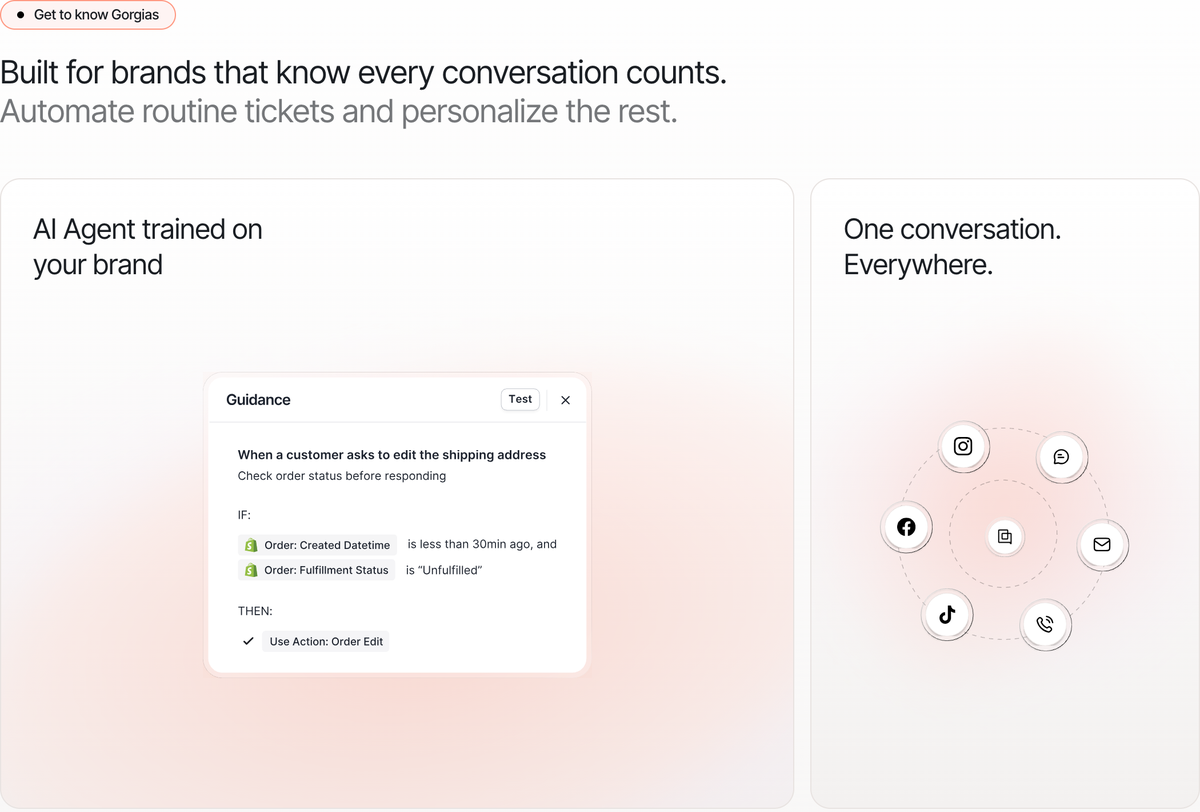
Gorgias is the ecommerce specialist, priced by ticket volume from around $10 per month rather than by seat, with AI resolutions billed at roughly a dollar each on top. It fits Shopify-centric teams whose support lives next to orders and refunds, and it has the most mature MCP server of any incumbent here. The trade is the double meter, because tickets and AI resolutions both count, which makes it the hardest bill on this list to predict as you grow.
The three traps at small-team scale
The first trap is the seat cliff: pricing that looks fine at three seats and doubles at six, because the feature you need, automations, SLAs, or the API, sits in the next tier up. Read the tier grid for the features, not the price. The second is the resolution meter. Paying $0.75 to $1 per AI-resolved conversation sounds like pennies until you notice it scales with your ticket volume, and a per-resolution desk at a thousand monthly resolutions costs more in AI fees than in seats. The third is the migration tax, the cost nobody itemizes. Moving support off your email and into a platform means new logins, new habits, and history left behind. For a Gmail team, a help desk layer that works on the inbox you already have, which is what Drag and Hiver both do, skips that tax entirely, and our full roster with the complete pricing math covers the whole field if you want the long list.
The honest recommendation by situation
If you're two or three people handling mostly email, don't buy a help desk yet. A shared inbox covers it, and Zoho's free three-agent tier exists if you want to test the category anyway. If you're four to eight people on Gmail, the math above favors flat per-seat pricing with AI included, and that shape is exactly what Drag is built for, $18 all-in per user, with a 7-day trial that needs no card. If you're four to eight and heavy on ecommerce or multiple channels, Gorgias fits Shopify-centric teams well, as long as you budget its double meter honestly. And if you're outgrowing everything on this page, that's the moment the full roster comparison earns its read, because per-resolution pricing starts making sense at enterprise volume with negotiated rates, not at yours.
Frequently asked questions
What is help desk software for a small business?
Help desk software organizes customer conversations into tickets, giving each one an owner, a status, and a place in your reporting. For small teams the honest distinction is between full help desk platforms in the Zendesk class and shared inbox tools that add the same ownership layer to the email you already use. The shared inbox route is lighter, cheaper, and usually enough.
Do I need a help desk, or is a shared inbox enough?
If you handle fewer than roughly two hundred conversations a day and support lives mostly on email, a shared inbox is typically enough. It gives the team one shared view, clear ownership of every conversation, and fast replies. A help desk earns its keep once you're juggling multiple channels, SLAs, and cross-team handoffs, and our full guide covers the thresholds and the switch-over signals.
What is the best free help desk for a small business?
Zoho Desk's free tier (3 agents) is the most complete. Freshdesk covers 2 agents free, Help Scout 5 with tight limits, and open-source options exist if you'll self-host. Every free tier caps exactly where a growing team crosses it, so check the first paid rung before committing.
How much does a help desk cost per agent for a small team?
Flat per-seat runs $7 to $25 per agent per month at the small end (Zoho $7, Drag $12 to $24 with AI at $18, Help Scout $25). The number to watch is what's NOT in the seat price: AI resolution fees, Copilot add-ons, and the tier where your must-have feature actually lives.
Is AI included, or a paid add-on?
Both models exist, and the difference dominates small-team cost. Drag includes AI in its flat $18 plan, so the seat price is the whole price. The metered desks charge on top: Help Scout adds $0.75 for every AI resolution, Gorgias adds roughly a dollar, and Zendesk charges per resolution at a rate it no longer publishes. At five hundred resolved conversations a month, the meter alone can exceed your entire seat bill.
What is the best Gmail-native help desk for a small team?
If your team runs on Google Workspace, two tools lead the category. Drag offers flat pricing with AI included and works on the Gmail you already have, and we build it, so verify the claims yourself. Hiver goes deeper on traditional help-desk features at a higher price ladder. Gmail-native matters because it means no migration and no new tool to learn, which is the biggest hidden saving at small scale.
Which help desk is easiest to set up with no onboarding?
The Gmail-native tools win this one by default. You install the tool, connect the shared address, and the team is working the same day in an interface it already knows. Platform desks take days or weeks of setup and habit change, so budget that migration tax honestly before comparing prices.
When should a small team upgrade from a shared inbox to a full help desk?
Upgrade when the thresholds genuinely flip, when you're sustaining real volume across several channels, when contracts oblige you to report on SLAs, or when conversations regularly hand off across departments. Until one of those is true, the upgrade buys overhead rather than capability. The switch-over signals are covered in our no-help-desk guide.

Co-founder
Building Drag for nearly ten years: shared inboxes, boards, and now the AI and agent layer, all on Gmail, plus HeyHelp for the personal inbox. Writes the honest versions of the comparisons.
