













A WhatsApp shared inbox lets your whole team answer one WhatsApp number together, with assignment, notes, and automation. What it is, the free route, the 24-hour rule, and the best tools in 2026.
Key takeaways
- A WhatsApp shared inbox turns one business number into a team workspace: everyone sees the queue, every conversation has an owner, and nothing depends on whoever holds the phone.
- Meta's 24-hour window is the rule to know: you can reply freely within 24 hours of the customer's last message, and only with pre-approved templates after that.
- The free WhatsApp Business app works for one or two people on linked devices; assignment, analytics, automation, and AI need a tool built on the WhatsApp Business Platform.
Table of contents
- What is a WhatsApp shared inbox?
- The free route: the WhatsApp Business app (and where it breaks)
- What can the WhatsApp shared inbox be used for?
- Pros and cons of a WhatsApp shared inbox
- The best WhatsApp shared inbox tools in 2026, compared
- Should you use a shared WhatsApp inbox?
- Frequently asked questions
A WhatsApp shared inbox is one WhatsApp Business number your whole team can see and answer together from a single workspace, with conversations assigned to owners, internal notes, and automation, instead of one phone passed around or one login shared. The free WhatsApp Business app covers a couple of people on linked devices; past that, teams use an inbox tool built on the WhatsApp Business Platform. This guide covers how it works, the free route and where it breaks, the 24-hour rule that catches most new teams, and the best tools in 2026.
What is a WhatsApp shared inbox?
A WhatsApp shared inbox is a collaborative workspace. It's designed to see, manage, assign, and collaborate on tasks, directly from your WhatsApp chats. Basically, it works by turning your standard chats into a digital workspace. It's fully accessible to the whole team and agents can complete the entire workflow.
Another benefit is collaboration. When you implement WhatsApp team inbox, it's much easier to assign tasks, upload shared files, and ask for help. Agents can simply @mention them in the live chat and work together. This keeps your inbox less cluttered, which enhances productivity. Besides, by promoting collaboration, a WhatsApp team inbox can improve response time and other customer service metrics.
The free route: the WhatsApp Business app (and where it breaks)
You do not need a paid tool on day one. The free WhatsApp Business app supports linked devices, so two or three people can answer the same number from their own phones or desktops. For a very small team with light volume, that genuinely works.
It breaks in predictable ways as you grow. There is no assignment, so nobody owns a conversation and two people answer the same customer. There is no internal discussion, so questions about a chat happen in another app. There are no analytics, so you cannot see response times or who handled what. Quick replies live per device rather than per team. And the device cap is a hard ceiling.
There is one more rule worth knowing before you choose any tool, because it applies to all of them: Meta's 24-hour customer service window. You can message a customer freely for 24 hours after their last message to you. Outside that window, you can only send pre-approved template messages, which are paid. Every WhatsApp inbox tool works within this rule; the good ones make the template flow easy rather than pretending the rule does not exist.
When the free app's ceiling costs you a dropped conversation, that is the signal to move to a shared inbox tool, and the section below compares the options.
What can the WhatsApp shared inbox be used for?
WhatsApp is the leading chat app worldwide, with billions of unique active users. So setting up a WhatsApp Business account for your company is key. You need to be more accessible to your customers on an app they already use. Given how easy collaboration can be with a WhatsApp team inbox, many companies have already implemented it, especially for their customer-facing departments. However, they can also enhance the team experience, making it much easier to manage their task queue. Here are some examples:
Marketing
You can have a WhatsApp for marketing teams that allows your marketing agents to reach out to more clients. By establishing an official digital brand, your company can send out better messages. The enhanced strategy will get the attention of new and existing customers. For example, they can create a social media ad that links directly to the official WhatsApp account. Then, the marketing managers will be able to check click rates and data. They can also keep in contact with the client through other steps of the marketing journey, such as sending them promo codes, loyalty benefits, and others.
Besides, purchase history can help segment the customers: that way, when you launch new products or update your services, you can notify the right people.
Standard account vs shared inbox
The custom ads are native to WhatsApp. However, if you want to go further into the process, you need to have a WhatsApp team inbox. With that, all of your team members can be logged into the account. This helps you keep up with incoming messages, access the analytics and, of course, assign tasks among the team.
Sales
You can also create an account on WhatsApp for Sales teams. This department is the biggest target of WhatsApp Business accounts since the sales-heavy features can help boost conversion rates. With an official WhatsApp account, you can create a public catalog with all your products and services. Then, if a client accesses your profile, they'll be able to seamlessly complete their purchase. That's due to the cart feature and secure checkout options. This resource makes it a lot easier for small and medium-sized businesses to sell over WhatsApp. There's no need to send deposit information or use third-party apps.
However, there's still a problem with using these WhatsApp features on a regular inbox. Your customers might have questions about products, services, and pricing. These questions need to be answered quickly so that they don't lose their interest on the cart.
WhatsApp Business vs shared inbox
Your standard WhatsApp Business account can only be logged into a few devices at once. If your team is growing, people need to log in and out of the account. That is neither efficient nor useful for accountability. It's hard to know which team member is responsible for interacting with which client. With a shared inbox, you can view multiple chats at a glance, which helps optimize the workflow. Then, as managers assign chats to each sales agent, people get their responses much faster. These fast chats will have a higher chance of becoming purchases and deals.
Customer service
You can also enhance your relationship with clients by setting up WhatsApp for customer service teams, covered in the full customer-service playbook. This should be a given, considering how popular WhatsApp is. However many companies still don't invest resources into WhatsApp as a point of contact. If you do, however, it's much easier on your customers whenever they're facing issues or concerns. Meaning: a company that makes customer support more accessible is seen as more practical by their customer base.
There are many ways in which WhatsApp itself can make your customer receive their answer faster while decluttering your inbox. One of them is quick replies. WhatsApp quick replies are a great feature that allows teams to set up a custom message based on the kinds of interactions they have with their clients. Then, they can create a shortcut and whenever a message about this subject comes in, just type "/" and you'll see a list of shortcuts.
Why add a shared inbox to customer service on WhatsApp
However, there's still a limitation here: the shortcuts are limited to this account and the linked devices. This means you don't have consistent messaging across the company. Unless you manually create the same quick replies with all numbers. The second limitation is that you have to manually enter the shortcuts and edit each message accordingly.
Automation
With a WhatsApp shared inbox, on the other hand, you can create shared templates and auto responders for the entire team. You can set up custom rules and flows depending on what kind of messages your customer service gets. Here's an example from our solution, Drag:
Task distribution
Another challenge with customer service teams is balancing the load of tasks. When using a standard WhatsApp account, team members have to manually access each chat. Then, check out the corresponding tasks to add them to their queue. Get through each one, step-by-step, before replying to the customer and closing the ticket. It would be much easier to have this workload balanced automatically. This is why a shared inbox like Drag includes round-robin task assignments. With round robin, your tasks are automatically assigned based on availability. That way, a customer service agent can dedicate time to each query without any pressure.
 Sarah
Sarah Marcus
 Elena
Elena James
JamesDrag · with Varley
The inbox your team and Varley work in together
Shared inbox and live chat for Gmail teams, with Varley, Drag’s AI, included from $18. Plus an MCP server your own AI tools can drive.
Pros and cons of a WhatsApp shared inbox
WhatsApp is a crucial channel for your company's communication strategy. It can be helpful in many aspects of daily interactions. There are additional tools, such as a WhatsApp shared inbox. These help you optimize the native features and work better with the platform, just as a Gmail shared inbox redefines email use. However, before deciding if it's the right option for you, it's essential to look into the benefits and drawbacks:
Pros of a WhatsApp shared inbox
- Central communication: your team can see all incoming messages at a glance, monitor their assignments and check deadlines without leaving the inbox.
- Full context: when looking into a message, agents can see interaction history and understand the context. This is an essential part of growth and the reason why you can use a shared inbox as a CRM tool.
- Better collaboration: since all your team members can see what's happening with all chats, they can also help with current tasks. Instead of manually copying and pasting queries into parallel chats, agents can @mention each other and work together faster.
- Cost-effectiveness: since WhatsApp Business is a free app, your investment is solely the shared inbox add-on. For small and medium-sized businesses, this cost is generally on the low end. The impact on productivity, however, adds a lot of value.
Cons of a WhatsApp shared inbox
- Feature bloat: one concern when using a shared inbox tool for any platform is avoiding feature bloat. That is, tools that include many resources you might not even need for a higher price. It's important to take a good look into what the team actually uses before committing to an expensive subscription.
- Information overload: in a practical sense, a WhatsApp team inbox leads to a lot of information. Live chat notifications, incoming messages from clients, deadline alerts, etc. To avoid this, team managers need to be aware of workload distribution and assignments. As for agents, it's important to balance being updated with focusing on the tasks at hand and avoiding distractions.
The best WhatsApp shared inbox tools in 2026, compared
Now that you've seen why a WhatsApp shared inbox can benefit your team, it's time to pick the ideal software for it. Here are a few varied options, depending on your focus:
| Tool | Built on | Standout | Honest fit | Entry price | Price verified |
|---|---|---|---|---|---|
 Drag Drag | WhatsApp Business Platform + Gmail | Email and WhatsApp side by side | Team already runs on Gmail | $24 per user per month (Pro plan, WhatsApp included) | October 2026 |
 Respond.io Respond.io | WhatsApp Business Platform | Strong automation and routing | Larger support operations, many channels | from $79 per month | July 2026 |
 Trengo Trengo | WhatsApp Business Platform | Omnichannel inbox (email, chat, social) | Teams that want everything in one tool | from about €299 per month | July 2026 |
 Wati Wati | WhatsApp Business Platform | Chatbot and flow automation | Volume that justifies self-serve deflection | from $49 per month (3 users) | July 2026 |
 Gallabox Gallabox | WhatsApp Business Platform | Team inbox with broadcast and chatbot flows | Sales-led WhatsApp marketing at volume | from $89 per month | July 2026 |
 TimelinesAI TimelinesAI | WhatsApp app (multiple numbers) | Multiple WhatsApp numbers in one inbox | Reps who each hold their own number | $25 per seat per month | July 2026 |
 Interakt Interakt | WhatsApp Business Platform | WhatsApp inbox with catalog and payments | Small commerce on the WhatsApp shopping stack | priced in INR, from about $15 per month | July 2026 |
Drag


Drag is the pick when your team already runs on Gmail: the same shared inbox handles email and WhatsApp side by side, with boards, assignment, round-robin, automation, and AI drafting, and its agent and MCP server mean AI tools can work the WhatsApp queue too. WhatsApp is on the Pro plan at $24 per user per month, and the 7-day trial needs no card. It is not the pick if you want a WhatsApp-only point tool.
Respond.io
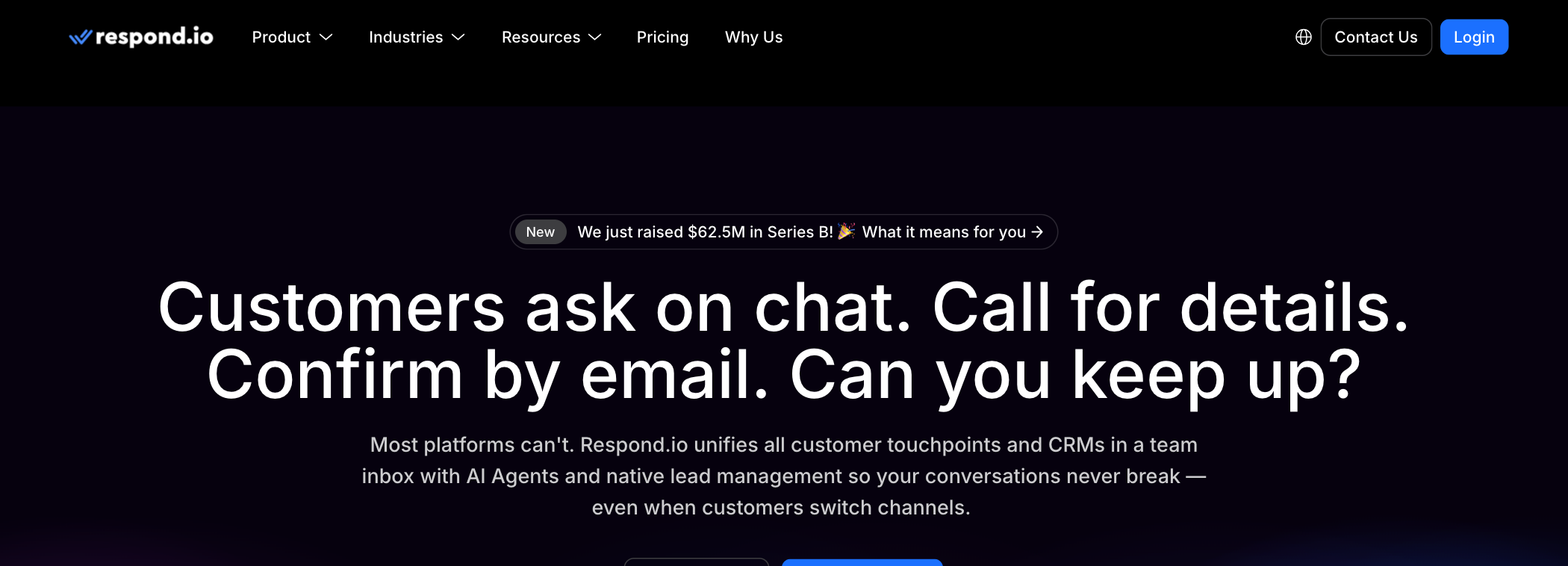
Respond.io is built for larger support operations running WhatsApp alongside other messaging channels, with strong automation and routing. It is more platform than most small teams need, and priced accordingly. Entry: from $79 per month, verified July 2026.
Trengo
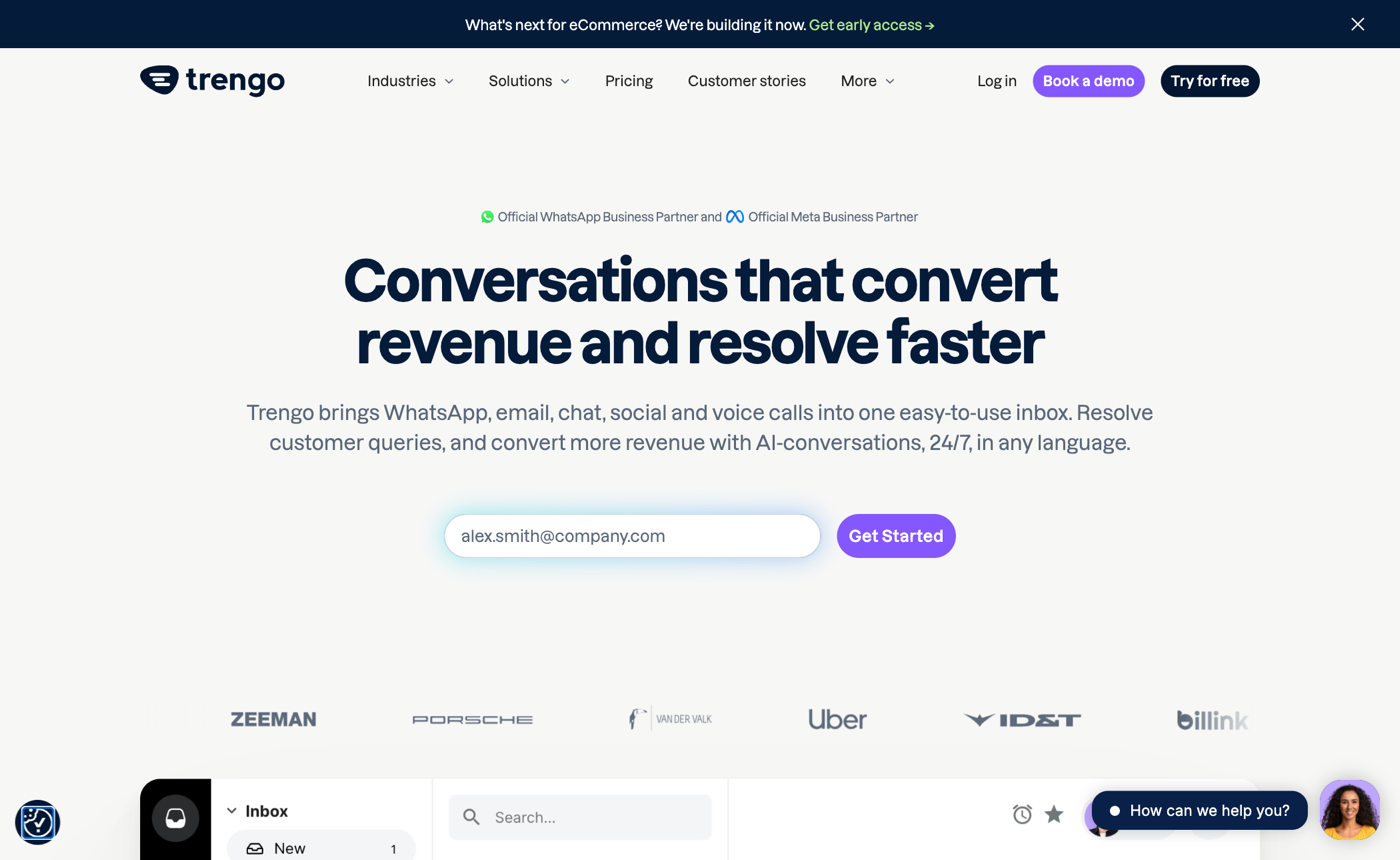
Trengo is a European omnichannel inbox that treats WhatsApp as one channel among email, chat, and social. A fit for teams that want everything in one tool and accept a bigger platform to get it. Entry: from about €299 per month for 10 users, billed per conversation, verified July 2026.
Wati
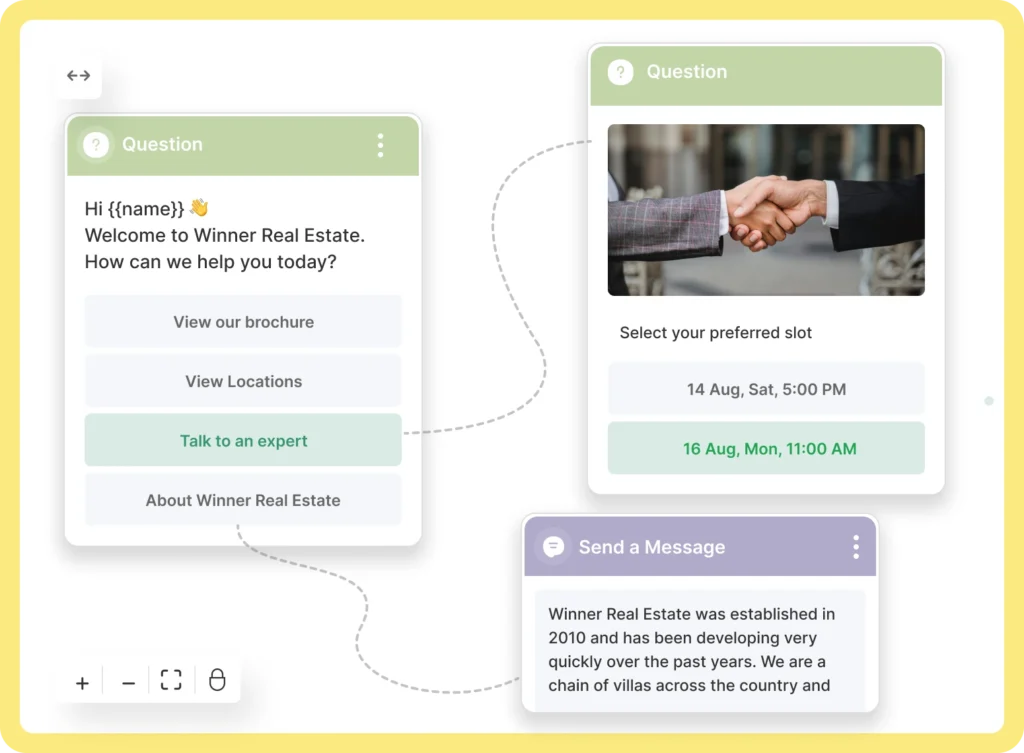
Wati leads with chatbot and flow automation on top of the WhatsApp Business Platform, a fit for teams whose volume justifies self-serve deflection before a human answers. Entry: from $49 per month for 3 users, verified July 2026.
Gallabox
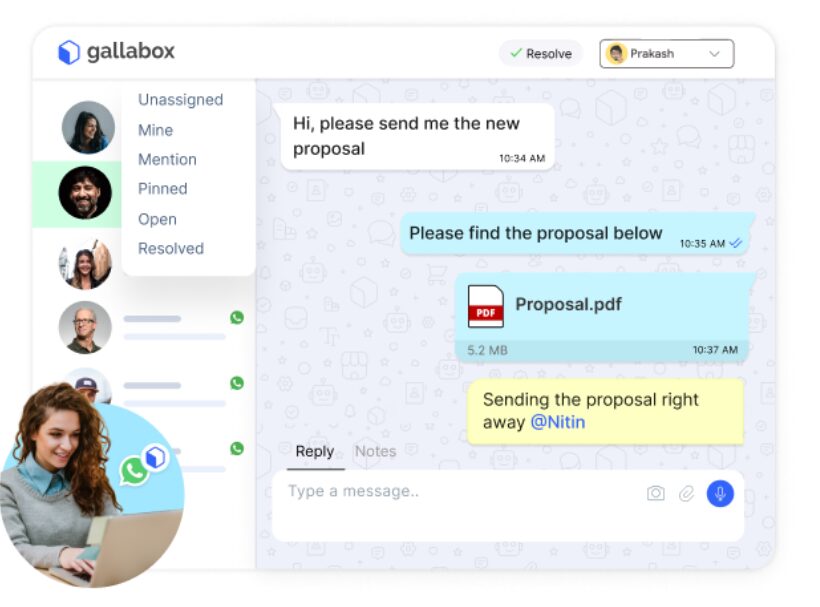
Gallabox combines a team inbox with broadcast campaigns and chatbot flows on the WhatsApp Business Platform, aimed at sales-led teams running WhatsApp marketing at volume. Entry: from $89 per month, verified July 2026.
TimelinesAI
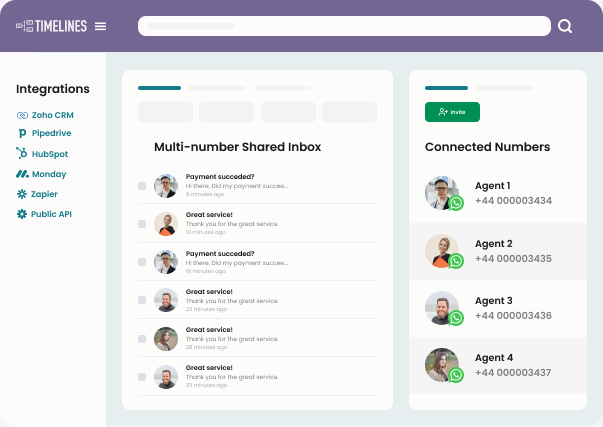
TimelinesAI is built around multiple WhatsApp numbers in one inbox, a fit for teams where several reps each hold their own number but a manager needs one view. Entry: $25 per seat per month, verified July 2026.
Interakt
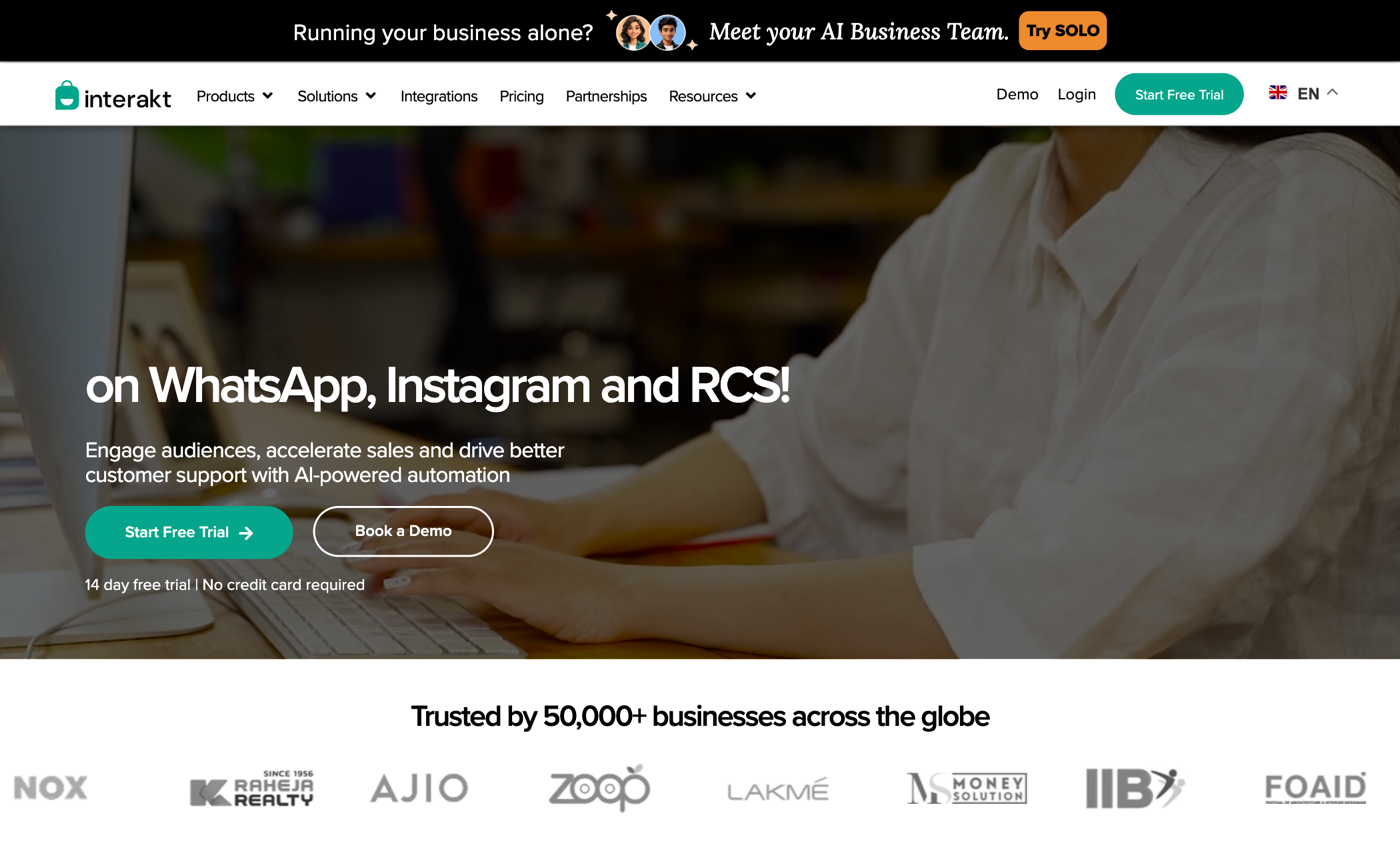
Interakt is a WhatsApp-focused team inbox popular with small commerce businesses, with catalog and payment features tied to the WhatsApp shopping stack. Entry: priced in INR, from about $15 per month, verified July 2026.
Should you use a shared WhatsApp inbox?
If WhatsApp is where your customers already are and more than one person answers them, yes, and the only real question is when. The free WhatsApp Business app is the honest starting point for one or two people. The moment conversations start slipping, two replies go to one customer, a thread sits unanswered because everyone assumed someone else had it, the app is telling you it is done.
From there, choose by where your team lives: a WhatsApp-only tool if WhatsApp is your main channel, an omnichannel platform if you run many channels at scale, or Drag if your team works from Gmail and wants email and WhatsApp in one shared inbox with the same boards, automation, and AI. Our customer communication software comparison prices the omnichannel options side by side. Whichever you pick, verify the pricing against the vendor's own page, the 24-hour window applies everywhere, and the template costs are part of the real bill.
Frequently asked questions
Can multiple people use one WhatsApp Business number?
Yes, two ways. The free WhatsApp Business app supports a small number of linked devices, enough for a very small team. Beyond that, shared inbox tools built on the WhatsApp Business Platform let a whole team answer one number with assignment, notes, and analytics.
What is the WhatsApp 24-hour rule?
After a customer messages you, you have 24 hours to reply with free-form messages. Outside that window you can only send pre-approved template messages, which are paid. Every tool operates within this rule.
Is a WhatsApp shared inbox free?
The WhatsApp Business app is free and covers linked devices. Shared inbox tools are paid, and messaging through the WhatsApp Business Platform carries Meta's own per-message fees on top, so the real cost is the tool plus the messages.
Can an AI agent answer WhatsApp messages?
Increasingly, yes. Several tools offer chatbot flows, and inboxes like Drag bring AI drafting and agent handling to WhatsApp conversations the same way as email, with a human approving until the agent has earned autonomy.
Do I need the WhatsApp Business API?
Only past the free app's ceiling. If you need assignment, automation, analytics, or more seats than linked devices allow, the tools that provide them are built on the WhatsApp Business Platform, and they handle the technical setup for you.

Co-founder
Co-founder at Drag, writing about Google Workspace, shared inboxes, and how teams actually run email.
