Help Scout bills its AI at $0.75 per resolved chat on every plan. The 8 best alternatives for 2026, compared on verified pricing, real AI cost, and honest fit.
Key takeaways
- Help Scout is a well-built, email-first help desk, but its AI Answers chatbot is billed at $0.75 per resolution on every plan, and the best agent AI features (Drafts, Summarize) require the $45 Plus tier.
- Its AI only learns from your knowledge base and URLs, not from past tickets or how your agents actually reply, so it starts with no knowledge of your business.
- For Gmail teams, Drag is the best-value alternative: $12 to $24 a seat with AI included, working on Gmail, plus its own MCP server.
- If you want a simpler shared inbox, look at Drag, Missive, or Hiver; if you need a fuller help desk, Freshdesk, Zoho Desk, or Zendesk are closer. Groove, the long-time Help Scout look-alike, has pivoted to per-ticket AI pricing as Helply.
Table of contents
- What this guide covers
- Help Scout alternatives compared at a glance
- Pricing comparison: the six alternatives against Help Scout
- Pricing history: how these prices have moved since 2021
- Drag - best for email-driven Gmail teams
- Missive - best for multi-provider collaboration
- Hiver - best for multichannel close to the inbox
- Front - best for deep multichannel and routing
- Freshdesk - best fuller help desk on a budget
- Zoho Desk - best budget full help desk
- Zendesk - the enterprise step, priced like one
- Groove - what happened to the Help Scout clone
- When Help Scout is still the right choice
- How to choose a Help Scout alternative
- Frequently asked questions
- Related guides: going deeper on the Help Scout decision
The right Help Scout alternative depends on what actually sent you looking, the AI bill, the platform switch, or the fit, not on which tool has the longest feature list. In short:
- Drag if your support is email in Gmail and you want AI included in the seat
- Missive if your team spans more than one email provider and wants collaboration over ticketing
- Hiver if you want light help-desk features and multichannel without leaving Gmail or Outlook
- Front if you need deep multichannel routing and have the budget for it
- Freshdesk or Zoho Desk if you are outgrowing Help Scout and want a fuller help desk for less
- Zendesk if you genuinely need enterprise depth and accept enterprise cost
Help Scout itself is one of the nicer help desks to use, and there is a section below on the teams who should stay. But the usual reason people look is the AI bill and how it scales: the AI Answers chatbot costs $0.75 for every conversation it resolves, on every plan, the two most useful agent-side features (AI Drafts, AI Summarize) only unlock on the $45 Plus tier, and the AI learns from your knowledge base rather than your real past tickets, so it starts with no memory of how your team actually answers.
A note on pricing: per seat per month on annual billing unless stated, re-verified against each vendor's own pricing page in August 2026. Confirm current pricing before you buy.
What this guide covers
- Help Scout alternatives compared at a glance
- Pricing comparison: the six against Help Scout
- Pricing history: how these prices have moved
- Drag - best for email-driven Gmail teams
- Missive - best for multi-provider collaboration
- Hiver - best for multichannel close to the inbox
- Front - best for deep multichannel and routing
- Freshdesk - best fuller help desk on a budget
- Zoho Desk - best budget full help desk
- Zendesk - the enterprise step, priced like one
- Groove - what happened to the Help Scout clone
- When Help Scout is still the right choice
- How to choose a Help Scout alternative
- FAQ
Help Scout alternatives compared at a glance
All prices per seat per month, annual billing, August 2026.
| Tool | Type | Starting price | AI model | Best for |
|---|---|---|---|---|
 Drag Drag | Gmail shared inbox | $12 (AI from $18) | Included, works on your inbox | Email-driven Gmail teams |
 Missive Missive | Shared inbox (multi-provider) | $14 | Limited / credits | Collaboration across providers |
 Hiver Hiver | Shared inbox (Gmail/Outlook) | $25 | Included from Growth | Multichannel close to the inbox |
 Front Front | Shared inbox (multichannel) | $25 (caps at 10 seats) | Add-ons that stack | Deep multichannel + routing |
 Freshdesk Freshdesk | Full help desk | $19 (6-mo Free Program, 2 agents) | Freddy AI add-on | Zendesk-class features, lower price |
 Zoho Desk Zoho Desk | Full help desk | $7 (Express) | Zia AI (tiered) | Budget full help desk |
 Zendesk Zendesk | Enterprise help desk | $19 (Suite $55) | Copilot $50 add-on + metered resolutions | Enterprise support depth |
 Groove (now Helply) Groove (now Helply) | Per-ticket AI desk | $1 per ticket (250/mo min) | AI-first, per-ticket | Teams pricing by volume, not seats |
 Help Scout Help Scout | Email-first help desk | $25 (Free 5 users) | $0.75/resolution every tier; Drafts gated to $45 | Simple, polished email support |
Only Drag includes AI in the seat, runs on Gmail, and offers its own MCP server.
Pricing comparison: the six alternatives against Help Scout
The chart says it plainly: Help Scout's paid plans run $25 to $75 a seat before its AI meter starts, and several tools that do the same email-support job start at half that with AI already in the seat. To model your own team size and AI volume, the shared inbox cost calculator covers every tool here including the metered ones.
Drag · with Varley
The inbox your team and Varley work in together
Shared inbox and live chat for Gmail teams, with Varley, Drag’s AI, included from $18. Plus an MCP server your own AI tools can drive.
Pricing history: how these prices have moved since 2021
Help Scout's own history is the interesting one: it switched its whole pricing model to per-contact in December 2024 and back to per-user within eight months, the kind of change that reprices a team overnight without the headline number moving. The full dataset with every archive capture exposed is on our support tool pricing history page.
Drag - best for email-driven Gmail teams
Best for: Gmail teams who want shared-inbox support with AI included, working on their real inbox, not a separate platform with per-resolution AI billing.
Many "best Help Scout alternative" lists end up suggesting either a heavier platform (Zendesk) or just raw Gmail. Drag is the option in between: it turns Gmail itself into a shared, assignable inbox with boards, so you neither outgrow into an enterprise help desk nor make do with plain Gmail. It includes AI in the seat from the $18 Plus plan. Where Help Scout charges $0.75 every time its chatbot resolves a conversation and reserves AI Drafts for the $45 tier, Drag's assistants are included and work on your actual inbox content, not just a separate knowledge base. And because it lives in Gmail, there is no new platform for your team to learn.






- Pricing: Starter $12, Plus $18 (AI included), Pro $24. No seat minimum. No per-resolution AI fees.
- Rating: 4.7 from over 1,200 reviews.
- Why teams pick it over Help Scout: AI included in the seat; AI works on your inbox, not just docs; the shared inbox layer on top of Gmail (not a separate platform, not raw Gmail); its own read-and-write MCP server to run support from Claude or ChatGPT.
- Watch-outs: It is a Gmail shared inbox, not a full standalone help desk. Teams wanting a separate help-desk platform with deep ticketing may prefer Freshdesk.
See the full Drag vs Help Scout comparison.
Missive - best for multi-provider collaboration
Best for: teams that want real collaboration on email and support more than one provider.
Missive is a collaborative inbox with in-thread team chat, shared drafts, and multi-assignee workflows across Gmail, Outlook, iCloud, and IMAP. A good pick for teams that find a help-desk ticket model heavier than they need.
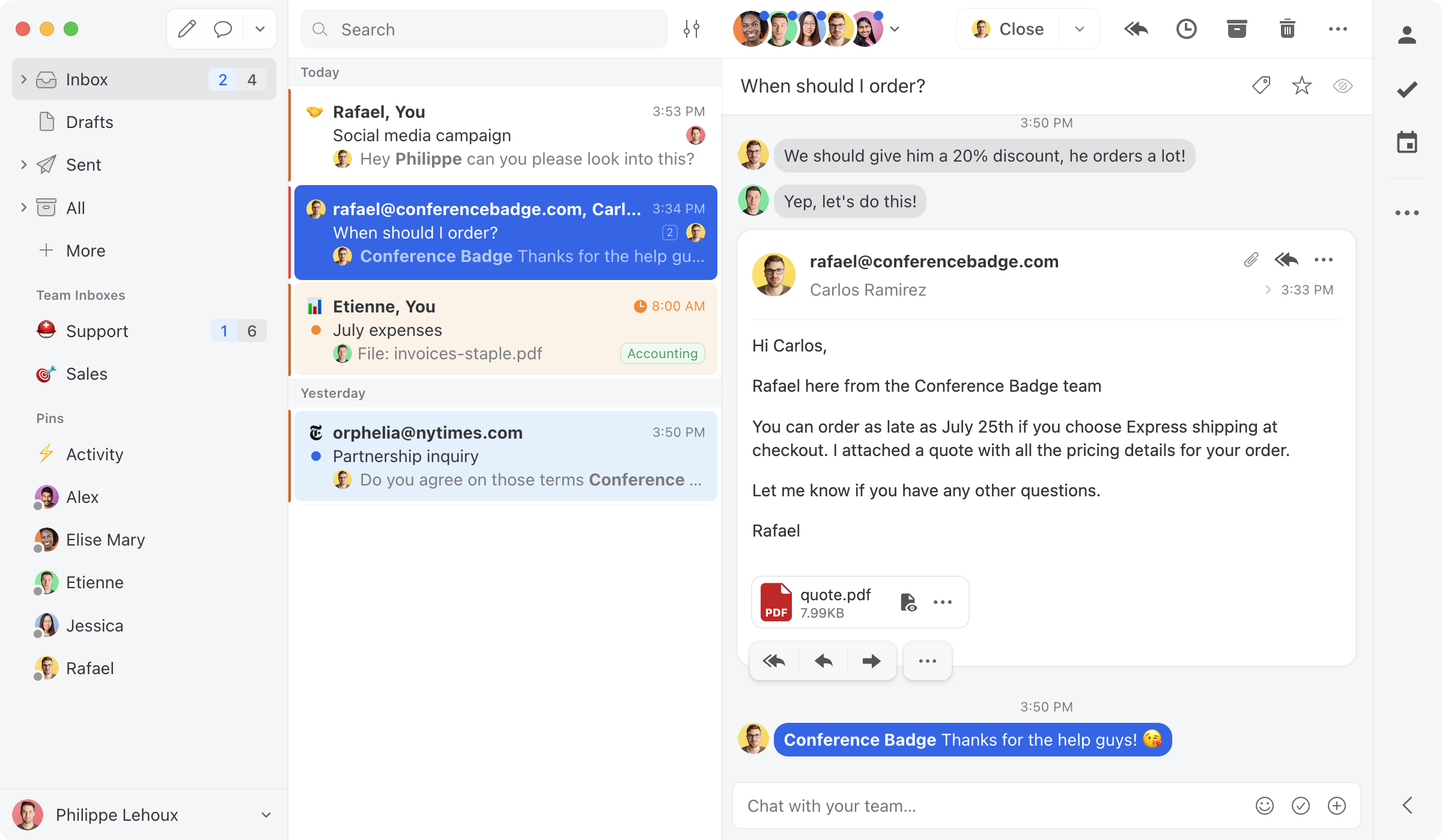
- Pricing: Starter $14, Productive $24, Business $36.
- Watch-outs: Collaboration-first; lighter on knowledge base and formal help-desk reporting than Help Scout.
Hiver - best for multichannel close to the inbox
Best for: Gmail or Outlook teams wanting light help-desk features and multichannel without a separate platform.
Hiver layers shared inboxes, assignment, CSAT, and multichannel (email, chat, voice, WhatsApp) onto Gmail and Outlook. AI is now bundled from the Growth tier up, and pricing climbs at higher tiers.
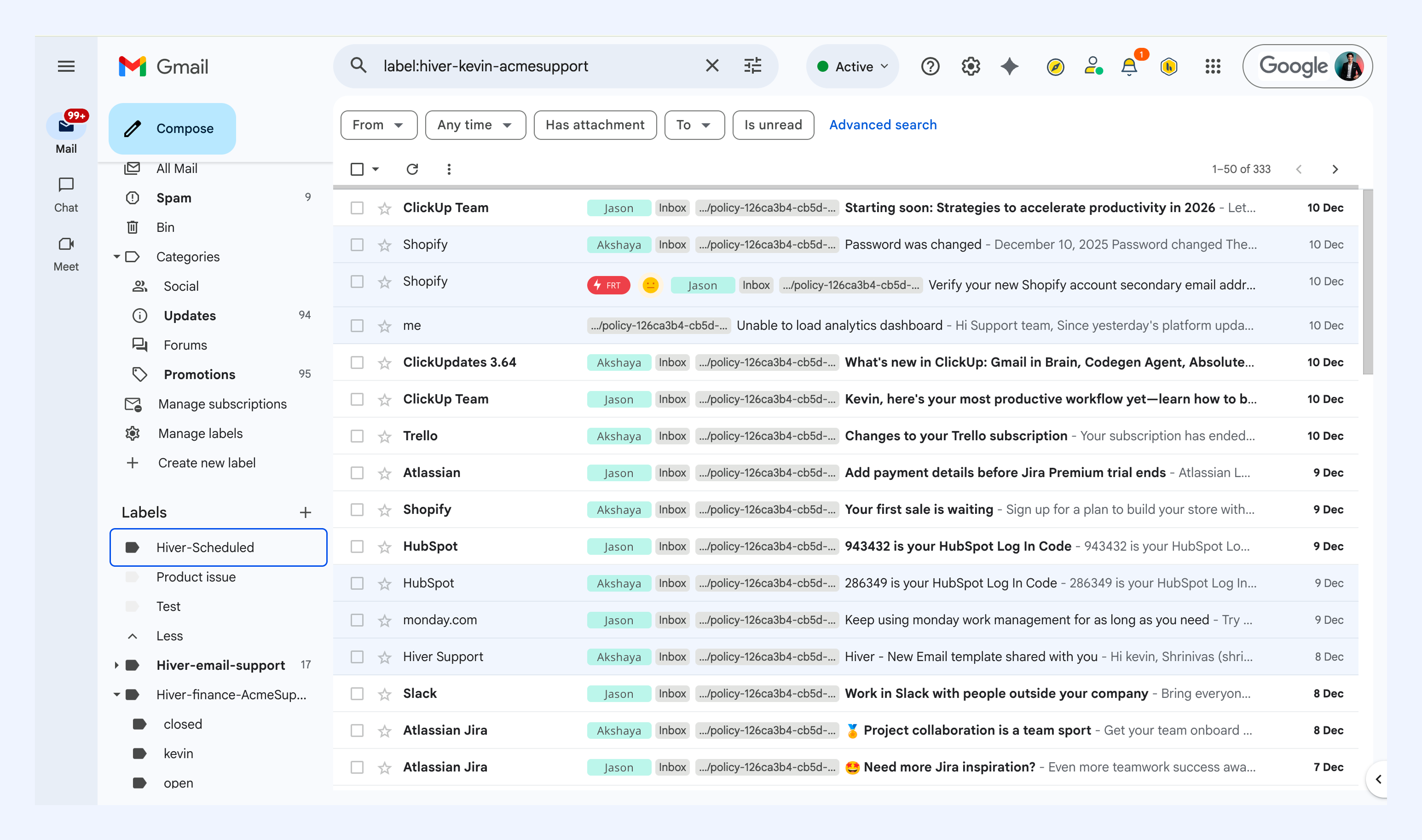
- Pricing: Growth $25, Pro $55, Elite $85, with AI included from Growth up and a 2-seat minimum.
- Watch-outs: costs climb steeply at higher tiers; no MCP server. See our Drag vs Hiver comparison.
Front - best for deep multichannel and routing
Best for: teams that want a polished multichannel inbox with mature routing, and have the budget.
Front combines email, SMS, social, and chat with strong routing and assignment. More multichannel muscle than Help Scout, but it runs $25 to $105 a seat, with Starter capped at 10 seats and AI add-ons that stack.
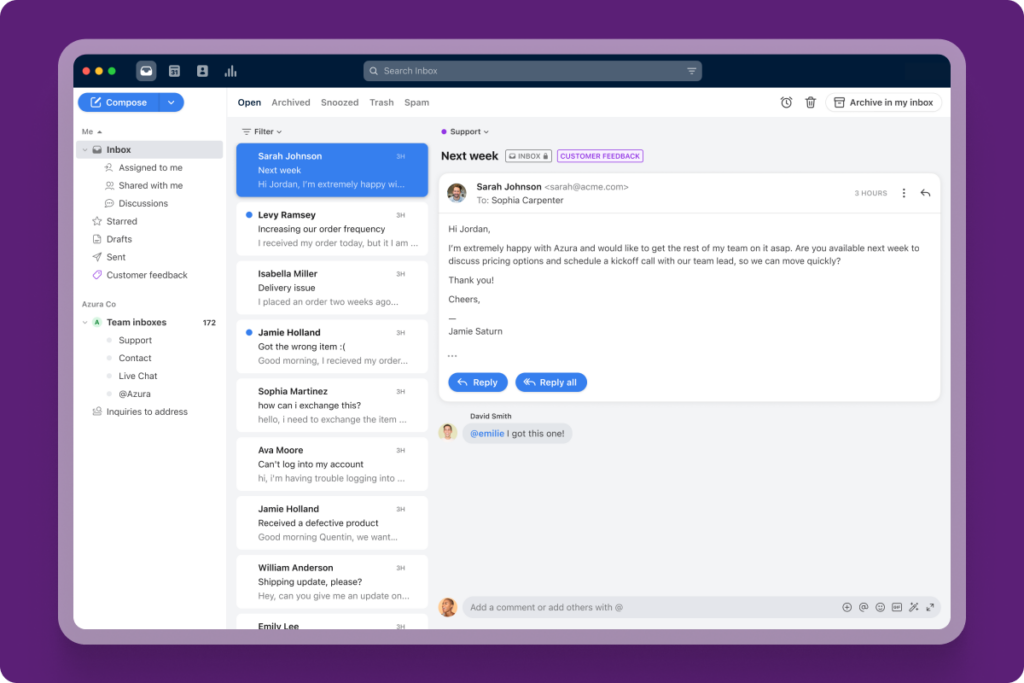
- Pricing: Starter $25 (single channel, up to 10 seats) to $105 (Enterprise); Professional caps at 50 seats; AI add-ons.
- Watch-outs: Costs climb; AI extra; standalone app (not Gmail-native). See our Drag vs Front comparison.
Freshdesk - best fuller help desk on a budget
Best for: teams that want more ticketing depth and omnichannel than Help Scout, at a competitive price.
Freshdesk is a fuller help desk, ticketing, automation, SLAs, omnichannel, generally priced below Zendesk. If you are outgrowing Help Scout's simplicity and want a deeper platform, this is the value pick.
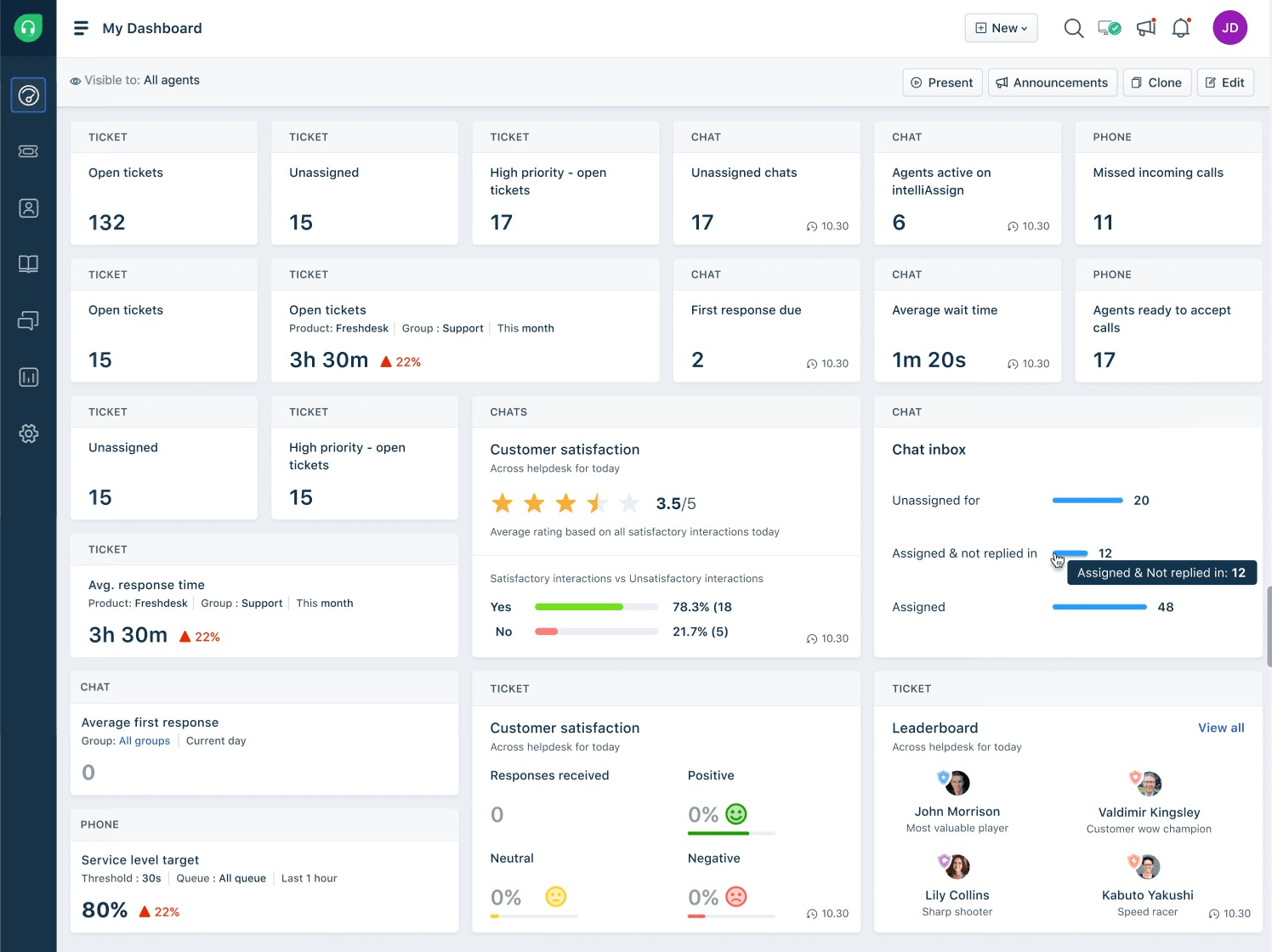
- Pricing: 6-month Free Program (2 agents), then Growth $19, Pro $55, Enterprise $89. Freddy AI is an add-on.
- Watch-outs: More setup than a simple help desk; AI costs extra.
Zoho Desk - best budget full help desk
Best for: budget-conscious teams that need full help-desk features, especially if already in the Zoho stack.
Zoho Desk offers a full multichannel help-desk feature set (tickets, email, chat, phone, social) at a low price, with tight Zoho CRM integration. Most teams end up on Professional or Enterprise rather than the limited Standard tier.
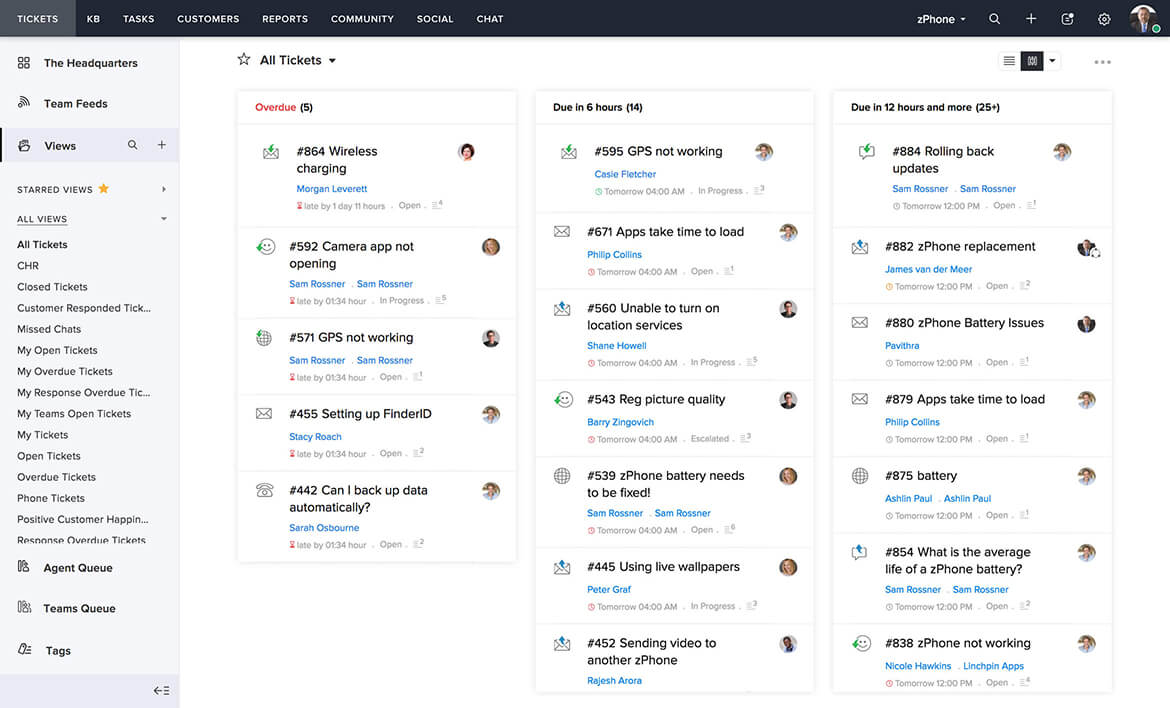
- Pricing: Express $7, Standard $14, Professional $23, Enterprise $40 a seat (annual, verified August 2026); free plan for up to 3 agents. Most teams land on Standard or Professional.
- Watch-outs: UI feels dated; real starting tier is usually Professional.
Zendesk - the enterprise step, priced like one
Best for: support organizations that have genuinely outgrown everything above and need enterprise depth, integrations, and governance.
Zendesk is the most-compared name against Help Scout, and the honest comparison is about weight. It brings deeper ticketing, routing, and a huge marketplace, and it costs like it: Support Team $19 (email only), Suite Team $55, Suite Professional $115 a seat on annual billing, with Copilot a $50-a-seat add-on and its AI agents metered per resolved conversation at a rate Zendesk does not publish. A team leaving Help Scout over the $0.75 meter should read that carefully, because Zendesk's AI billing is the same model with less published pricing.
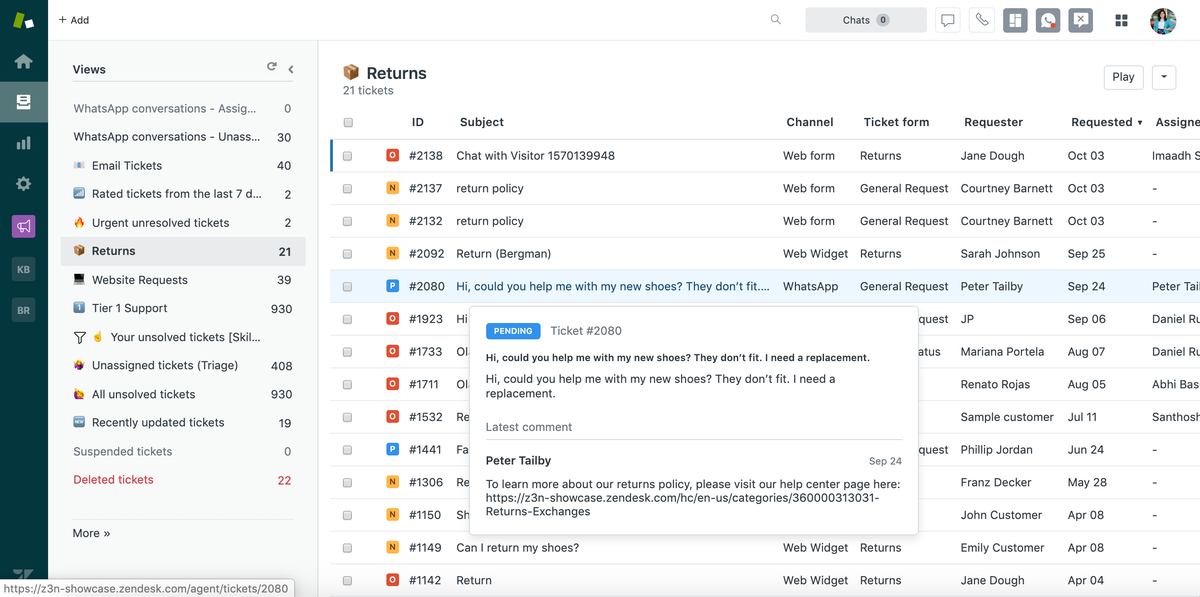
- Pricing: Support Team $19, Suite Team $55, Suite Professional $115 (annual); Enterprise quote-only. Copilot $50 a seat; AI resolutions metered.
- Watch-outs: Enterprise complexity and cost for small teams; the AI stack multiplies the bill. If cost is why you are leaving Help Scout, this is a step in the other direction. Our free Zendesk alternatives guide covers the budget end.
Groove - what happened to the Help Scout clone
Best for: teams that price support by ticket volume rather than seats, and want AI doing the resolving.
Groove spent a decade as the closest Help Scout look-alike, which is why it still appears on lists like this. It is worth knowing what actually happened: in June 2026 Groove rebranded to Helply, its per-ticket AI product, and groovehq.com now redirects there, with the legacy product kept alive as "Groove Classic". The current offer prices per ticket ($1 per ticket with a 250-a-month minimum) instead of per seat, which makes it a different kind of decision: cheap for low-volume teams with many agents, expensive for high-volume teams with few.
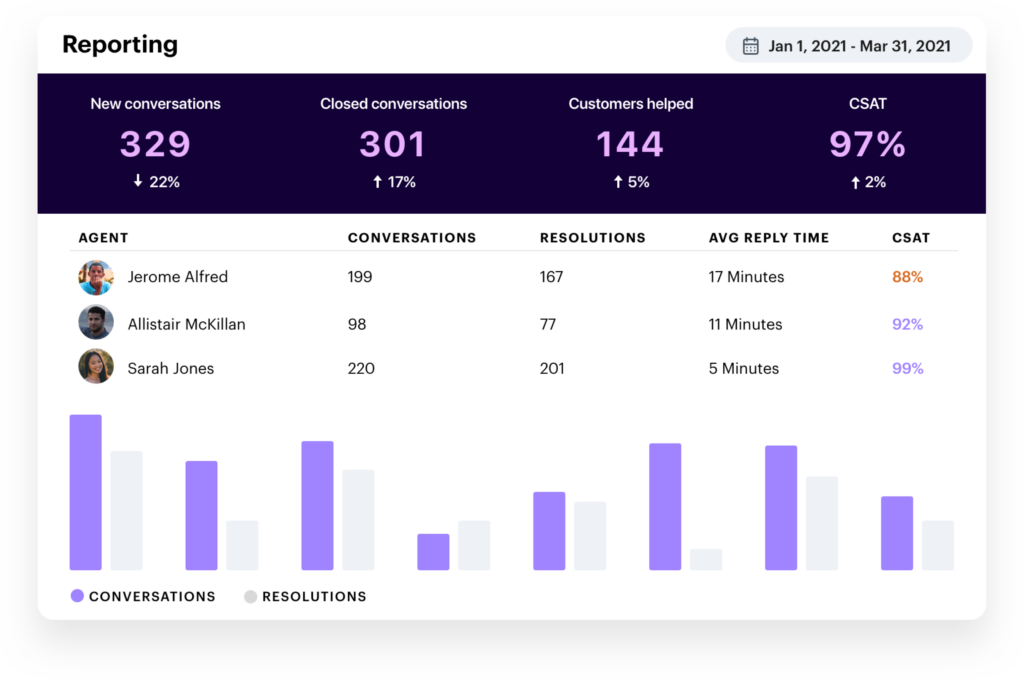
- Pricing: $1 per ticket, 250-ticket monthly minimum (verified August 2026 on helply.com); the per-seat Groove plans are legacy.
- Watch-outs: A per-ticket model transfers volume risk to you; the product is mid-rebrand, so evaluate Helply on its own terms rather than Groove's decade of reviews.
When Help Scout is still the right choice
We are comparing alternatives, but it is worth being straight: Help Scout is a genuinely good product. If you want a clean, email-first help desk with an excellent knowledge base and a gentle learning curve, and the per-resolution AI model and $45 AI tier are not a concern for you, Help Scout is a solid choice, and fairer-priced than Zendesk.
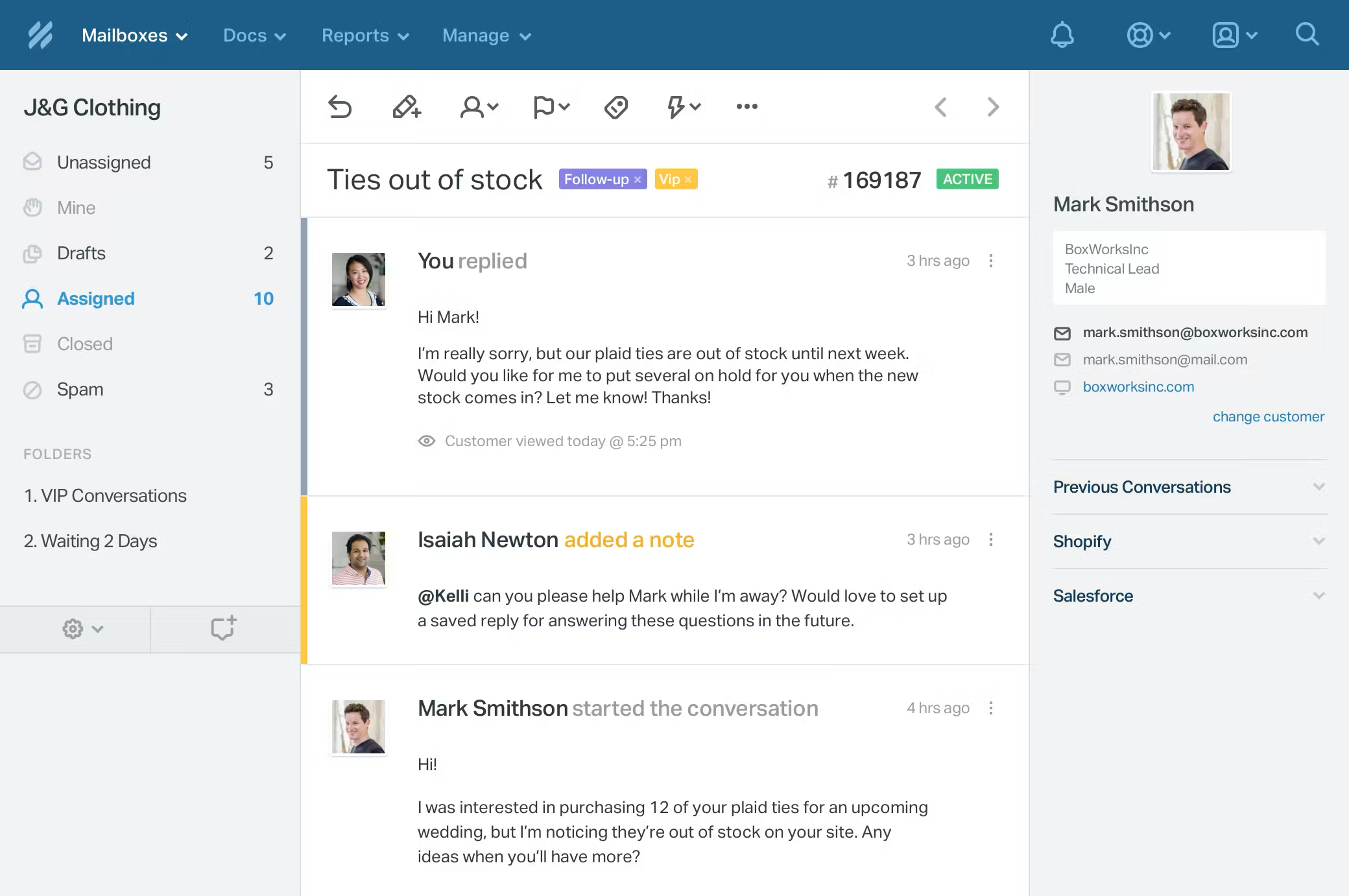
- Pricing: Free (5 users); Standard $25, Plus $45, Pro $75. AI Answers $0.75/resolution on every tier; AI Drafts/Summarize on Plus and up.
- Best for: small to mid teams (roughly 3 to 30) doing primarily email support who want a simple, well-designed standalone help desk.
- Watch-outs: AI is per-resolution on every plan and its best agent-AI features need the $45 tier; AI learns only from your knowledge base, not past tickets; reporting history is capped on lower tiers (30 days on Free, 2 years on Standard); it is a separate platform, not Gmail-native; no MCP server.
How to choose a Help Scout alternative
Start with what you actually need:
- Email support, on Gmail, AI included: Drag (best value, AI in the seat, works on your inbox).
- Collaboration across providers: Missive.
- Light help-desk features near the inbox: Hiver.
- Deep multichannel and routing: Front.
- A fuller help desk, cheaper: Freshdesk or Zoho Desk.
- Enterprise depth, enterprise budget: Zendesk.
- Per-ticket pricing with AI resolving: Groove, now Helply.
- Simple, polished email support and the AI model suits you: Help Scout is still a fine choice.
The biggest difference for most teams is the AI: included and working on your real inbox (Drag) versus per-resolution and limited to your knowledge base (Help Scout). For Gmail teams, a week's trial of Drag against your real inbox will tell you more than any table. Comparing the whole help desk category? See the best help desk software guide.
For a deeper look at Help Scout's pricing and how it scales, see our Help Scout pricing breakdown. To model exact costs at your team size and AI volume, use the shared inbox cost calculator.
Frequently asked questions
What is the best Help Scout alternative?
For email-driven Gmail teams, Drag is the best-value alternative: $12 to $24 a seat with AI included, working on Gmail, plus its own MCP server. If you want a fuller help desk, Freshdesk or Zoho Desk are closer; for a simple shared inbox, Missive and Hiver are worth a look.
Why do teams leave Help Scout?
Usually the AI cost structure. AI Answers is billed at $0.75 per resolution on every plan, the best agent-AI features (Drafts, Summarize) require the $45 Plus tier, and the AI only learns from your knowledge base, not your real past tickets. Teams wanting AI included in the seat and working on their actual inbox look elsewhere.
Is Help Scout's AI included in the price?
Partly. AI Assist (rewrite, translate) is on all paid plans, but AI Drafts and AI Summarize need the $45 Plus tier, and the customer-facing AI Answers chatbot is billed separately at $0.75 per resolution on every plan. So AI is an added, usage-based cost on top of the seat.
What is the cheapest Help Scout alternative?
Drag (from $12, AI included), Missive (from $14), and Zoho Desk (from $7) have the lowest entry prices; Freshdesk has no ongoing free plan, but its 6-month Free Program covers up to 2 agents before paid. For Gmail teams that want AI, Drag is usually the most cost-effective because AI is included.
Does Help Scout's AI learn from my past tickets?
No. Help Scout's AI Answers learns only from your knowledge base (Docs) and external URLs you provide, not from past tickets or how your agents reply. Drag's AI works on your actual inbox content.
Is Drag a good Help Scout alternative?
For Gmail teams, yes: it does shared-inbox support on Gmail with AI included, and it has its own MCP server so you can run support from Claude or ChatGPT. It is not a full standalone help desk, so teams needing deep ticketing may prefer Freshdesk.
Do Drag and Help Scout both have MCP servers?
Both do now, with a different reach. Drag publishes its own MCP server with full read and write, so you can connect Claude, ChatGPT, or Cursor to run your inbox. Help Scout's official connector is read-only: it can search and summarise, but not reply or assign. See our guide to MCP for customer support.
Should I switch from Help Scout to Zendesk?
Only if you need enterprise depth, not to escape AI fees. Zendesk starts at $19 email-only and realistically $55 for the Suite, its Copilot is a $50-a-seat add-on, and its AI agents are metered per resolution at an unpublished rate, the same billing model as Help Scout's meter with less published pricing. Teams switch for scale and integrations, not savings.
Freshdesk or Help Scout: which is better value?
Freshdesk gives more help desk per dollar: Growth is $19 against Help Scout's $25, with deeper ticketing, SLAs, and omnichannel (its own alternatives field is mapped here). Help Scout is simpler and nicer to use with a stronger knowledge base. Both charge extra for serious AI (Freddy add-ons; the $0.75 meter), so for AI-included value inside Gmail, Drag undercuts both.
Is Help Scout worth it?
For a small-to-mid team doing primarily email support that wants a clean, simple, well-designed help desk, yes, and it is fairer-priced than Zendesk. The main reasons to look elsewhere are the per-resolution AI billing, the $45 AI tier, and wanting to stay in Gmail.
Related guides: going deeper on the Help Scout decision
Help Scout's own numbers, including how the AI meter scales with volume, are broken down in our Help Scout pricing guide, and the head-to-head against Drag lives at Help Scout vs Drag. If you are weighing the wider category rather than one vendor, the best help desk software guide covers it, and the shared inbox cost calculator models your exact team size and AI volume before you commit.

Co-founder
Building Drag for nearly ten years: shared inboxes, boards, and now the AI and agent layer, all on Gmail, plus HeyHelp for the personal inbox. Writes the honest versions of the comparisons.