










Every AI agent that actually works on Gmail in 2026: native Gemini, the inbox assistants, the support-team tools, and the MCP route, compared honestly by a maker.
Key takeaways
- The real question is which AI can act on a Gmail inbox, not which chatbot can chat. Native Gemini assists, the Gmail-first tools resolve, and MCP lets Claude or ChatGPT work the queue directly.
- Gmail-native beats bolted-on: tools built for Gmail (Drag, Hiver) act inside the flow your team already works, where platform help desks make Gmail the thing you leave.
- Flat pricing matters more with AI: per-resolution fees stack fast on support volume, and the Gmail-first tools mostly price flat.
Table of contents

Founder’s Take
A personal note from Nick, co-founder of Drag
I often wonder whether the inbox even exists in 2027. Its design is exclusively for humans, and if AI agents handle the reading, the triage, and most of the replying, the inbox stops being a place you visit and gets abstracted into a conversation between you and whatever device comes next. Every tool on this page, ours included, should be read with that question in mind. For now, we're building Varley to take as much of the work away from humans as possible while keeping the part that genuinely can't be automated: a human making sure things are on track. That's the honest state of the art in 2026, agents doing the work, humans holding the judgment, and it's exactly the line this comparison is organized around.
Every capability verified: July 2026.
If your support runs on Gmail, most "AI support agent" lists are answering the wrong question, they rank platforms that replace Gmail rather than agents that work on it. The honest 2026 field for a Gmail inbox has four types. Gemini is the native one, already in Gmail, drafting and summarizing, and free enough for one person. The inbox assistants, Fyxer and Shortwave among them, make your personal email lighter. The Gmail-first support tools, where Drag and Hiver lead, run a team's shared inbox with AI that drafts, triages, and increasingly resolves conversations end to end. And the type nobody lists is MCP, which lets a general agent like Claude or ChatGPT work the inbox directly. This guide compares all four types with verified capabilities and prices, and we build one of the tools below, disclosed where it appears.
What is an AI agent for Gmail? An AI agent for Gmail is software that takes real actions on a Gmail inbox, drafting, triaging, organizing, or fully resolving conversations, rather than just chatting. In 2026 they come in four types: Gmail's native Gemini, personal inbox assistants, support-team agents that work a shared inbox, and general agents like Claude connected through MCP. When an agent works the inbox on its own, the term you will see is agentic email.
What this guide covers
- The four types at a glance
- Gemini, the agent you already have
- The inbox assistants
- The support-team agents
- MCP, the route the lists miss
- How to choose
- FAQ
The four types at a glance
| Type | What it does | Best for | Cost shape |
|---|---|---|---|
| Gemini in Gmail | Drafts, summarizes, searches your mail | Anyone on a paid Google plan | Bundled |
| Inbox assistants (Fyxer, Shortwave class) | Draft, triage, and clean your personal inbox | Individuals drowning in email | ~$20-30/user/mo |
| Support-team agents (Drag, Hiver) | Shared inbox + AI that triages, drafts, resolves customer conversations | Teams doing real support on Gmail | Flat per-seat, AI included or tiered |
| MCP + a general agent (Claude, ChatGPT) | Your AI works the inbox through connectors and MCP | Individuals natively; teams via an MCP inbox layer | Your AI subscription + the inbox layer |
The types answer different questions: the first two make YOUR email lighter; the last two make a TEAM'S email work. They also stack, plenty of teams run a support tool for the shared inbox and drive it from Claude through MCP. The platform help desks (Zendesk, Intercom) are deliberately absent, they are the leave-Gmail option, and our full AI help desk guide covers them.
Type 1: Gemini, the agent you already have
 Gemini in Gmail
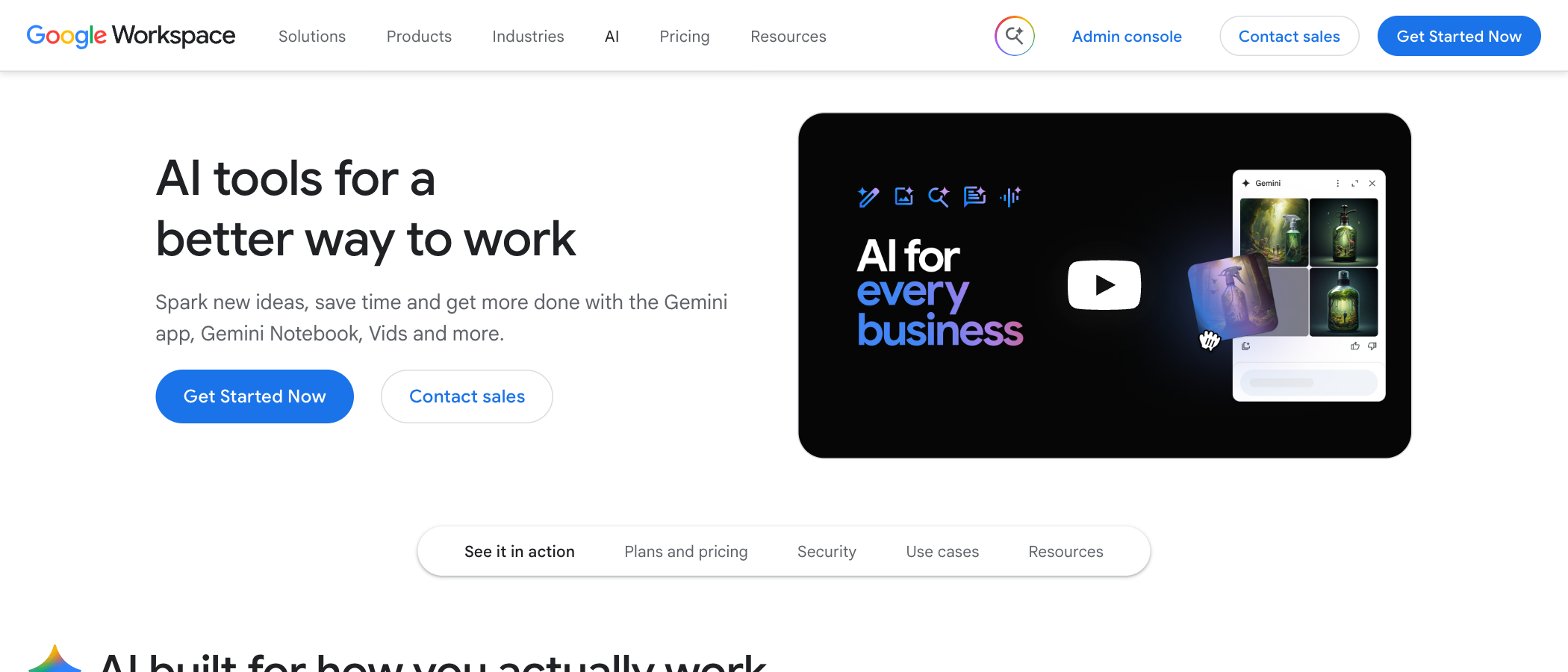
Gemini sits in Gmail's side panel on paid Google Workspace plans and consumer AI plans: it drafts replies, summarizes threads, and answers questions about your mail. As a support agent it is honest to call it an assistant, not an agent, it cannot assign, track, resolve, or see a team's shared queue, and it has no memory of your policies. For a solo founder answering a few support emails a day it is genuinely enough. The moment two people share the work, its blindness to "who is handling this" is the wall. Google's next step, the Gemini agent announced on October 8, 2026, can create coworker agents with their own email address, but it is in private preview and Google has not described how it would work a shared support address.
Drag · with Varley
The inbox your team and Varley work in together
Shared inbox and live chat for Gmail teams, with Varley, Drag’s AI, included from $18. Plus an MCP server your own AI tools can drive.
Type 2: the inbox assistants
Inbox assistants sort, summarize and draft one person's email. Our AI email assistant comparison shows how far each one goes on its own and what it costs for a team of five.
 Fyxer
Fyxer
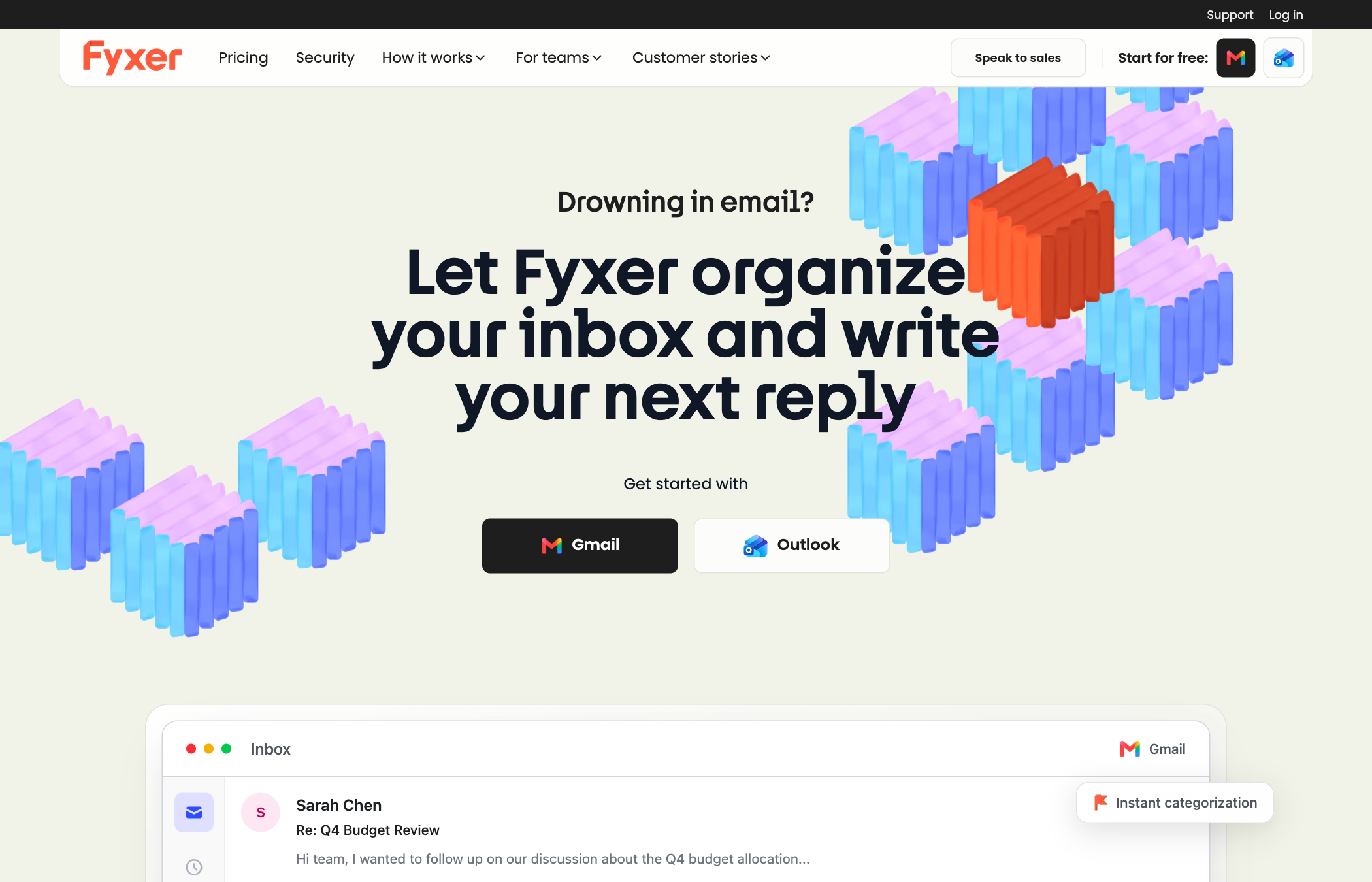
Fyxer drafts replies to every email in your voice, triages what matters, and writes meeting notes, the archetypal personal email agent, at $30/user/mo. Best for: individuals and execs whose problem is volume, not teamwork. The trade: it is an assistant for your inbox, not a system for a team's, no shared queue, no assignment, and our full Fyxer comparison covers the alternatives.
 Shortwave
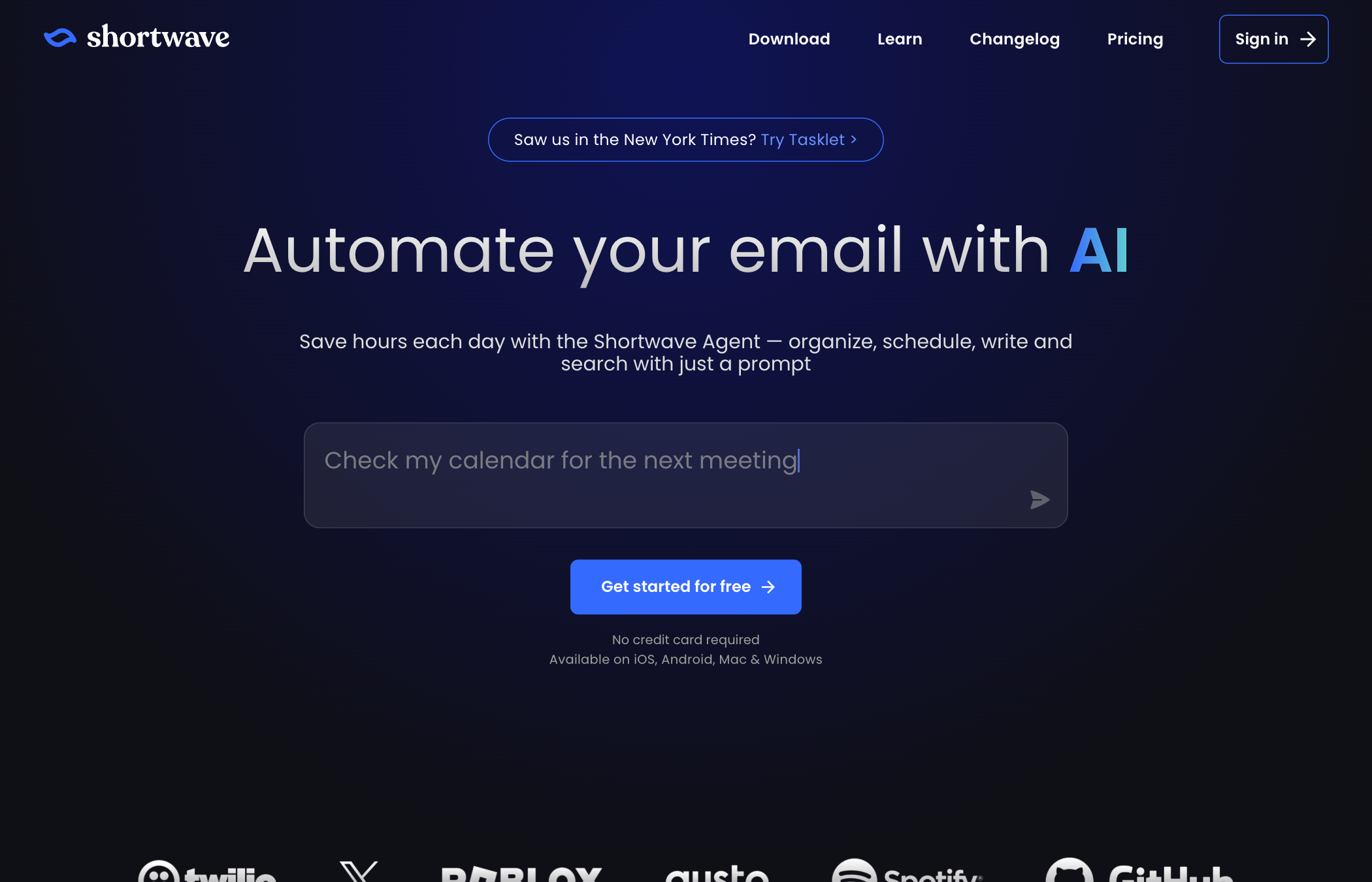
Shortwave rebuilt Gmail as an AI-native client. Its agent searches, summarizes, drafts, and executes multi-step commands over your mail, from around $30 per user per month. Best for: power users who want the deepest AI email experience and will adopt a new interface. The trade: it replaces the Gmail interface rather than working in it, and it is personal-first.
The rest of the assistant field
Superhuman's AI brings the same draft-and-triage class at a premium price. Lindy and Carly-class agents add multi-step email automations to the same personal scope, and Gemini itself, covered above, is the free-enough baseline. All of them share the ceiling: one person's inbox. The moment the email is a team's, support@, sales@, the assistant type runs out and the next one begins.
Type 3: the support-team agents
 Drag
Drag






(disclosure: this is us). Drag turns Gmail into the support operation: shared addresses become boards, and Varley’s Agent works the queue, triaging, drafting from your history and docs, and resolving routine conversations with human approval dials, with every action visible and reversible. It also has the deepest official MCP server here, 47 read-and-write tools connected from Claude's settings screen in about two minutes, so Claude or ChatGPT can operate the same inbox (Fyxer's newer server is 6 tools, read-focused with draft-only writing). Best for: teams running support on Gmail who want AI doing real work, not just suggesting it. The trade: Gmail-only by design; $12 to $24 per user per month with AI from $18, and the 7-day trial needs no card.
 Hiver
Hiver
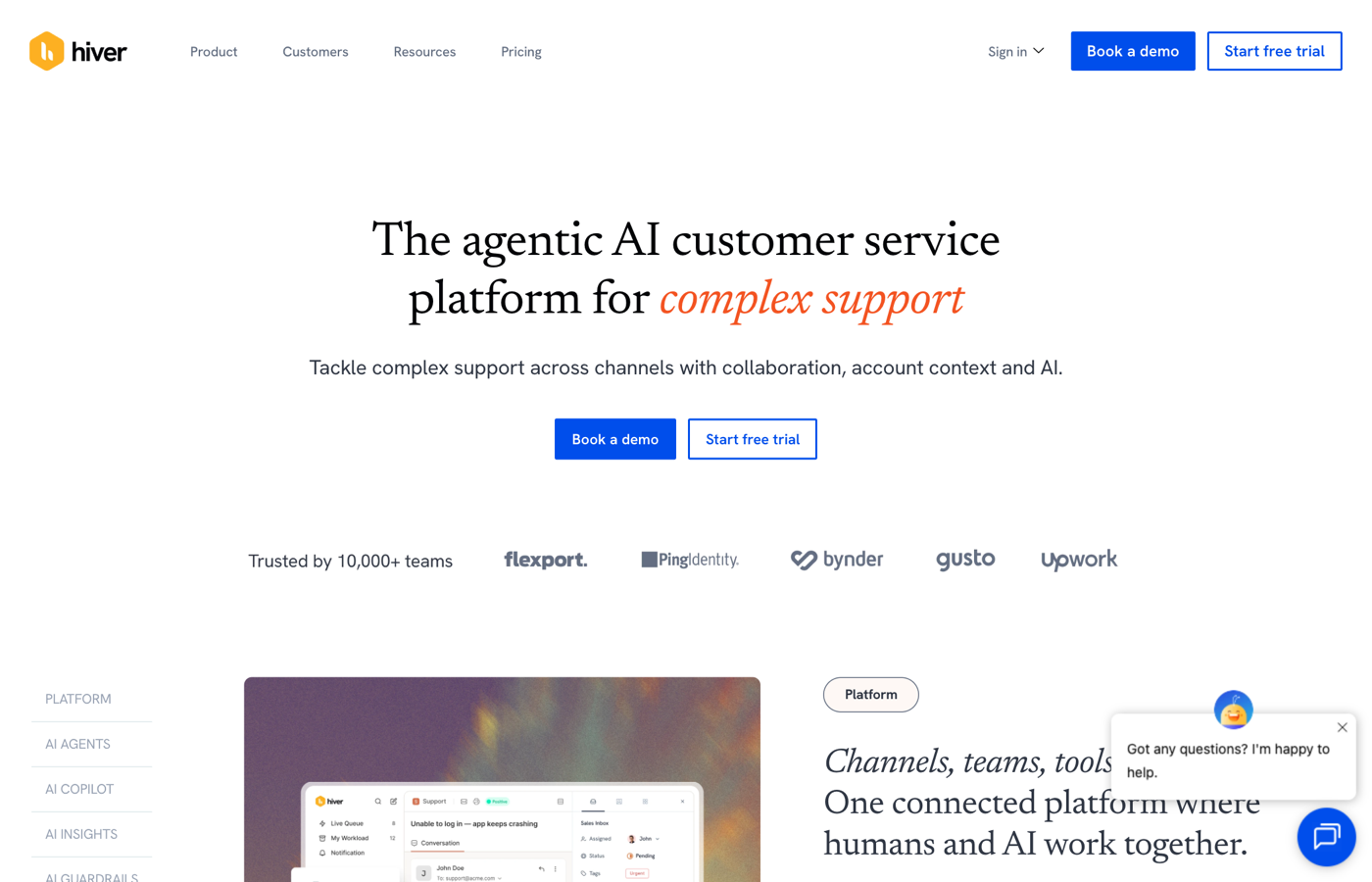
Hiver's AI arrived properly in 2026. It comes bundled from the Growth tier, with agents that resolve and a copilot that drafts, all on top of a mature Gmail shared inbox with SLAs and analytics. Best for: larger Gmail support teams wanting help-desk depth without leaving Google. The trade: the priciest Gmail-first ladder ($25 to $85 per user per month), and the deepest AI sits in upper tiers.
The rest of the field
Gmelius includes AI and automation on every tier from $19, the budget pick with real capability. Missive's AI is craft-focused, drafting in your voice across accounts, strong for agencies, lighter on autonomous resolution. And Fyxer-class email assistants draft well but are inbox assistants, not support systems, no queue, no team layer.
Type 4: MCP, the route the lists miss
The newest honest answer is not a support product at all: connect the inbox to the AI you already pay for. Through MCP, Claude or ChatGPT can read a Gmail-based queue, draft in context, update statuses, and hand a human the judgment calls, which turns "an AI support agent for Gmail" from a product category into a capability of your existing stack. The requirement is an inbox layer that speaks MCP: Drag ships one built in, and our MCP for customer support guide covers the protocol, the setup, and what to test before trusting it with customers.
 Claude with Gmail
Claude connects to Gmail natively on paid plans: it reads, searches, and drafts against your real mail, which already makes it a working personal email agent. For a team queue it needs an inbox layer that speaks MCP, which is the next entry. Best for: individuals already paying for Claude who want their mail in the same brain. The trade: personal-inbox scope until an MCP inbox layer joins.
 ChatGPT with connectors
ChatGPT's connectors and agent mode reach Gmail similarly: reading, drafting, and multi-step work over your mail on paid plans. Best for: ChatGPT-first users. The trade: the same personal ceiling, and capabilities shift release to release, verify against your plan.
Drag's MCP server (the team layer)
This is the piece that turns a general agent into a support agent: Drag's built-in official MCP server exposes the shared inbox itself, boards, conversations, assignments, replies, so Claude or ChatGPT can triage the queue, draft in context, and update statuses with human approval. (disclosure: ours; it is also, as of publication, the only Gmail-native shared inbox shipping an official MCP server.) Best for: teams who want their existing AI subscription working the support queue. The trade: it presupposes Drag as the inbox layer, from $12 per user per month, trial needs no card.
How to choose
Solo and light: use Gemini, it is already there. A team on Gmail doing real support: a Gmail-first tool is the answer, Drag if you want AI included at flat pricing plus the MCP route, Hiver if you want the deepest traditional help-desk features and will pay the ladder. AI-forward teams: pick the tool that speaks MCP and drive it from your agent of choice. And if you are about to leave Gmail entirely, that is a different decision, the full AI help desk comparison is the guide for it.
Frequently asked questions
Can Gemini act as a customer support agent in Gmail?
It assists rather than acts: Gemini drafts, summarizes, and searches your own mailbox, but it cannot see a shared queue, assign work, or resolve tickets. For solo light support it is enough; for a team it is a helpful layer, not the system.
What is the best AI support agent for a Gmail shared inbox?
For teams staying on Gmail, the field narrows to the Gmail-first tools: Drag (flat pricing, AI included at $18 per user, built-in MCP server) and Hiver (deeper traditional help-desk features at a higher ladder). We build Drag, so verify the claims yourself, the trial needs no card.
Can ChatGPT or Claude manage my Gmail support inbox?
Yes, through MCP, if your inbox layer supports it: the agent reads the queue, drafts in context, and takes actions with human approval. Drag ships an official MCP server for exactly this; native Gmail alone does not expose one.
Do AI support agents work with free Gmail accounts?
The Gmail-first tools work on Google Workspace and most on consumer Gmail for small teams, check each tool's requirements. Gemini's depth depends on your Google plan.
How much does AI support for Gmail cost?
Native Gemini comes with paid Google plans. The Gmail-first tools run flat: Drag $12 to $24 per user per month with AI at $18, Gmelius from $19 with AI included, Hiver $25 up with AI from its Growth tier. None of the Gmail-first leaders charges per resolution, unlike the platform help desks.
What is the best free AI agent for Gmail?
Gemini, if your Google plan includes it, it drafts, summarizes, and searches at no extra cost. Among third-party tools, free tiers are thin in this category; most assistants and support tools offer trials rather than free plans (Drag's 7-day trial needs no card).
What is the difference between an email assistant and a support agent?
An assistant (Fyxer, Shortwave, Gemini) makes one person's inbox lighter. A support agent like Drag or Hiver works a team's shared queue, with assignment, statuses, customer history, and resolution under approval dials. If the email address has an @yourcompany team behind it, you need the second kind.
Should I use a Gmail AI tool or move to a help desk platform?
Stay if Gmail is where your team lives, because the Gmail-first tools now cover assignment, SLAs, and real AI resolution. Move only when you need something Gmail structurally cannot do, like heavy voice support or hundreds of agents, and read the honest platform comparison before paying per resolution.
Co-founder
Building Drag for nearly ten years: shared inboxes, boards, and now the AI and agent layer, all on Gmail, plus HeyHelp for the personal inbox. Writes the honest versions of the comparisons.
Related articles
Gmail AI Inbox: Who Gets It, How to Turn It Off, and What It Can't See (2026)
Nick Timms
If we didn't want to pay for a help desk, here's exactly what we'd build. Gmail, a free Google Group, and Claude or ChatGPT.
Duda Bardavid
Gemini Agent: Google's AI Coworkers Get Their Own Email Address (2026)
Nick Timms
