The four AI assistants for shared inboxes worth ranking in 2026, judged on attribution, governance, voice, open connections, and honest pricing, plus the autonomous agent class and who it is really for.
Key takeaways
- An AI assistant for a shared inbox is judged on different criteria than a personal one: attribution, drafts-by-default, and the workflow layer underneath matter more than raw drafting quality, because five people share the consequences.
- The ranked four are Drag, Missive, Hiver, and Front. They differ most on two axes: how the AI is billed (in the seat, by tier, or as add-ons) and whether an outside assistant like Claude can work the inbox through an open connection.
- The autonomous agent platforms (Fin, Sierra, Decagon, Ada) are a different purchase with different economics: they resolve conversations themselves and price by usage or contract. Most teams reading a ranking like this one are not their buyer yet.
- Every price on this page is the vendor's own published figure as of August 2026, with our dated pricing breakdowns as the receipts. Where a vendor publishes nothing, we say so instead of guessing.
Table of contents
- How we ranked them
- 1. Drag: AI in the seat, on the inbox Gmail teams already have
- 2. Missive: chat-style collaboration with tiered AI
- 3. Hiver: the support-desk framing, AI from the mid tier
- 4. Front: the most platform, at platform prices
- The other aisle: autonomous agents, and who they are really for
- Also considered
- Frequently asked questions
- Where this fits
The best AI assistant for a shared inbox in 2026 depends on one question most rankings skip: do you want AI that helps your team resolve conversations, or AI that resolves them itself? For the first, the ranked list below covers the four tools worth choosing between: Drag, Missive, Hiver, and Front. For the second, you are shopping in the autonomous agent aisle, which has its own section further down, because its economics deserve their own warning label. Every claim here is judged against criteria we publish, and every price is the vendor's own figure, dated.
The quick version of the ranking:
- Drag: for Gmail teams that want the AI in the seat price and an open connection to assistants like Claude
- Missive: for multi-channel teams that like chat-style collaboration and tiered AI
- Hiver: for Gmail teams that want a support-desk framing with AI from the mid tier
- Front: for teams ready to move email into a separate platform and pay for the polish
And a scope note: this page ranks AI for team inboxes. If you are choosing an assistant for your own personal mailbox, that is a different category with different winners, and our AI email assistant guide covers it.
How we ranked them
Rankings of AI tools mostly assert "tested" and show no test. Here is what we actually judged, drawn from the buying criteria in our AI shared inbox guide, and you can hold every entry below against them:
- Attribution. Does every AI action visibly carry the AI's name, so the team can see and debug what the machine did?
- Drafts by default. Does a human hold the send button unless the team deliberately decides otherwise?
- The workflow layer. Ownership, collision detection, statuses: the AI depends on these, and a tool that leads with AI but cannot show who owns a conversation is decorating a queue that still loses things.
- An open connection. Can an assistant your team already uses, Claude or ChatGPT, work this inbox through MCP with attribution? Most of these tools now publish an MCP server, but few let the assistant finish the job, and it is the criterion that will matter more every year.
- The billing shape. AI in the seat is predictable, AI by tier is visible, and usage metering scales your bill with your busiest month. We rank predictability above sticker price.
Every price below is the vendor's own published figure as of August 2026; our Hiver, Front, and Missive pricing breakdowns carry the dated receipts, and Drag's is our own pricing page.
1. Drag: AI in the seat, on the inbox Gmail teams already have
For disclosure, Drag is our product, and we have put it first, so here is the reasoning laid out for you to judge rather than a score to take on faith. Drag turns a Gmail address like support@ into a shared inbox the team works from their own accounts, with the workflow layer built in: ownership, collision detection, notes beside every thread, round-robin, and reporting. The AI component drafts in the team's voice, triages and tags what arrives, and summarizes threads for handovers, and it is included in the seat from $18 per user per month on plans that start at $12, with a 7-day trial and no card.
Two things distinguish it against this list. It has the largest published MCP tool count on this list, connected from Claude's settings screen in about two minutes: the Claude or ChatGPT your team already pays for can read the queue, assign conversations, label, and draft or send replies, all inside the shared inbox the team sees, which is criterion four answered yes instead of no. (Front relaunched its server in July 2026 and it can send; Missive's, live since August 2026, drafts and sends but documents no assignment or labels; Hiver's, since September 2026, stops at drafts. Verified October 2026.) And with Intelligence, rolling out now, Drag takes routine conversations through to resolution under the same ownership rules, with everything else escalating to a named human.
The honest limitation: Drag is Gmail-native by design. If your team's email does not live on Google, the rest of this list is where to look.






2. Missive: chat-style collaboration with tiered AI
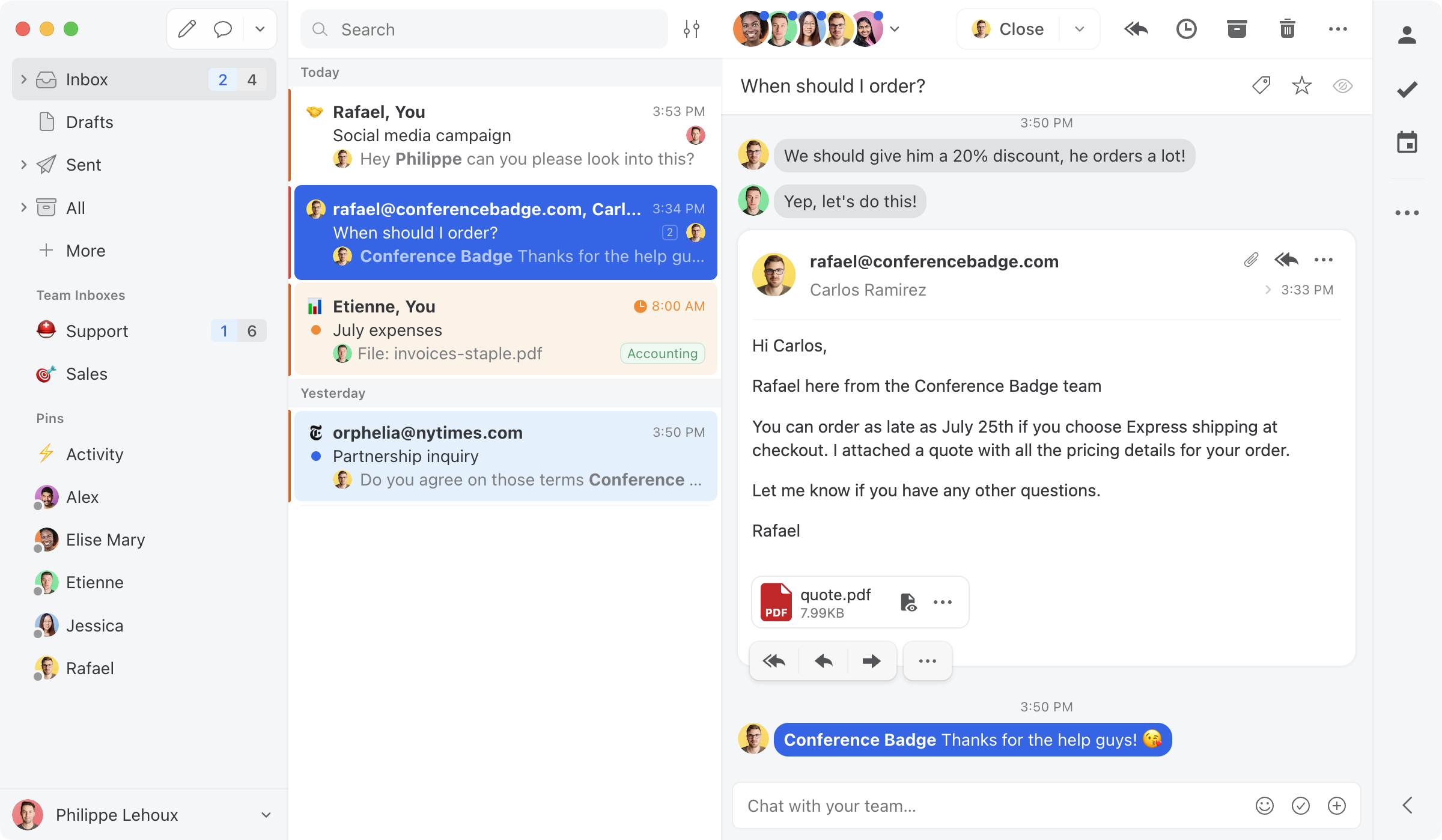
Missive treats the inbox as a team chat room where the messages happen to be emails, and it does that model better than anyone. The AI layer covers drafting and translation with OpenAI integration, and pricing runs $14 to $36 per user per month with the AI features arriving by tier. It is multi-channel (email, SMS, social) and it is the strongest choice on this list for teams that want conversation-style collaboration around every message.
The honest limitations: it is a separate app rather than living in Gmail, so the team moves; the AI sits behind the tier ladder rather than in the entry seat; and its MCP server, live since August 2026 on the Productive and Business plans, drafts and sends but documents no assignment or labels, so the assistant cannot route the queue.
Drag · with Varley
The inbox your team and Varley work in together
Shared inbox and live chat for Gmail teams, with Varley, Drag’s AI, included from $18. Plus an MCP server your own AI tools can drive.
3. Hiver: the support-desk framing, AI from the mid tier
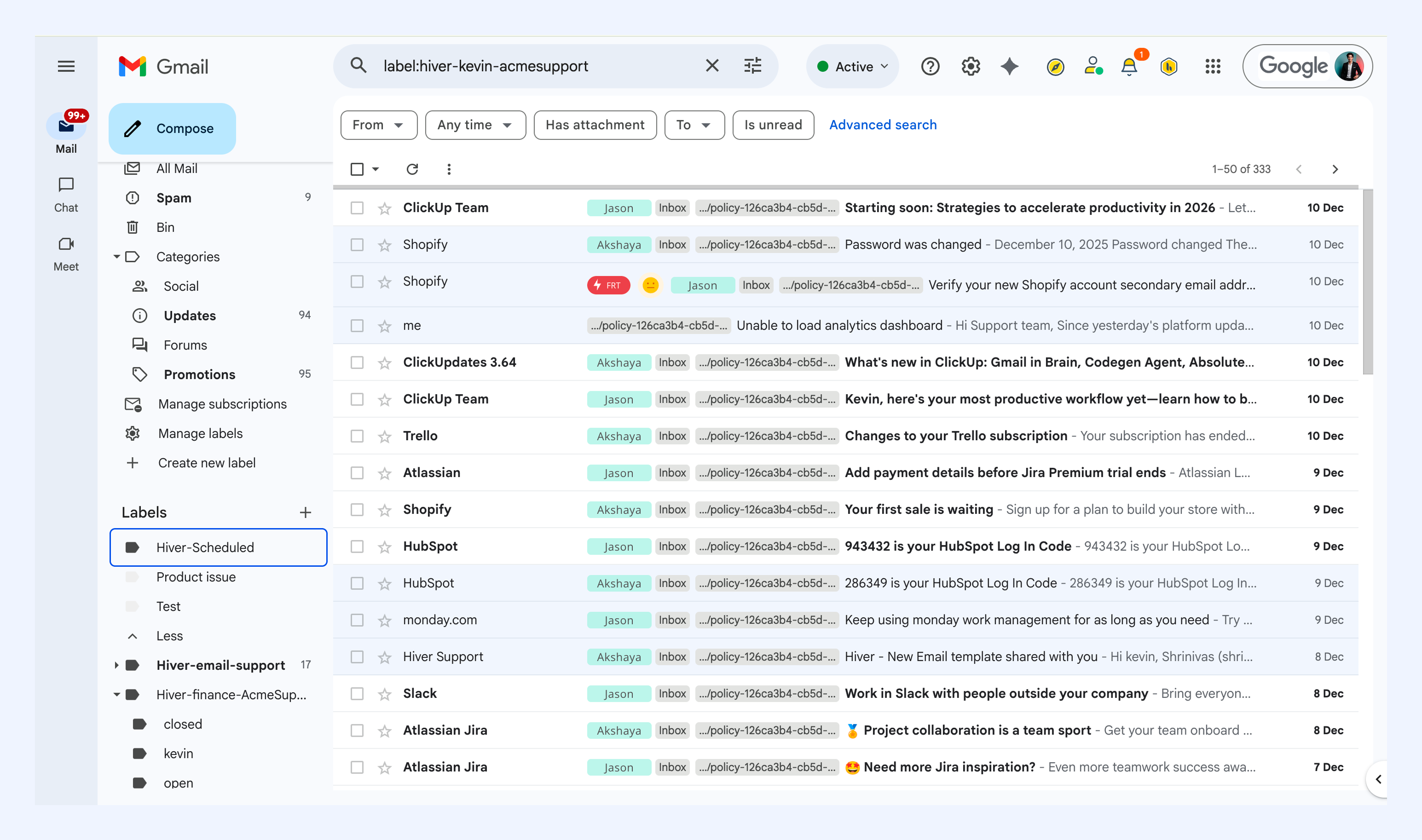
Hiver runs the same Gmail-native playbook as Drag but frames it as a help desk: SLAs, CSAT surveys, and a support-team vocabulary. Its AI handles suggested responses, summaries, and sentiment. Pricing is Growth $25, Pro $55, and Elite $85 per seat on annual billing, with the AI bundled from Growth up and a 2-seat minimum, which makes a 10-person team roughly $3,000 to $10,200 a year depending on tier.
The honest limitations: the jumps between tiers are the steepest on this list, the AI does not reach the entry price point at all, and like Missive there is no open connection for outside assistants.
4. Front: the most platform, at platform prices
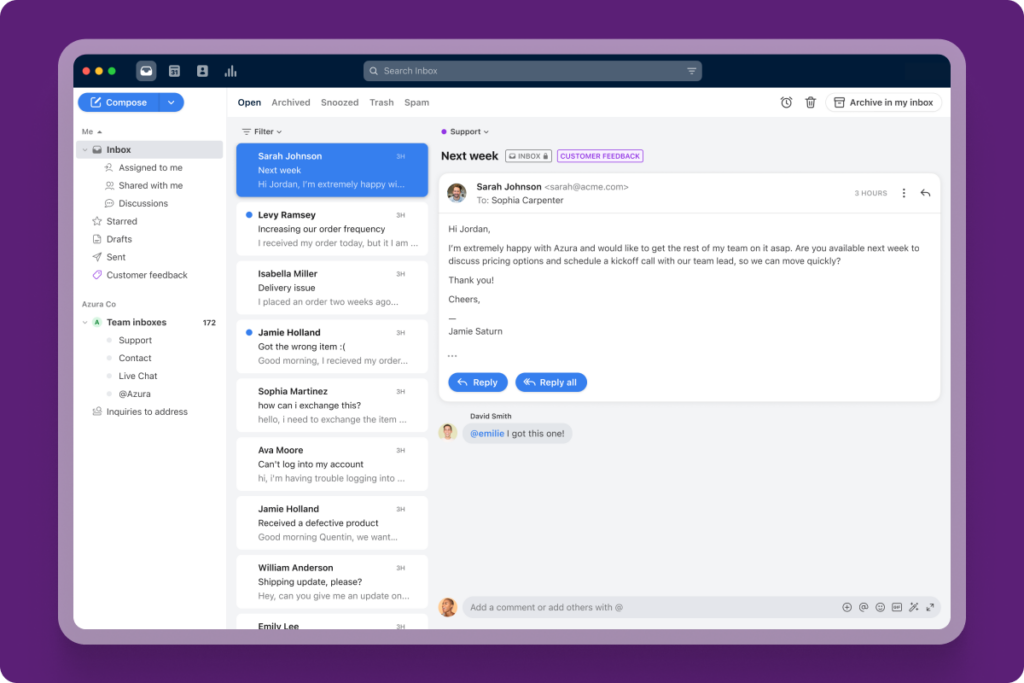
Front is the biggest product on this list: a full customer-operations platform with a polished interface, deep integrations, and analytics that mid-size teams grow into. Its AI covers compose, summarize, and translate, with AI teammates as paid add-ons. Seats run $25 to $105 per user per month before the AI add-ons, and the AI itself can meter per resolution on top.
The honest limitations: it is the most expensive path on this list once the AI is priced in, the metering component means your busiest month is your most expensive one, and the platform's depth is real but so is the migration: your team leaves their mail client entirely.
Pricing comparison: the ranked four side by side
| Tool | AI billing shape | Published figures, August 2026 |
|---|---|---|
 Drag Drag | In the seat | Plans $12 to $24; AI included from $18 |
 Missive Missive | By tier | $14 to $36 per seat |
 Hiver Hiver | From mid tier | Growth $25, Pro $55, Elite $85 |
 Front Front | Add-ons, can meter | $25 to $105 per seat before AI |
For totals at your real team size and volume, the cost calculator models 17 tools, metering included.
The other aisle: autonomous agents, and who they are really for
If what you want is AI that resolves conversations end to end rather than assisting your team, you are shopping for an autonomous agent, and the four names there are Fin (built into Intercom), Decagon, Sierra, and Ada. They are serious products with a very different bill: Fin meters at $0.99 per resolution on top of Intercom seats from $29, Ada prices on conversation volume with a median contract of $73,500 a year, Sierra's outcome-based contracts reportedly run about $1.50 per resolution and typically start near $150,000 a year, and Decagon publishes no pricing at all. The economics are built for enterprise conversation volume, and most teams comparing the four tools above are not this buyer yet.
When you are that buyer, our honest comparison of the four agents covers what each costs and who it fits, and the wider agent landscape by segment maps the rest of the field.
Also considered
Gmelius runs a Gmail-native shared inbox with an automation-first framing and per-seat pricing by tier; it did not make the ranked four on the AI criteria this page judges, and our Gmelius pricing breakdown carries its full verified figures. The newcomer class (alfred_, ReplyFabric, and similar AI-first startups) is producing interesting products and confident claims; we exclude them not on quality but on verification, because their pricing and capability claims are too new to check against the standard every other figure on this page meets. When they publish verifiable pricing and their claims hold, this list gets revisited.
Frequently asked questions
What is the best AI assistant for a shared inbox?
For Gmail teams, Drag, with the disclosure that it is our product and the reasoning published above: AI included in the seat from $18, the workflow layer built in, and, to our knowledge, the only Gmail-native MCP server on the list that can send replies. For teams leaving Gmail, Missive and Front are the strongest alternatives, with different pricing shapes.
Can I use Claude or ChatGPT as the AI for my shared inbox?
Only if the inbox tool exposes an MCP server, and as of October 2026 every tool on this list does, with very different reach: Drag's reads, assigns, labels and sends; Front's sends and assigns; Missive's drafts and sends; Hiver's stops at drafts. Where the connection can send, the assistant your team already uses can finish the work, not just prepare it. Our hands-on guide shows what that looks like day to day.
How much does an AI shared inbox assistant cost?
From $12 to $24 per user per month with AI included (Drag), $14 to $36 with AI by tier (Missive), $25 to $85 with AI from the mid tier (Hiver), or $25 to $105 plus AI add-ons (Front). The autonomous agents price differently: per resolution, per conversation, or by contract, starting around $30,000 a year.
Do AI assistants replace support agents?
The assisted class does not: it triages, drafts, and summarizes while your team owns and closes every conversation. The autonomous class resolves routine conversations itself, and even there the reliable pattern keeps escalation paths to named humans. The honest framing is fewer repetitive minutes per person, not fewer people, for teams at this size.
What is the difference between a personal AI email assistant and one for a shared inbox?
A personal assistant optimizes one mailbox: your triage, your drafts. A shared inbox assistant works a team-owned address, which adds the hard requirements: attribution for every AI action, collision prevention, a shared voice, and governance the whole team can see. Our AI email assistant guide covers the personal category.
Where this fits
If you are still deciding whether AI on the team inbox is worth it at all, the AI shared inbox guide is the deciding page and this one is its shortlist. The team shared inbox guide covers the workflow layer any of these tools will need underneath, the general tool comparison ranks the field when AI is not your deciding criterion, and the hands-on AI guide shows the connected day-to-day once you have chosen.

Co-founder
Building Drag for nearly ten years: shared inboxes, boards, and now the AI and agent layer, all on Gmail, plus HeyHelp for the personal inbox. Writes the honest versions of the comparisons.